





































Pick the right note for the job
This hub brings together short guides for traders who want plain steps, not long theory. Some notes help with the first store setup, others deal with product uploads, page wording, or how to make an order flow feel clear on a phone screen.
If you are selling from Soweto, Alexandra, Tembisa, Durban, Cape Town, Pretoria or Gqeberha, the basics stay the same: show what you sell, set prices clearly, and make it easy for customers to send an order on WhatsApp or choose delivery. Read the articles in any order, or start with the area that is holding your store back.
Store setup without the usual confusion
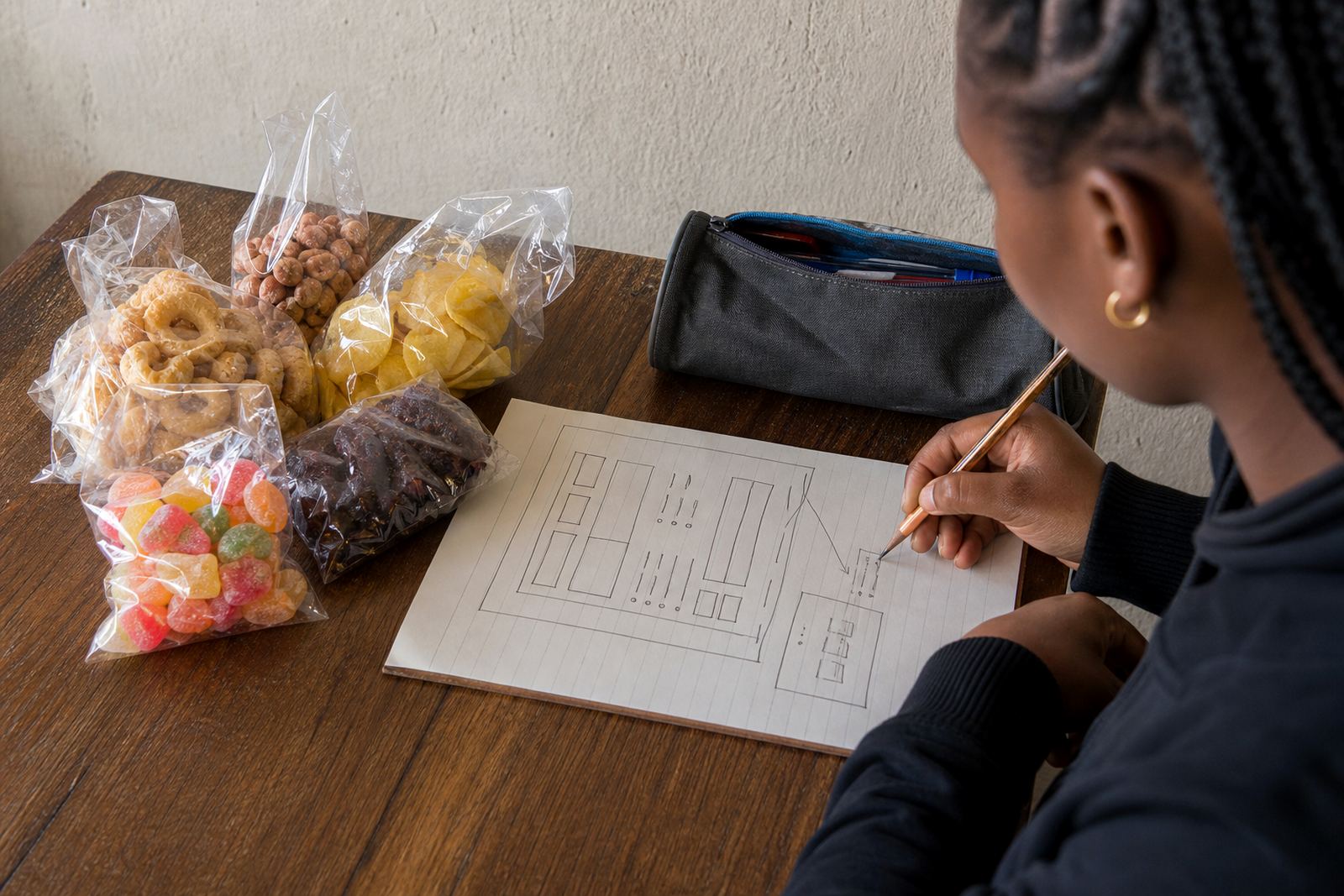
Some traders need help getting the first pages in place, while others only want to tidy an existing store. The store setup notes cover the bits that matter most for day to day trading, like the home page, category names, product pages, and the path from browsing to ordering.
- Home page wording that tells visitors what you sell
- Product upload help for a small or growing catalogue
- Catalogue rebuilds when the current pages are messy
- Home page refresh ideas for a cleaner first impression
For spaza shops and home businesses, a neat structure often helps more than fancy extras. Keep the wording short, use the same product name each time, and group similar items so customers do not have to hunt around.
Photos that show the goods properly
Product photos do not need studio equipment, but they do need daylight, a steady hand, and a clean background. The photo notes look at what helps a customer understand size, colour, pack quantity, and condition before placing an order.
In places with coastal humidity, dusty yards, or busy shop counters, it helps to wipe items down before shooting them and keep the background plain. Natural light near a window often works better than mixed indoor light, and one clear angle is stronger than five blurry ones.
- Show the full item first, then close ups if needed
- Use the same background for a more even catalogue
- Take note of size, colour, weight, or pack count in the caption
- Keep edited photos honest and close to the actual product
Pricing pages customers can follow
Price pages are where many small stores lose attention, especially when every item is listed differently. The pricing notes focus on making numbers easy to scan, placing currency clearly, and showing what is included in the amount. If you sell in singles, packs, or mixed bundles, the page should say that plainly.
For traders in Johannesburg, Pretoria, Durban, Cape Town and Gqeberha, a pricing page also needs to match local buying habits. Some buyers want a quick comparison, others want to know whether collection or delivery changes the total. If tax rules or invoice details matter for your business, check with SARS or a qualified adviser.
WhatsApp orders, payments and delivery choices
A simple online store often works best when customers can move from a product page to WhatsApp without confusion. These notes cover basic order flow, payment wording, and delivery pages in general terms only. The goal is to make it clear how a customer places an order, what information they must send, and which delivery choices are available.
- WhatsApp order setup for quick back and forth ordering
- Payment info setup so the checkout steps are easy to understand
- Delivery page setup for collection, courier, or local drop off notes
- Plain wording for lead times, service areas, and order details
Where delivery depends on the area, mention that clearly. A trader serving Soweto may handle local drop offs differently from one sending parcels to Cape Town or Gqeberha. Keep the wording direct so customers know what happens next.
Content support for busy trading days
When stock changes often, the right words save time. The content notes cover product descriptions, category labels, short store messages, and page wording that feels practical rather than polished to the point of sounding unreal. This is useful for traders who update stock from a market stall, a home base, or a small shop floor.
If your team needs training, the learning notes help with the basics of adding items, checking page order, and keeping the store neat after changes. That can matter when more than one person touches the catalogue, especially if one person handles photos and another handles pricing.
How to use these notes in order
Start with the section that matches your biggest gap. If the store is empty, begin with setup. If the pages already exist but look untidy, move to product upload help or catalogue rebuild notes. If orders are getting lost, read the WhatsApp and delivery section first.
The hub is meant for informal traders, spaza shops and home businesses that need simple guidance, not a long list of extras. Choose the notes that fit your current stock, your customer base, and the way you already trade day to day.