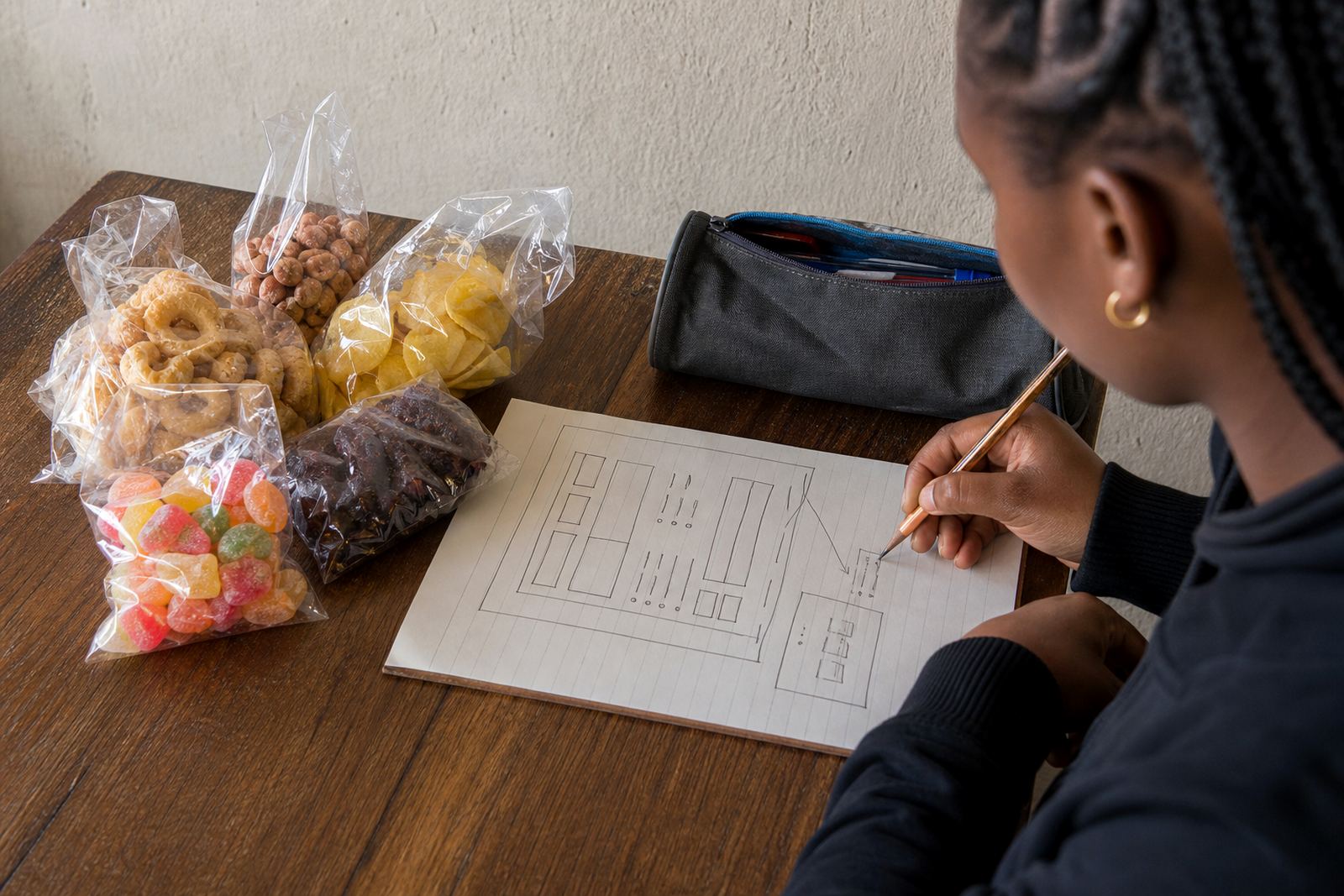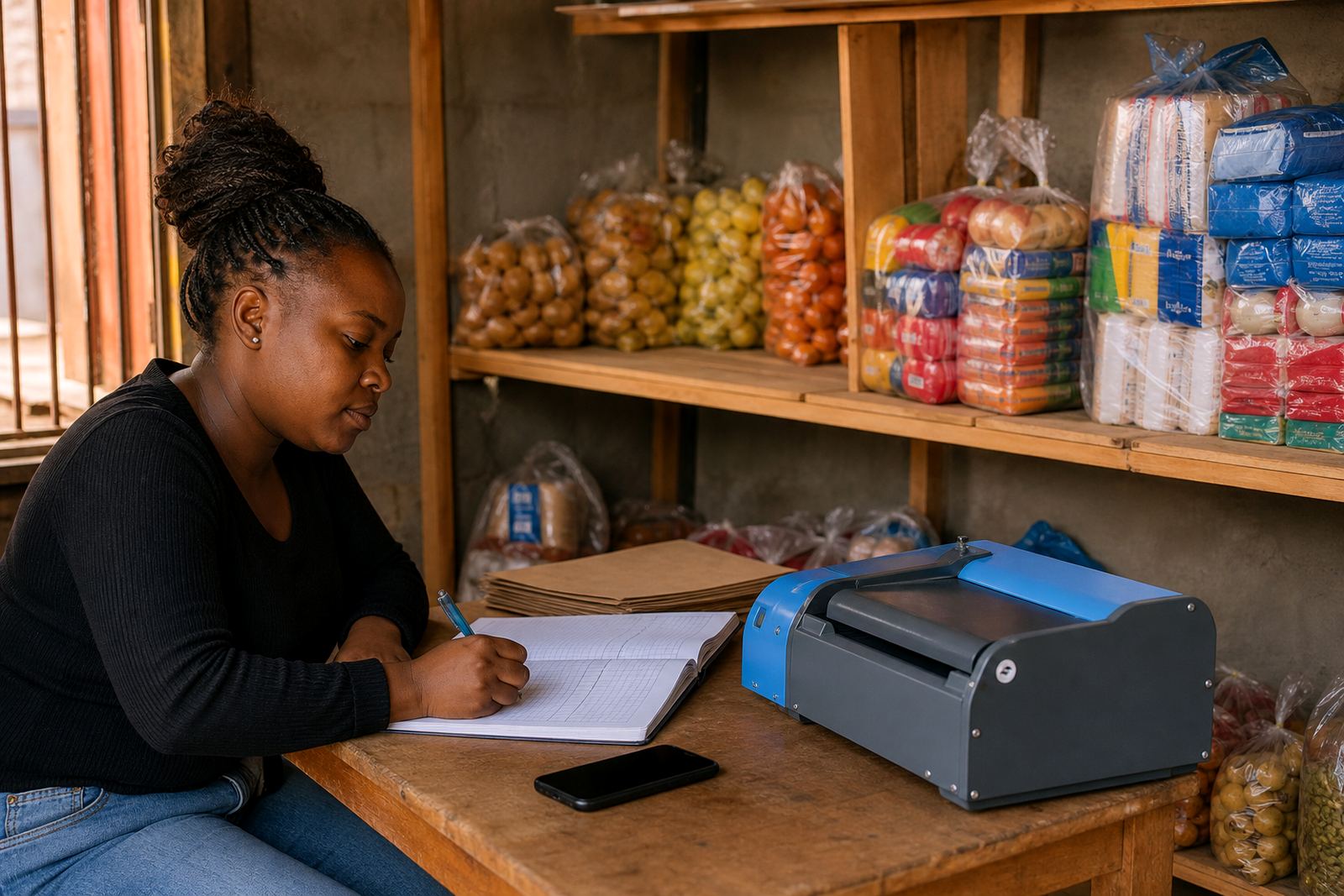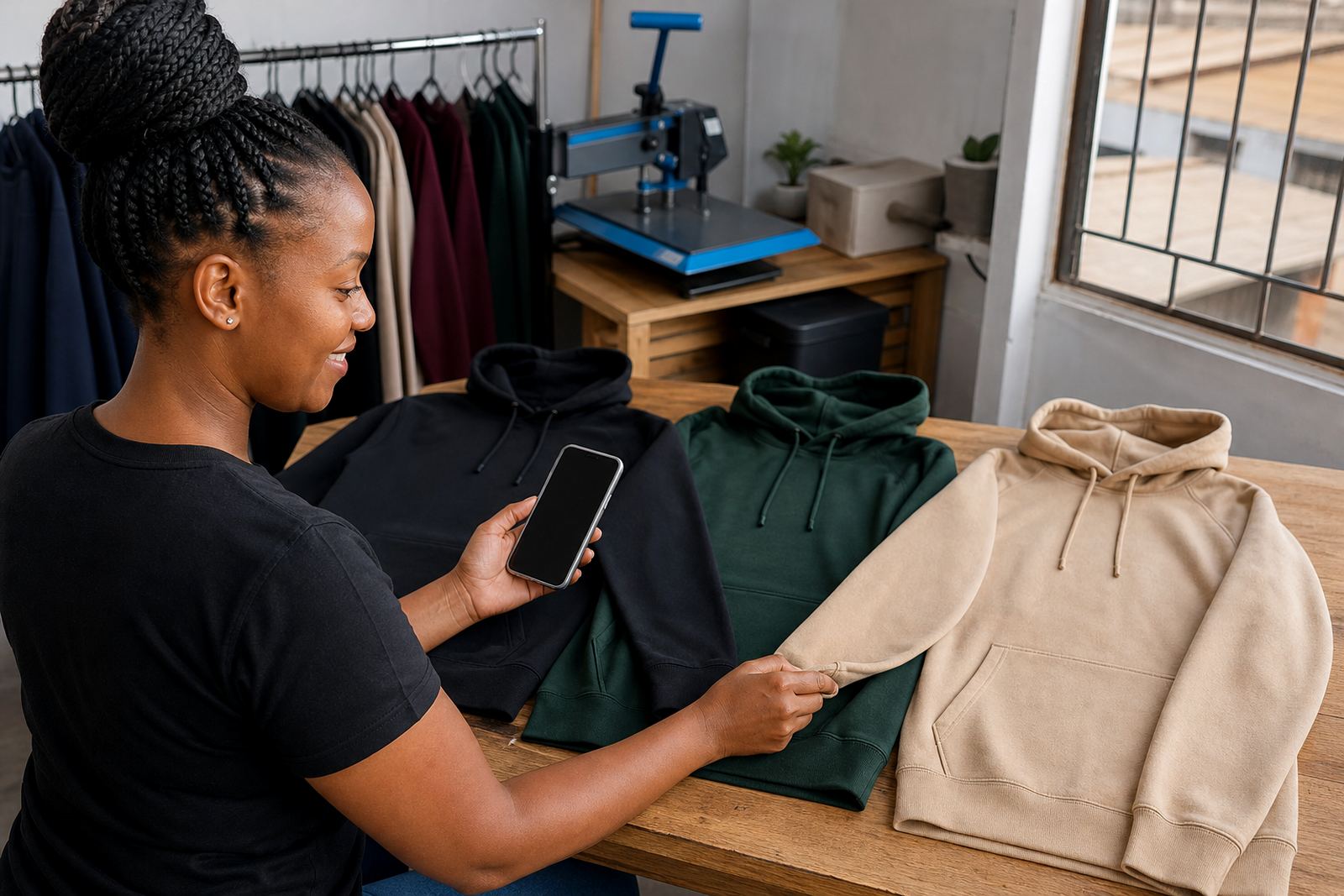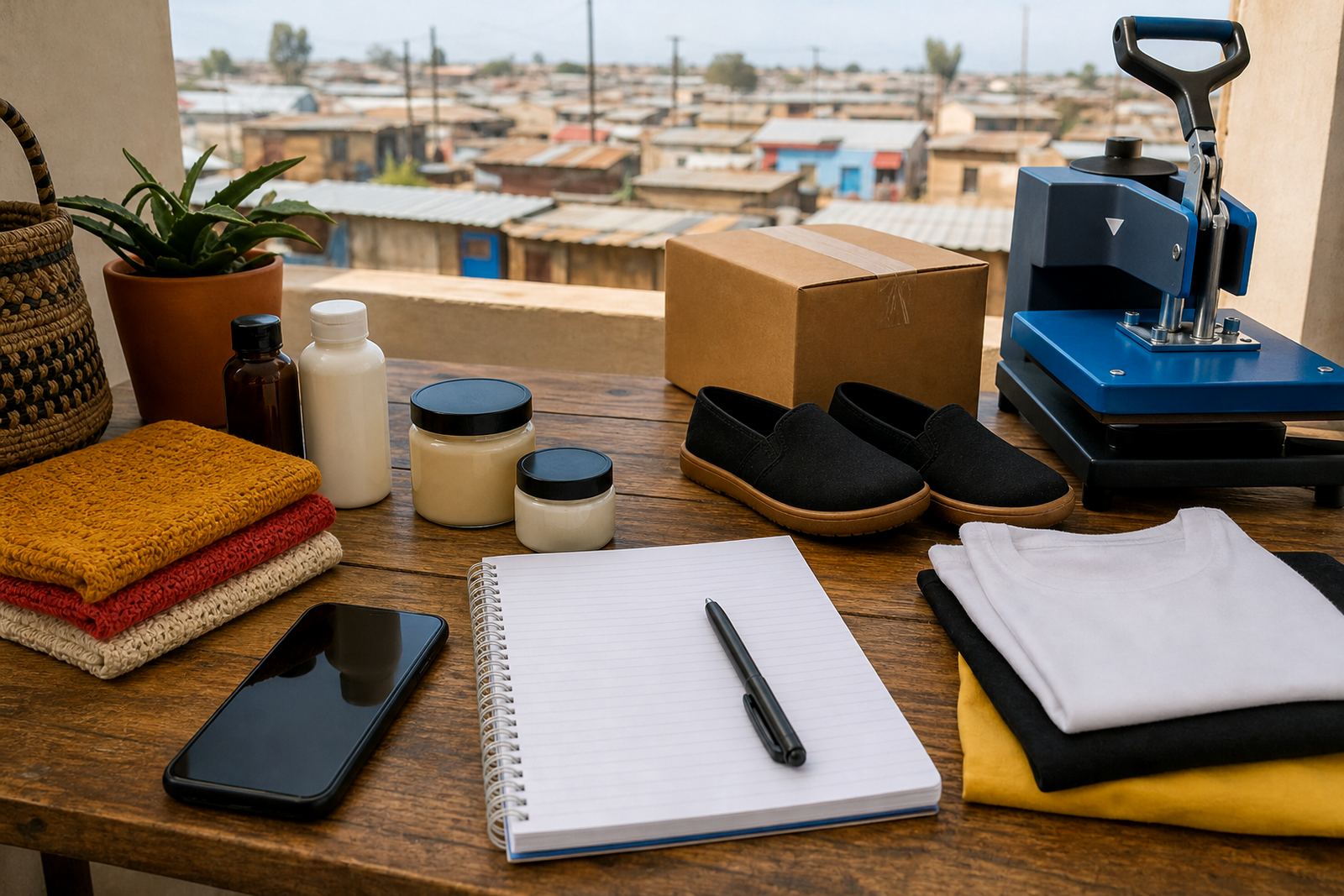
Start with the few pages buyers look for first
A small store page works best when it answers the basic questions straight away. People want to know what you sell, how much it costs, how to order and whether they can collect or get delivery. Keep the first version neat and practical, with only the pages that help a buyer take action.
For traders in Soweto, Alexandra or Tembisa, that often means a home page, product pages, a pricing page, an order page and a delivery page. If the store is for fresh produce, tuck shop items, clothing, hair products or home baked goods, the page titles must be plain. A customer should never need to guess where to click, and the wording should match how people speak in daily business.
- Home page with your main offer and location
- Product pages with photos, names and prices
- WhatsApp order option for quick buying
- Delivery or collection notes for local customers
- Payment details shown in a clear place
Use photos that show the real product clearly
Good photos do a lot of selling before any message is sent. Use natural light near a window or outside in shade, and avoid dark corners, busy backgrounds or photos that cut off the item. A clean cloth, plain wall or simple tray is enough for most products. If the item is food, clothing or small household goods, show size and condition honestly so the buyer knows what they are getting.
One photo is not enough for most products. Show the front, the side, the pack size and any detail that matters, like colour, label, texture or quantity. If you are selling from Durban or Cape Town, where humidity can affect packaging, keep stock neat and dry before taking pictures. A slightly blurry photo can make even a good product look ignored, so retake it if it looks rushed. It is a small step, but it changes how people judge the store.
- Use bright, even light
- Keep the background plain
- Show the product from more than one angle
- Include a hand, ruler or common item when size matters
- Make sure the image matches the item actually being sold
Set prices where customers can see them quickly
Pricing pages should be easy to scan. Many small traders lose orders because the customer has to ask for prices item by item. Put the price next to each product, and if you sell by pack, dozen or bundle, say so. Clear pricing saves time for you and the buyer, especially when the order is coming through on a phone.
When you sell in Johannesburg, Pretoria or Gqeberha, some buyers may compare your prices with local shops before placing an order, so the wording must be direct. If there is a special offer for bulk orders, explain the quantity needed. Do not hide the price in a long paragraph. A short line is better, and it helps reduce back-and-forth messages.
- Show the price next to the product name
- State the unit clearly, like each, pack or box
- Say whether delivery is charged separately
- Use the same format across the store
Make WhatsApp ordering easy to follow
For many informal traders, WhatsApp is the fastest way to close an order. A customer should be able to tap a button or copy a number, then send the item name, quantity and suburb. Keep the process short. If the store asks for too many steps, people often leave without buying. The order flow should feel familiar, not technical.
It helps to add a simple message template so the buyer knows what to send. For example, a customer can share the product name, colour or size, and whether they want delivery or collection. That makes it easier to check stock and prepare the parcel. In Soweto, where many orders are placed while people are on the move, a clear WhatsApp path can save a lot of missed calls and repeated messages.
- Add a clear WhatsApp order button
- Ask for product name, quantity and area
- Show collection and delivery choices
- Use short, plain wording on every product page
Payments and delivery must be plain and local
Payment information should not leave customers guessing. State which payment methods you accept and where proof of payment should be sent if needed. Keep the instructions short and easy to read on a small screen. If a customer is ordering from another town, they need to see the payment steps before they commit.
Delivery notes matter just as much. Say which areas you cover, whether you offer same-day delivery, and whether customers can collect from a set point. If you deliver around Johannesburg, Durban, Cape Town, Pretoria or Gqeberha, list the nearby areas you serve in a tidy way. For traders who use their own rider or local delivery partner, it is best to explain the process upfront so there is no confusion later. Check with SARS or a qualified adviser on any tax, legal or financial questions linked to your trading setup.
- List accepted payment methods clearly
- Show where order proof should be sent if needed
- Name delivery areas and collection points
- Say if delivery fees are separate
A local example that keeps the store practical
Take a trader in Soweto selling mealie meal, cleaning items and snacks from home. A simple store page could show ten products, each with one clear photo, a price and a short line about size or pack count. The home page can say what area the trader serves, while the delivery page can explain nearby suburbs and collection times. That setup is enough for a first store and it gives the buyer enough information to place an order without phoning around.
As the store grows, more products can be added, but the first page set should stay neat. If the photos, prices and order steps are already clear, the trader does not need to rebuild everything later. A basic store that works well is better than a crowded page that confuses people. Small traders often do best when the store matches how they already sell in person, just with a cleaner order path.
What a starter store should be ready to show
Before the first customer lands on the page, check that the basics are in place. A starter store should not feel empty, but it also should not be overloaded with too much text or too many categories. The goal is to help a buyer move from browsing to ordering with as little friction as possible.
- Clear business name and location
- Product photos that are sharp and current
- Prices shown on each listing
- WhatsApp order path that is easy to spot
- Payment and delivery details in plain language
- A short home page that tells customers what is sold
If you are setting up a first store page set for a spaza shop, home kitchen or informal trading business, start with the pages that matter most and keep the wording direct. That is usually enough to get the first orders moving.