






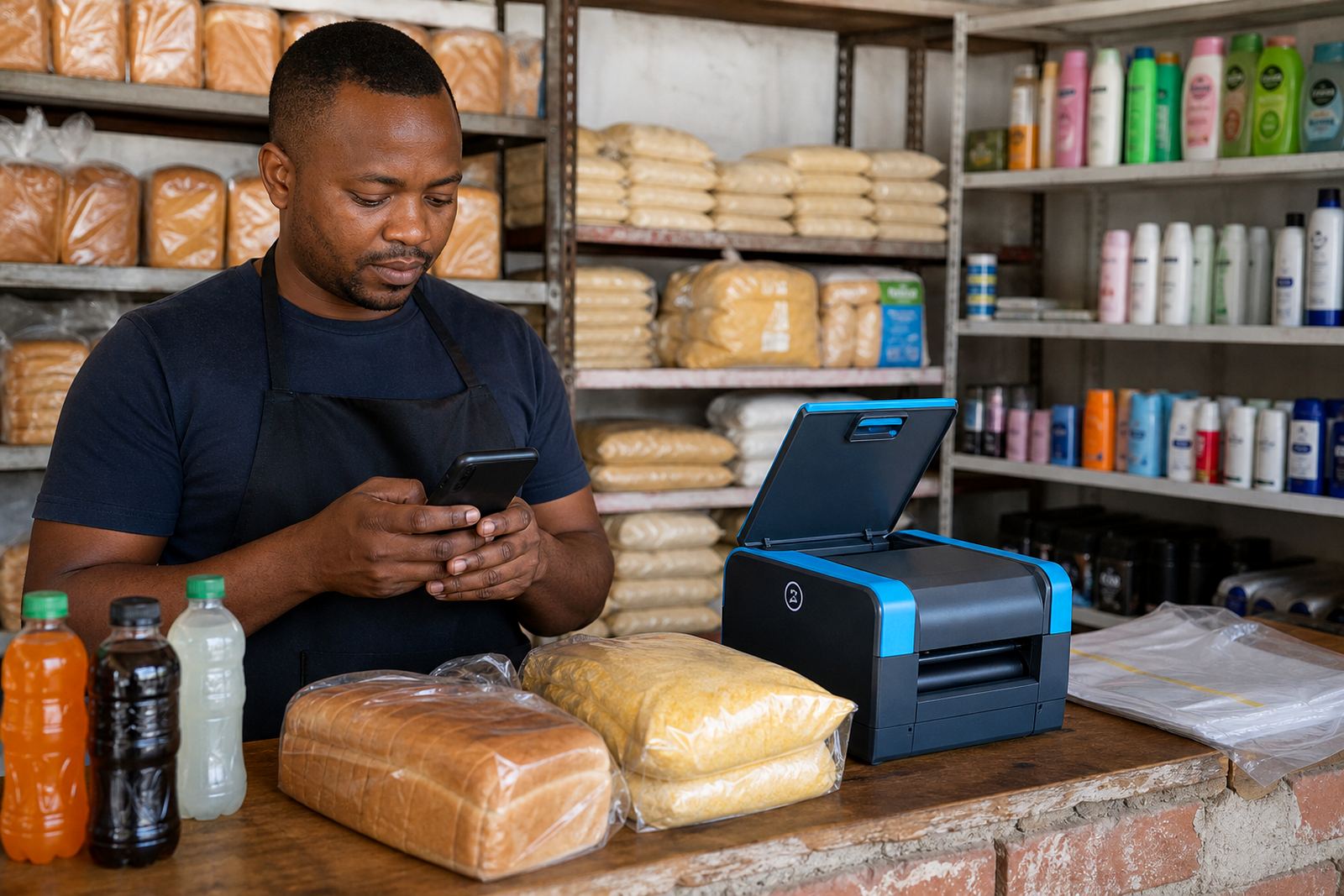



Start with the shopfront customers see first
If you are building a store for a spaza shop, home business or market table, begin with the parts buyers notice first. That means a clean home page, a short product list, clear prices and a simple way to ask questions. A customer in Soweto or Durban should be able to find what you sell, what it costs and how to order without scrolling through too much.
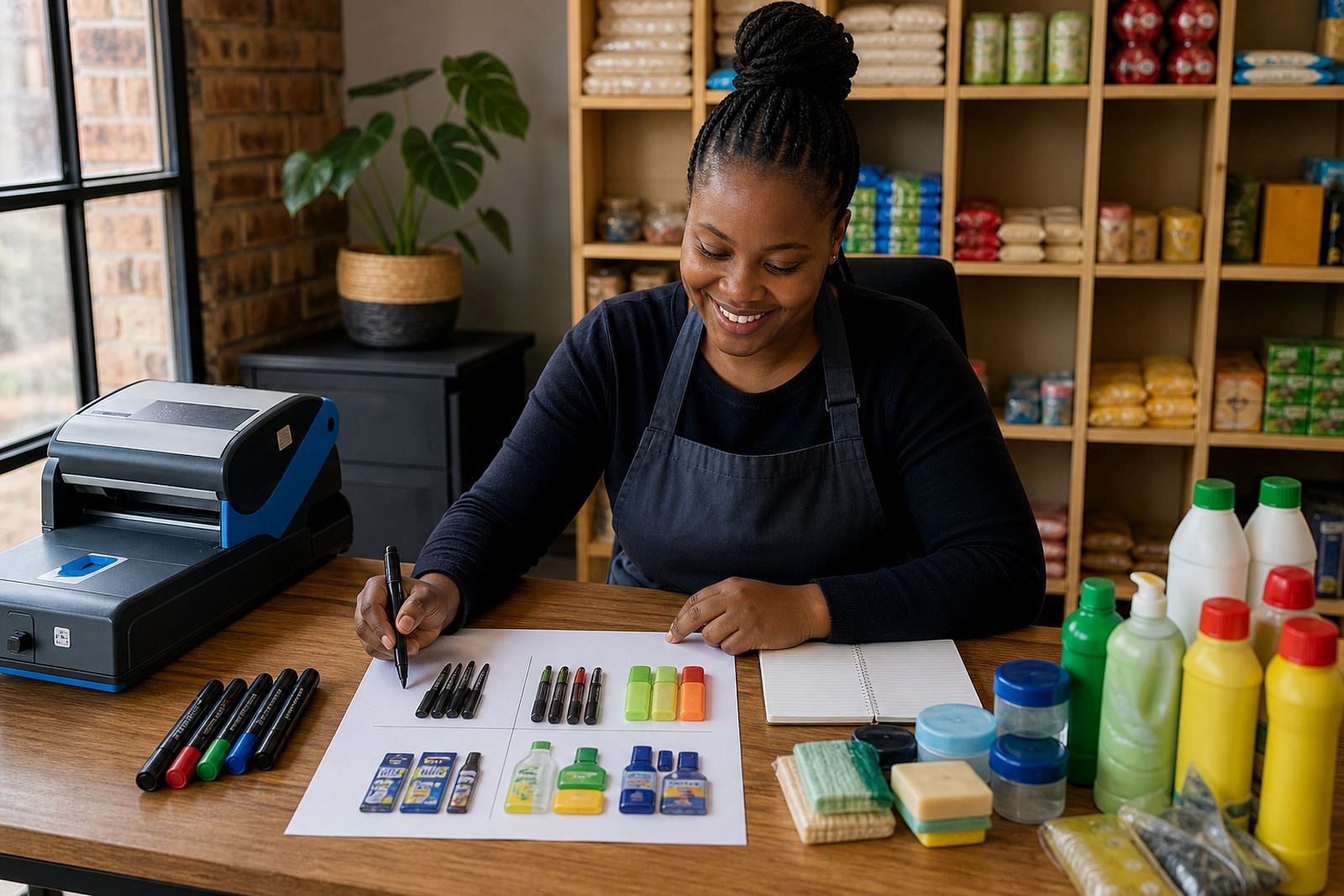
For many traders, the best first move is to upload a small set of products that move well every week. Add one photo per item if that is what you have, then improve the rest later. Keep the wording plain, use the same size or pack details each time, and make sure your contact and delivery choices are easy to spot.
Photos that help buyers trust the item
Good product photos do not need a studio. A bright wall, a clean table and daylight near a window can be enough. In Johannesburg, Cape Town and Gqeberha, natural light changes during the day, so it helps to take photos in the same spot each time. If you sell food, cosmetics, clothing or household goods, show the item from the front and include a close view where the size or texture matters.
- Use one plain background so the item stands out.
- Keep shadows off the label, price tag or size details.
- Take a second photo if the product has different colours or pack sizes.
- Do not crop so tightly that the buyer cannot judge the full item.
For traders in coastal areas, humidity can affect packaging and printed labels, so check that the product looks neat before you photograph it. A small touch like that helps the store feel more organised and easier to trust.
Price pages that make order decisions easier
A pricing page works best when it is direct. List the product name, the unit size and the price in Rand. If you sell by bundle, set out the bundle price clearly. If delivery costs change by area, separate the item price from the delivery charge so the customer understands the total before ordering.
Some traders want to add notes for bulk buyers, while others prefer one price for everyone. Both can work, but the page must stay neat. If you are not sure how VAT, tax or any formal business detail should be shown, check with SARS or a qualified adviser before publishing the final wording.
WhatsApp orders, payments and delivery details
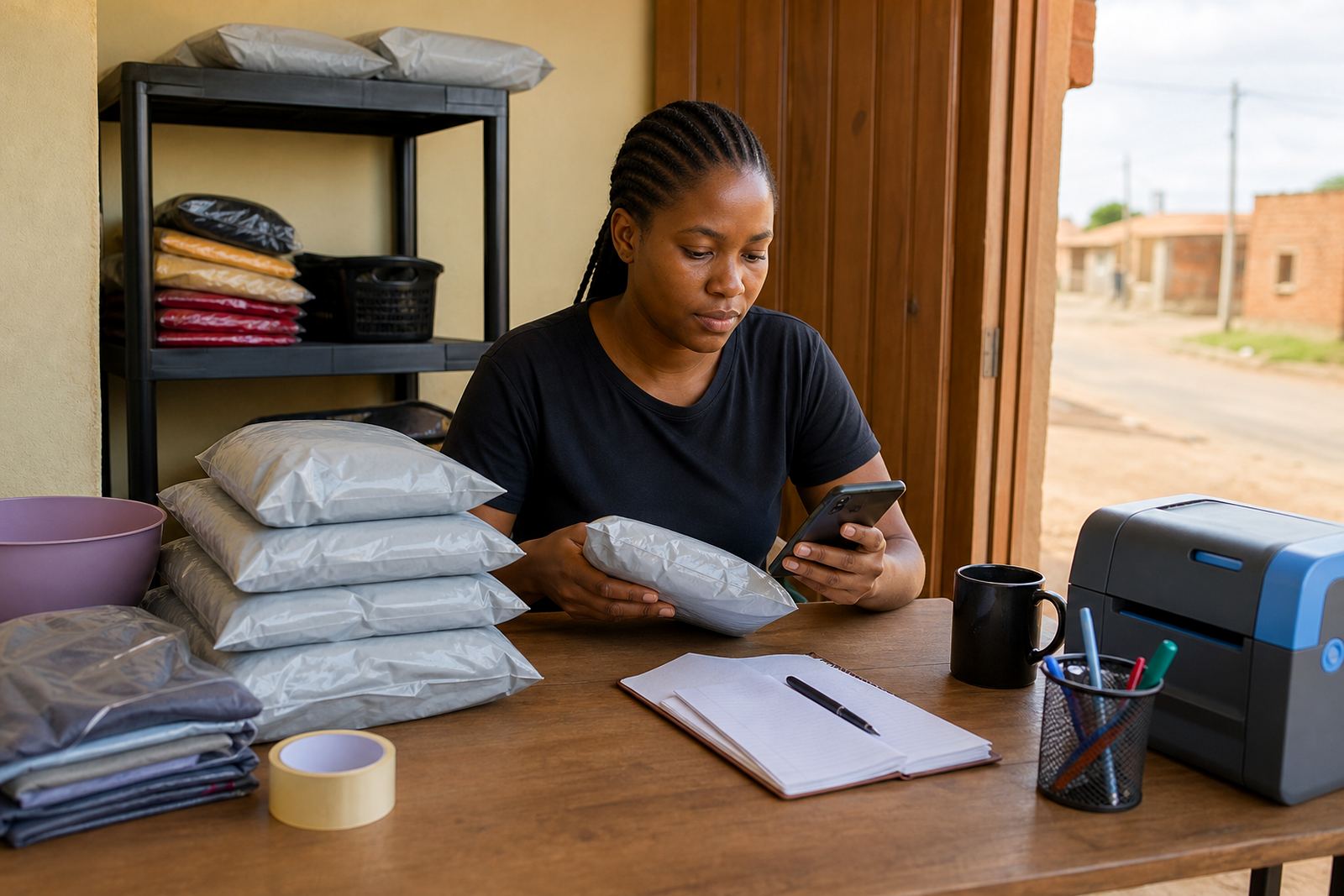
Many informal traders use WhatsApp because it is familiar and quick for customers who want to ask a question before paying. A store can guide people to order on WhatsApp, then show the basic order steps in one short block. Keep payment options and delivery choices where they are easy to find, especially for buyers in Pretoria, Alexandra and Tembisa who may want to compare collection and delivery before they commit.
- Say what details the buyer should send, such as item name, size and quantity.
- Explain which payment methods you accept and where proof of payment should go.
- List delivery areas, collection points or courier options in plain language.
- State if the customer should wait for stock confirmation before payment.
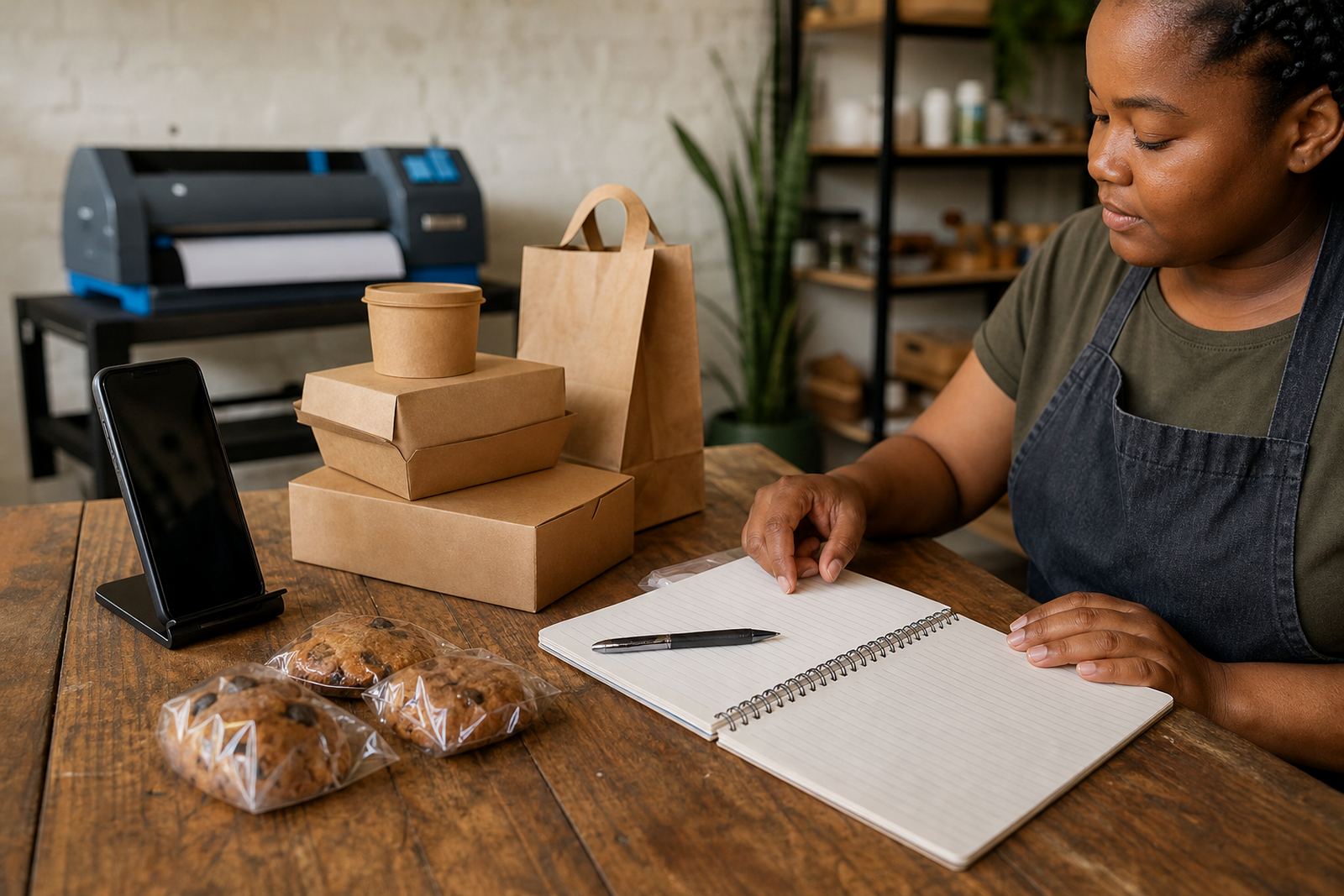
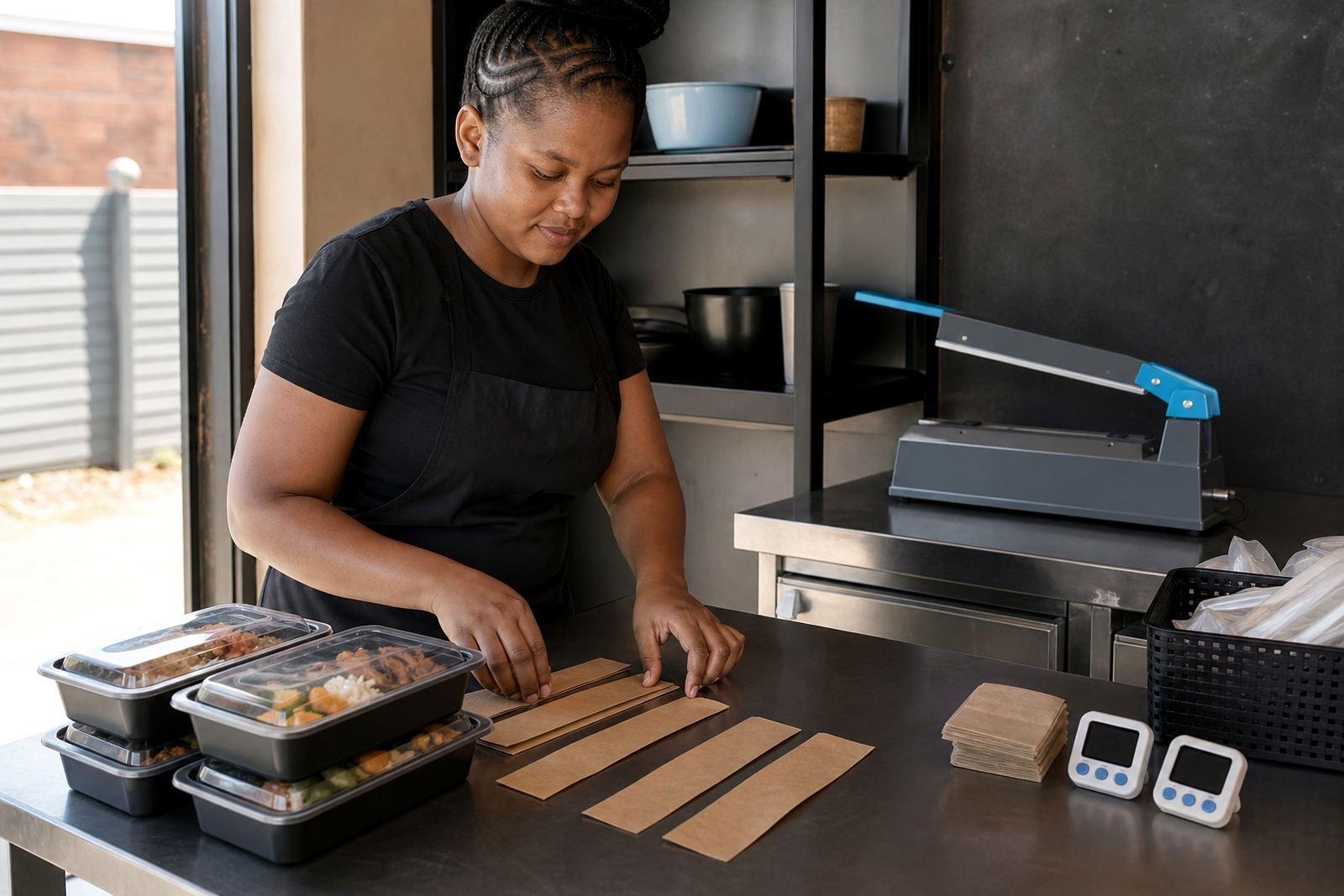
For food or fast moving goods, a clear delivery note matters because timing can affect the order. For larger items, give the customer enough detail to know whether they need help carrying the parcel or arranging a lift.
Store setup help for traders across South Africa
SellThat guides are useful for traders who want a practical order of work rather than a long manual. Some readers need help with one page, while others need the whole store organised from product upload to training for staff. The same basics apply whether you are trading from Soweto, Durban, Cape Town, Pretoria, Gqeberha or nearby areas such as Alexandra and Tembisa.
Use the guide that matches the gap in your store right now. If your products are ready but the wording is weak, start with store content writing. If the shop looks untidy, work on the home page and catalogue rebuild. If customers ask for voice notes all day, tighten the WhatsApp order setup first.
Which guide fits your next task
Choose the guide that matches the task you need to sort first. A trader with a few products can begin with photo guidance and pricing page help. A trader with an active customer base may need payment info setup, delivery page setup or ongoing support to keep orders moving smoothly.
- Store Setup for starting from a blank shop structure.
- Product Upload Help for adding items without leaving gaps.
- Photo Guidance for cleaner product images and better presentation.
- WhatsApp Order Setup for direct customer communication.
- Staff Training for teams handling orders, updates and customer questions.
The guides are written for practical use, so you can read one section and apply it straight away. That is useful for traders who are balancing stock, customers and daily work, sometimes all in the same room.