A shelf in your shop, not one big pile
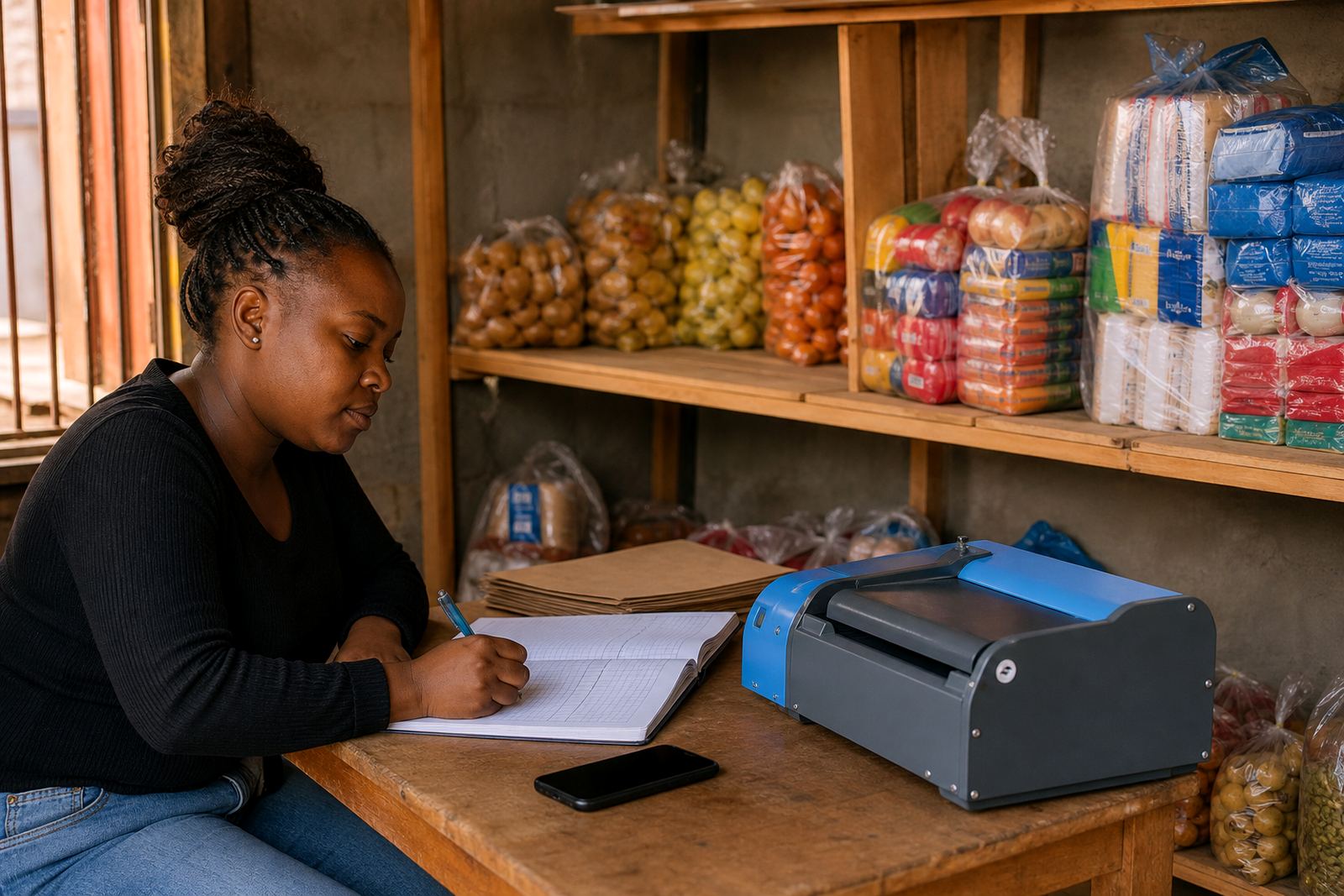
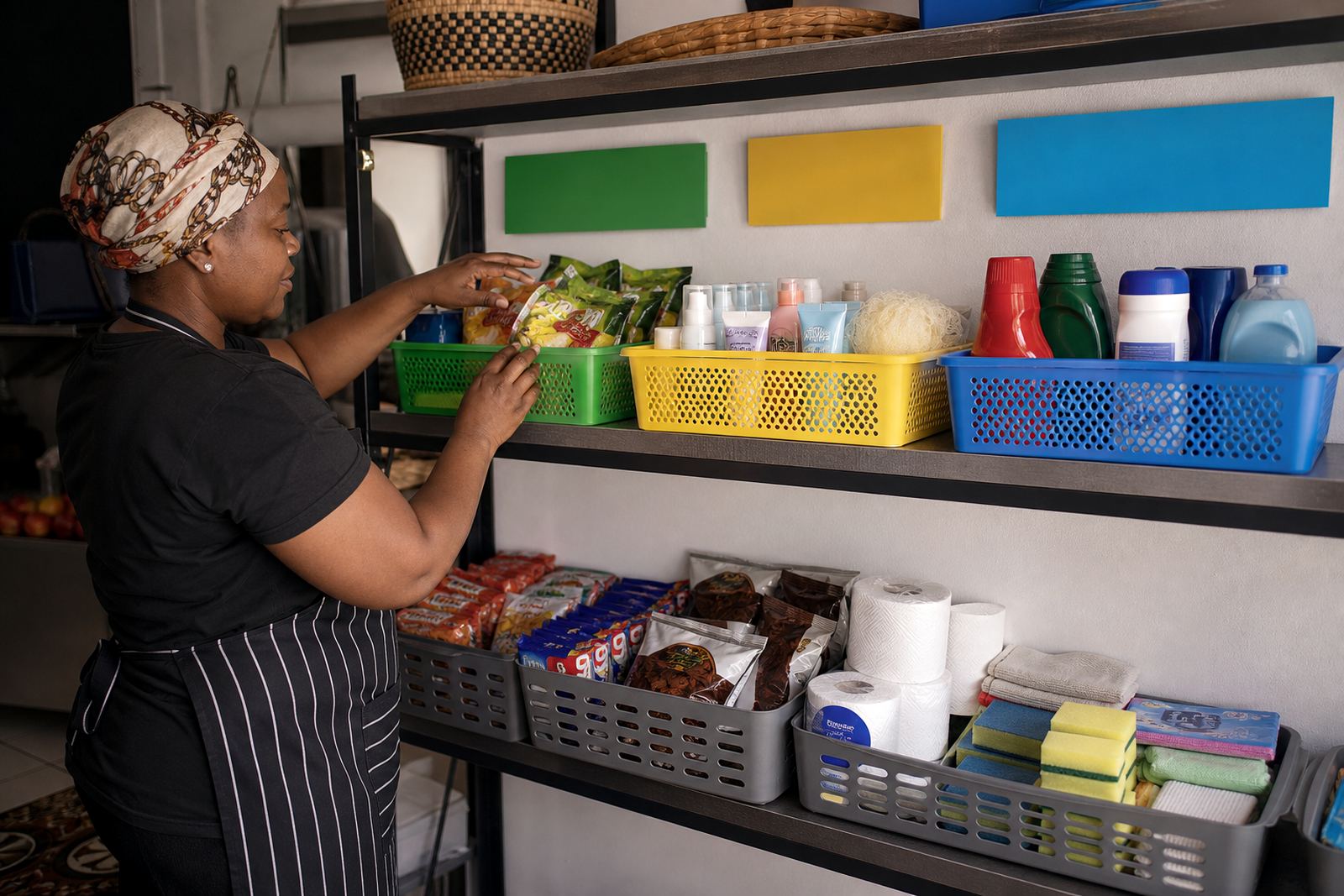
Think of category pages as the shelves in a spaza shop or the tables at a roadside stall. Bread, cooldrinks, airtime vouchers and cleaning items all have their place. Online, the same logic helps customers browse without confusion. A single long product list can feel tiring on a phone screen, especially when a shopper is using mobile data and moving quickly.
A clean category structure gives the store a proper shape. A visitor landing on your home page can choose a section first, then narrow down the items that matter. That saves time and reduces missed sales. It also helps if you serve customers in Soweto, Alexandra, Tembisa or further afield in Durban and Cape Town, because people shop with different needs but the same expectation: find the item, check the price, place the order.
- Keep broad groups easy to understand, such as Food, Home Items, Clothing, School Supplies and Beauty.
- Do not mix unrelated products in one category if a customer would not expect them together.
- Use short category names that can be read quickly on a small screen.
A clear path from first tap to checkout
Category pages work best when they lead somewhere useful. A shopper should be able to tap a category, see the products, compare prices and move to the next step without backtracking. If the page is crowded or the labels are vague, people often leave before they place an order.
For informal traders, this matters because many customers arrive through WhatsApp or a shared link and open the store on a phone while on the move. A woman in Soweto looking for a school jersey does not want to scroll past lighters, washing powder and snack packs before she finds the right size. A man in Pretoria looking for phone accessories should not need to guess where chargers sit. The easier the path, the more natural the buying process feels.
- Place the most ordered items near the top of each category.
- Use filters or sub categories only where the product range is large enough to need them.
- Keep prices visible on the listing page so shoppers do not click away just to check cost.
Category names that match how South Africans shop
Good category names reflect the language customers already use. In South Africa, people often think in practical groups rather than technical product terms. A trader selling toiletries, hair products and home cleaning items can label them in a way that feels familiar, not formal. The aim is not fancy wording. The aim is to make browsing feel natural.
When category labels match everyday shopping habits, customers trust the store more quickly. They can tell at a glance where to go for lunch items, school essentials or weekend specials. That is useful for stores serving Johannesburg traders, Durban traders, Cape Town traders and Gqeberha traders alike. The labels can also support seasonal stock, such as winter clothing, festive goods or back to school items.
- Use names customers would say out loud, not internal stock codes.
- Keep categories consistent across your home page, menu and product pages.
- If a category is empty, remove it or fill it with a few clear products instead of leaving a dead link.
Photos, pricing and order notes belong with the right category
Each category page should help a shopper make a decision, not just display names. Product photos matter because many customers buy from a phone and cannot inspect the item in person. Pricing pages matter because people want to compare options before they send a WhatsApp message or check out. Delivery notes also matter, especially when you cover local areas where collection, door delivery or courier handover may differ.
For example, a category for baked goods could show daily specials, pack sizes and pickup notes. A category for household cleaning items could show bottle size, scent or pack count. A category for clothing could show sizes and colour choices. The category page is the place where the shopper gets enough detail to act, without hunting through separate messages.
- Use one clear product photo first, then extra images if the item needs more detail.
- Keep pricing visible and easy to scan, with the Rand sign shown clearly.
- Add delivery or collection notes where they matter, especially for perishable or fragile goods.
WhatsApp orders work better when the store is organised
Many informal traders still take a large share of their orders on WhatsApp, and category pages can make that process smoother. Instead of sending a customer a long list of products, you can direct them to a specific section and ask them to choose from there. This reduces confusion and makes the conversation shorter and more accurate.
A customer can browse the Category for Snacks, copy the item name, and send the order with fewer mistakes. That helps when the store serves busy neighbourhoods and people want a quick reply without a long back-and-forth. It also helps if you manage stock in a small team, because your order notes stay tidy and each request is easier to track.
- Link your category pages to WhatsApp order instructions so customers know what details to send.
- Use the same product names in the store and in WhatsApp messages.
- Group out of stock items separately so customers do not waste time tapping unavailable goods.
A Soweto example that keeps the shop easy to browse
Picture a Soweto trader selling a mix of groceries, prepaid essentials, school items and household basics. Without categories, the store becomes one long stream of products and the shopper must do the sorting. With categories, the shop opens in a clearer way: Food, Home, School, Personal Care and Specials. A parent looking for pens and exercise books can go straight to School. A tenant needing washing powder can head to Home. A customer after snack packs can move to Food in seconds.
That structure is useful beyond Soweto too. A trader in Alexandra may want smaller, fast moving categories. A business in Gqeberha may want delivery friendly categories for packaged goods. A home business in Cape Town may need a simple product split that suits a few dozen items rather than a large catalogue. The principle stays the same: organise products in the way customers already think.
If the categories are done well, the store feels calmer, the pages load with purpose and the shopper spends less time searching. That is often the difference between a browse and a sale.
Keep the structure tidy as stock changes
Category pages are not something you set once and forget. Stock changes, seasons shift and customer habits move with them. A winter section may shrink when warmer weather arrives. A school section may grow in January. A special promotions category may only need a short run before it is removed. The point is to keep the structure current so the store never feels stale or cluttered.
For informal traders, this is where disciplined updates help. Review which categories get the most clicks, which ones are ignored and where shoppers stop browsing. If a category has too many items, split it. If a category has too few, fold it into a broader group. Check product names, photos and prices at the same time so the pages stay useful. And if you need tax or compliance guidance for a specific business setup, check with SARS or a qualified adviser.
- Review category labels when new stock lines arrive.
- Remove duplicate items and empty sections.
- Keep the order of categories based on what customers ask for most often.