Give the weekend offer its own place
A specials page works because it reduces searching. If a customer opens your store on a Friday evening, they should spot the discounted items straight away, with no need to scroll through every product. That matters for traders in Soweto, Alexandra and Tembisa where many buyers check stock on a phone while they are on the move.
Keep the page short enough to read in under a minute. Put the most important offer first, then list the next few items in a clear order. If you sell food, household goods or beauty products, separate the weekend deals from your everyday prices so there is no confusion. A shopper should know at once what is on special, what the regular price is, and whether the offer is for Saturday only or the full weekend.
Use simple headings like weekend specials, this week’s offers or Friday to Sunday deals. Plain language helps more than clever wording. If the offer is limited to a certain quantity, say so upfront. That saves time for you and the customer, and it keeps the page tidy when stock moves quickly.
Use photos that show the item properly
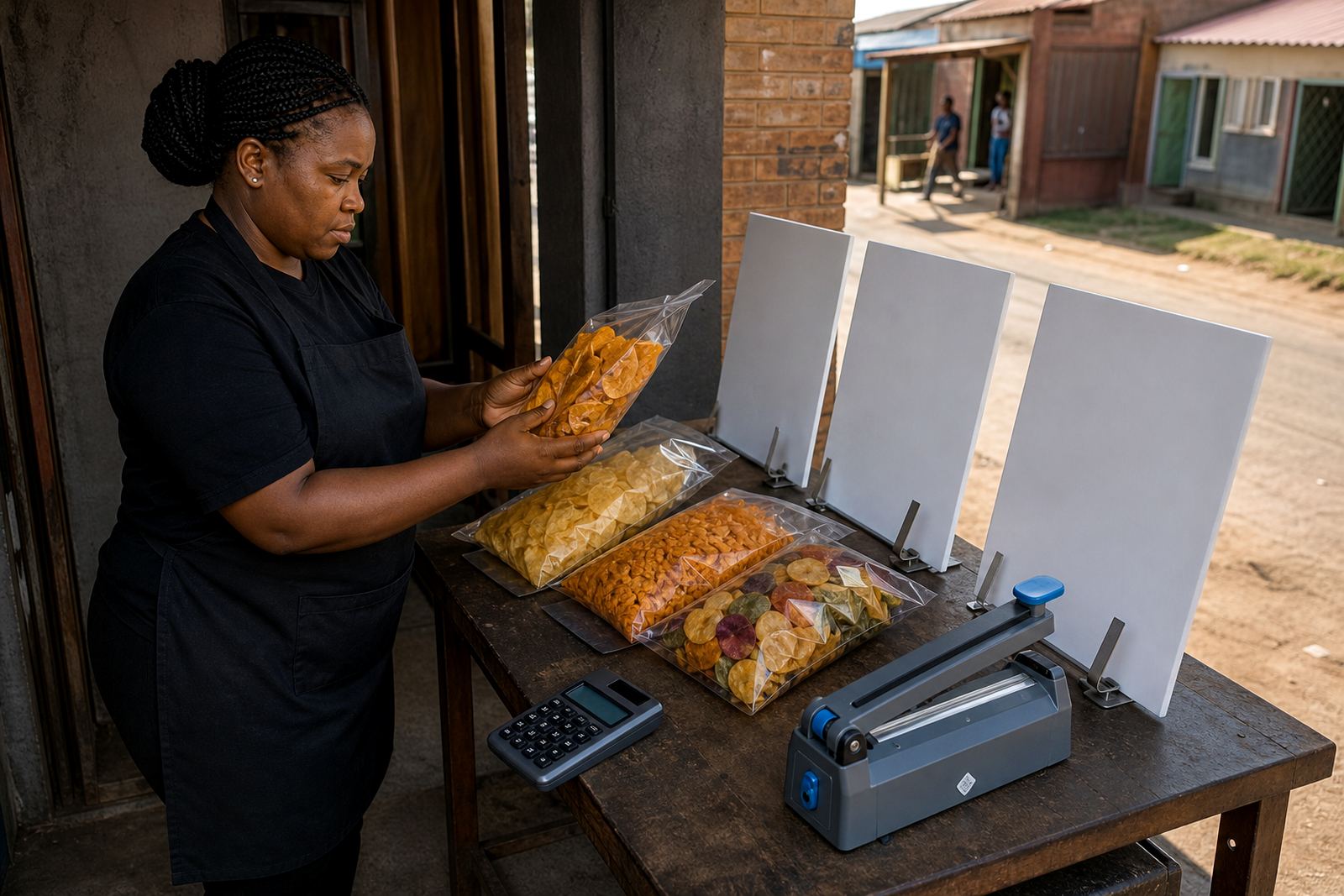
Good product photos make specials feel real. A blurred picture can make even a fair offer look uncertain, while a clear photo can turn a casual browser into a buyer. Natural daylight near a window usually works best. In coastal areas like Durban and Gqeberha, wipe off moisture before photographing packed items because humidity can show up on packaging and make labels look dull.
For weekend specials, use the same angle for each item where possible. That makes the page easier to scan. If you sell packs of maize meal, toiletries or snacks, place them against a plain background and show the full pack size. If an item is perishable, a fresh photo matters more than a polished one. Customers want to see the actual state of the stock, not something that looks detached from the product on hand.
- Use one main image per special, then add a second image only if the pack size or colour needs more clarity.
- Keep the picture close enough that the label can be read on a small screen.
- Avoid busy backgrounds that hide the product price or item name.
- Match the photo to the special you are selling now, not last week’s stock.
Price pages should answer the next question
A special only works if the price is easy to understand. Show the discounted price clearly and, where useful, add the regular price next to it. If the offer is by bundle, say exactly what the bundle includes. That is especially useful for informal traders who sell mixed goods such as cleaning items, food packs or small household products.
Customers in Johannesburg, Pretoria and Cape Town often compare prices quickly before they place a WhatsApp order. If your pricing page is neat, they do not need to ask for extra details. You can also show whether the special is only for collection, available for delivery, or available in certain areas only. That helps prevent back and forth later.
- Use one price format across the whole page, such as Rand values with the item size beside it.
- State whether the special is for one item, a pack, or a limited bundle.
- If stock is short, mark that clearly so customers understand the offer may close early.
- Keep the specials page separate from your full price list so deals do not get buried.
Let WhatsApp close the sale without confusion
Many weekend deals move through WhatsApp because customers want a quick answer before they commit. Your specials page should make that process simple. Each item can have a short note such as order on WhatsApp, send your suburb, or ask for delivery availability. This is useful for traders serving nearby areas where quick collection or local drop off is part of the buying pattern.
When the message is clear, the customer knows what to send. That means fewer missing details and fewer delays while you check the order. If someone in Soweto wants a special pack for Sunday, they should be able to copy the item name, quantity and suburb from the page straight into a message. For informal traders, that small saving in time can make the difference between a sale and a lost lead.
Keep the wording short, direct and practical. If you accept payment confirmation before delivery, say so on the page. If you prefer customers to place the order first and then get delivery details, make that sequence clear as well.
Delivery and collection need plain rules
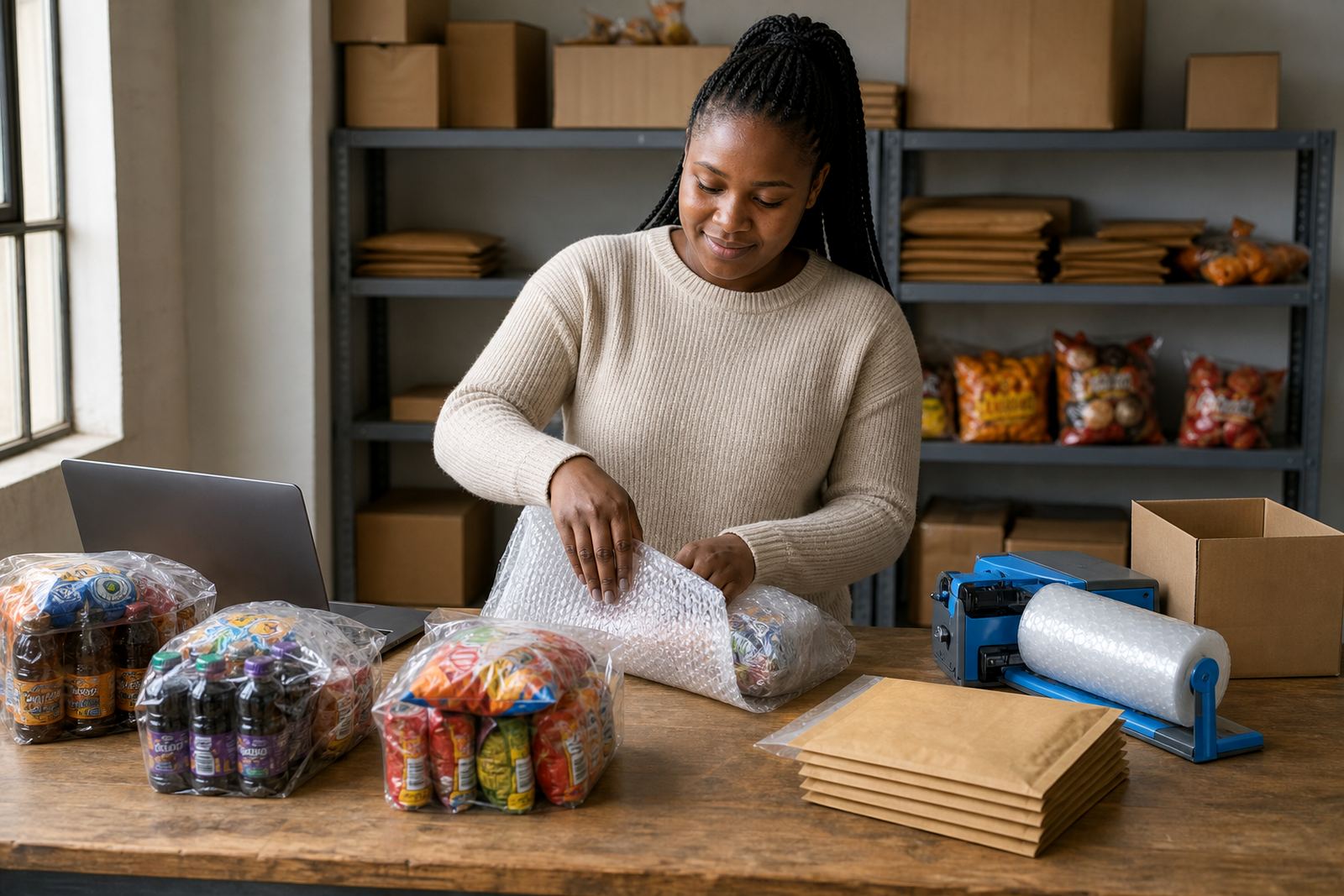
Weekend specials sell better when delivery details are easy to understand. Some buyers want same-day collection, others want a local delivery point, and some need a rider or driver drop off. The specials page should state the options in a way that matches your actual service area, whether that is around Alexandra, Tembisa, Durban or Cape Town.
Do not hide delivery information at the bottom of the page. Put it near the special so the customer sees the full picture before ordering. If you only deliver within certain suburbs, say that. If collection is from a home business or spaza shop, mention the suburb rather than a long street explanation. That is usually enough for regular customers who already know the area.
- Show whether delivery is available on Saturday, Sunday or both.
- Explain if the customer should place the order before a certain time.
- Note any areas where delivery is not available so there is no confusion later.
- Use the same delivery wording across all specials pages and product pages.
A Soweto weekend special page in practice
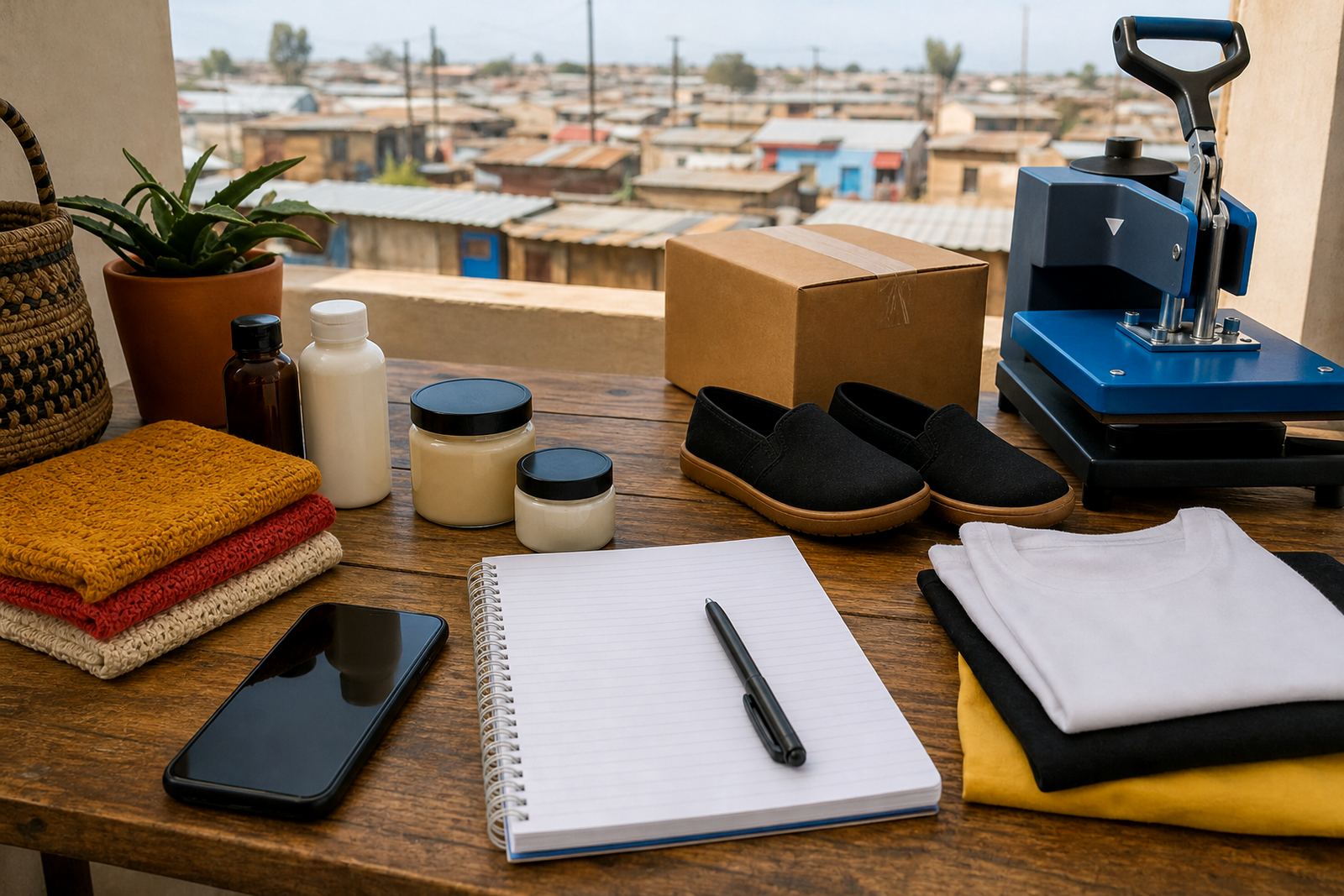
Picture a small trader in Soweto selling cleaning goods, snacks and a few household basics. On Thursday night, the trader uploads a weekend specials page with three items only: a snack bundle, a household pack and a cleaning refill. Each item has a clear photo, the weekend price, the regular price, and a short line saying order on WhatsApp for collection or local delivery. The page is simple, but it does the work.
By Friday morning, regular customers can see the offer without browsing the full store. A shopper in Johannesburg opens the page, checks the price, and sends a message with the item name and suburb. Another buyer in Pretoria sees that the special is still available and places an order for Saturday collection. No long explanation is needed because the page already answers the main questions.
That is the value of a dedicated specials page. It does not try to sell everything. It just puts the weekend deal in front of the right people, at the right time, in a format they can use quickly on a phone.
Keep the page easy to update every week
Weekend specials change often, so the page needs to be easy to refresh. Replace sold-out items, remove old offers and keep the newest deals at the top. If you run a store with many categories, a clean specials page is better than mixing offers into the full catalogue. It keeps the shop looking current without forcing you to rewrite everything.
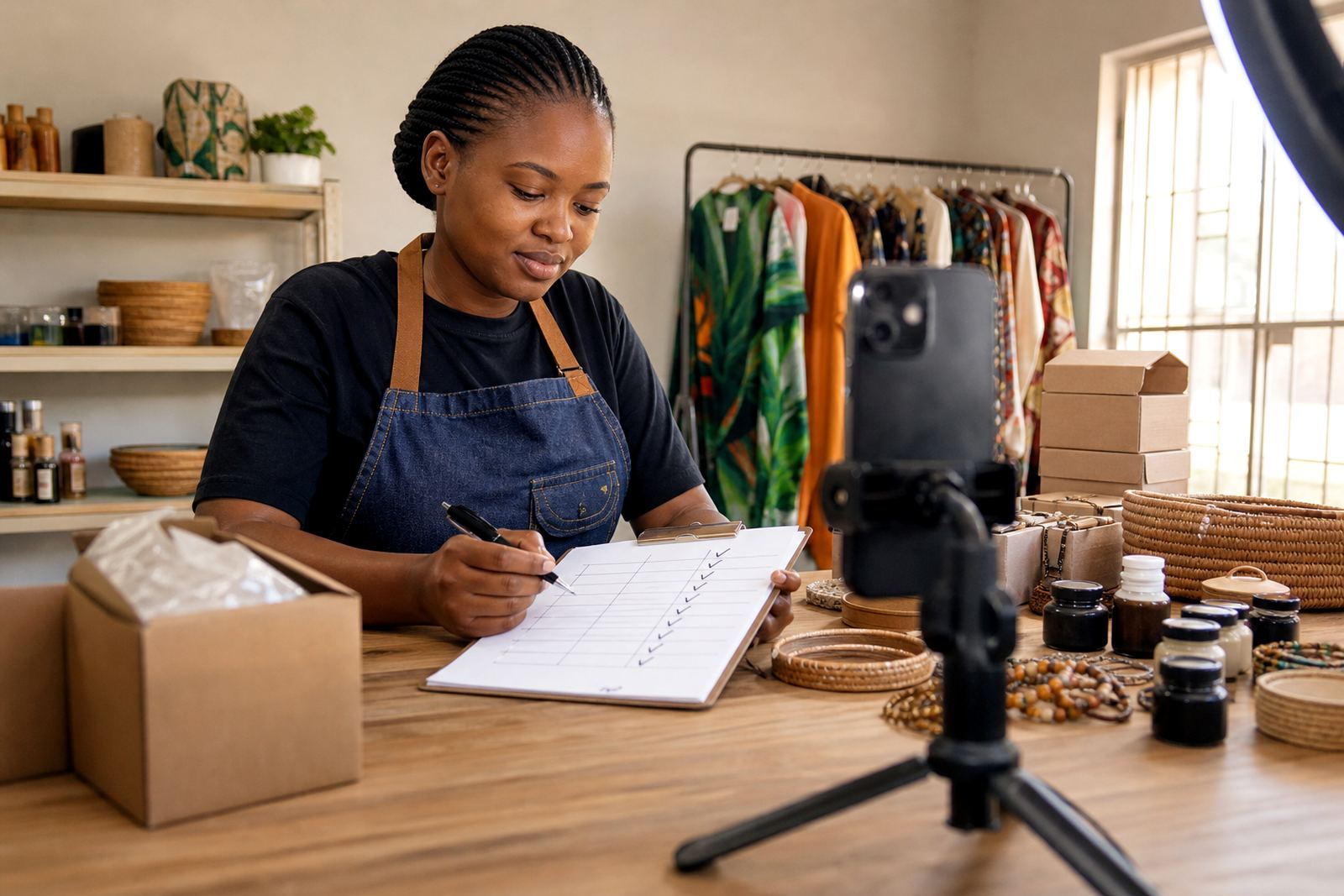
It also helps to keep a repeatable structure. Use the same layout for each weekend, with the same order: item name, photo, price, offer period, order method and delivery note. That makes it faster to update and easier for customers to understand. For traders in busy local markets, this kind of consistency saves time and keeps the page neat even when stock changes fast.
If you are unsure about tax or pricing rules for special offers, check with SARS or a qualified adviser. The page itself should stay practical: clear item details, clear prices and a direct path to order. That is usually enough to turn a weekend offer into a real sale.