







Where trader stores fit best
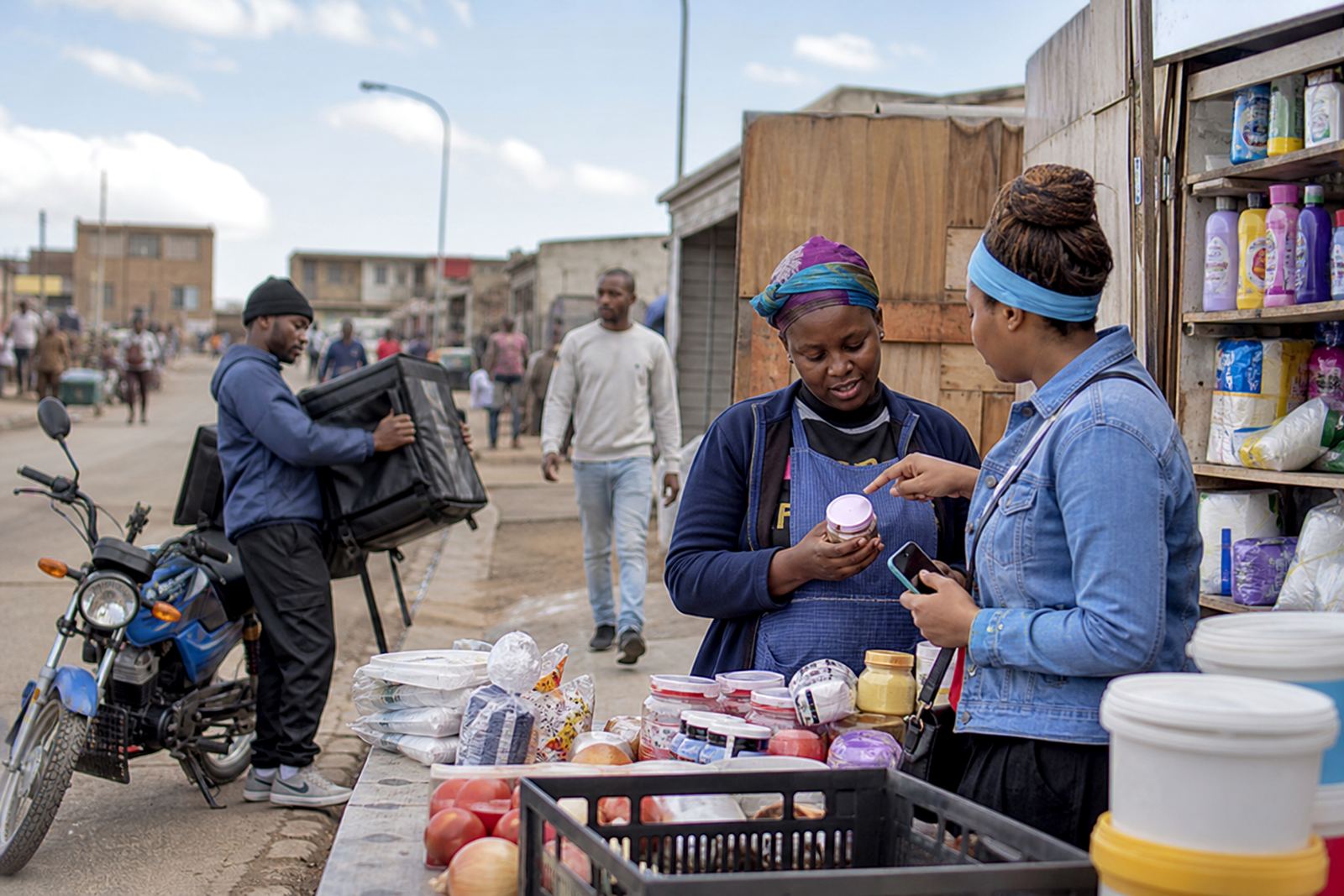
Different trading areas need different store layouts. A spaza shop in Soweto may need fast ordering on WhatsApp, while a home business in Cape Town might need a cleaner product list with prices, delivery choices and clear photos. Traders often need clear pricing, product photos and a straightforwad way for customers to place an order without confusion.
Use this hub to look through the area pages and choose the one that matches your trading style. The listing cards are added separately, so this page gives you the map and the options without crowding the details.
South African places we cover
SellThat supports simple online store setup for traders in busy city centres, township streets and home-based businesses. The area pages are arranged around the places where customers already buy every day and where online ordering can help widen reach.
- Soweto Traders
- Johannesburg Traders
- Durban Traders
- Cape Town Traders
- Pretoria Traders
- Gqeberha Traders
- Alexandra Traders
- Tembisa Traders
If your customers are local and mobile, the right store page can help them see what you sell, check the price and send an order by WhatsApp.
What a trader page can carry
Most traders do best with a small, clear set of pages rather than a long site. A good store page can show product photos, prices, order details, delivery choices and payment information in a plain layout that works on a phone.
- Product upload help for a small or growing range
- Pricing page help for single items, packs or bulk orders
- WhatsApp order setup for quick customer replies
- Delivery page setup for local drop-offs and courier use
- Store content writing for short, useful product text
For fresh produce, packaged goods, clothing or household items, the layout must stay easy to read and easy to update when stock changes.
Local selling needs local judgement
Trader areas are not all the same. Coastal humidity in Durban can affect packaging and storage notes, while a busy Gauteng trader may need faster browsing on a phone and fewer clicks before checkout. In township areas, many customers still prefer WhatsApp first, then payment info and delivery details after that.
That is why the store structure should fit the area, not force every trader into the same mould. If you need a home page refresh, catalogue rebuild or training for staff, the setup can be shaped around how you already work.
Payment and delivery pages that make sense
Payment and delivery pages should be easy to follow and written in plain language. For many traders, that means showing accepted payment methods, where orders can be collected, and how delivery works for nearby suburbs or further reaches.
- Show payment info clearly, without clutter
- Set out delivery areas in simple wording
- Explain collection points if customers can fetch orders
- Add notes for local drop-offs and courier dispatch
For tax or legal questions, check with SARS or a qualified adviser. The store pages should support the selling process, not replace proper professional guidance.
Choosing the right area page
If you are unsure which page fits best, start with the area where most of your customers already live or buy. A trader in Alexandra may need different wording from a trader in Gqeberha, and a spaza shop may need different product groupings from a clothing seller or food reseller.
These location pages help you compare options before moving into the service pages for Store Setup, Product Upload Help, Photo Guidance, WhatsApp Order Setup and Ongoing Support. That way you can match the store to your area, your stock and the pace of your trading.
Training for traders and store staff
Some traders only need a basic setup. Others want staff training, help with product photos or support with keeping the catalogue up to date. SellThat also works with traders who need a store refresh after stock changes or seasonal sales.
For a new online store or a rebuild of an existing catalogue, the key is a practical structure that suits daily trading. Customers should be able to see the offer, check the price and place an order without hunting through too many pages.