Start with the item, not the camera
Good product photos usually begin with a clear question: what must the customer see first? Shape, colour, size, packaging and condition matter more than fancy equipment. A packet of snacks, a pair of school shoes or a homemade cleaning product should be shown in a way that answers the shopper fast.
Before you take the picture, wipe the item clean and check for dents, dust, price stickers or wrinkled wrapping. If you are selling fresh or sealed goods, the customer should be able to tell at a glance what is inside and whether the item is new, sealed or loose. A straight, honest image saves time later when people ask on WhatsApp what they are getting.
- Wipe off dust, smudges and fingerprints.
- Check for tears, crushed corners or faded labels.
- Place only the item and its matching extras in the frame.
- Keep old stock, busy cloth and clutter out of the shot.
Use light that shows the real colour
Natural daylight is often the easiest choice, especially near a window or outside in soft shade. Midday sun can create harsh shadows and bleach out colour, while evening light can make products look dull. In places with coastal humidity like Durban or windy weather in Cape Town, photos can pick up glare on plastic, bottles and shiny packets, so angle the item a little instead of shooting straight into reflections.
If you use a phone, keep the camera lens clean and hold the device steady. You do not need filters that change the colour of the item. A red beaded accessory should look red, not orange, and a white school shirt should not appear grey.
- Take photos in bright but soft light.
- Avoid strong shadows across the label or price area.
- Use the same light for a whole product range where possible.
- Turn off beauty filters and colour effects.
Show one item from more than one angle
Customers cannot touch the product online, so one photo is often not enough. A front view, side view and close-up help people see the finish, size and detail. For clothing, include the neckline, sleeve or hem. For food items, show the front label and the pack size. For handmade goods, show the full item and one close-up of the stitching, weave or print.
If you sell a set, show the full set together and then each item on its own if the customer needs to count pieces. That helps when someone is comparing a 250 ml bottle with a 500 ml bottle, or a single pair of socks with a multi-pack.
- Take a full view of the product.
- Add one close-up for texture, print or label detail.
- Show size markers such as a ruler, hand or known coin only if it helps.
- Include all pieces in a bundle or pack.
Keep the background plain and the frame tidy
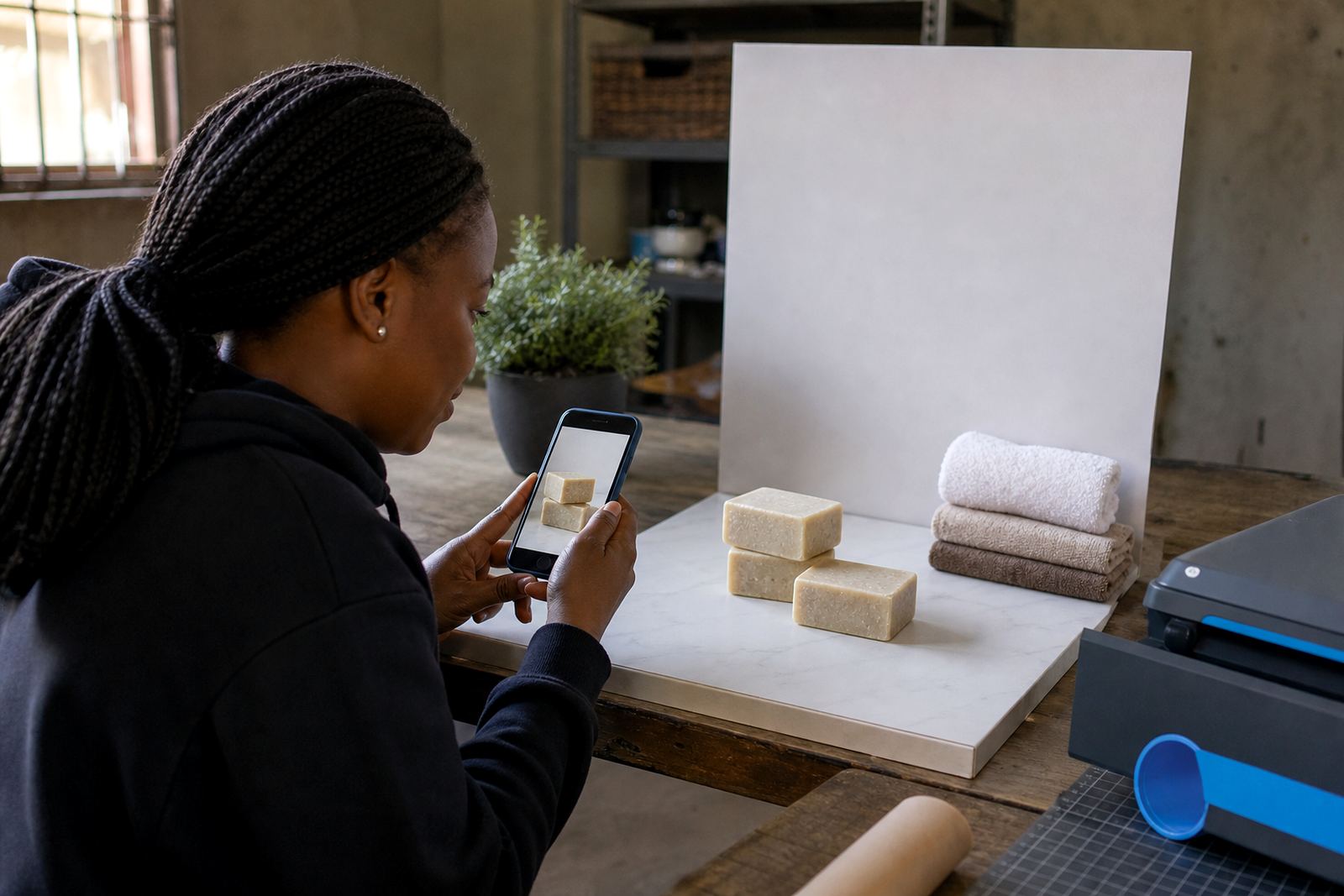
A plain background makes the item easier to understand. A white wall, clean table, cardboard sheet or plain cloth often works better than a patterned blanket or crowded shop counter. The product should remain the main thing in the image, not the shelf, the kettle or the washing line behind it.
For spaza shop stock in Soweto or Alexandra, a tidy photo set can be done on a clean chair, a small table or a smooth floor area with no foot traffic. If you are shooting several products, keep the angle and background the same so the catalogue looks neat. That makes the store feel organised, even when the business itself runs from a home, corner room or container.
- Use one plain background for the full product range.
- Remove boxes, bags and extra hands from the frame.
- Keep labels facing forward and level.
- Leave enough space around the item so it is not cut off.
Write the details people ask for first
The best photo still needs a caption that answers common questions. Put the product name, size, colour, pack count and price near the image. If customers can order through WhatsApp, add that option clearly. If delivery is available in certain areas only, say so on the product or pricing page. If a payment method needs a reference number or proof of payment, spell that out in plain language.
Do not make people hunt for basics. A shopper in Pretoria who wants a refill bottle, or a parent in Gqeberha comparing uniforms, should be able to read the details fast and make a decision without guessing.
- Product name and pack size.
- Colour, flavour, material or model where relevant.
- Price in Rand.
- WhatsApp order note and delivery area if needed.
A Soweto table setup that works
Picture a trader in Soweto photographing homemade candles, pantry staples and cleaning liquids for a simple online store. A clean table near a window, one plain cloth and a phone with a charged battery are enough to start. The trader takes one front photo, one close-up, one photo showing the size next to a common object and then adds a short price note. The same setup can be used for each item, so the whole catalogue looks consistent.
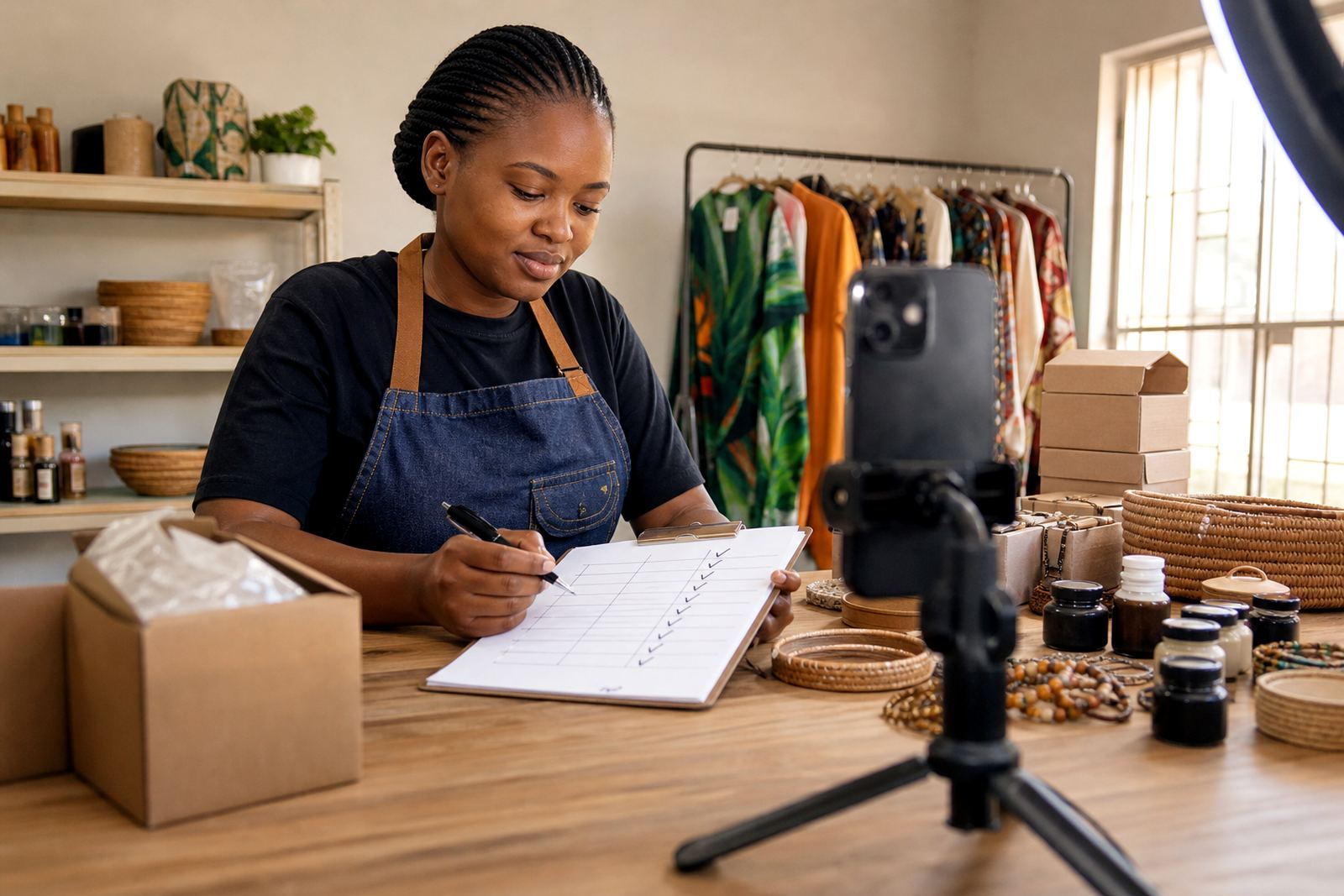
This is where a short checklist helps. It keeps the routine steady even on a busy day, and it stops the store from filling up with blurry pictures, mixed lighting or missing information. When the photos are clear, the pricing page reads better, the WhatsApp messages are easier to handle and the customer gets less confused.
- Clean the surface before each set of photos.
- Take all images in one session if the light is good.
- Check that each file is sharp before uploading.
- Rename or sort the photos so the right item matches the right page.
Upload only the pictures you would use yourself
Before adding photos to the store, look at them on a larger screen if you can. Check for blur, strange shadows, tilted labels and crops that cut off the product. If the image does not help a customer decide, retake it. A small shop online can feel much more dependable when every photo gives useful information.
For traders in Johannesburg, Durban, Cape Town, Pretoria and Gqeberha, a practical photo routine makes the whole store easier to manage. It does not need special studio gear, only a steady habit and an eye for detail. If you are unsure which product photos are helping and which ones are holding the store back, check with a qualified adviser on pricing, or with SARS for tax-related questions where needed.