







What these trader stories cover
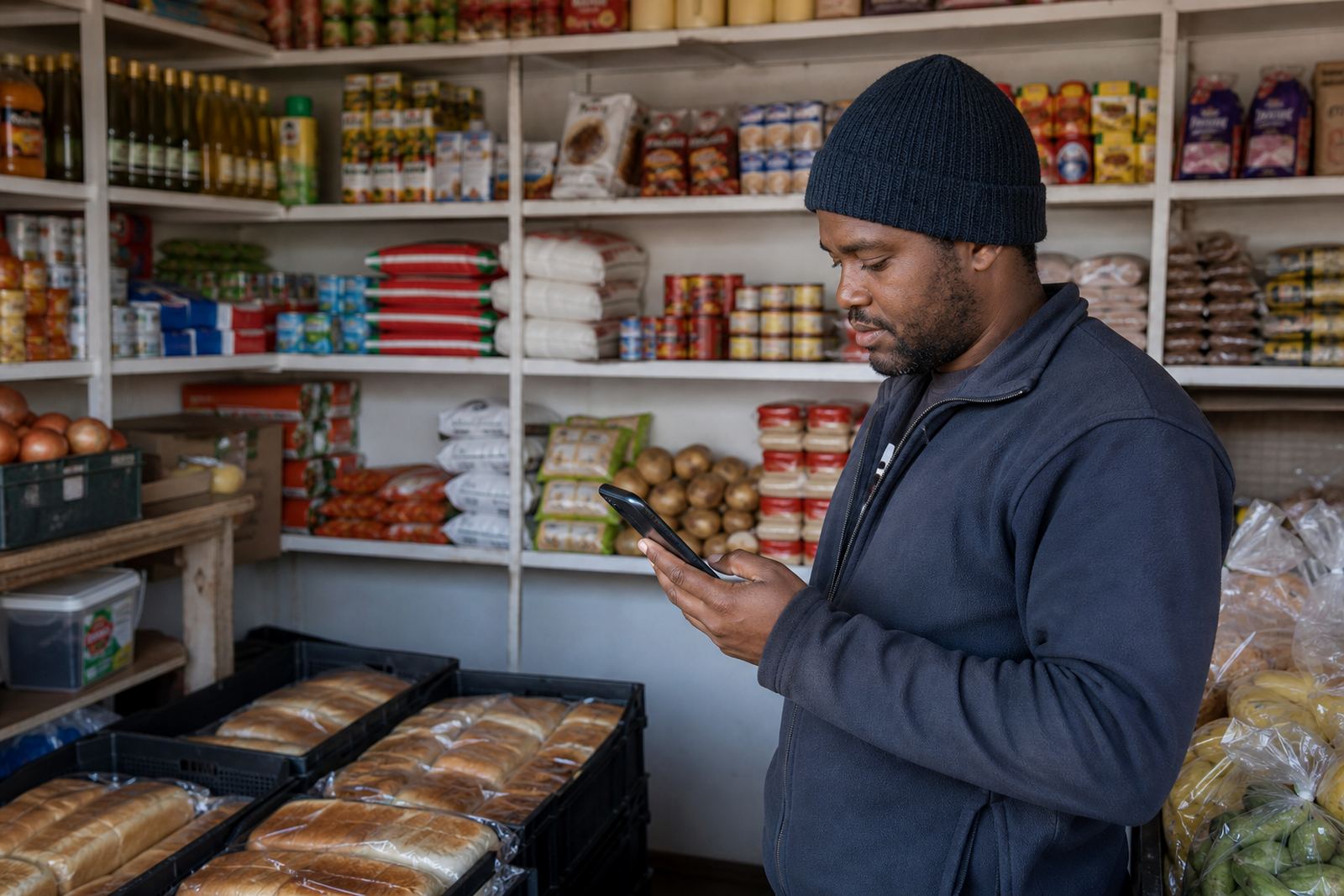
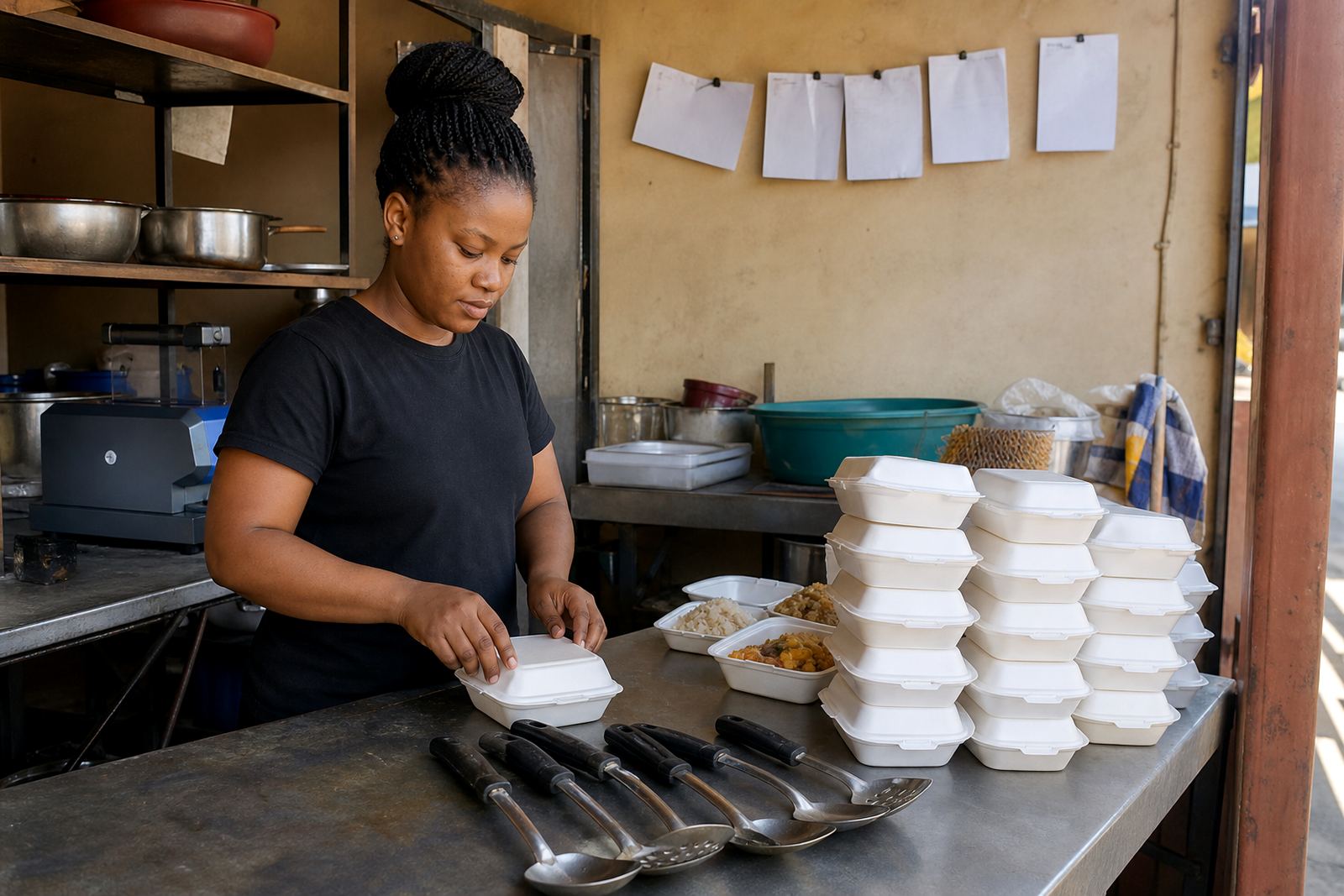
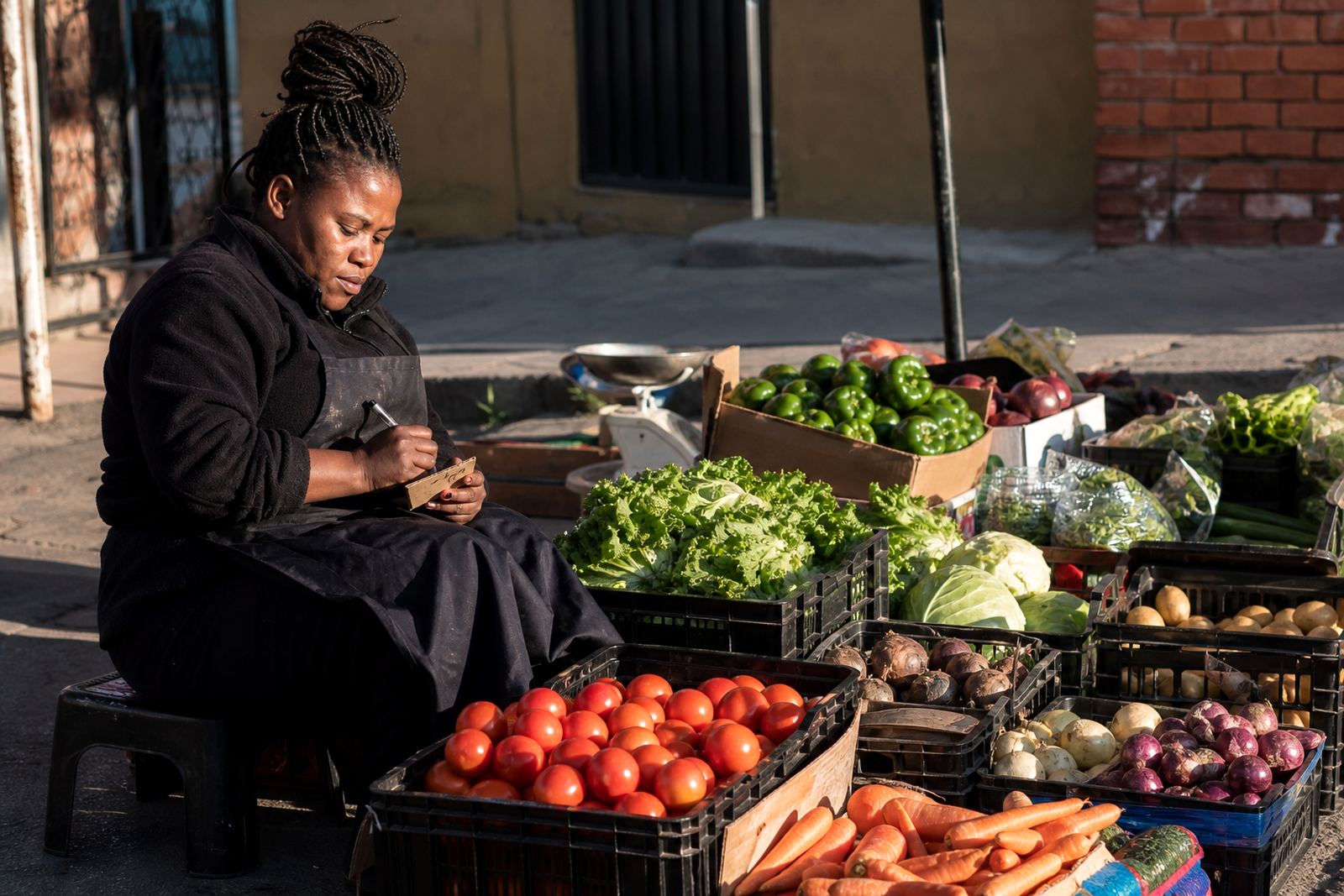
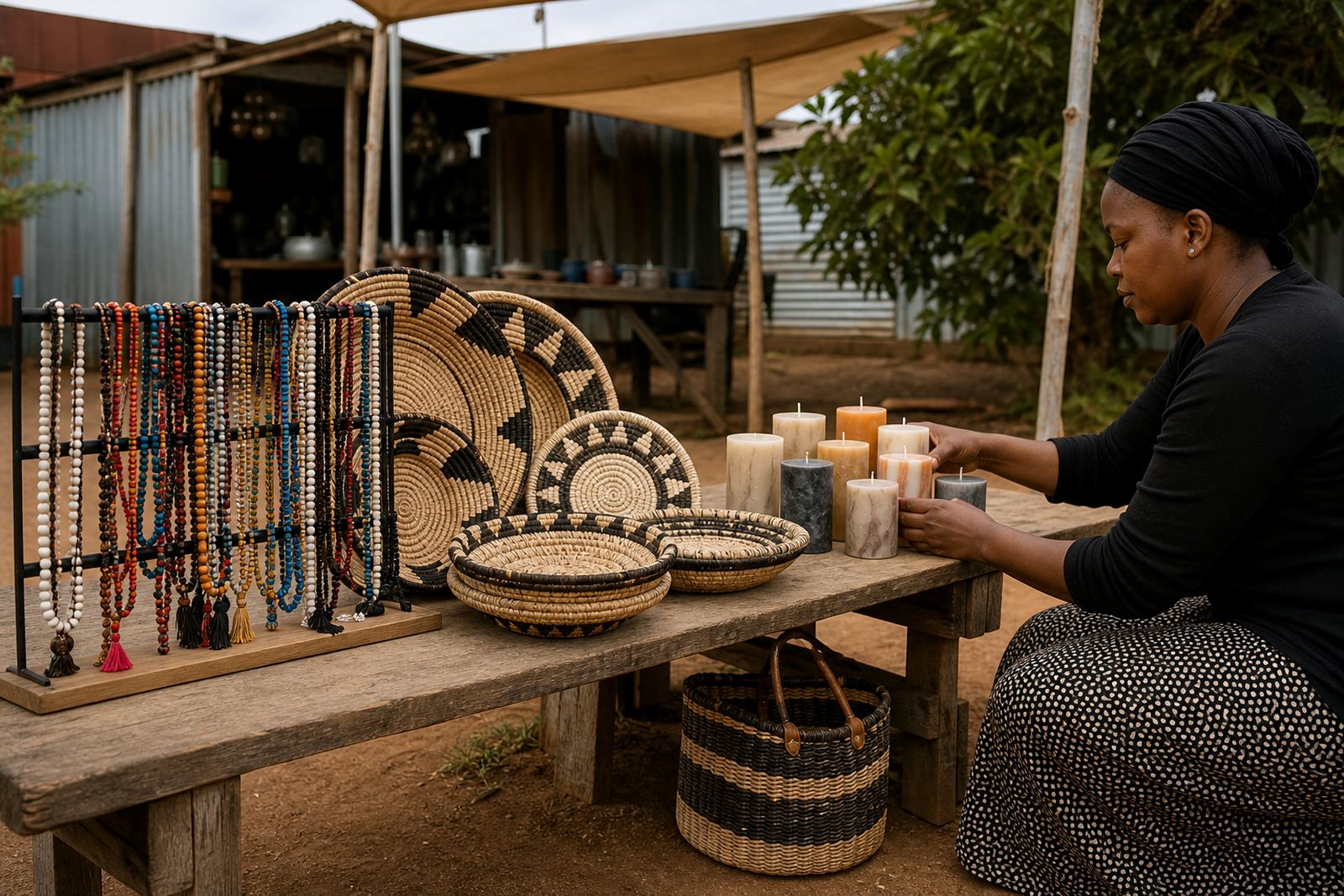
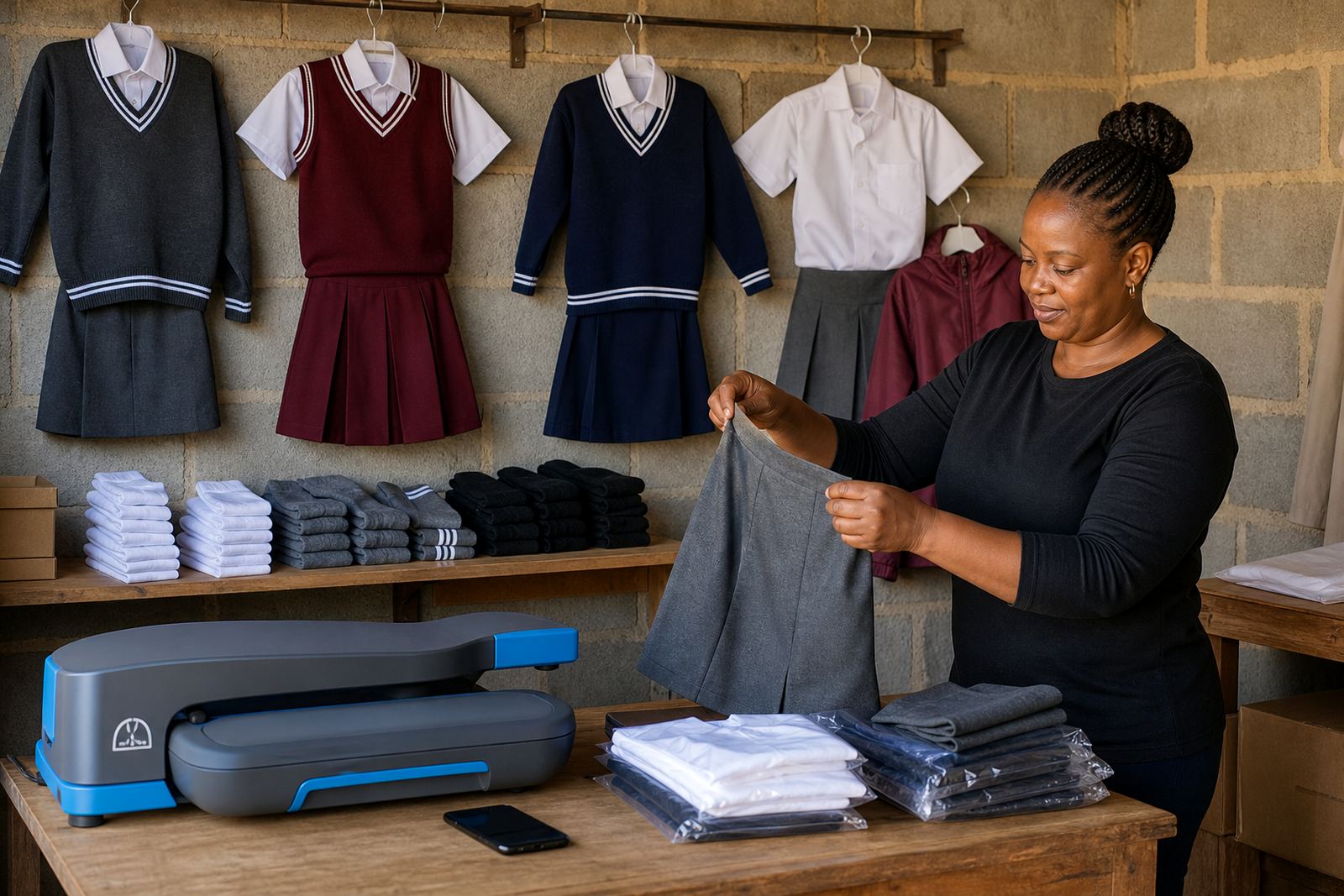
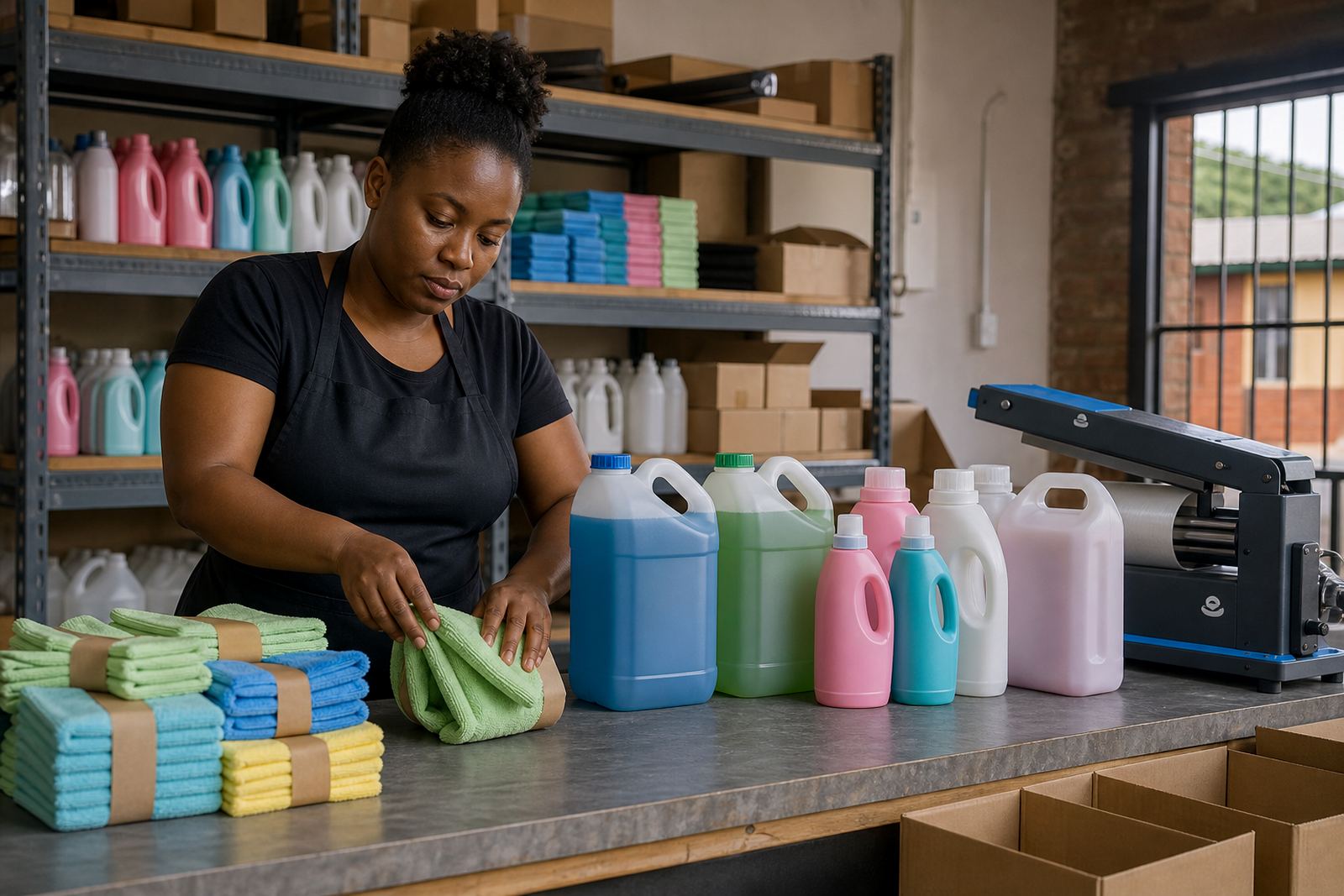
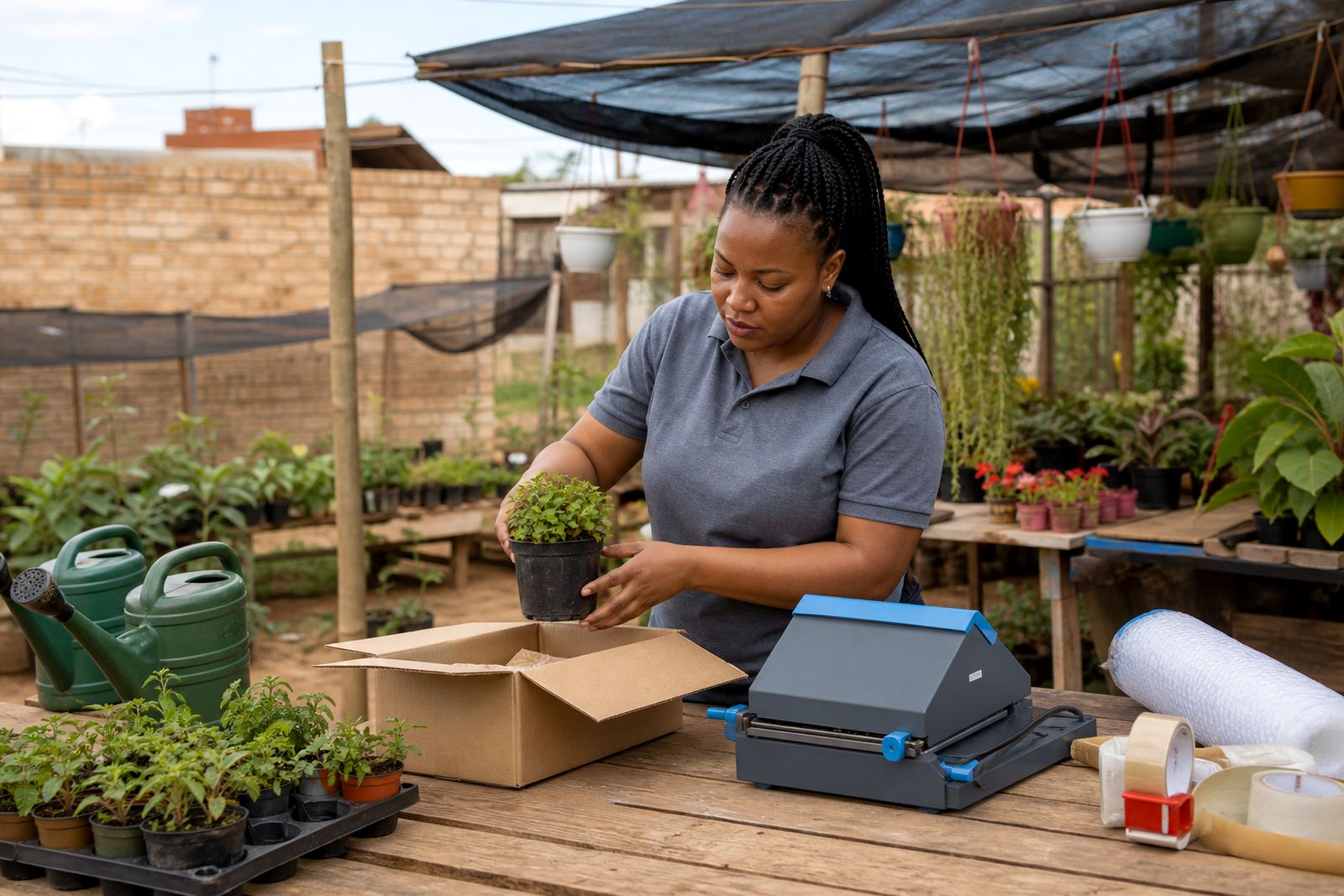
This hub brings together example project pages from across South Africa, from Soweto and Alexandra to Durban, Cape Town, Pretoria and Gqeberha. Each story shows how a simple online store can be shaped around real stock, local customers and the way traders already work.
Some pages focus on a tidy product list, others on a better home page or a clearer catalogue. The point is to show the range, so you can match your own shop to the kind of support that fits your stock, your pace and the way your customers order.
Picking the right kind of store setup
If you are selling groceries, household goods, fashion, beauty items or mixed stock, the setup will not look the same. A small catalogue with a few fast-moving products needs a different layout from a larger store with many lines and regular price changes.
- Choose clearer product pages when customers ask a lot of questions before buying
- Choose stronger photo guidance when stock looks plain in poor lighting
- Choose WhatsApp order setup when most orders still come in by message
- Choose delivery page help when you deliver locally or through a driver
These stories help you see how the pieces fit together, so you can decide where to start without overcomplicating the store.
Product pages that help customers decide faster
Many traders only need the basics done well. A product page should show the item clearly, name it properly and give the size, colour, pack count or quantity where that matters. When that information is easy to find, customers spend less time asking the same questions.
Good product pages also help with daily stock movement. If an item is sold in 500 ml, 1 litre or 5 kg packs, that needs to be visible. If the product comes in different colours or flavours, the listing should make that clear too, especially when buyers are comparing options on a phone.
- Clean product name
- Short description with useful details
- Price shown in Rand
- Size, count or variant notes
Photos and pricing that look more organised
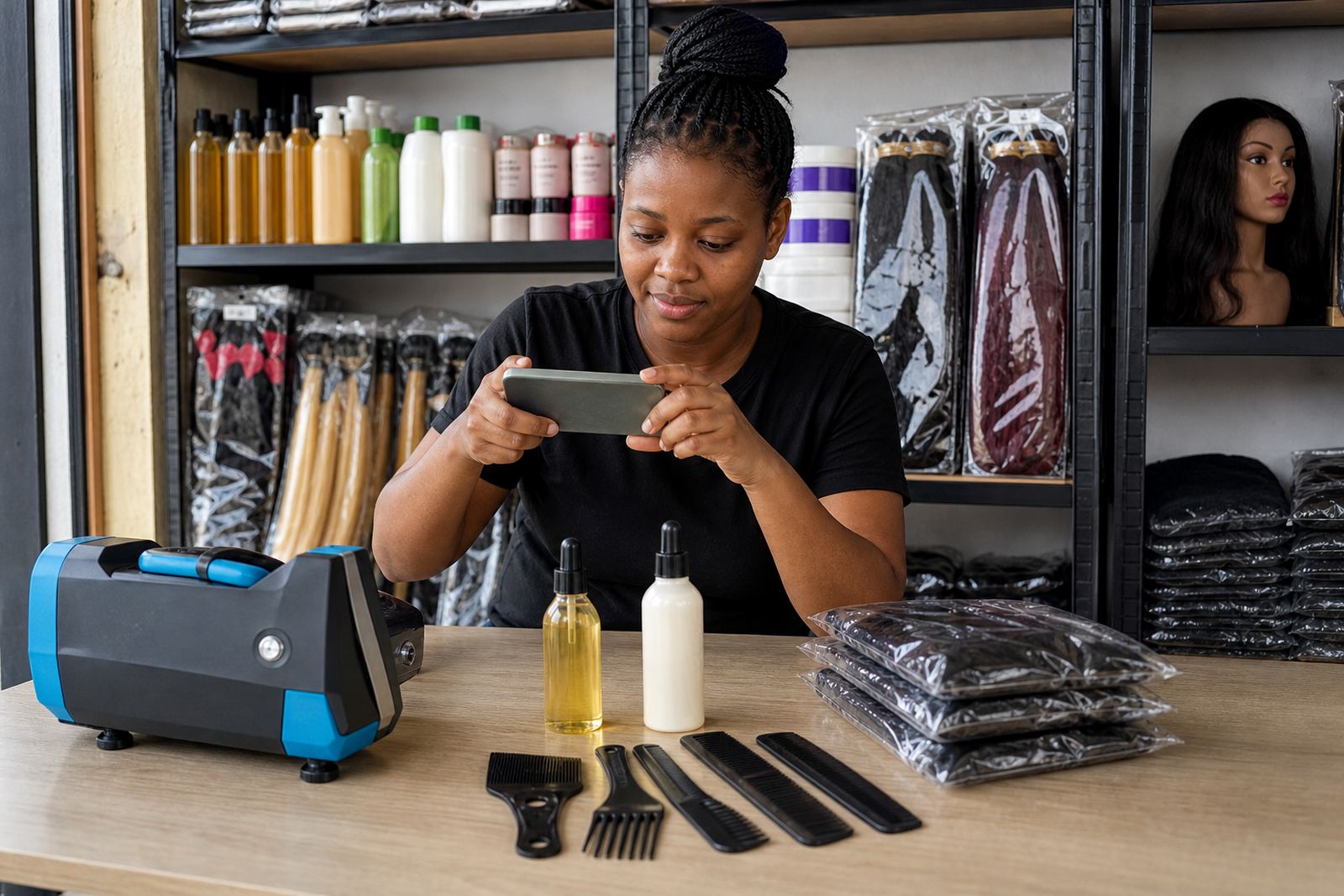
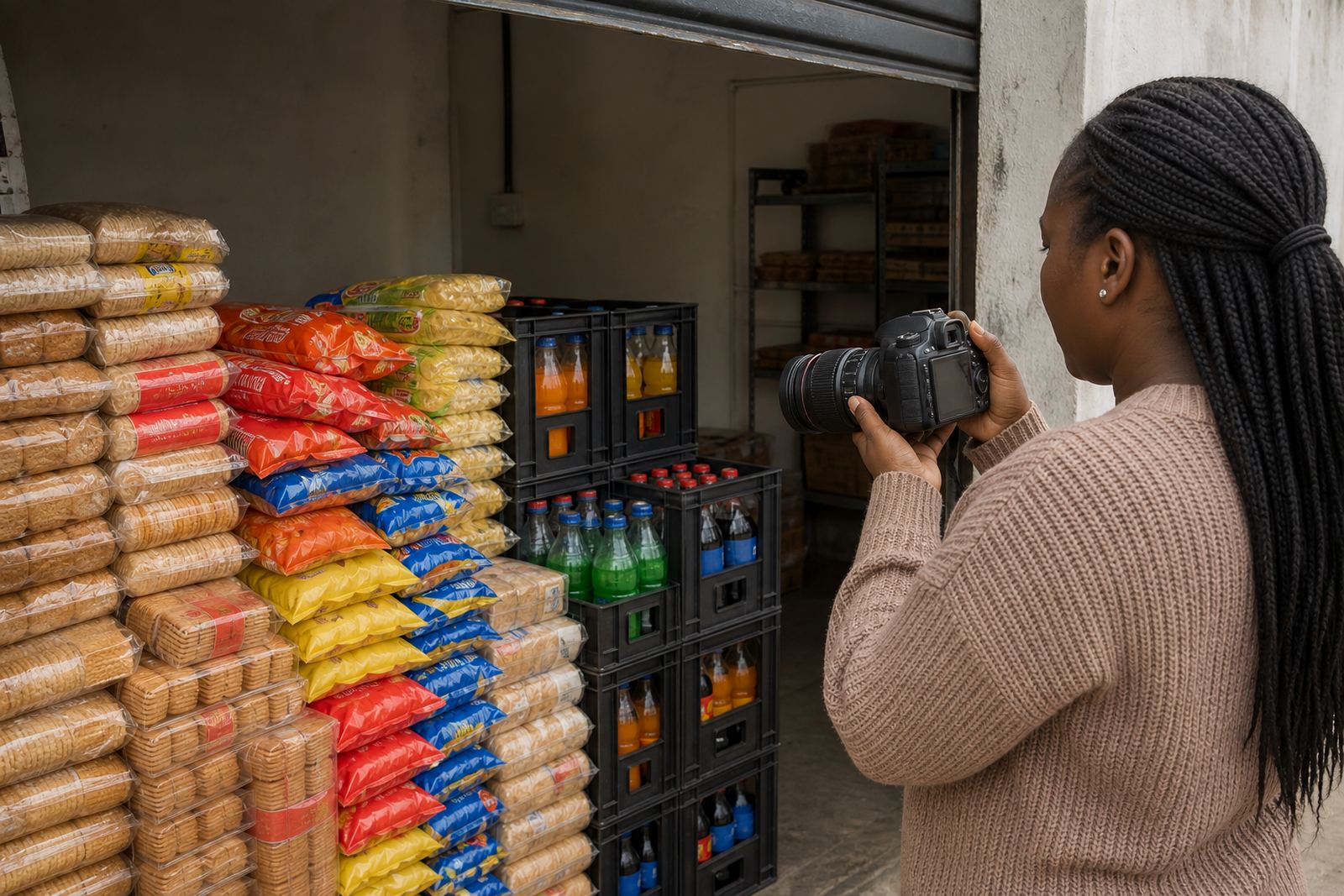
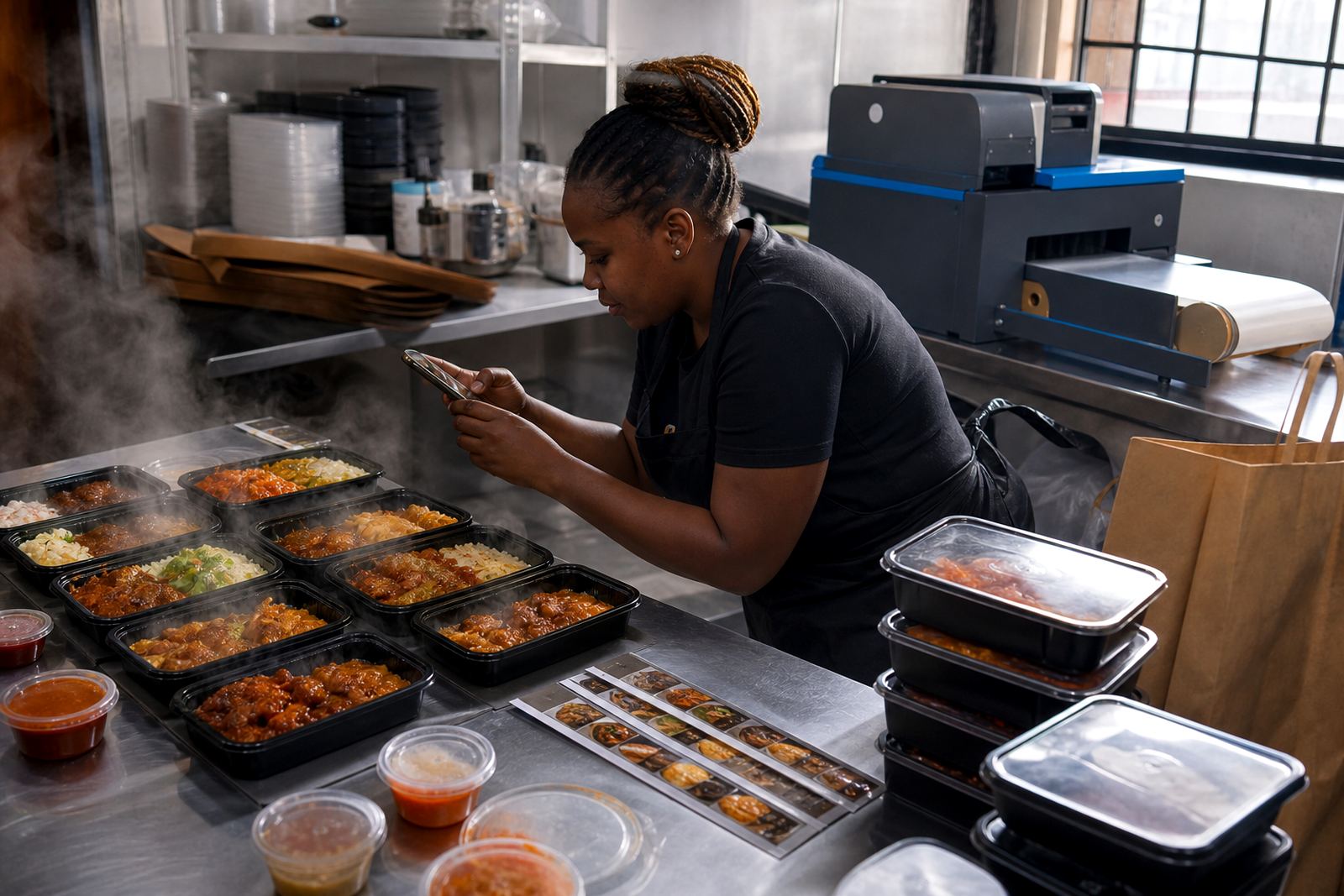
Clear photos make a big difference, especially for traders working with mixed stock, basic packaging or items photographed indoors. A neat picture on a plain background usually works better than a dark, crowded shot, and it helps if the same style is used across the store.
Pricing pages also need to be easy to read. Some traders list single prices, others list bundle prices or different sizes, and some change prices often. A proper pricing page helps customers see the difference without guessing, and it makes the store feel more organised even when the stock is moving fast.
In coastal places such as Durban and Gqeberha, photo quality can suffer when humidity affects packaging or labels. In busy areas like Soweto and Johannesburg, a simple repeatable photo method can save a lot of time when new stock arrives.
WhatsApp orders, payments and delivery choices
For many informal traders, the store works best when online browsing leads naturally to a WhatsApp order. That way customers can ask a final question, confirm what they want and place the order in a way that feels familiar. The stories in this hub show different ways of setting that up, depending on how the trader handles sales.
Payments and delivery details also need to be clear. Some traders offer collection, some deliver in the local area and some use more than one option. The store should explain what buyers need to know without long paragraphs or confusing steps.
- WhatsApp order button or contact path
- Payment info page with clear instructions
- Delivery page with area notes and timing details
- Collection option where that applies
Where a trader accepts electronic payments, the store can show the usual payment methods in a simple way. For tax or compliance questions, it is best to check with SARS or a qualified adviser.
Support for traders, teams and busy shops
These project pages also show the type of support that matters after the first setup. A trader might need product upload help, a catalogue rebuild, a refreshed home page or training for staff who will update stock later. The aim is to keep the store workable, not to load it with features that nobody uses.
SellThat works with traders across Soweto Traders, Johannesburg Traders, Durban Traders, Cape Town Traders, Pretoria Traders, Gqeberha Traders, Alexandra Traders and Tembisa Traders. The team handles different parts of the process, from content writing and photo guidance to technical support and ongoing store updates, so the store can stay useful as stock changes.
- Store Setup
- Product Upload Help
- Photo Guidance
- Pricing Page Help
- WhatsApp Order Setup
- Delivery Page Setup
Use the stories as a starting point
Every trader story in this hub points to a different practical need. One may focus on cleaner product pages, another on easier ordering, and another on turning a cluttered catalogue into something customers can use on a phone. That is what makes the hub useful, because it shows the range before any project is started.
If you are comparing options for a spaza shop, home business or informal trading setup, look at the story that is closest to your stock and how your customers buy. The right fit is usually the one that keeps the store clear, easy to update and simple for customers to use.