Start with the dishes people ask for most
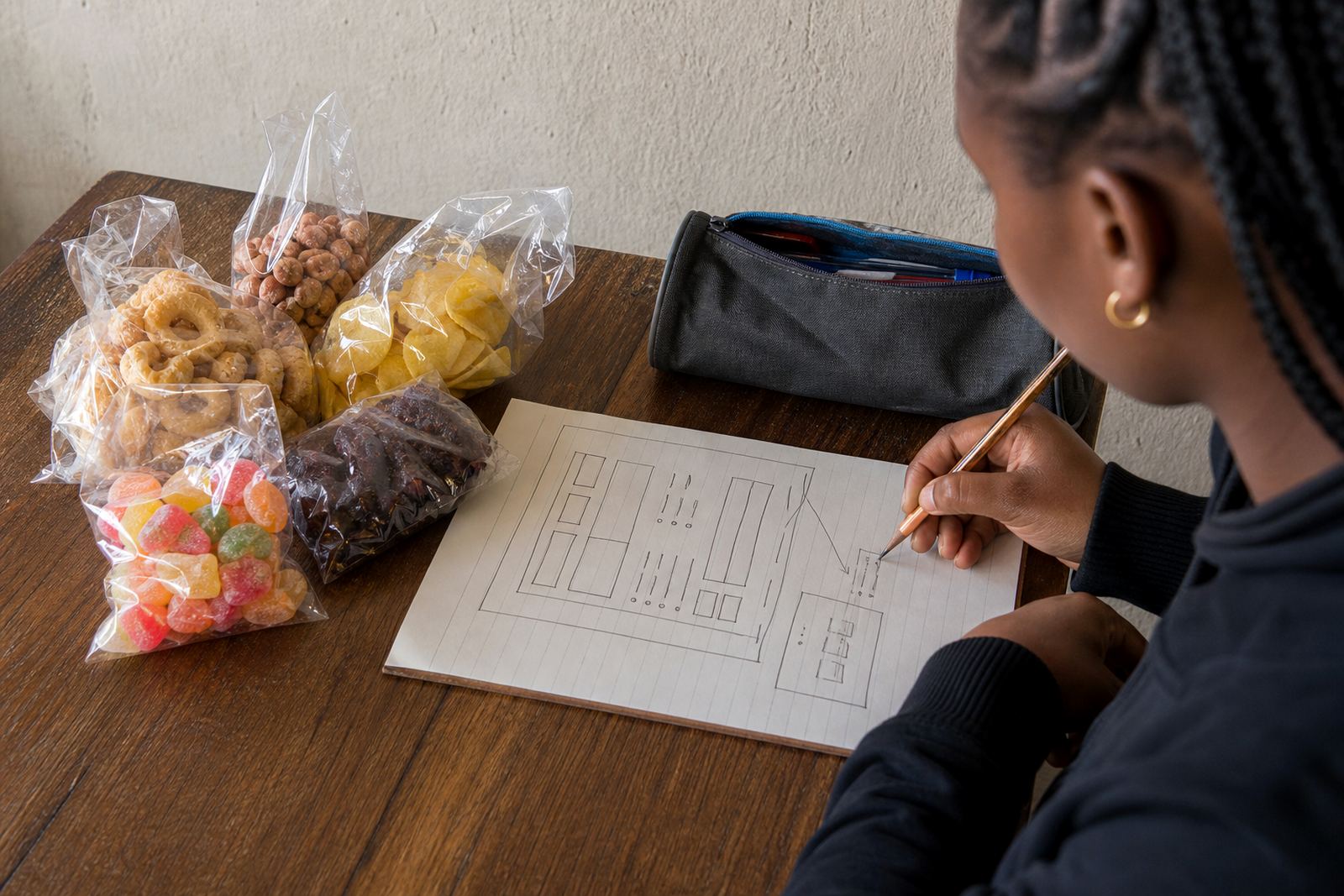
When a menu has too many options, customers often slow down or leave without ordering. Start with the dishes that sell most often, then group the rest into clear sections such as breakfast, lunch, family meals, snacks and drinks. If you sell kota, pap and stew, vetkoek, plates of rice or sandwiches, place the best sellers near the top where they can be seen quickly.
For a spaza shop or home kitchen in Soweto, a short menu can be easier to manage than a long list. It also helps when stock changes during the day. If you run out of chicken livers or amagwinya, the rest of the menu still reads well and customers can choose something else without confusion.
- Lead with the top sellers
- Group similar items together
- Use plain names customers already know
- Keep special items separate from everyday meals
Write prices in a way people can follow fast
Food menus work best when the price appears right next to the item name, not hidden in a paragraph. Keep the format steady across the whole page so customers can scan it on a phone screen. If you sell size options, show each one clearly, for example small, medium or large, or single and family portion.
It also helps to decide how you want to handle extras. If pap, chips, salad or extra meat cost more, list those add-ons underneath the main meal. That avoids confusion at order time and reduces back-and-forth on WhatsApp. If your prices change often because of supplier costs, update the page on the same day so old pricing does not stay visible.
- Put the price beside each item
- Show portion sizes where needed
- List extras as add-ons
- Use the same currency format throughout
Make ordering times and collection rules plain
Many food orders go wrong because the customer does not know when to place the order or when collection starts. A good menu should show your order cut-off times, delivery hours and collection window in one short section. If you only cook lunch from 10:00 to 15:00, say so plainly. If breakfast ends early, do not leave people guessing.
For a trader in Durban dealing with coastal humidity, wrapped food and hot meals may need different timing from a trader in Pretoria who serves office workers over lunch. The point is to make the page fit the way you actually trade. When customers know the times, they are less likely to ask if they can collect after closing or place a late order that cannot be prepared.
- Show order cut-off times
- State collection and delivery hours
- Explain if same-day orders are limited
- Say when popular items sell out
Use food photos that match the plate, not the promise
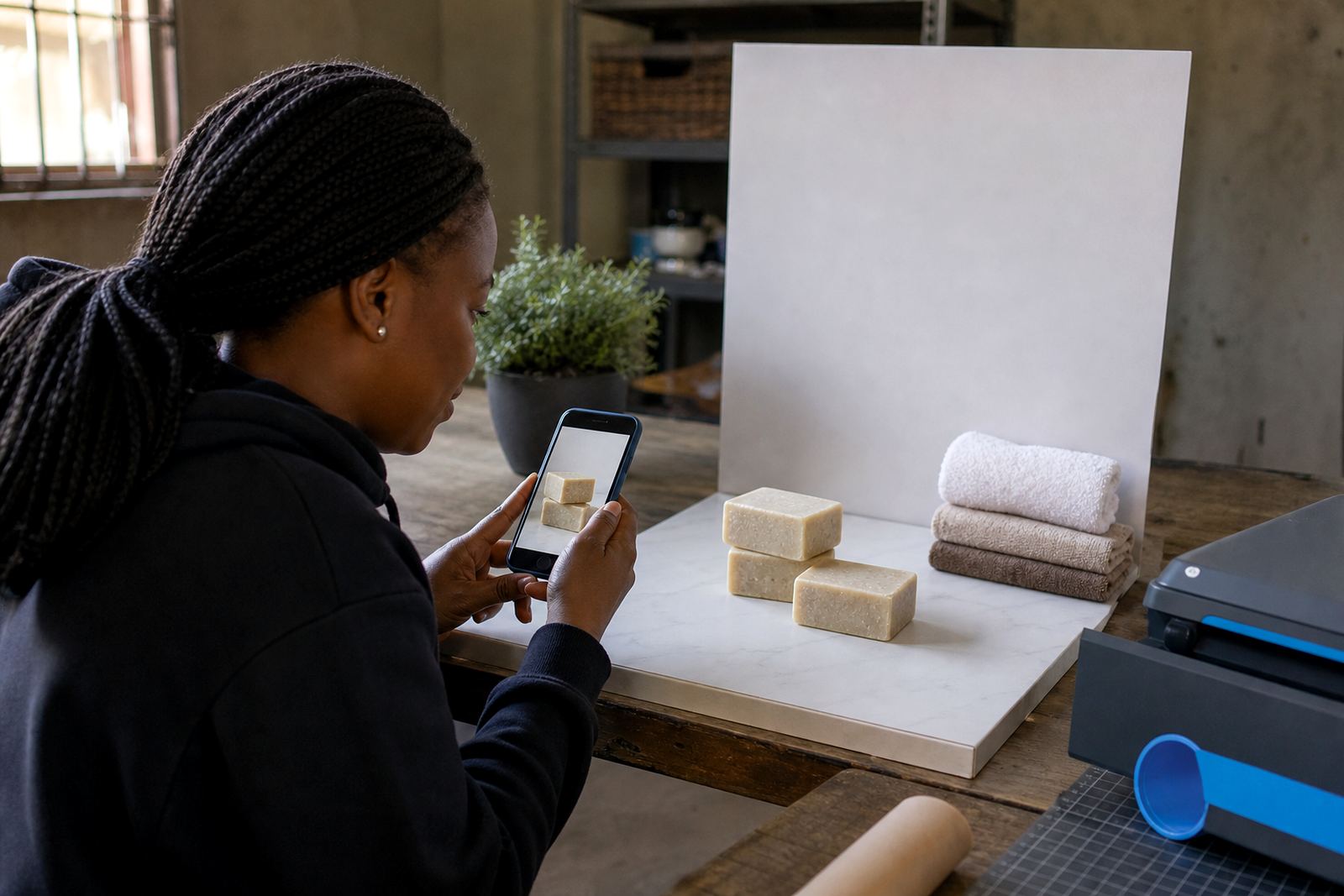
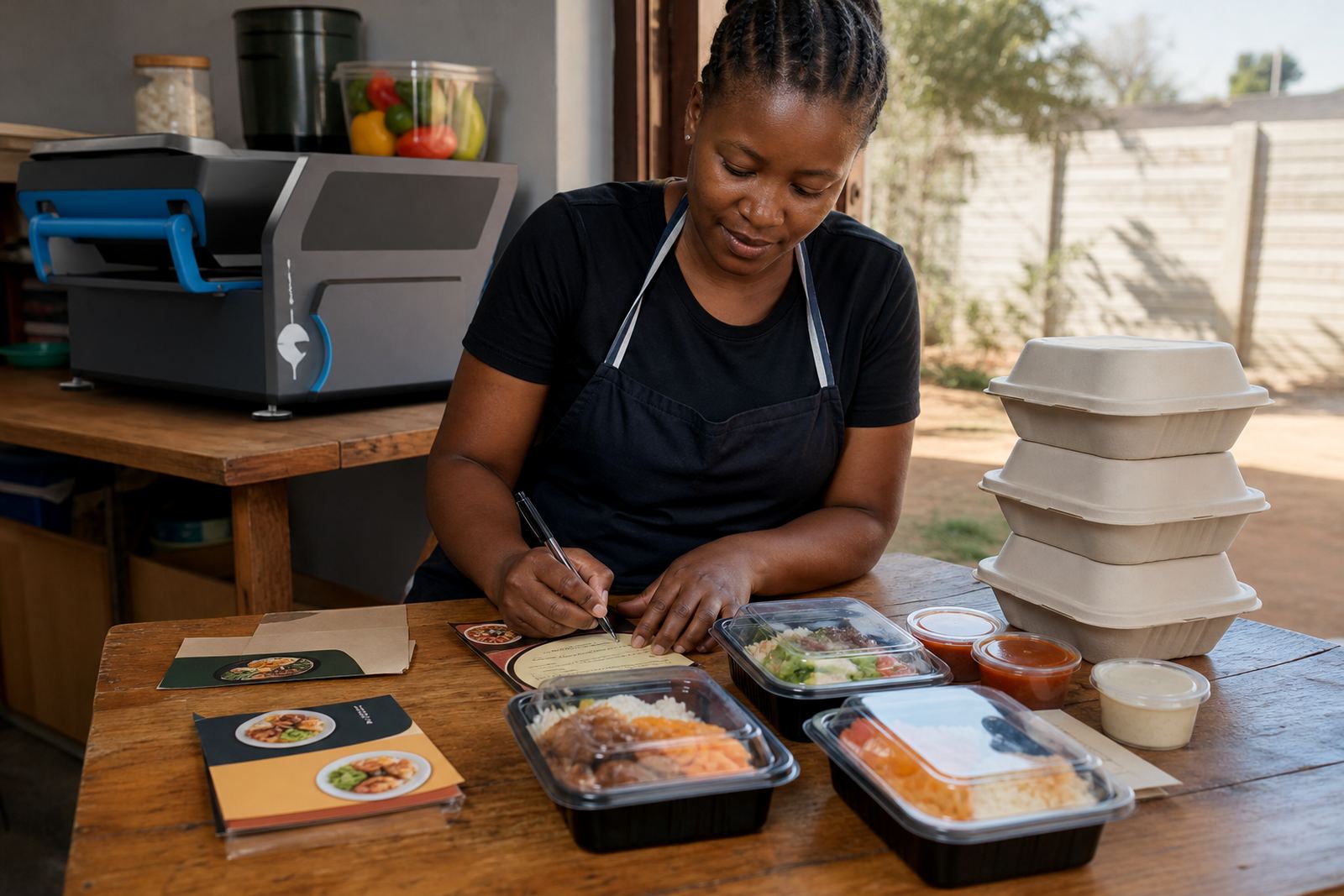
Food photos help, but only when they reflect what customers will actually receive. A clean picture of one proper plate is better than a crowded image with too many props. Use natural light where possible and show the full portion size so customers can judge value. If you sell meals in takeaway containers, show them that way instead of trying to make the photo look like restaurant dining.
On a menu page for a home business in Alexandra or Tembisa, one photo per section can be enough. Too many pictures slow the page down and make browsing harder on mobile data. If you cannot photograph every item, start with the top three or four meals and add more later. The menu must still read well without the pictures.
- Show the real portion size
- Use neat plates or containers
- Keep backgrounds clean and uncluttered
- Choose a few strong photos instead of many weak ones
Let WhatsApp orders follow the same menu order
If customers place orders on WhatsApp, the menu should make that process easier. List the items in the same order you want the customer to message them. That means the person can copy the dish name, add size and include any extras without asking for more details. A clear menu reduces mistakes and helps staff move faster during busy meal periods.
You can also place short ordering notes under the menu, such as what information to send first. For example, meal name, quantity, collection or delivery choice, and the time needed. Keep the wording practical. Customers in Cape Town, Johannesburg or Gqeberha should be able to order on a phone without reading long instructions.
- Keep item names short and clear
- Match the menu order to your WhatsApp flow
- Ask for quantity, size and collection choice
- Use the same wording across the page
Fit payment and delivery details where people can see them
A food menu is not complete if the payment and delivery information sits far away from the items. Put the payment options near the order section, then add delivery details in a short block that explains how the food gets to the customer. If you accept card, transfer or cash on collection, say so in plain language. If you use a driver or meet at a point, note that too.
For many informal traders, the real issue is not fancy wording but fewer surprises. A customer should know whether a delivery fee applies, whether delivery is limited to a certain area, and whether payment must be made before dispatch. If you need help with tax treatment or compliance around payments, check with SARS or a qualified adviser. That keeps the menu useful without drifting into advice outside the trade.
- Place payment details close to ordering notes
- State delivery areas clearly
- Explain any delivery fee in simple terms
- Keep payment wording short and direct
A Soweto lunch menu that reads well on a phone
Picture a lunch trader in Soweto serving office workers, learners and neighbours. The page opens with breakfast items until 10:30, then moves to lunch plates from 11:00 to 15:00. The top section shows kota, fried chips, pap and chicken, and a beef stew plate. Prices sit beside each item. Below that, the menu gives collection times, WhatsApp ordering instructions and a short delivery note for nearby streets.
That format works because the customer can see what is available now, how much it costs and when it can be collected. The trader does not need to repeat the same details in a chat over and over. For many food businesses, especially home kitchens and spaza-linked meal sales, that kind of order page saves time and keeps the service neat.
When the page is organised well, the menu becomes part of the sales process instead of extra work.