Start with one narrow path, not a crowded screen
Phone browsing works best when each page has one clear next step. A visitor should land on the home page and quickly see what you sell, where you deliver and how to order. If there are too many buttons, long blocks of text or mixed messages, the screen feels heavy on a small phone.
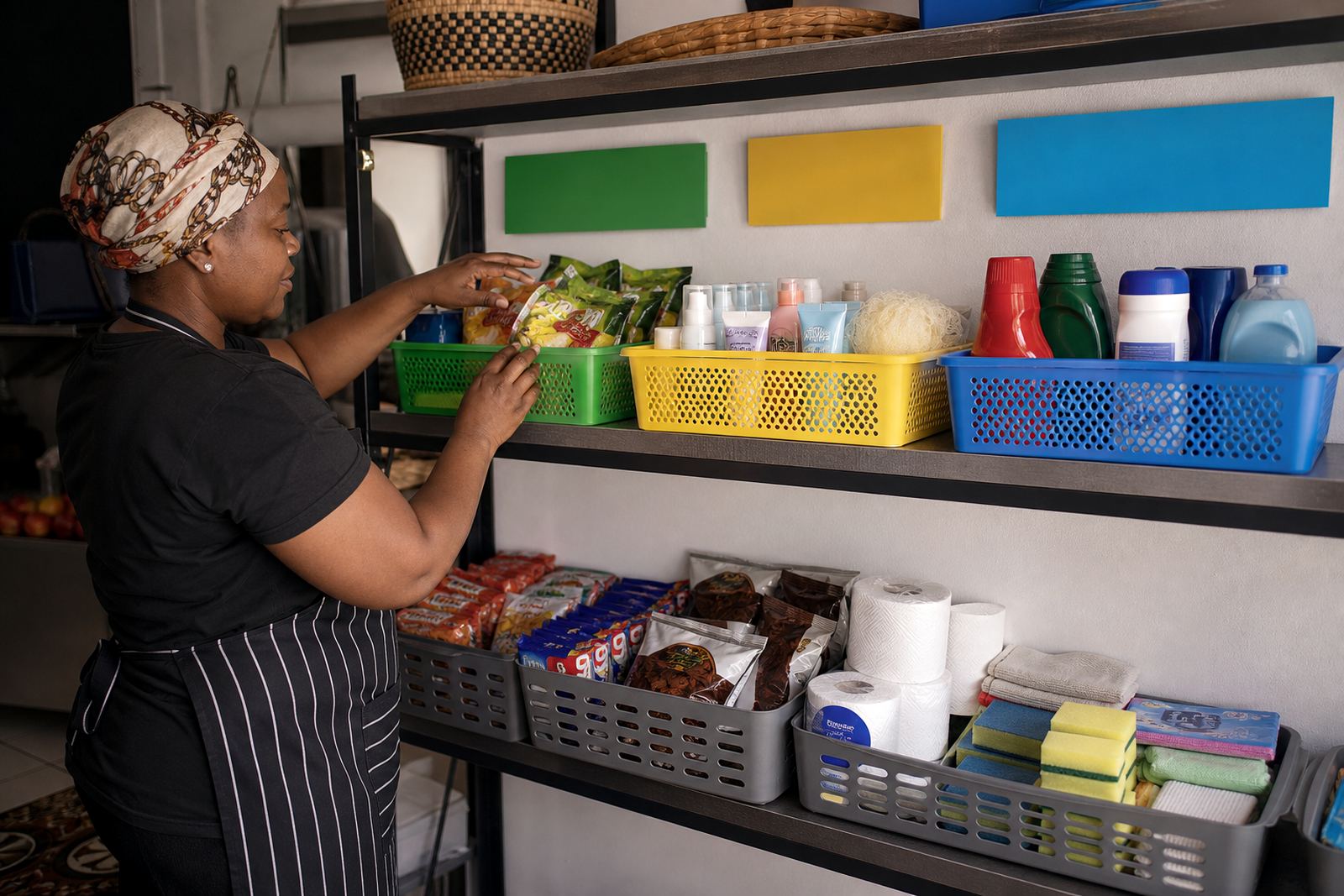
For a Soweto trader selling snacks, cleaning goods and airtime top-ups, the home page can lead with three plain choices: browse products, send a WhatsApp message or check delivery areas. That keeps the journey short. People do not want to study the page, they want to spot the item, price and order path with very little effort.
- Use one main message at the top of the page.
- Keep menu items short and familiar.
- Place the ordering option where the thumb can reach it easily.
- Leave out extra words that do not help the buyer move forward.
Photos that still make sense on a small screen
Good product photos do a lot of work on phones. A clear image lets a customer judge size, colour and condition before they ask questions. Dark pictures, busy backgrounds and tiny details are harder to read on a small screen, especially where mobile signal is not always steady and pages need to load quickly.
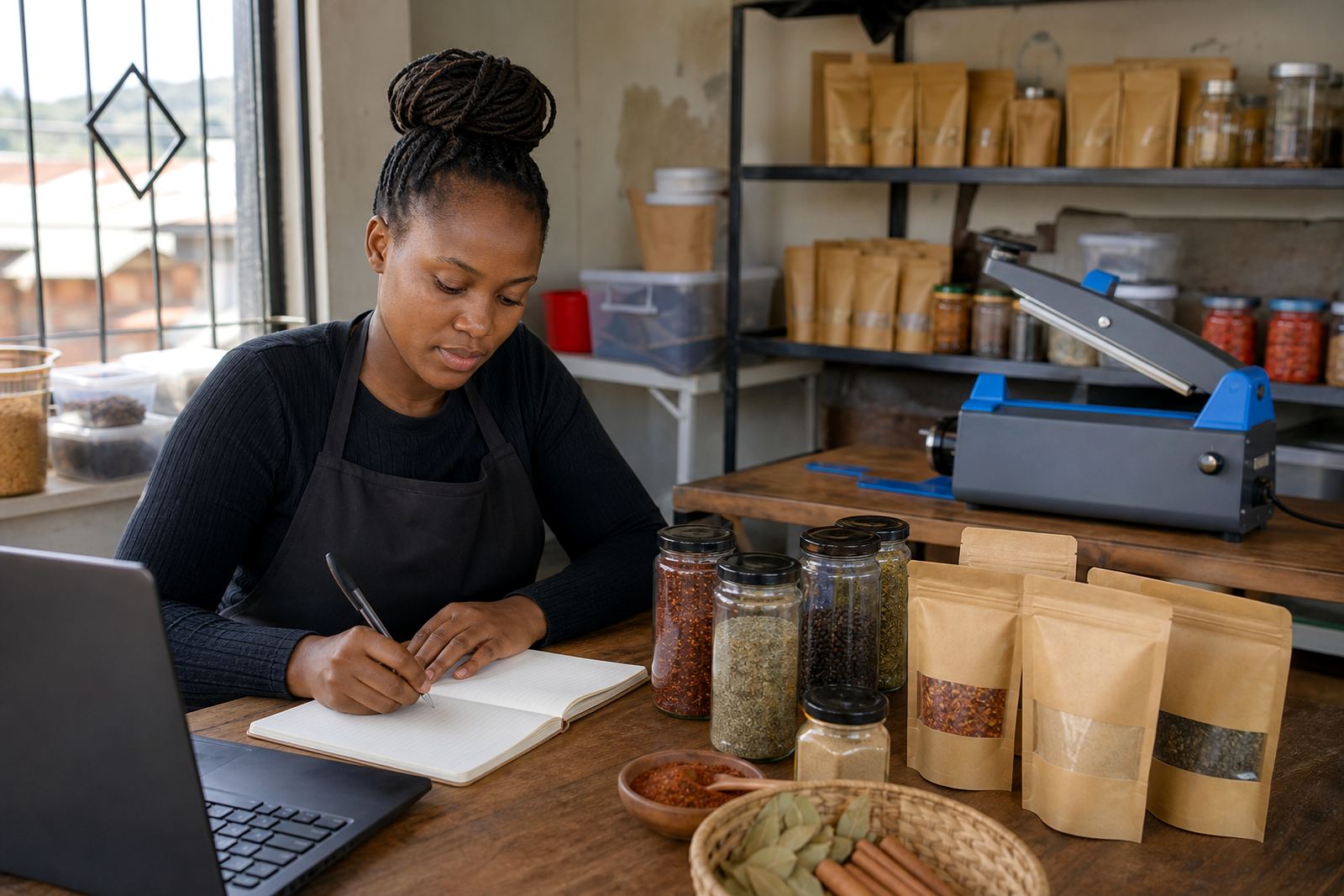
Use one main photo for each product and keep it neat. A plain wall, table or cloth often works better than a cluttered background. If you sell baked goods in Pretoria or homeware in Durban, show the item close enough to see the shape, but not so close that the edges disappear. One or two extra angles can help, but too many large pictures slow the page down.
- Use bright natural light where possible.
- Show the full product, not only a cropped corner.
- Keep the background plain and clean.
- Use the same photo style across the catalogue.
Pricing pages that answer the main question first
Phone shoppers scan for price before they read anything else. If the amount is hidden in a paragraph or buried under long notes, many buyers move on. A clean pricing page should place the price near the product name, then give only the details that change the order, such as pack size, unit count or available colours.
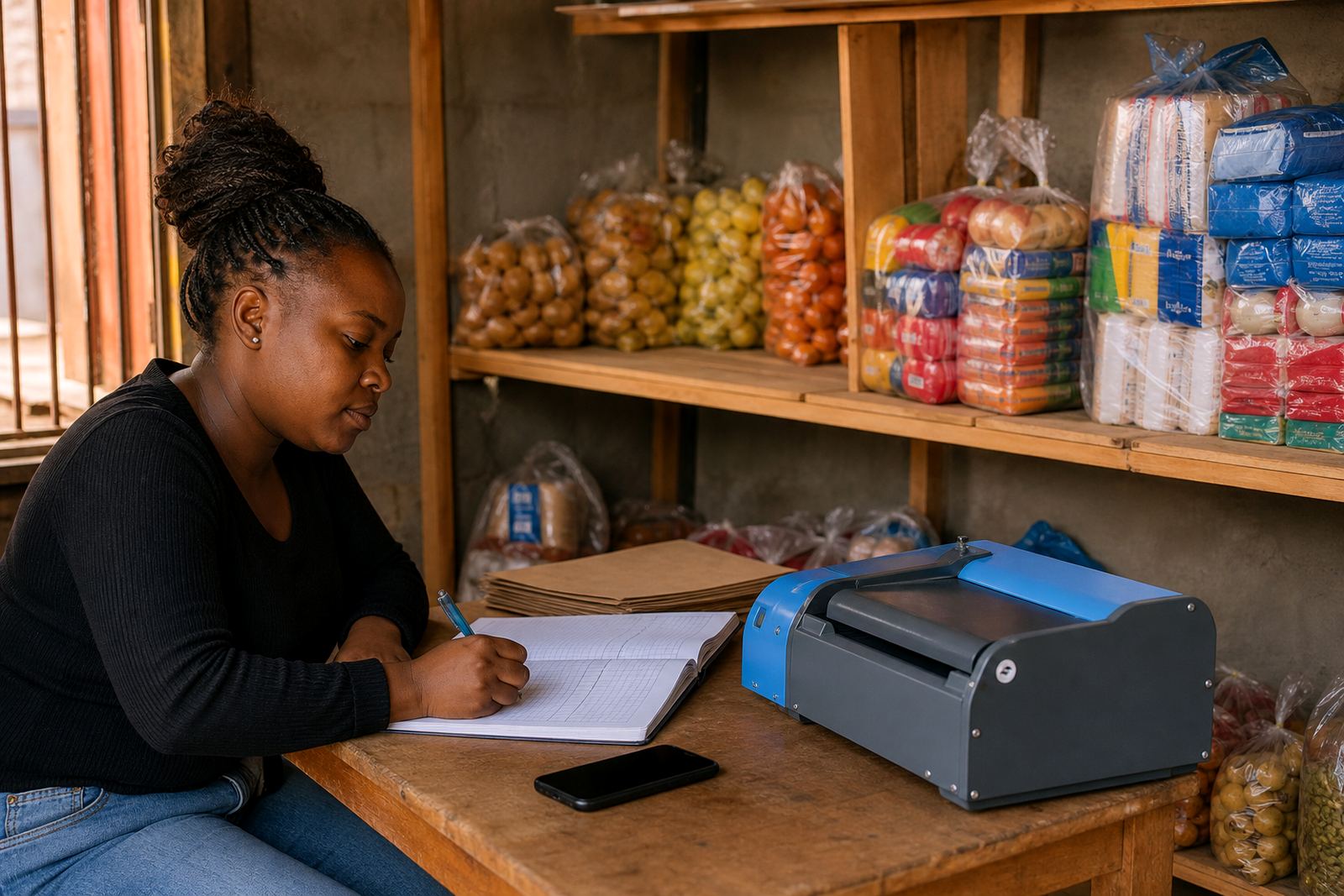
For a home business in Cape Town selling refill packs, a clear pricing page can stop confusion around bundle sizes. If there are different sizes, list them in a neat order and make the differences obvious. This also helps when buyers compare items from a taxi, a yard or a crowded shop front where they have only a few seconds on the screen.
- Keep prices easy to spot at a glance.
- Show pack size, quantity or unit measure next to the item.
- Use one format across the whole store.
- Write the delivery note separately from the item price.
WhatsApp ordering should feel like a short conversation
Many local buyers prefer WhatsApp because it feels direct and familiar. The best setup does not force them to repeat the same details over and over. A simple order path should tell the shopper what to send, where to send it and what happens next. That can include a short message button, a sample order prompt and the basics for choosing items.
For example, a spaza shop in Alexandra can keep the WhatsApp order step short: product name, quantity, delivery area and payment option. If the page gives clear instructions, the customer can send one message instead of a long back-and-forth. That is especially useful when the store serves busy buyers who are using a prepaid data bundle and need to finish quickly.
- Add a visible WhatsApp order button.
- Use a short order format the buyer can copy.
- Say which details are needed for the order.
- Keep the wording plain and direct.
Payment and delivery choices must be easy to read on mobile
Payment and delivery details should be written for someone using one hand and a small screen. If the instructions are buried or written in long sentences, shoppers may not trust that they understand the process. Clear wording helps them see what options are available and where collection or delivery applies.
In Johannesburg and nearby towns, some customers want delivery to home, a workplace or a pick-up point. Others prefer collection from the trader. The page should state the available options, the areas covered and any practical conditions such as where a delivery is possible or where a buyer must collect. If payments can be made by more than one method, list the names clearly and keep the notes short. For tax or financial questions, check with SARS or a qualified adviser.
- List payment options in a neat block.
- State delivery areas clearly.
- Separate collection notes from delivery notes.
- Keep the steps short enough for phone reading.
A local example from Soweto to the rest of SA
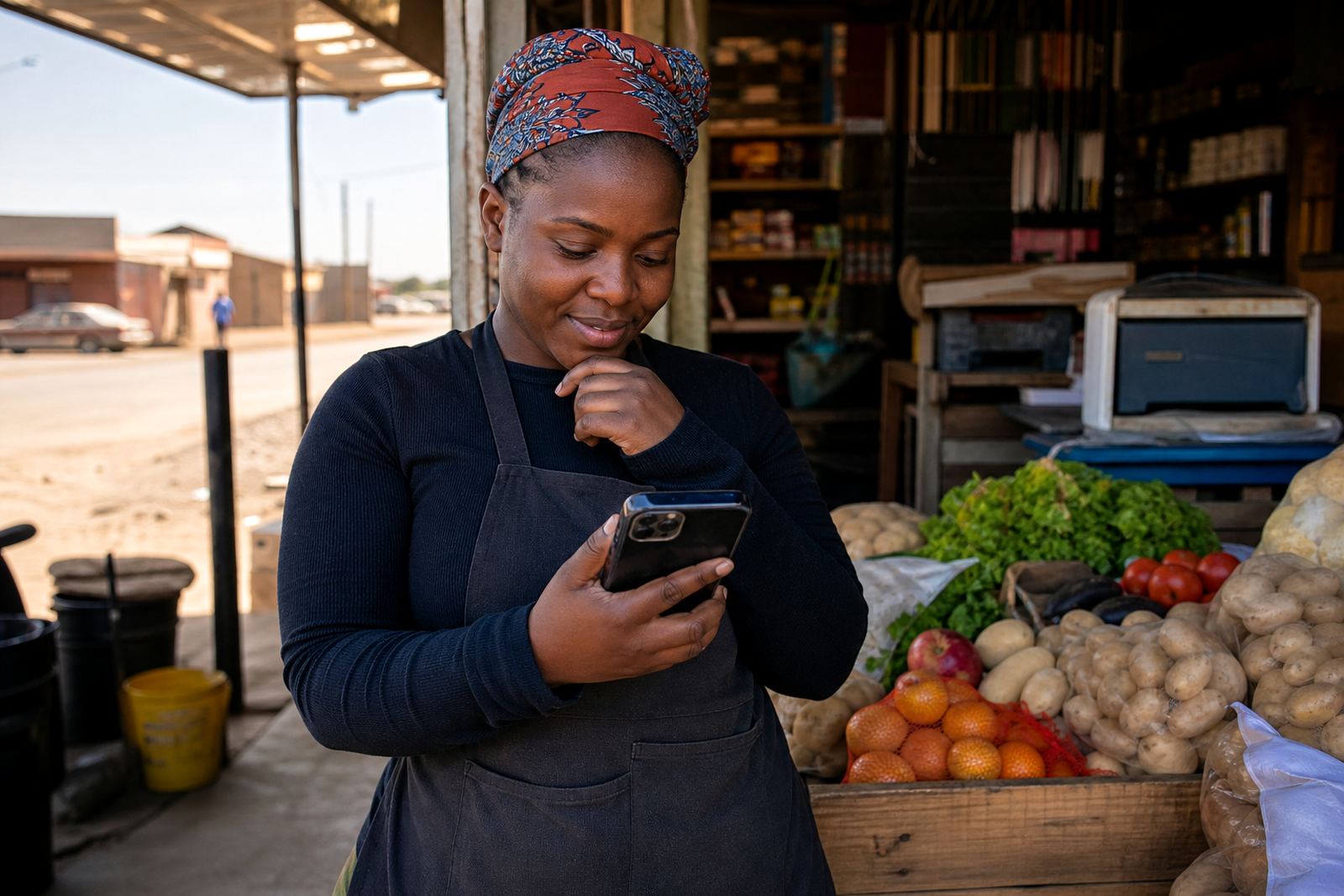
Picture a trader in Soweto selling household basics, school items and fresh stock. The customers are mostly browsing on phones, often with limited data and not much time. If the store has one clear home page, sharp product photos, a short pricing list and a WhatsApp order button, the buyer can move from browsing to enquiry without frustration. That same structure also works for traders in Durban, Gqeberha, Pretoria and Cape Town where mobile use is just as common.
This is where phone browsing becomes practical rather than decorative. A store does not need long paragraphs or crowded pages. It needs readable text, fast loading images and a path that works on a small screen. For informal traders, spaza shops and home businesses, that can make the difference between a visitor leaving and a buyer sending the first message.
SellThat helps set up those pages in a way that suits local trading conditions, from catalogue rebuilds to photo guidance, pricing page help and store content writing. The aim is not to make the store fancy. It is to make it easy to use on the phone in the real world, where most shoppers are already standing, walking or moving from one task to the next.