Start With the Light That Is Already There
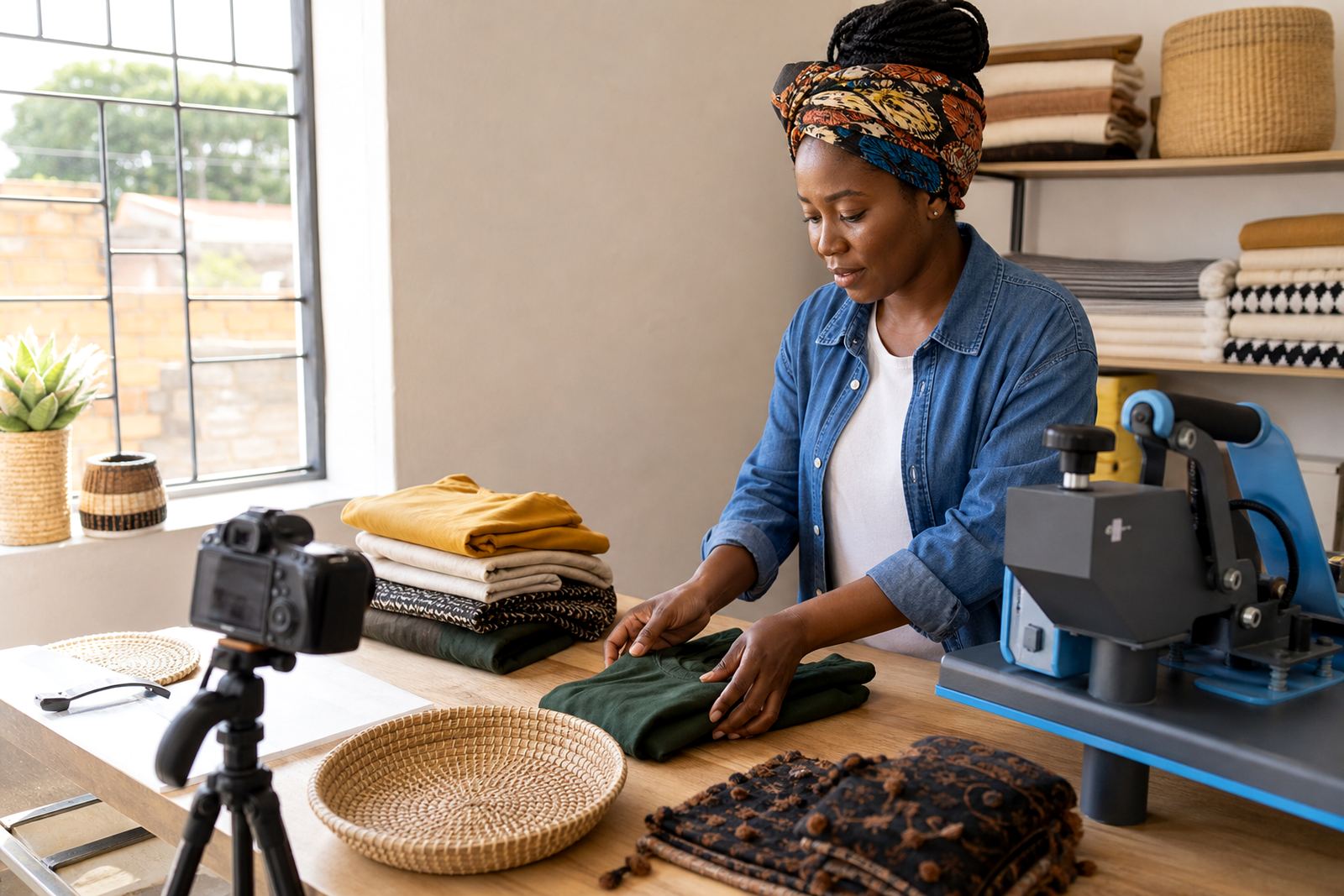
For a small online store, the best light is often the light you already have near a doorway, veranda or shaded yard. Mid morning usually works well because the light is bright but not too harsh, and you do not need to switch on anything extra. In places like Soweto, Johannesburg, many traders photograph stock near a window or under a roof edge where the sun is softer and the colours stay closer to real life.
Phone cameras pick up details more cleanly in even light. That helps with clothes, containers, household items and packaged foods, where buyers want to see the exact colour, size and condition. If the picture is too dark, the item can look dull or smaller than it is, which makes people hesitate.
How to Use Shade Without Losing Detail
Direct sun can leave hard shadows across the product, and it may wash out labels or make shiny surfaces flare. A shaded spot near an open doorway, under a carport or beside a wall often gives better results than standing in full sun. The goal is clear light, not hot light.
- Turn the product so the front faces the brightest side of the room or yard.
- Keep the phone steady with both hands, or rest elbows on a table if needed.
- Move a little left or right until shadows fall away from the main part of the item.
- Use a plain wall, cloth or clean floor so the background does not distract from the stock.
A common mistake is photographing too close to a bright window while the rest of the room stays dark. The camera may then expose for the window and leave the item flat or grey. Step back and test a few angles, the difference is often quick.
Match Light to the Type of Item
Different products show better under different conditions. Clothing, shoes and bags often need soft even light so texture and colour stay true. Food items and baked goods need light that shows freshness without glare on plastic wrap. Bottles, shiny tins and wrapped goods may need a slight angle so reflections do not hide the label.
- Textiles: use shade or diffused window light to show weave and colour.
- Packaged goods: face the label toward the light and avoid strong reflection.
- Small hardware or household items: place them on a light surface and zoom in carefully.
- Fresh produce: photograph in daylight, but keep the display tidy and uncluttered.
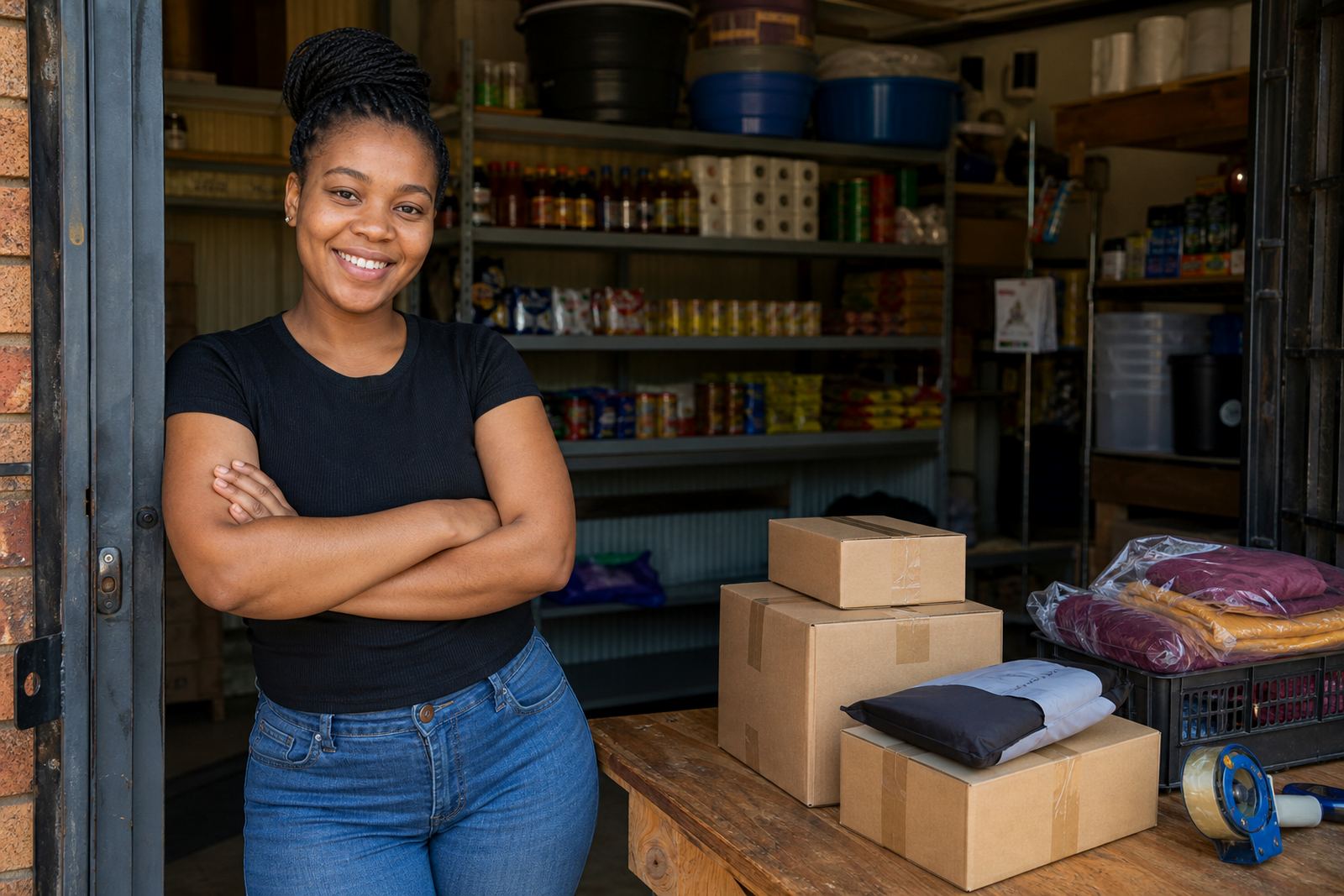
If you sell from a spaza shop or home business, it helps to keep one small photo spot ready. A clean tray, plain cloth and the same corner every time makes the store look more organised, even when the stock changes from day to day.
A Simple Phone Setup That Saves Time
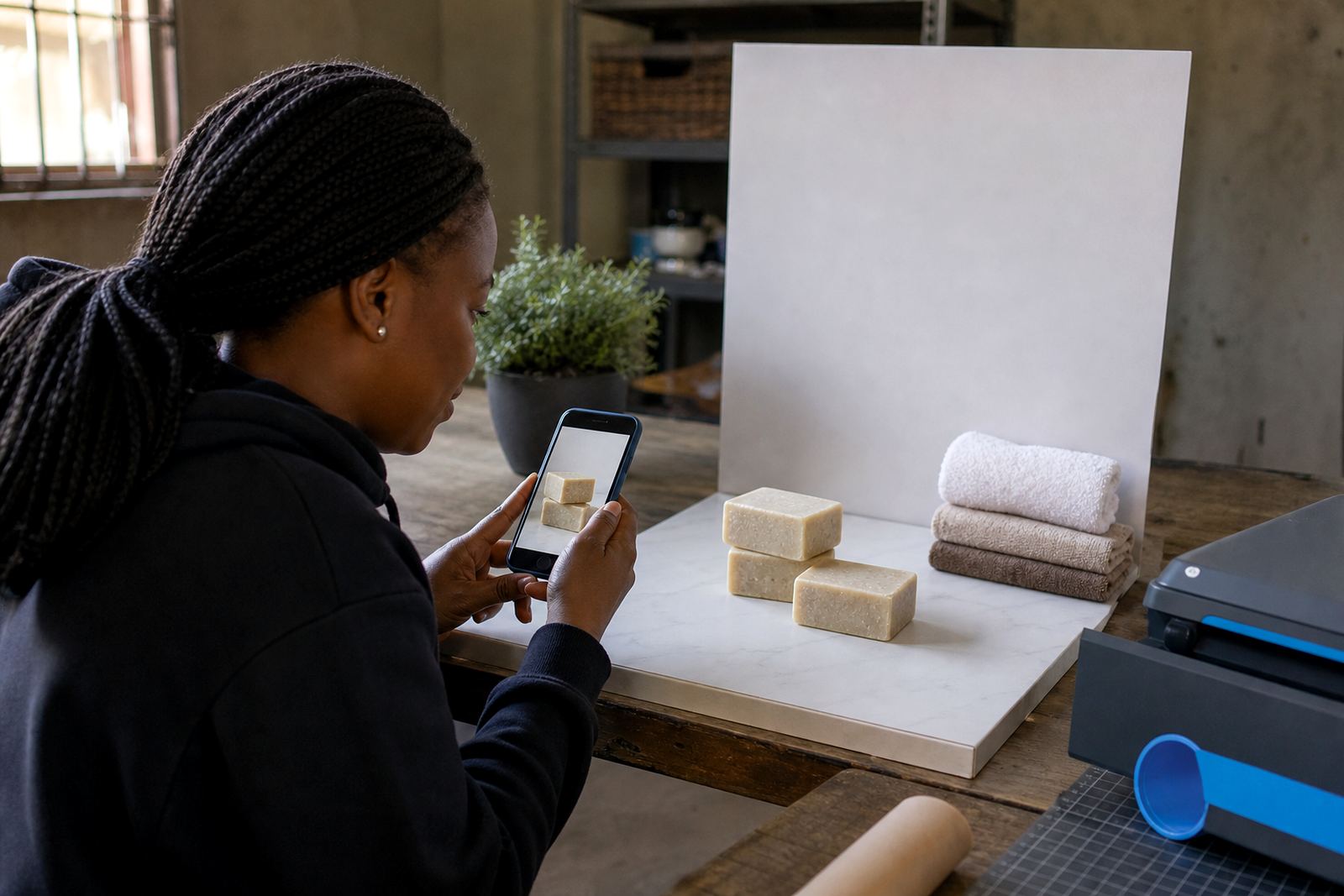
You do not need special equipment to get photos that are easy to use on a product page. A clean phone lens, enough battery and a steady hand go a long way. Before taking pictures, wipe the lens with a soft cloth because dust and fingerprints can blur the image more than people expect.
For traders uploading to a store builder, it helps to take three kinds of images for each item: a front view, a close view and one photo that shows the item in use or beside a familiar object for scale. That way the buyer sees what they are getting without asking for extra pictures on WhatsApp.
- Open the camera app and tap on the product to focus.
- Use portrait mode only if it keeps the full item sharp.
- Avoid digital zoom when you can move the phone closer instead.
- Take more than one shot so you can choose the clearest one later.
Keep Prices and Photos Working Together
A clear photo gets attention, but the price page closes the gap between interest and order. When the picture and the price information match, buyers feel more comfortable and spend less time asking basic questions. For example, if someone in Durban is selling home cleaning supplies, a neat picture of the pack should sit next to the price, pack size and any delivery note that matters to the customer.
It also helps to keep the product name short and direct. If the item is a bundle, say so. If there are size options, show them clearly. Buyers should not need to guess whether the photo shows one item or a full set, because that is where confusion starts.
- Use the same photo style across the store so pages look consistent.
- Place the most important image first, then add support photos.
- Show packaging, labels and sizes where they matter.
- Keep delivery options and WhatsApp order details close to the product information.
WhatsApp Orders Need Clear Pictures Too
Many informal traders use WhatsApp to confirm stock, check colours or sort out delivery points. Good light makes those chats faster because the buyer can see what is available before sending a message. That saves time for both sides and reduces misunderstandings about shade, size or condition.
In Pretoria or Gqeberha, where customers may compare a few sellers before ordering, a clean image can be the difference between a quick sale and a slow one. If the photo is crisp, the customer can read labels, spot details and share the product with a family member before paying. It sounds small, but it matters.
When stock changes often, keep a habit of re photographing items in the same light. One cloudy day or late afternoon photo can make an item look different from the rest of the catalogue, so it is worth keeping your main pictures consistent.
A Local Routine That Works For Busy Traders
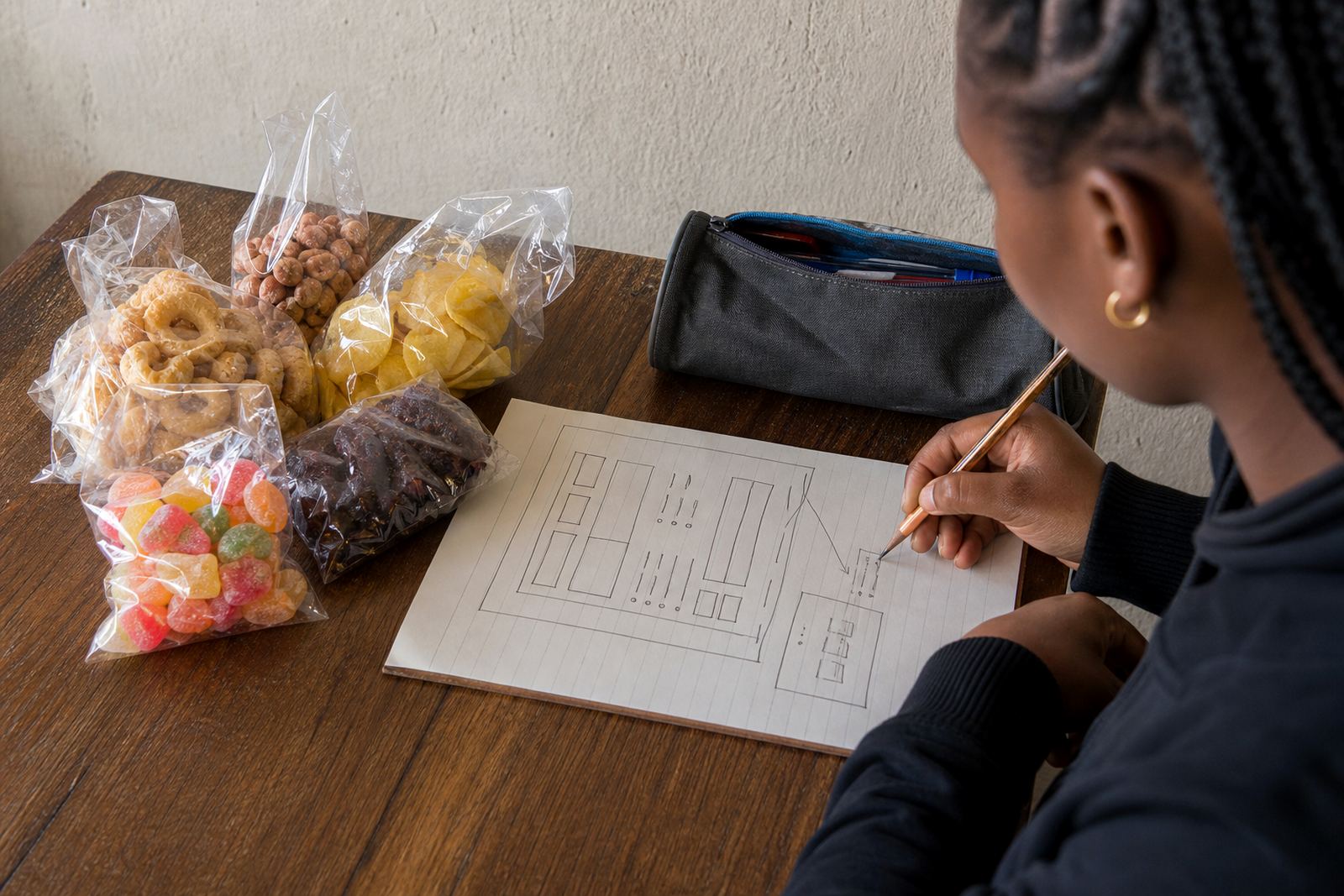
A trader in Soweto who sells snack packs, household items and school essentials may not have time for a full photo session. A practical routine is to set aside a short window, clean the items, open the curtains or move near the yard wall, then take all the photos in one go. That keeps the store current and stops old images from hanging around after stock has changed.
At SellThat, support for store setup, product upload help, photo guidance, pricing page help and WhatsApp order setup is built around simple steps that fit a trader’s day. The aim is not fancy pictures, just clear ones that show the product honestly. If a trader is unsure how to organise pricing pages, delivery notes or product photos, a straight layout makes the whole store easier to manage.
Good light does most of the work. Once the photo is clear, the rest of the store has a better starting point.