Sort the stock before you start typing
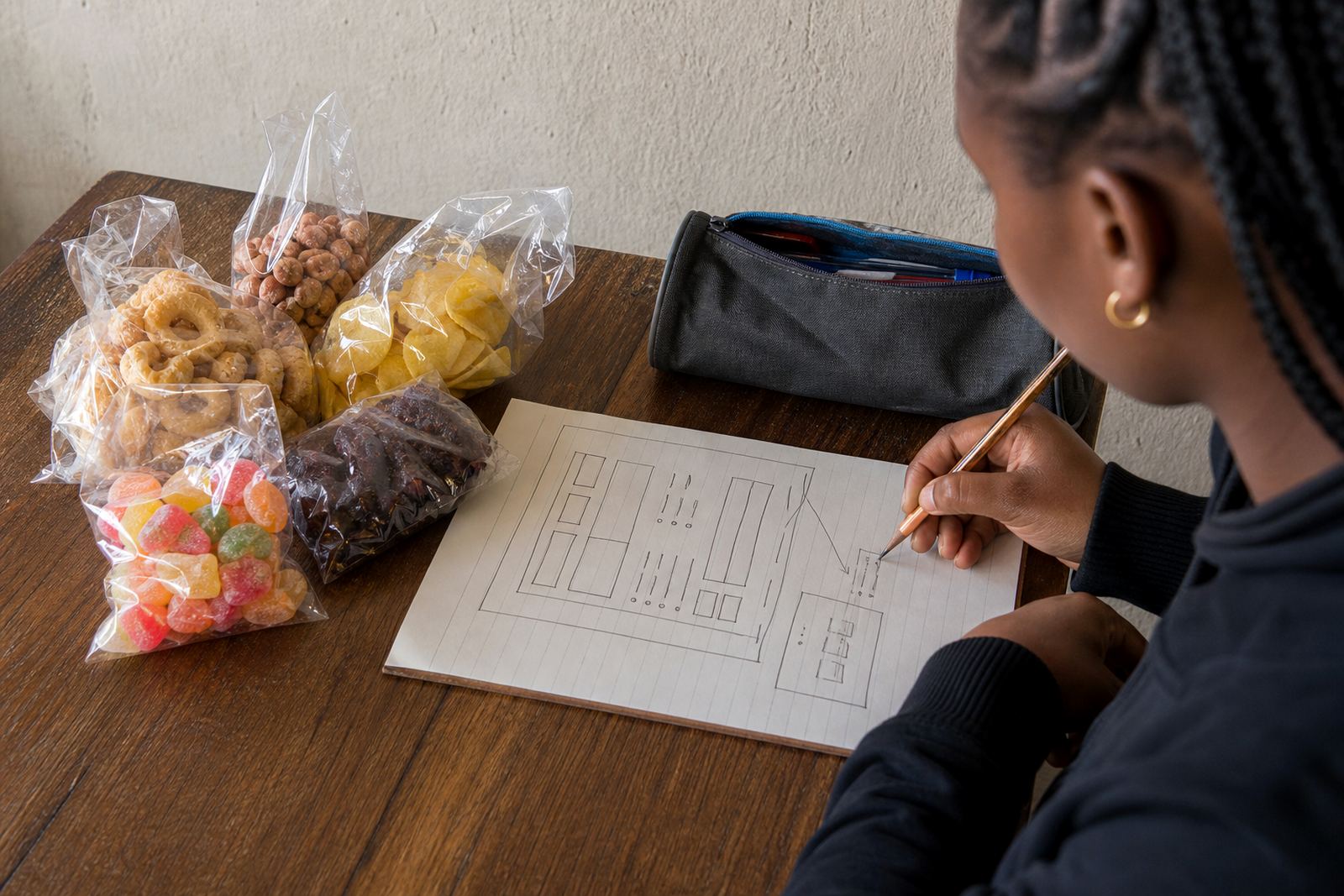
Before you upload anything, put your products into groups that make sense to customers. A spaza shop might split items into snacks, household goods, cold drinks and toiletries, while a home business may sort by sets, sizes or flavours. The aim is to make the list easy to scan on a phone screen, because most buyers will not scroll for long.
Check what is actually in stock, what can be made to order and what is only available in certain quantities. If you sell from Soweto, Alexandra or Tembisa, this also helps when you are dealing with quick local orders and delivery runs. A tidy list saves time when prices change or one item runs out.
- Group items by type, size or use.
- Remove old stock that is finished.
- Mark made-to-order items clearly.
- Keep one version of each product name.
Give each item a name that people recognise
Product names should be plain and direct. Customers should know what they are buying without guessing. Instead of a long title with too many words, use a short name and add the detail that matters most. For example, say “Men's work socks, black, size 9 to 11” or “Homemade chilli sauce, 250 ml”.
When people shop on a small screen, too much wording becomes hard to read. Use the same style throughout the list so the store feels organised. If you sell in Johannesburg, Durban or Cape Town, this also helps customers compare items quickly and send the right WhatsApp order without back and forth.
- Use one main product name.
- Add size, colour, flavour or quantity.
- Keep spelling consistent.
- Avoid vague names like “special item” or “new stock”.
Prices must be easy to understand at a glance
Price is one of the first things a buyer checks, so place it where it is easy to see. Do not hide it in the description. If you sell a single item, show the Rand amount clearly. If you sell in packs or by size, make that clear too. A customer should know whether the price is for one unit, a bundle or a set.
For traders handling many small items, price mistakes can cause confusion at the till or on WhatsApp. Double-check the numbers before you publish. If your prices change often because of supplier costs, update the full list not just one page. This is especially useful for informal traders who manage stock from home or from a stall and need the list to stay current.
- Use clear Rand pricing for each item.
- State whether the price is per item, pack or set.
- Check prices against your latest stock sheet.
- Keep the same currency format across the store.
Photos should show the real product, not guesswork
Good product photos help buyers trust what they see. Use a clean background, natural light and a steady hand. A photo taken near a window during the day often works better than one taken under a harsh bulb. If you sell clothing, show the front and back. If it is food, show the full pack and a close view of the label where needed.
For traders in coastal places like Durban or Gqeberha, humidity can affect packaging and labels, so make sure the product looks fresh and tidy before you photograph it. For items in Soweto or Pretoria, where many customers order by phone or WhatsApp, a clear picture can answer basic questions before they ask. One good photo is useful, but two or three are better for items with colour, texture or size differences.
- Use bright, even light.
- Show the actual item being sold.
- Add extra views for size, labels or packaging.
- Keep the background plain and uncluttered.
Write short descriptions that answer the usual questions
A good description gives the facts a buyer needs before they place an order. Keep it short, but include size, material, flavour, quantity, use and any care notes that matter. If the product comes in several options, list them clearly. Do not make people search through a long paragraph to find the important part.
Think about the questions customers ask most often. Is it ready for same-day collection, can it be ordered in bulk, does it come in more than one colour? A clean description reduces mistakes and makes your catalogue easier to manage. For a home business in Johannesburg or Cape Town, this can also save time when you are handling messages while packing orders.
- Use plain wording.
- Include the facts that affect the sale.
- List options such as size or flavour clearly.
- Keep each description in the same style.
Add delivery and payment details without confusion
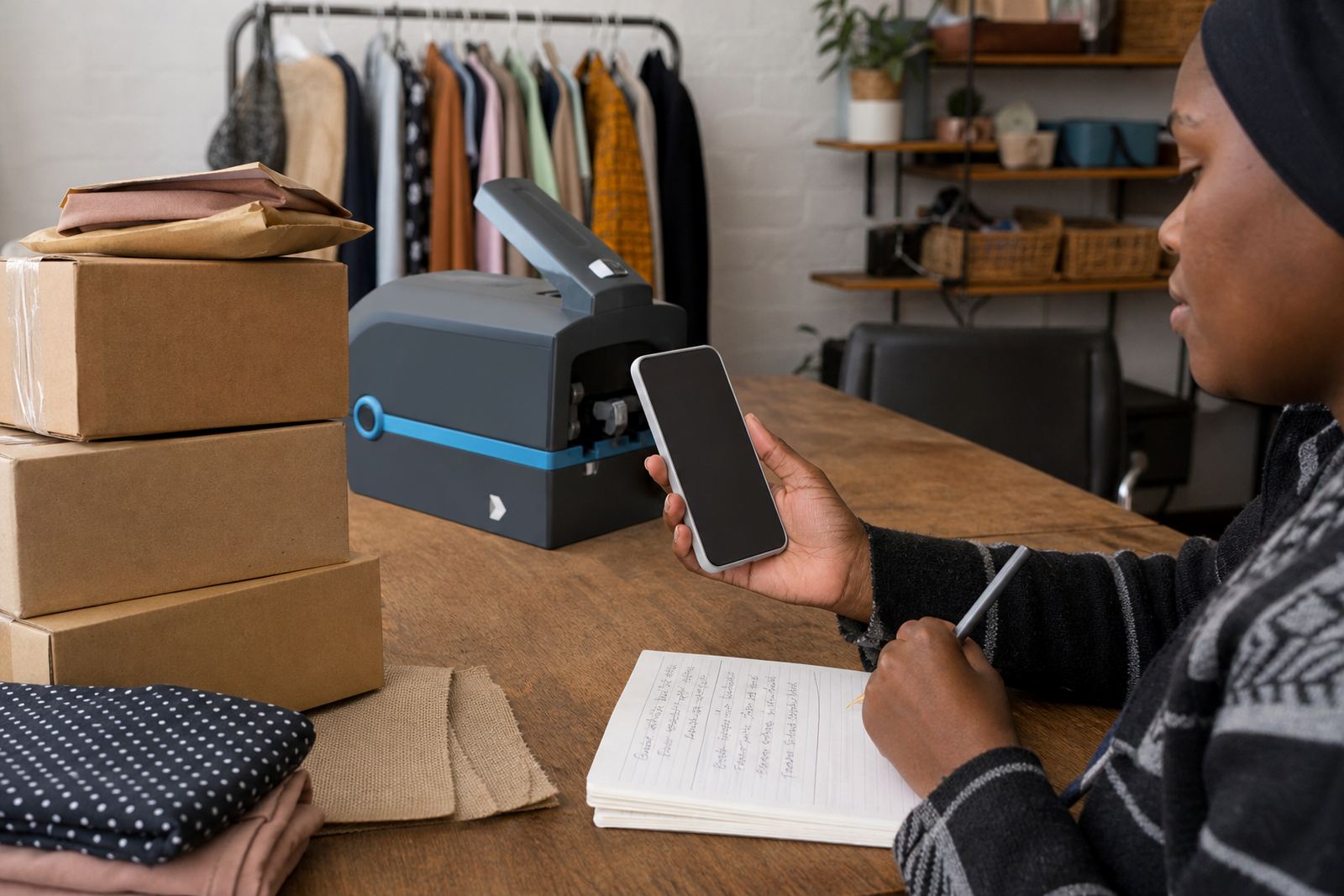
Once the products are listed, explain how customers can pay and receive their order. Keep this section practical. If you offer local delivery, say where you deliver and what the customer should expect to confirm. If you allow collection, state the area or pickup point. If WhatsApp orders are part of your process, make sure the product list supports that by showing the exact item name and price.
Payment options should be written in plain language. Some traders use instant payment, some accept cash on collection and some offer a few methods depending on the order. Do not add advice that belongs to a tax or legal adviser. For anything about SARS or compliance, check with SARS or a qualified adviser. Keep the store content focused on what the customer needs to place the order correctly.
- State delivery areas clearly.
- Explain how payment is handled.
- Match product names to WhatsApp orders.
- Keep collection or delivery notes brief and accurate.
A Soweto trader’s list can be small and still sell well
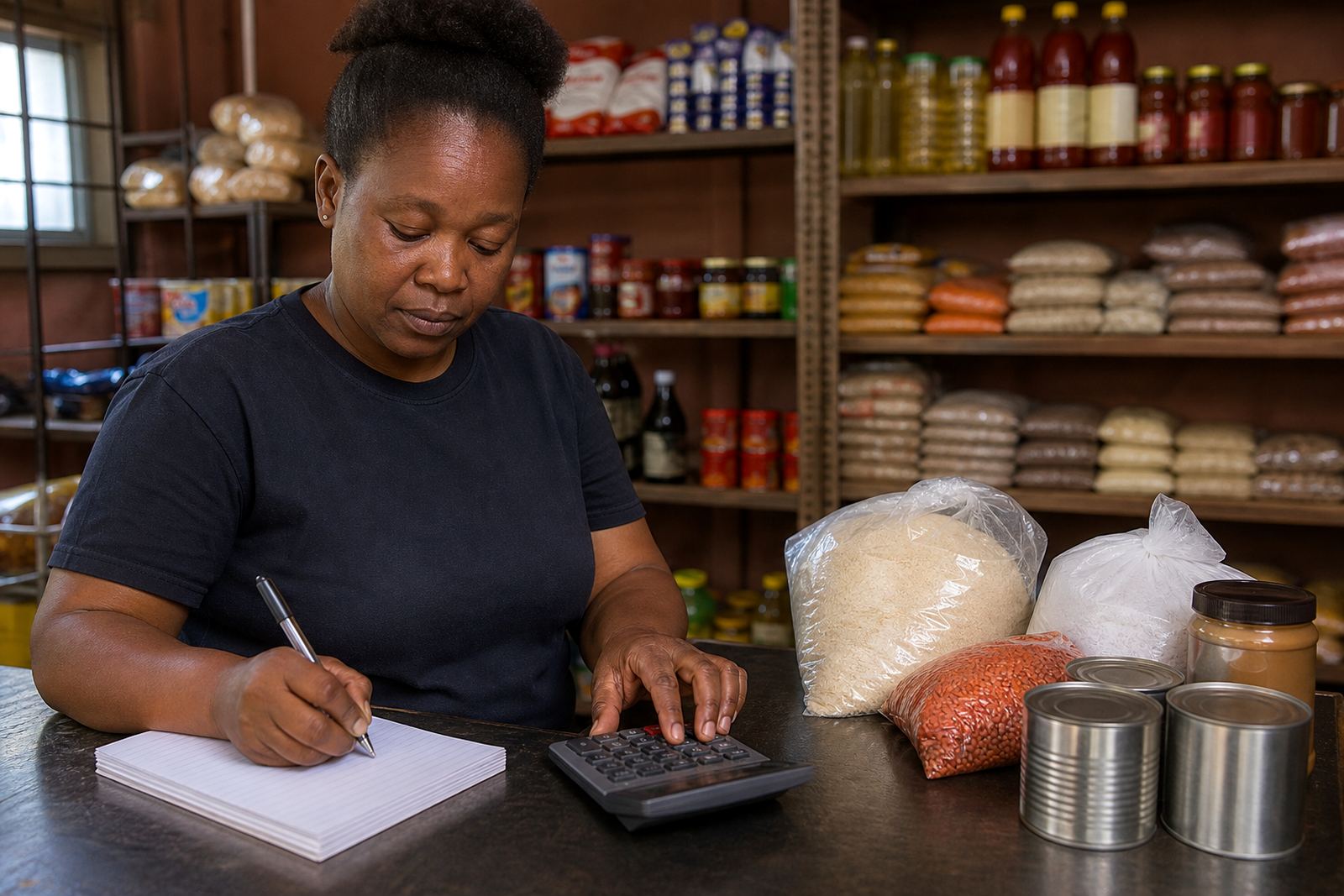
A trader in Soweto selling snacks, soap and airtime vouchers does not need a huge catalogue to start. A list of 20 well written items can work better than 100 mixed-up products. If the pricing is clear, the photos are neat and the delivery note is easy to understand, customers can place orders without asking for extra explanation.
This is where a tidy product list matters most. It helps a small business present itself properly to customers in Johannesburg, Durban, Cape Town, Pretoria and Gqeberha, while still keeping the process manageable for the person doing the packing. The more organised the list, the easier it is to update stock, change prices and keep the store useful day to day.