Make the first visit easy to finish
Most customers will not browse for long on a phone. If your home page loads with a clear message, a few top products and a visible order path, people are less likely to drift off before they buy. Keep the page tidy. Use short product names, clear prices and one main action for each item, whether that is WhatsApp order, pay now or request delivery.
For traders in Soweto, Johannesburg and nearby areas, this matters even more when customers are shopping during a lunch break or while waiting for taxis. A person looking for bread, snacks or cleaning goods does not need a long story. They need to see what is in stock, what it costs and how to get it.
- Show your most ordered items first
- Use plain words that match how customers ask for products
- Keep the price next to the product photo
- Make the order button easy to spot on a small phone screen
Photos that help people trust the order
Clear photos can do more for repeat sales than fancy wording. A blurry image leaves too much doubt, especially on items sold by size, colour or pack type. Use natural light near a window or outside in shade. Show the item from the front and, where needed, a second photo that shows size, texture or contents. If you sell cooked food, clothing, houseware or beauty items, sharp pictures help the buyer know what they are getting before they pay.
A store with tidy photos also makes it easier to update stock. When a product changes or a new size arrives, you can replace one image instead of rewriting the whole page. That keeps the store current and helps regular customers return because they can see what is still available.
- Use one clean background where possible
- Show the actual item, not a stock picture that looks unrelated
- Add a second image for sizes, colours or pack counts
- Remove old photos when the product changes
Pricing pages that answer small questions fast
Customers often return when pricing is easy to understand. If they need to ask three questions before they know the total, they may leave the order for later and never finish it. A good pricing page shows the item price, pack size, and any note that affects the total. If delivery fees change by area, say so clearly. If you use collection and delivery options, keep both visible.
In Johannesburg or Durban, where people may compare a few sellers before placing an order, a clear pricing page saves time. It also reduces confusion when family members place orders on behalf of someone else. A parent, neighbour or worker can read the page and know what to request without phoning around.
- List the pack size or unit next to the price
- Show whether the price is for collection, delivery or both
- State if the item is sold singly, by bundle or by case
- Keep pricing notes short and in plain language
WhatsApp orders without the back-and-forth
Many local buyers prefer WhatsApp because it feels quick and familiar. A store that supports WhatsApp orders should make the handover simple. Let the customer tap through from the product page with a pre-filled message, or give a clear instruction on what details to send. Name, product, size, colour, quantity and delivery area are usually enough to start the order.
The aim is to reduce back-and-forth messages. If the customer already sees the price, stock note and delivery area on the page, the chat can stay short. That helps both the trader and the buyer, especially when orders are coming in during busy shop hours or while mobile data is limited.
- Tell customers exactly what information to send
- Use one WhatsApp number or one main line for orders
- Keep the message format the same across products
- Use short replies that confirm the item, price and location
Payments and delivery details that build return buying
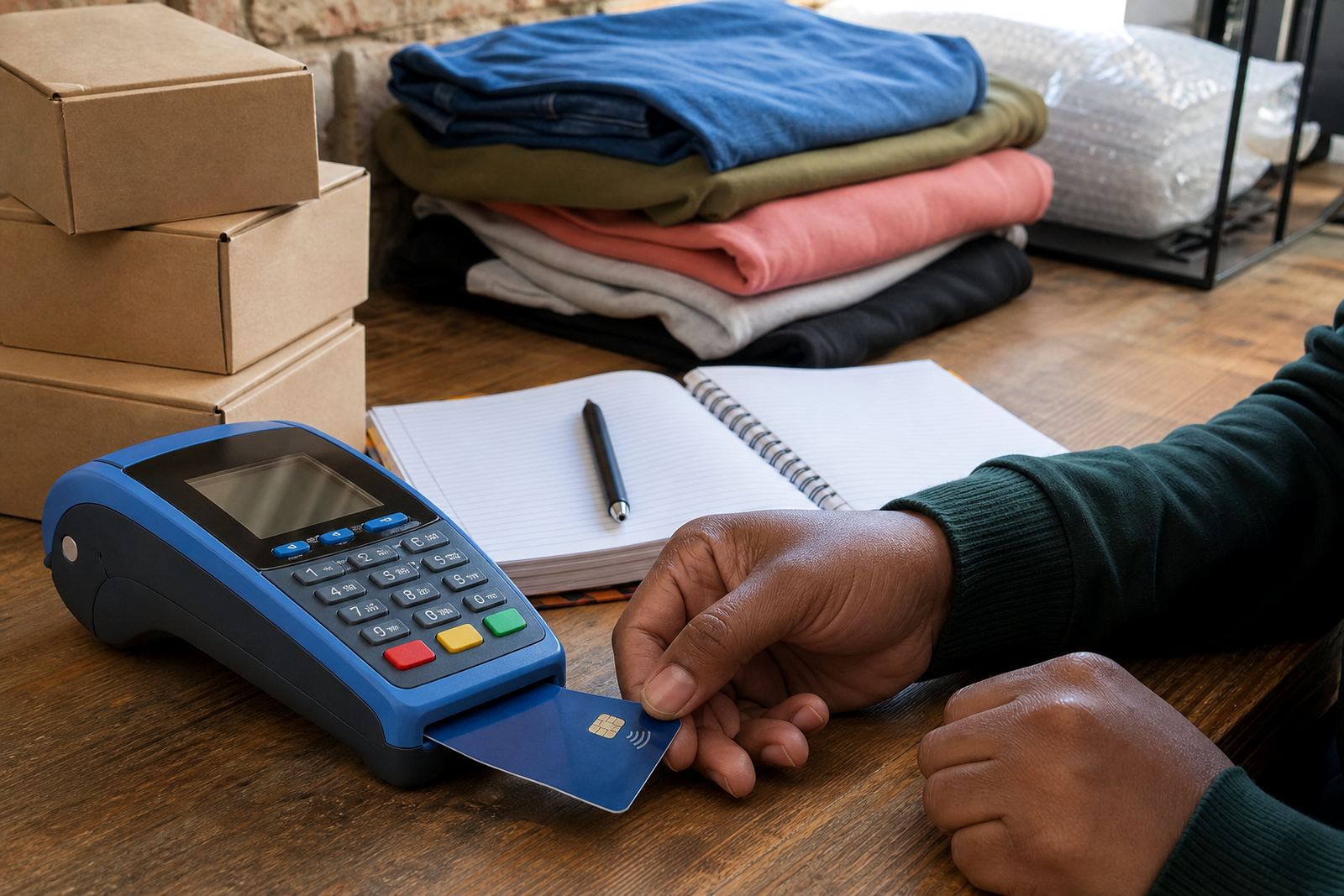
People return when the checkout feels steady and clear. Your payment section should show the accepted payment methods and any steps the buyer must follow after placing an order. If you accept card payments, bank transfer or other common methods, list them plainly. Do the same for delivery. Say where you deliver, whether collection is available and what happens if a customer is outside your usual area.
Delivery notes matter in places like Pretoria, Cape Town and Gqeberha where customers may want to know if an order can reach a home, workplace or local pickup point. If you use a delivery page, keep it direct. Say how the handover works, what areas are served and what details are needed from the buyer. For tax or payment compliance questions, check with SARS or a qualified adviser.
- Show payment methods before checkout, not after
- Keep delivery areas listed in simple town or suburb names
- State collection details if buyers can pick up locally
- Make the payment note match the order note so there is no confusion
Regular updates that make customers check in again
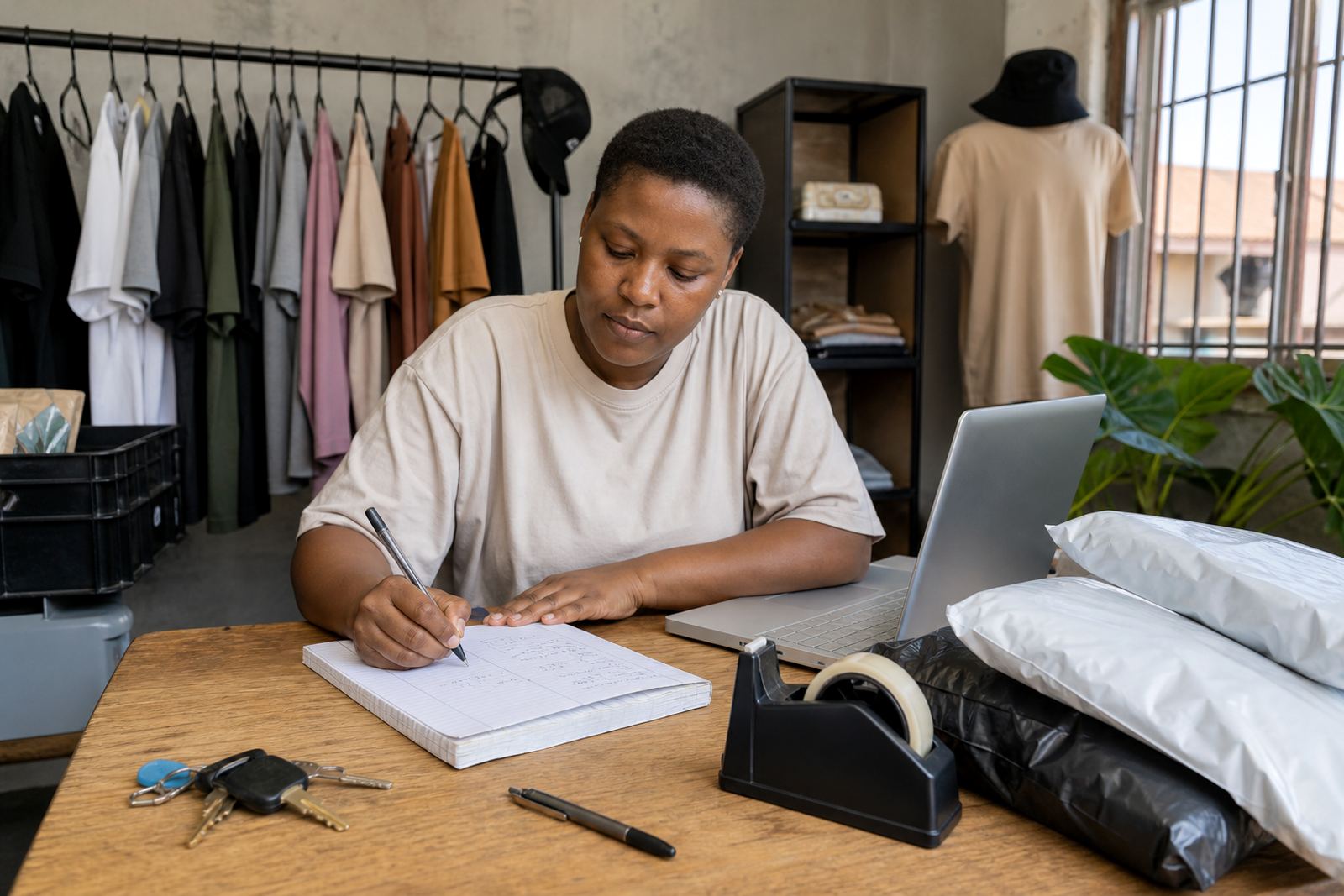
Returning sales grow when the store does not look forgotten. A monthly update can be enough for many small traders. Change photos where stock has moved, refresh sold out items and update special packs or new arrivals. If your product list stays frozen for too long, regular customers may assume nothing is available or that the business is no longer active.
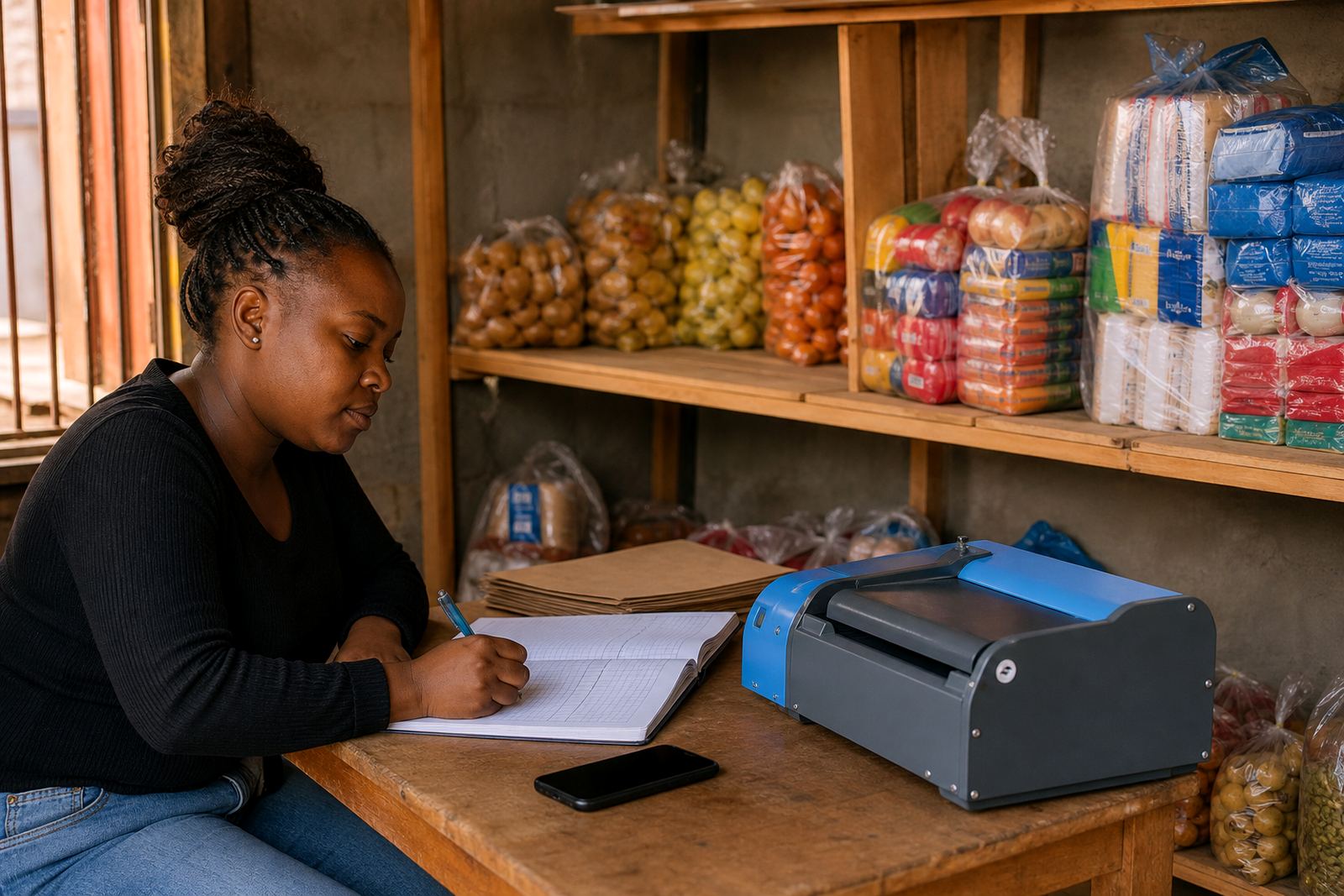
For a spaza shop in Alexandra or a home business in Tembisa, even small changes help. A new snack pack, a different detergent size or a fresh delivery day can bring people to check the page again. A short home page refresh can also help. Swap out older product highlights, tidy the wording and make sure the store still matches what is actually on hand.
- Check product status and remove items that are no longer sold
- Update delivery notes when routes or collection points change
- Refresh the home page with current specials or top sellers
- Review photos and prices so the store stays current