Put the main offer at the top, not halfway down
When a customer lands on your store, they should know within a few seconds what you sell. A Soweto trader selling groceries, home essentials or clothing does not need a long introduction. They need a short heading, a plain sentence, and a clear path to the next step.
Use the first part of the home page to answer three questions: what is this store for, who is it for, and how do I order. If you sell bulk chips, soap, snack packs or baby items, name those products straight away. If you serve Alexandra, Tembisa or wider Johannesburg, say so in the opening lines. That saves time for busy shoppers and cuts down on messages asking for basic details.
Make the first screen useful on a phone
Most shoppers will open the store on a phone while standing in a queue, at work, or at home during load-shedding when mobile data is still on. The first screen should load cleanly and show the most important actions without making people scroll too much.
- A short store name or header
- One line explaining what you sell
- A visible shop now or browse products button
- A WhatsApp order button for quick enquiries
- A note on delivery areas or collection points
Keep the wording plain. In Durban or Gqeberha, where coastal humidity can make people careful about packaged goods, add a clear note if you handle sealed products only. In Pretoria or Cape Town, shoppers may want delivery information up front before they decide to place an order.
Show products and prices where people can find them fast
A good home page does not hide products behind too many clicks. It points people to the right sections and gives enough detail to build trust. For informal traders, that usually means a small group of featured items, clear category names, and prices that are easy to read on a mobile screen.
Use simple labels such as groceries, cleaning items, snacks, clothing, household basics or prepaid services. If you offer mixed stock, group it in a way that matches how customers actually shop. A store with a neat pricing page and a clean product list feels easier to use, especially when customers are comparing options on low data.
- Show 4 to 8 featured products on the home page
- Use actual product names instead of vague labels
- Keep prices close to the product image
- Make sale items or bundle deals easy to spot
- Link each featured item to the full product page
Use photos that make the stock look real and ready
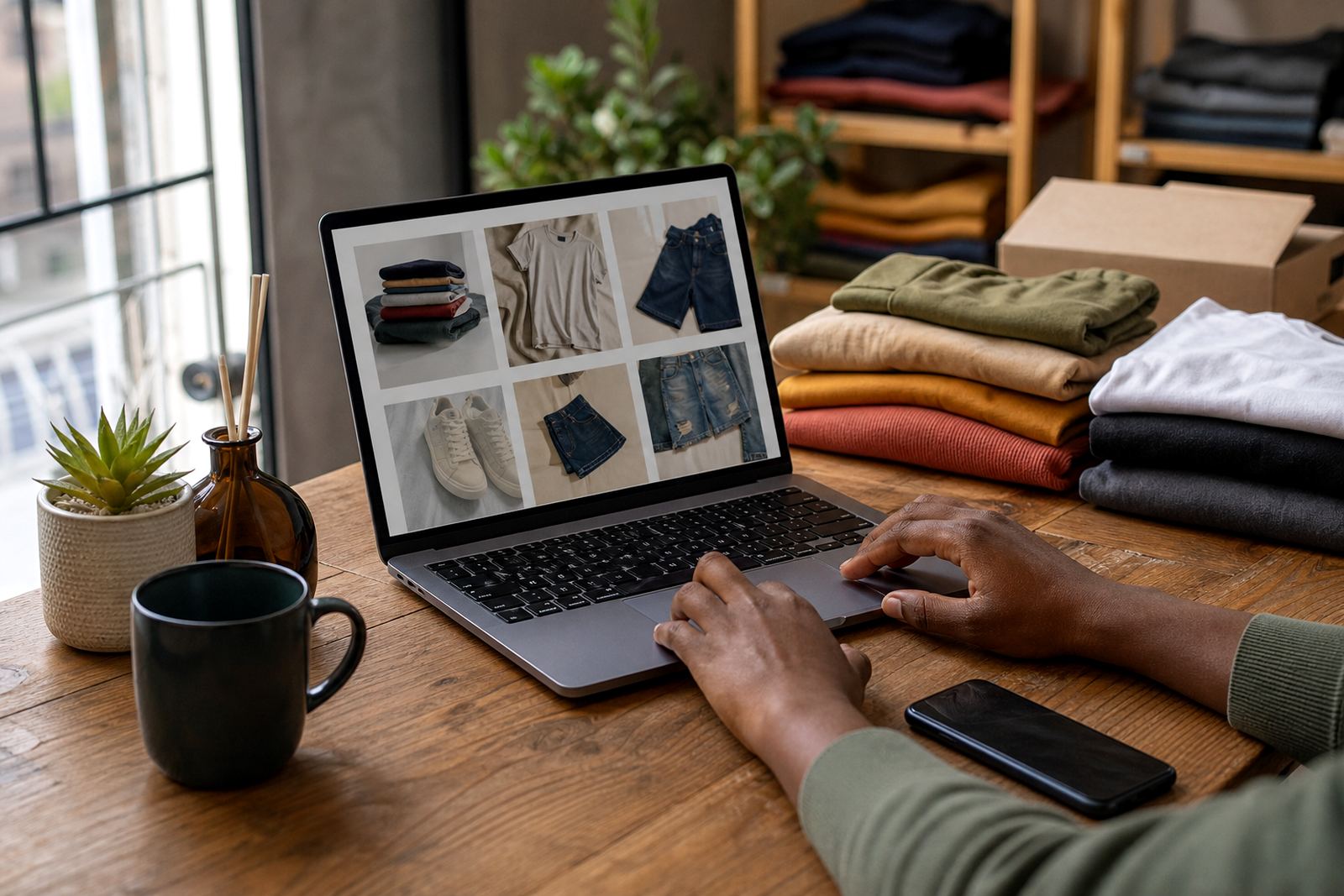
Good product photos matter because many shoppers cannot inspect the goods in person. A home page with sharp, honest photos helps people trust what they are seeing. You do not need studio lights, but you do need clean, well-lit pictures with the product filling most of the frame.
For spaza shops and home businesses, it helps to show items against a plain background and avoid clutter in the shot. If the product comes in different sizes, show each size clearly. If you sell clothing, add a simple note on fit or sizes. If you sell packaged food or toiletries, make the label readable. A slightly crooked photo is fine, but a dark or blurry one can make the whole store feel unfinished.
Ayanda, who handles content and photos support, often sees that one better image can improve the whole home page more than a long paragraph ever will.
Make WhatsApp orders part of the path, not an afterthought
Many South African customers are comfortable ordering through WhatsApp, especially when they want to ask about stock, delivery or bundle options. A home page should make that route easy to find. Place a clear WhatsApp order button near the top and repeat it lower down near the product list or contact section.
It also helps to explain what happens after a customer taps it. Keep the note short and practical: send your product name, quantity, area and delivery preference. That gives the trader a cleaner message and helps keep orders organised, especially when a store handles many small purchases in one day.
- Use one standard WhatsApp order message format
- List the suburb or town before the order is sent
- Ask for quantity, size or colour where needed
- Keep the wording short so customers do not get stuck
Cover payment and delivery details before the cart feels confusing
Customers often leave a store when they cannot quickly see how to pay or how goods will arrive. Your home page should link to the payment and delivery pages, but it should also say enough to stop uncertainty. Mention the payment methods you accept and the delivery areas you cover. If collection is available, say that clearly too.
Do not make promises you cannot keep. If delivery only runs in certain areas of Johannesburg, say that plainly. If you work across Soweto, Alexandra, Tembisa or nearby parts of the city, list those areas. For traders in Cape Town, Durban, Pretoria and Gqeberha, local delivery notes help set the right expectation before the order is placed.
If you are unsure how a payment method should be described for your business, check with SARS or a qualified adviser. That keeps your store wording practical and on the right side of local rules.
Write for the customer who is in a hurry
The best home pages for informal traders are not fancy. They are clear. They use short sentences, direct wording and page sections that answer the usual questions without making people scroll through too much clutter. A home page should do the same job as a good shop counter: greet the customer, point them in the right direction, and make it easy to order.
At SellThat, the home page basics usually come together around a few practical steps: product upload help, pricing page help, WhatsApp order setup, payment info setup, delivery page setup, and store content writing. When these parts are in the right place, the store feels easier to use for customers in Soweto and also for shoppers across Johannesburg, Durban, Cape Town, Pretoria and Gqeberha.
The point is not to say everything at once. The point is to say the right things first.