Start with the photo, not the filter
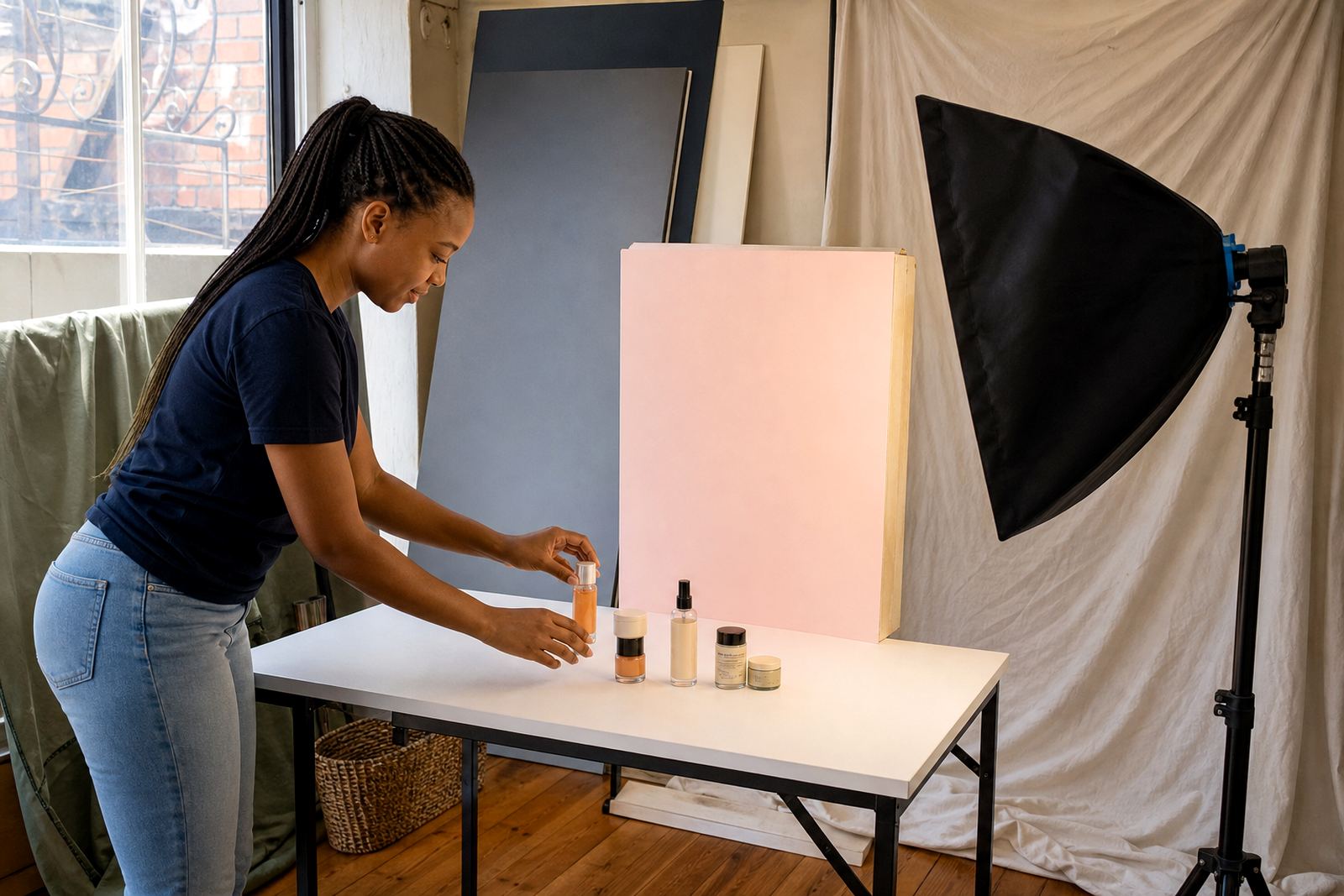
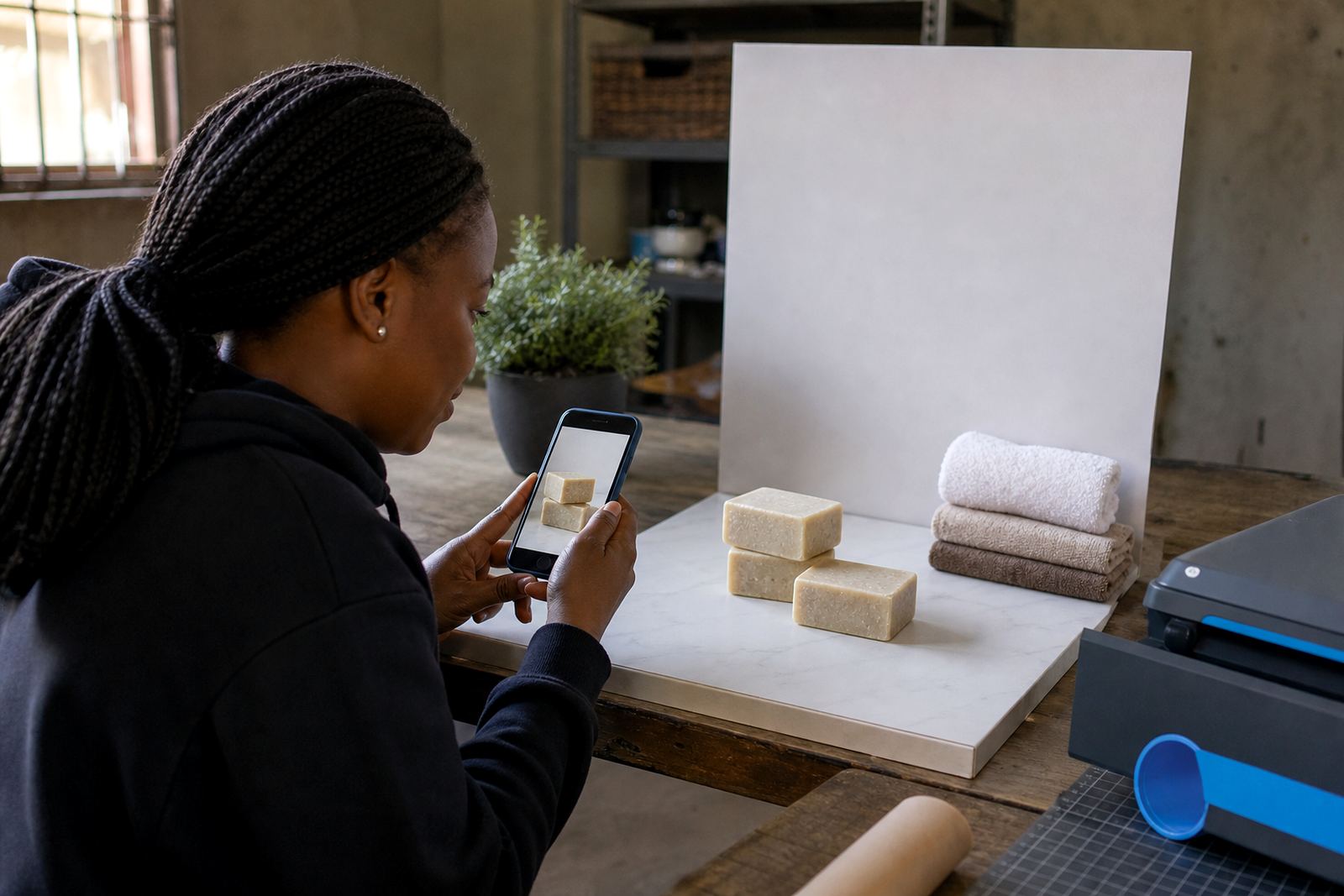
If you are setting up a small online store for a spaza shop, home business or market table, the first step is to take a usable photo before you open any editing tool. Light from a window, a plain wall and a steady hand often do more than a pile of filters. The goal is not to make the item look fancy, it is to make the item look clear.
For clothing, containers, beauty products, snacks or homeware, the camera should show shape, size and colour as truthfully as possible. If a red T-shirt looks orange online, customers in Soweto, Johannesburg or Durban may feel misled when the order arrives. A small amount of editing is enough when the photo is already strong.
Try to keep the item centred, with enough space around it so you can crop neatly later. A clean photo also makes pricing pages and WhatsApp order posts easier to read on a phone screen.
Crop out the clutter and keep the product in view
Cropping is often the best edit. It removes distraction, tightens the frame and puts focus on the item. If there are hands, baskets, packaging scraps or a busy background, crop them out carefully. In many cases a square or portrait crop works well for a catalogue, while a wider frame can suit a banner image on the home page.
Do not crop so much that the product looks squeezed or chopped off. A pair of shoes needs the full shape, while a food container should still show the lid and label. For sellers in Pretoria or Cape Town who upload many products at once, using the same crop style across all photos keeps the store tidy and easier to scan.
- Leave a small border around the product so it does not feel cramped.
- Check that the item is straight, especially bottles, boxes and hanging clothing.
- Use the same crop ratio on similar products for a neat catalogue.
- Save a copy before trimming too much, because you may need the full image later.
Brighten carefully so colours stay honest
Brightness changes can help when a photo looks dull, especially in rooms with weak light or on cloudy days. A slight lift can make a packet label readable and help customers see the details. But push it too far and the picture washes out, which can make colours look pale and the product look cheaper than it is.
Contrast can also help, but only a little. If shadows are heavy, a gentle adjustment can show texture on fabric, plastic or printed packaging. Sharpness should be handled with care too, because too much sharpening makes edges look harsh and unnatural. The picture should still look like something you would be happy to hand over in person, even after load-shedding or a rushed setup at home. A little too much editing can cause more harm than good.
For sellers in Gqeberha or coastal Durban, bright sunlight can make white products glare and dark products look flat. In those cases, the best fix is often a slight brightness drop and a small correction to stop the picture from looking blown out.
Match the edit to the way customers shop
People do not browse a small business store the same way they look at a glossy ad. They want to know what the item is, what colour it is and whether it seems worth the price. That means the edit should support trust, not style for its own sake. Keep the photo clear enough for WhatsApp sharing, product pages and delivery confirmations.
When you set up pricing pages, product upload help or a catalogue rebuild, the images should all tell the same story. If one item is dark and another is bright white, customers may think the products come from different places or look different in person. A light edit helps the store feel orderly and easier to buy from.
- Use one photo style for all similar products.
- Keep backgrounds plain where possible so the item stands out.
- Do not add heavy frames, stickers or busy text over every image.
- Make sure the edited image still shows the real shade and texture of the item.
Local trading example from Soweto
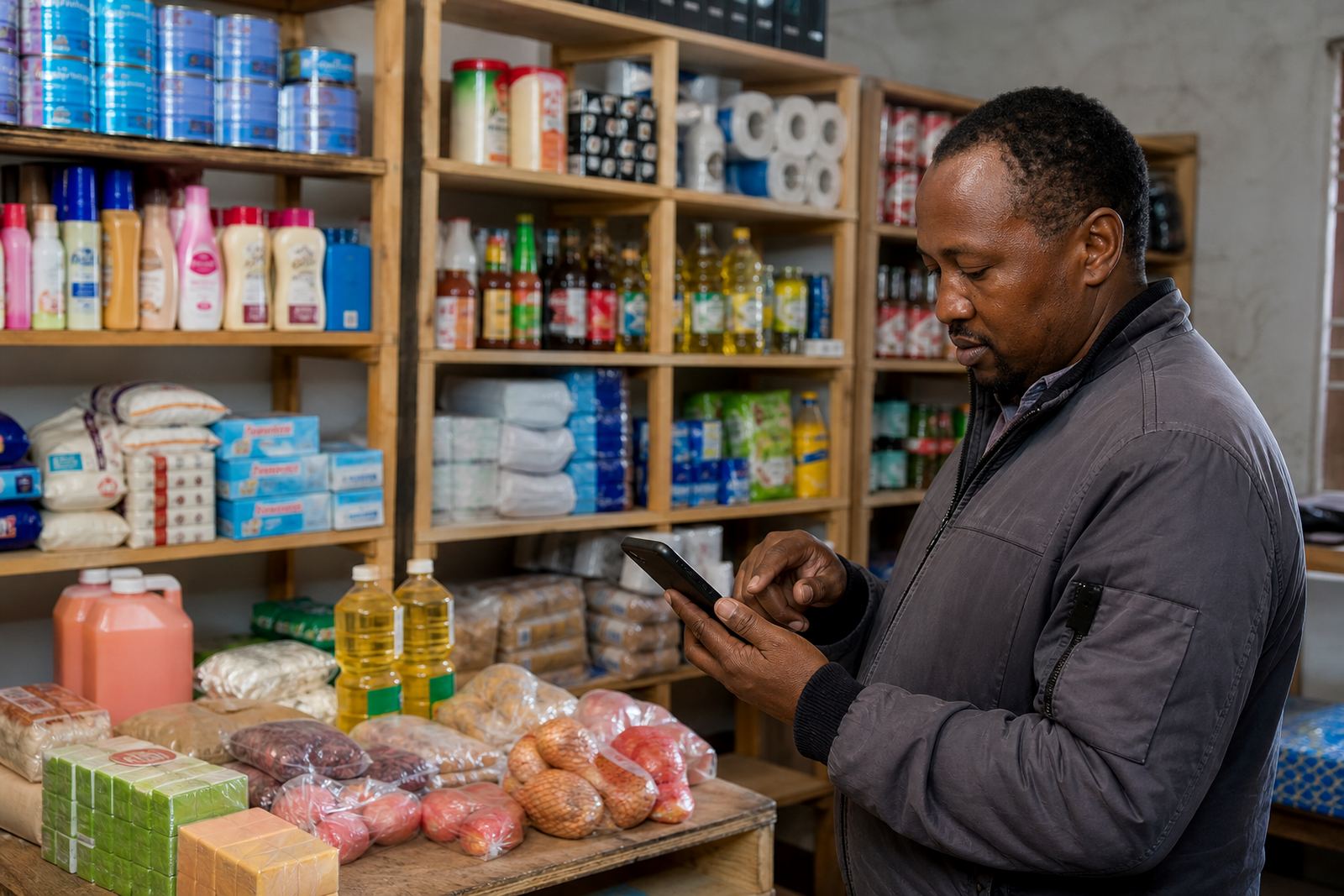
A trader in Soweto selling home cleaners and snacks may take photos on a kitchen table in the morning. The light changes through the day, so some pictures can be too dark while others are too bright. A quick crop removes the dish rack in the background, and a small brightness lift makes the label readable. That is enough.
The same trader can then use those pictures across the store home page, the price list and WhatsApp order setup. Customers from Alexandra, Tembisa and other parts of Johannesburg often shop by phone, so the image must stay clear on a small screen. If the product photo is too busy, people scroll past it. If it is too flat, they may not trust it. Light editing helps balance both problems.
For home businesses, this kind of work saves time too. There is no need to edit every picture the same way from scratch. A repeatable method makes the whole catalogue easier to handle, especially when new stock arrives in small batches.
A quick editing routine that works
You do not need a long process. A short routine is often enough for a small store with limited time and a phone camera. Take the photo, review it, crop it, adjust brightness if needed and save the clean version with a clear file name. That keeps the work practical and easier to repeat later.
If you are uploading many products, try to edit in the same order each time. Start with the worst photo first, then work through the rest. Check the image at full size and on a phone screen, because some details look fine on a laptop but blurry on mobile. It is a small step, but it saves rework and helps your store look organised.
- Review the photo at full size before changing anything.
- Crop first, then adjust light and contrast if needed.
- Save each image with a clear product name or code.
- Check the final version on a phone, not only on a computer.
When light editing is enough and when to stop
Light editing is enough when the image is clean, the product is easy to recognise and the colour still looks accurate. Stop once the picture feels clear and useful. If you keep adjusting the same file over and over, the image can start to look unnatural or overworked. That does not help a buyer.
If your photos need major repair, it may be better to retake them with better light and a simple background. Editing can improve a photo, but it cannot fix everything. For spaza shops, informal traders and home businesses, the best result usually comes from a clean original and a careful hand. Keep the changes small, and the customer sees the item, not the editing.
For many South African sellers, that is the right balance. The store stays honest, the products are easier to compare and the whole catalogue feels more dependable without looking overdone.