




















Your shopfront on a phone screen
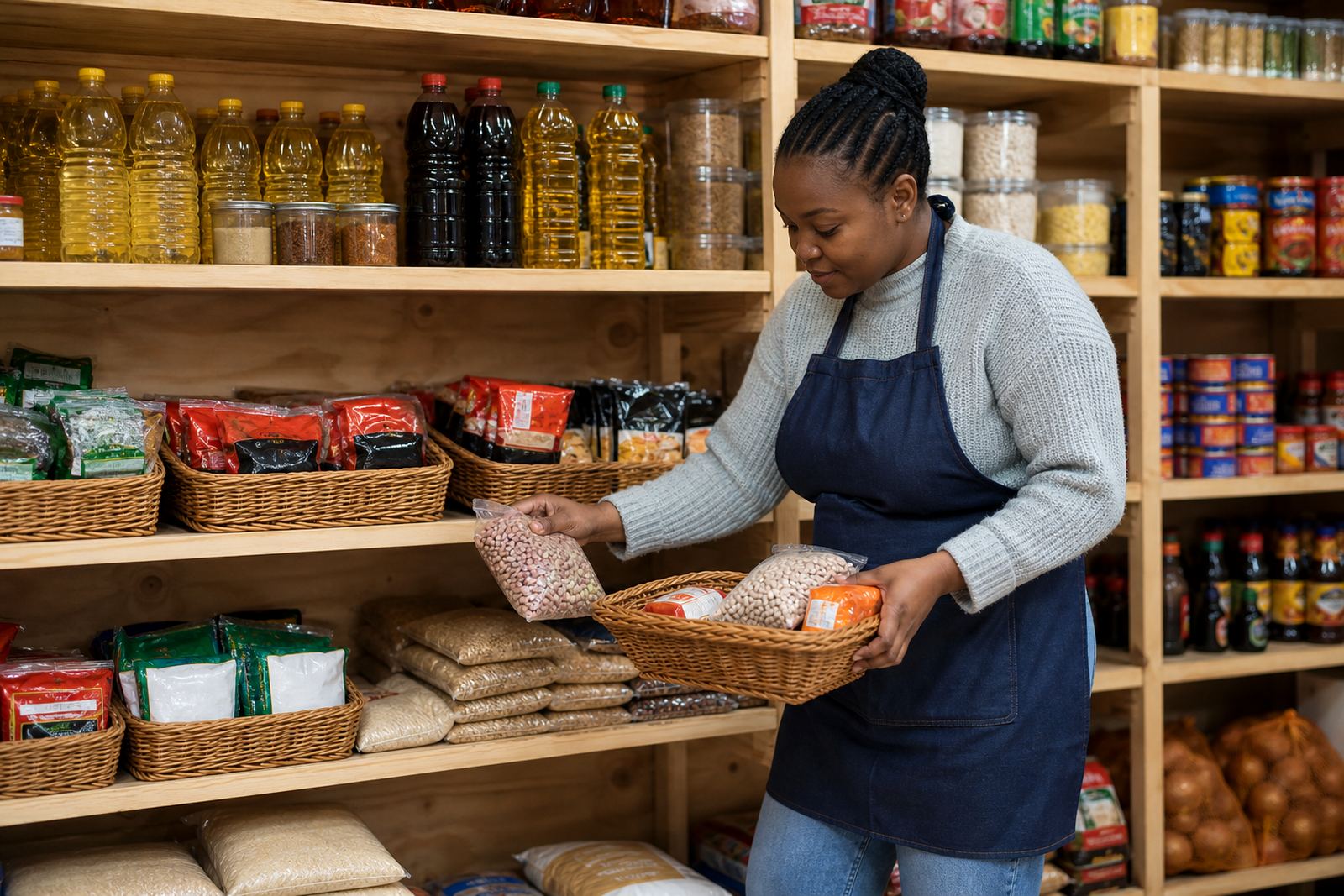
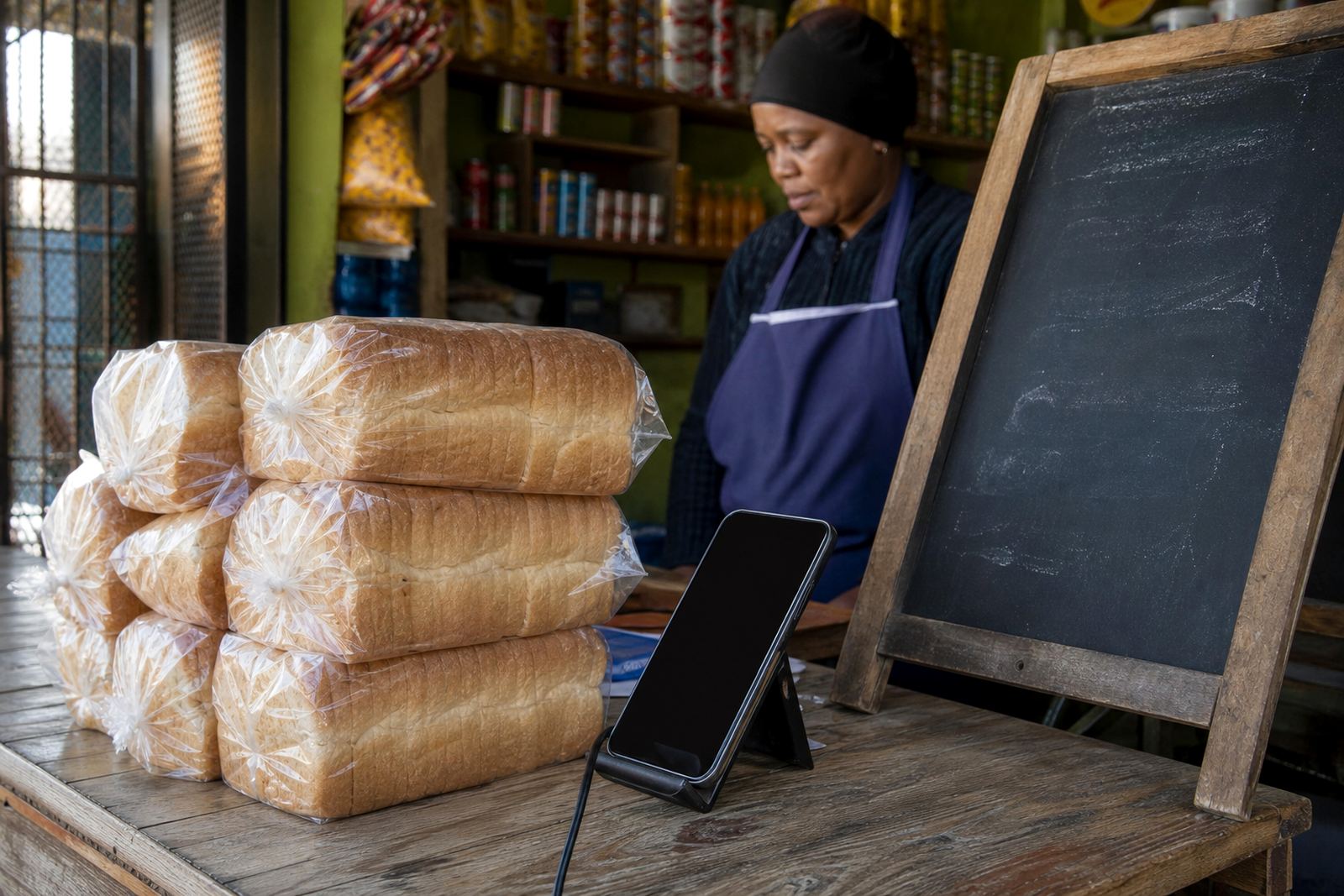
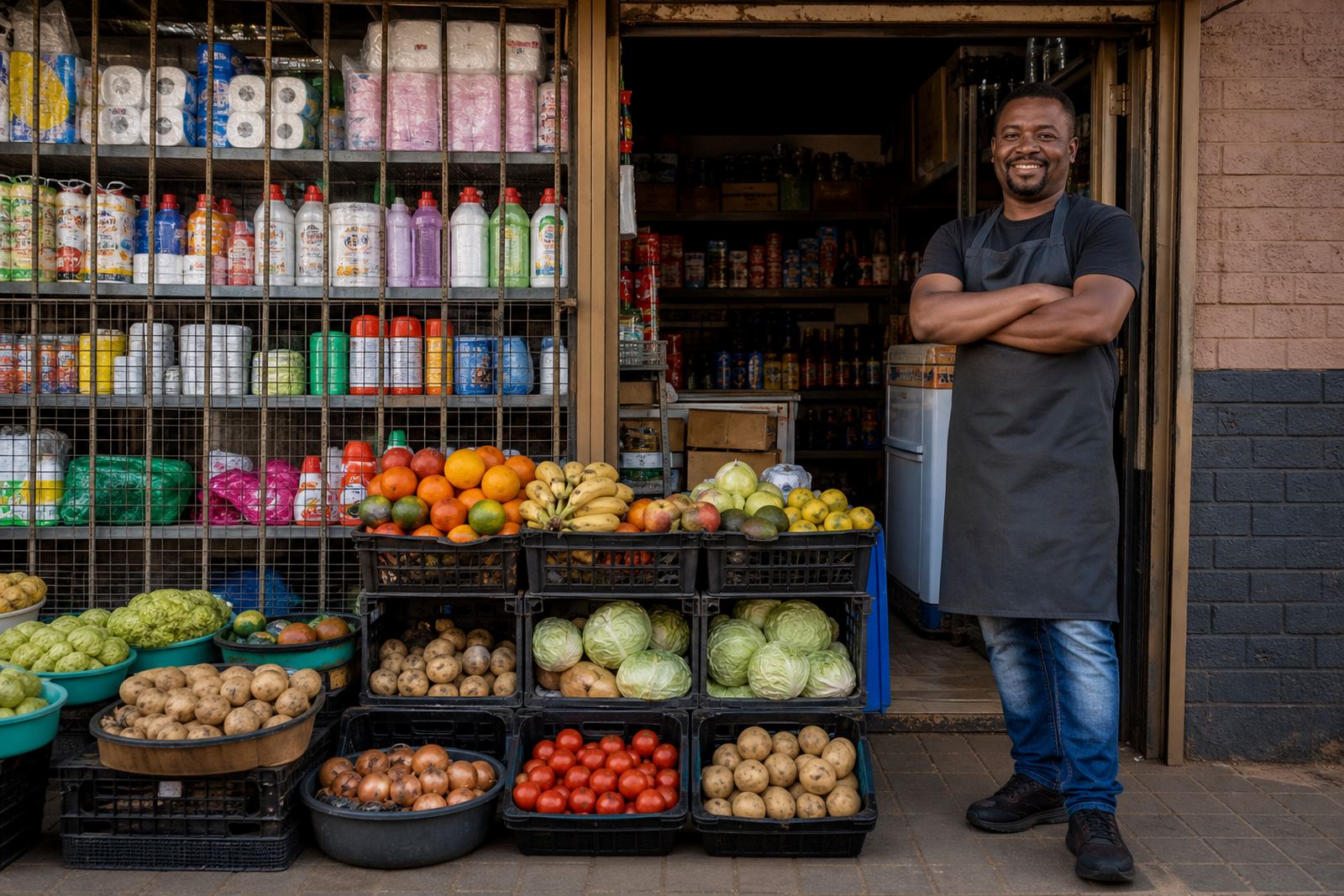
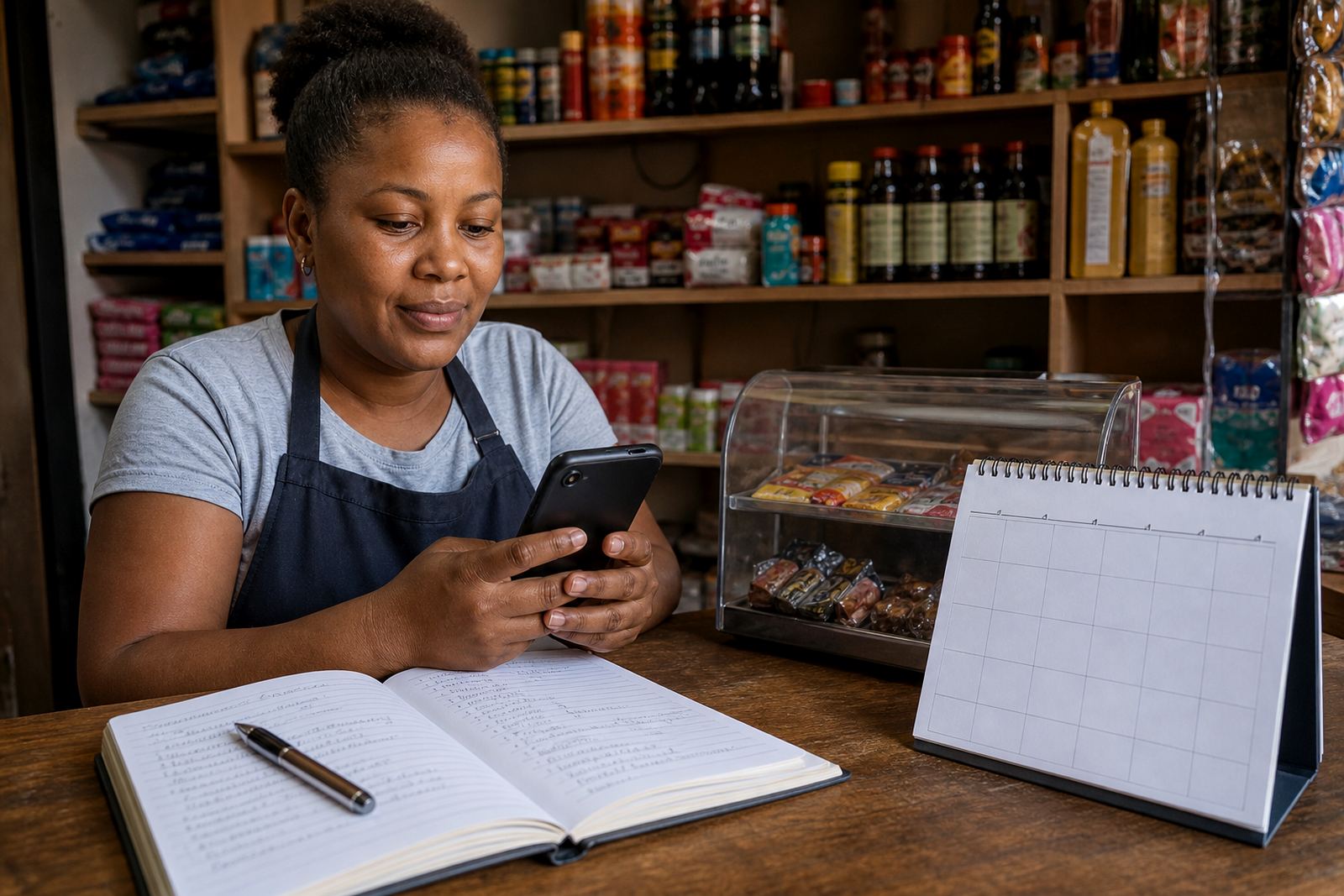
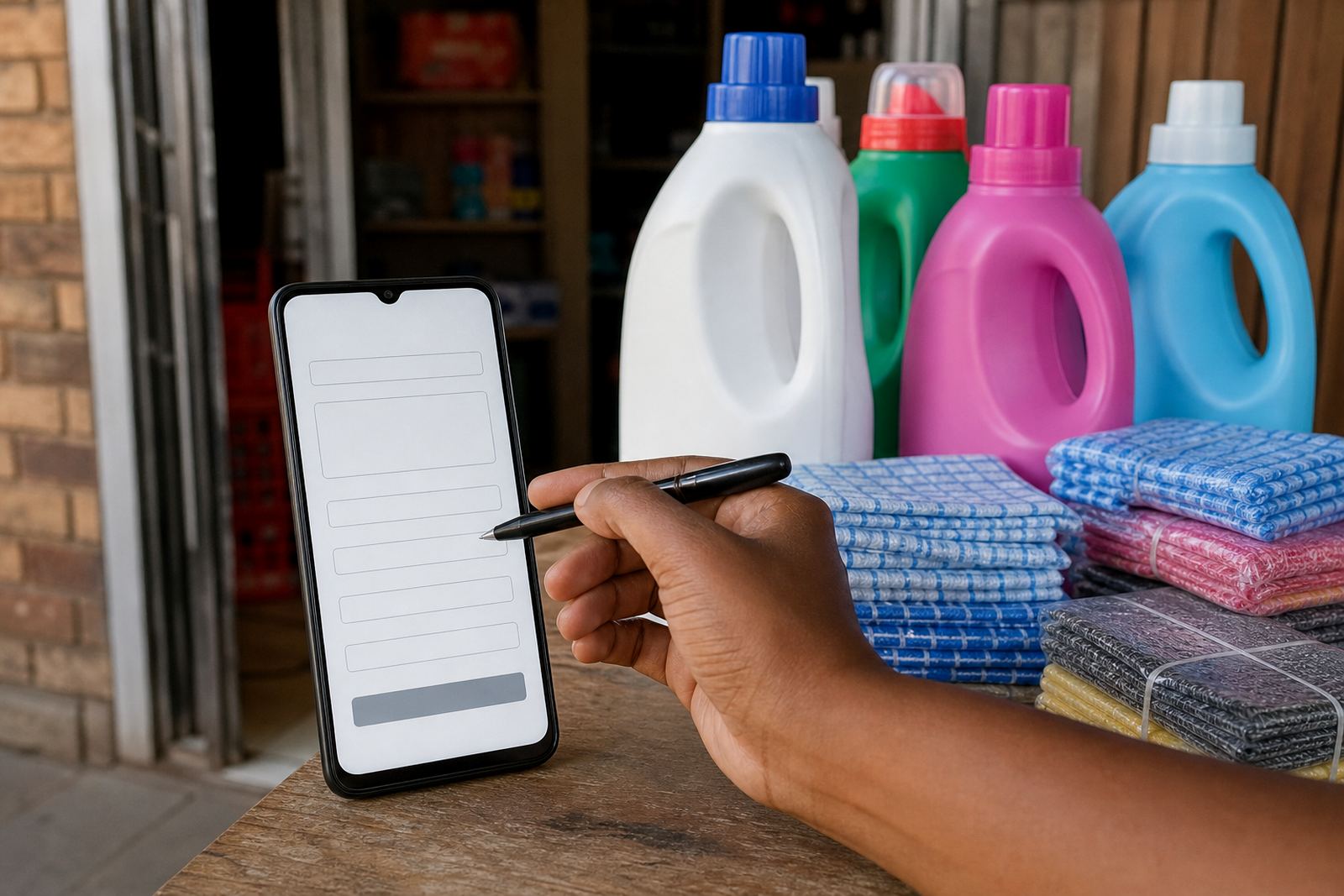
A good online store needs to feel familiar from the first tap. The home page should show what you sell, where you operate and how customers can place an order. For informal traders, spaza shops and home businesses, that usually means a clear front page with your best products, short descriptions and easy links to message you on WhatsApp.
In Soweto, Johannesburg and other busy trading areas, customers often browse on a mobile phone while they are on the move. That makes simple layout and quick loading more useful than fancy extras. A straightforward store also helps if you update stock often, change prices or add new items for weekends, school holidays or month end.
- Clear opening page with your main products
- Mobile-friendly layout for smaller screens
- Easy contact points for enquiries and orders
- Space for your trading areas and delivery zones
Product pages that show the real item
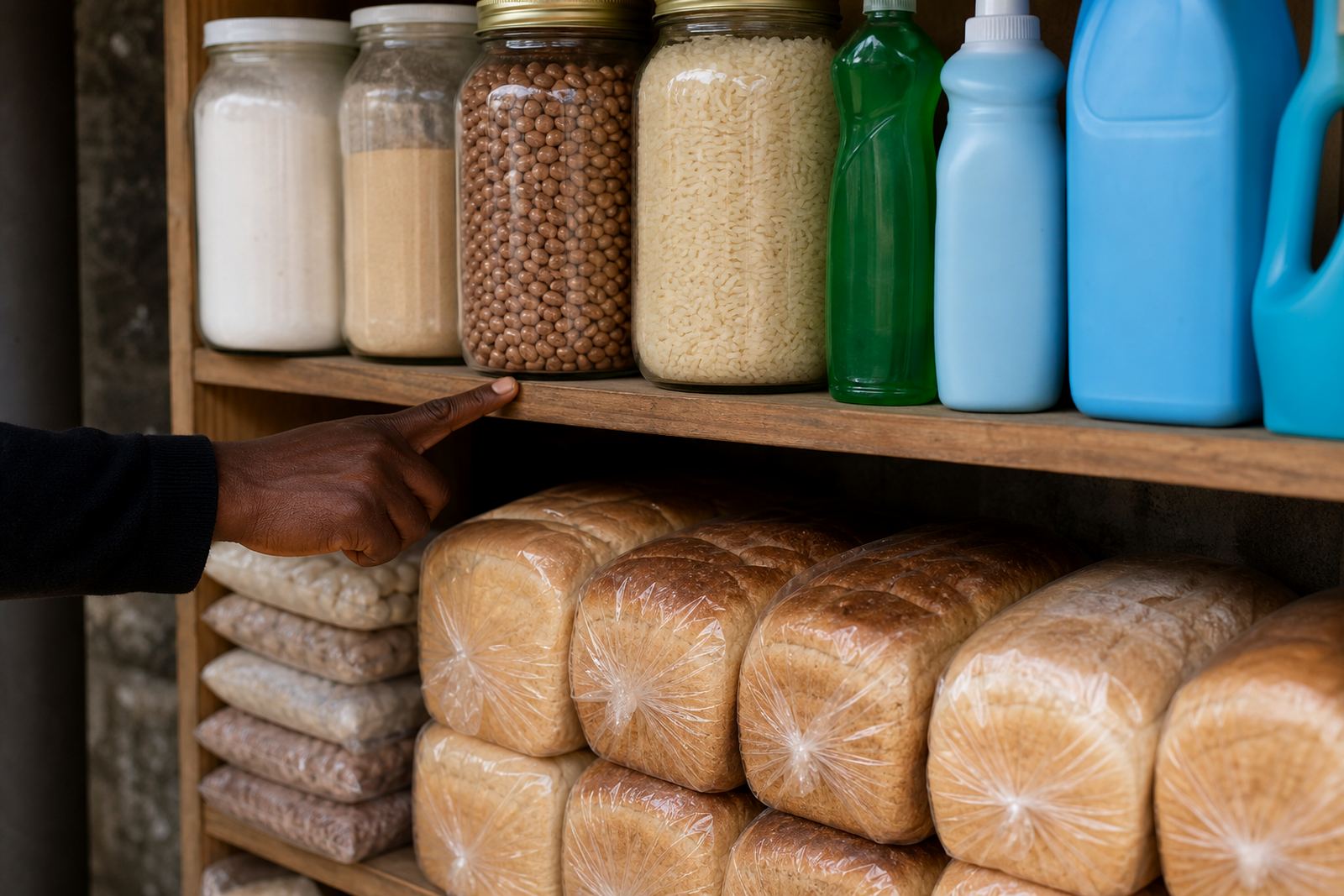
Product pages need more than just a name. Shoppers want to see what they are buying, what size it is and how the item is priced. Strong product pages can include one or more photos, a plain description, variants such as colour or size, and any practical notes that matter before ordering.
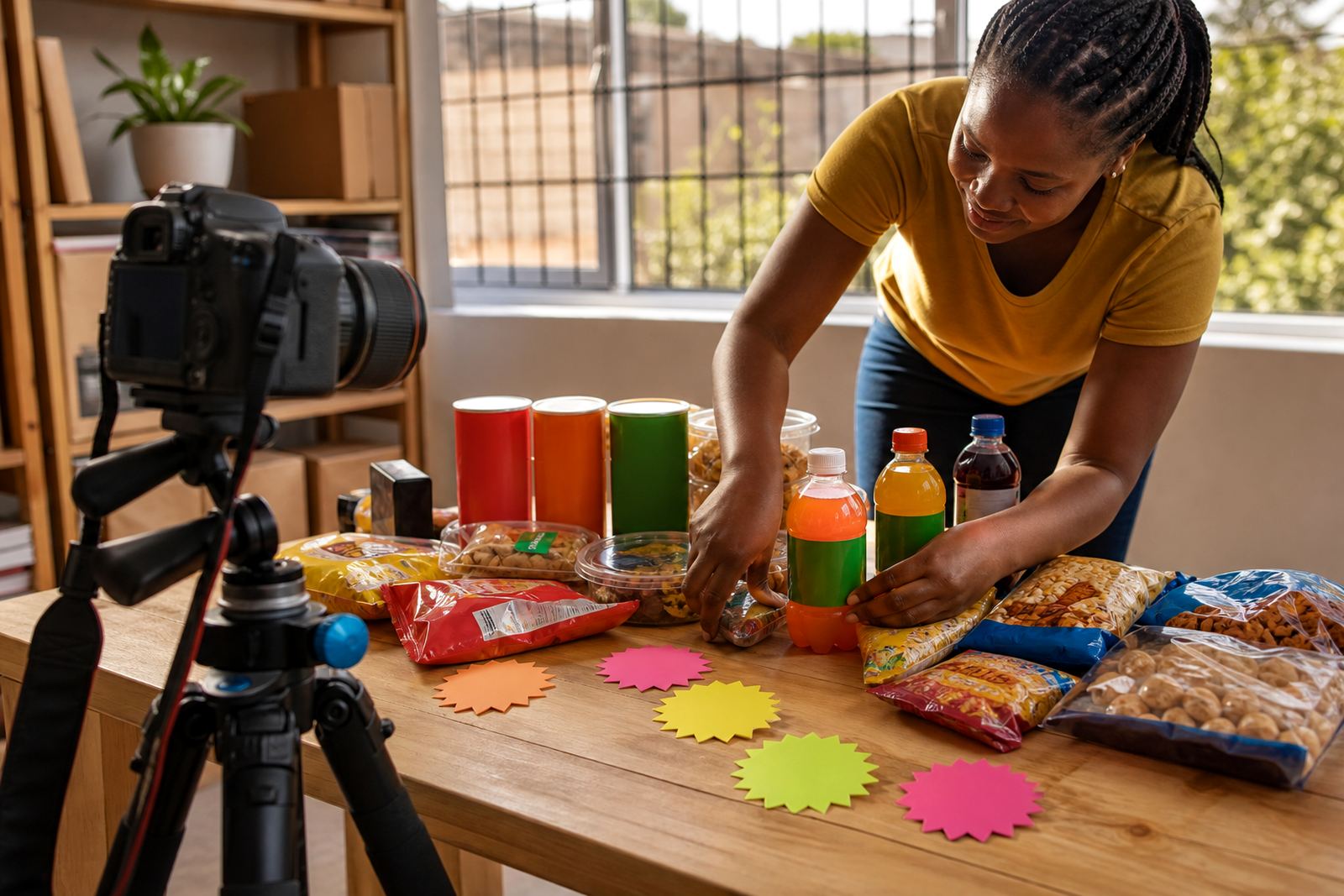
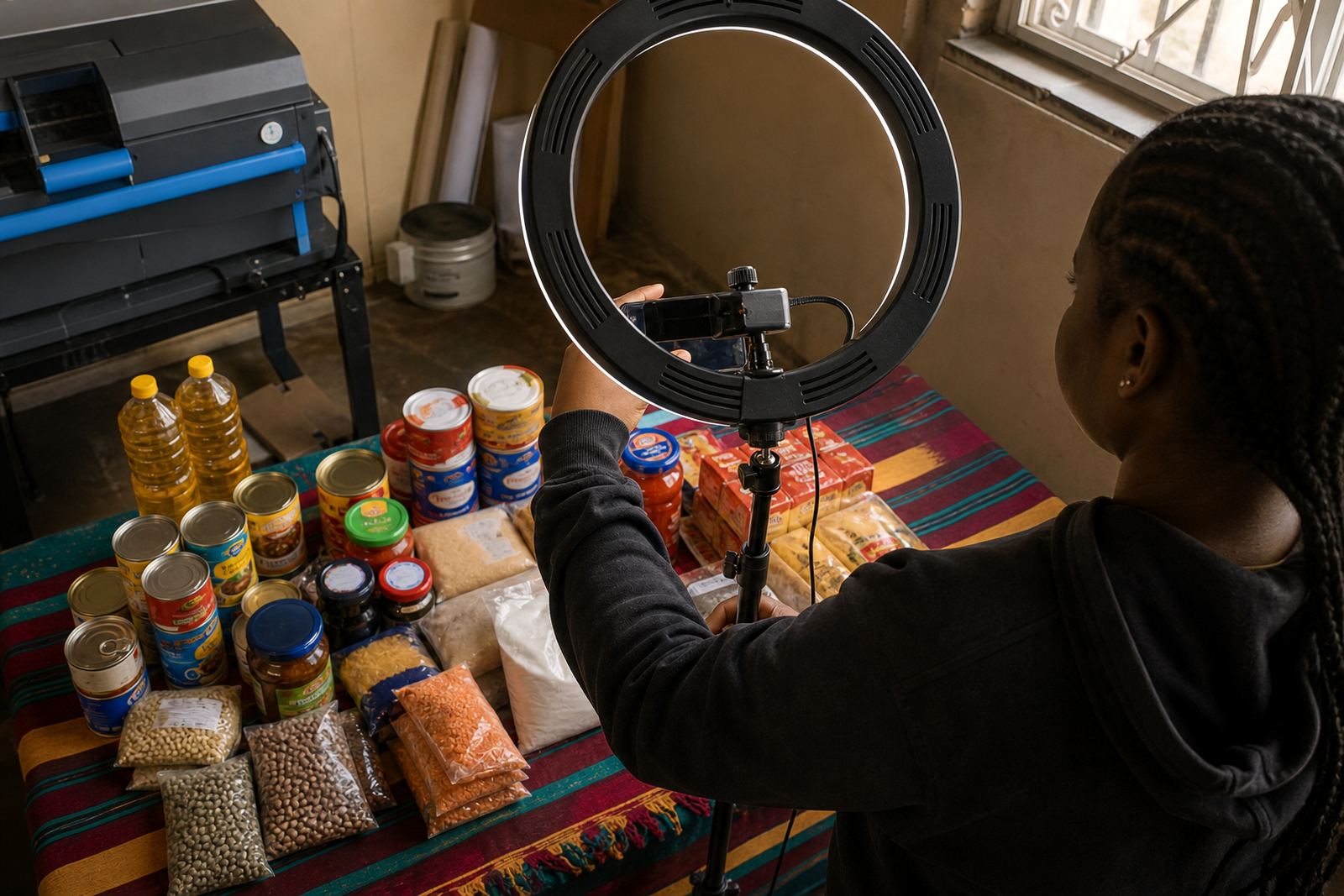
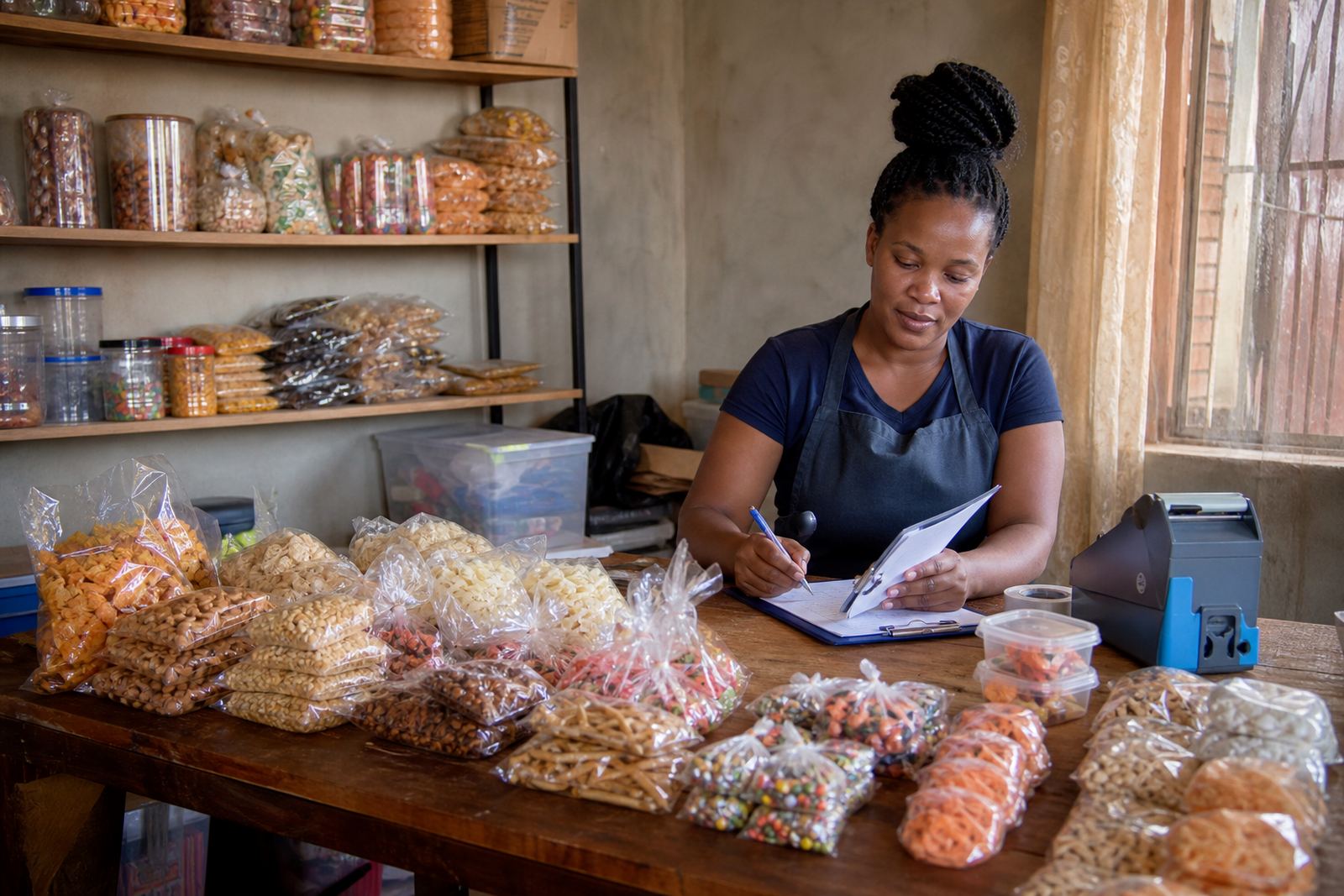
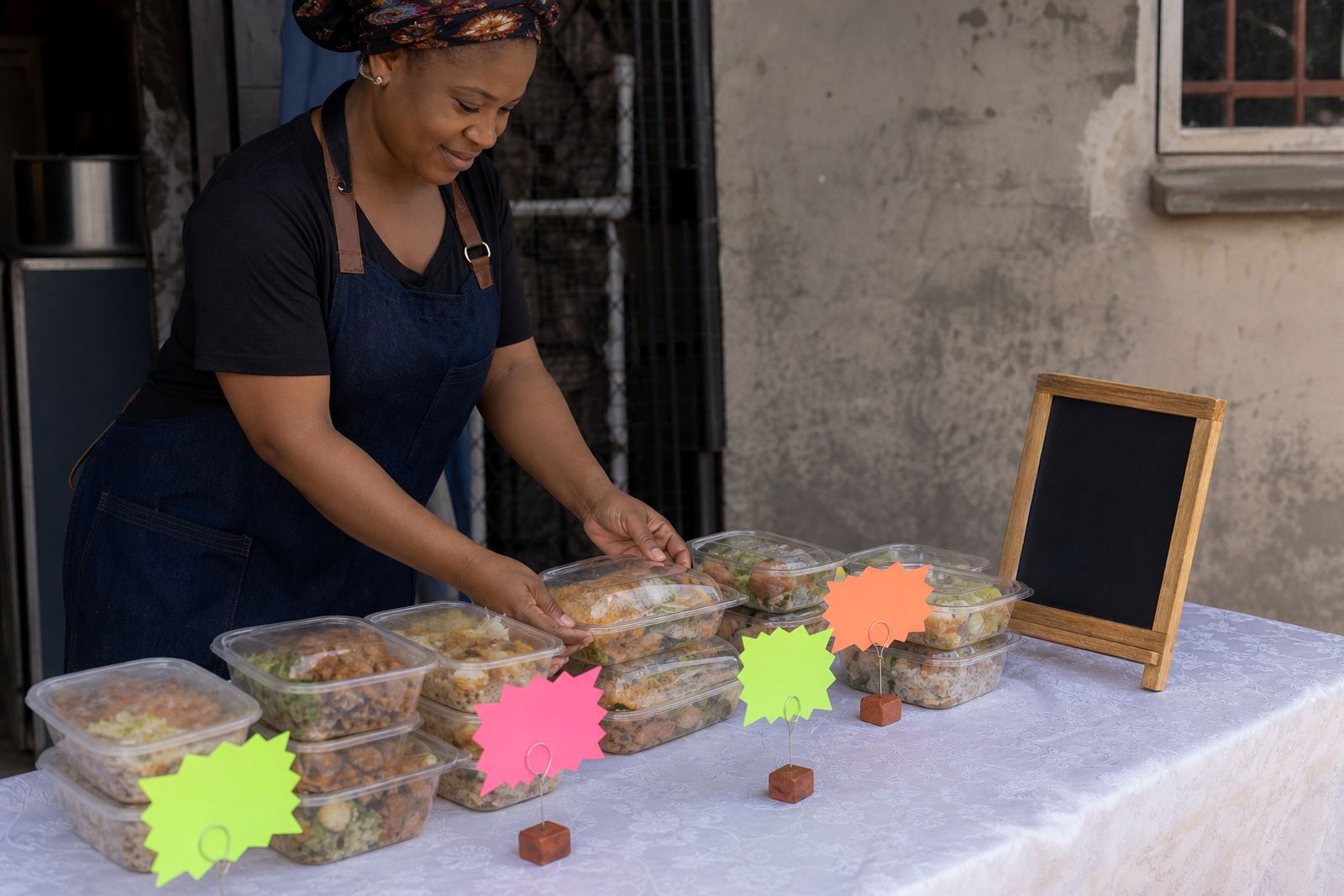
Good product photos make a big difference. Natural light works well, and a clean background helps the item stand out. If you sell food, clothing, household goods or basic hardware, the image should show the real product without heavy editing. That builds trust and reduces time spent answering the same questions over and over.
- Product name and short description
- Photo or image gallery
- Size, colour or quantity details
- Stock notes and simple product care tips
Pricing pages that are easy to read
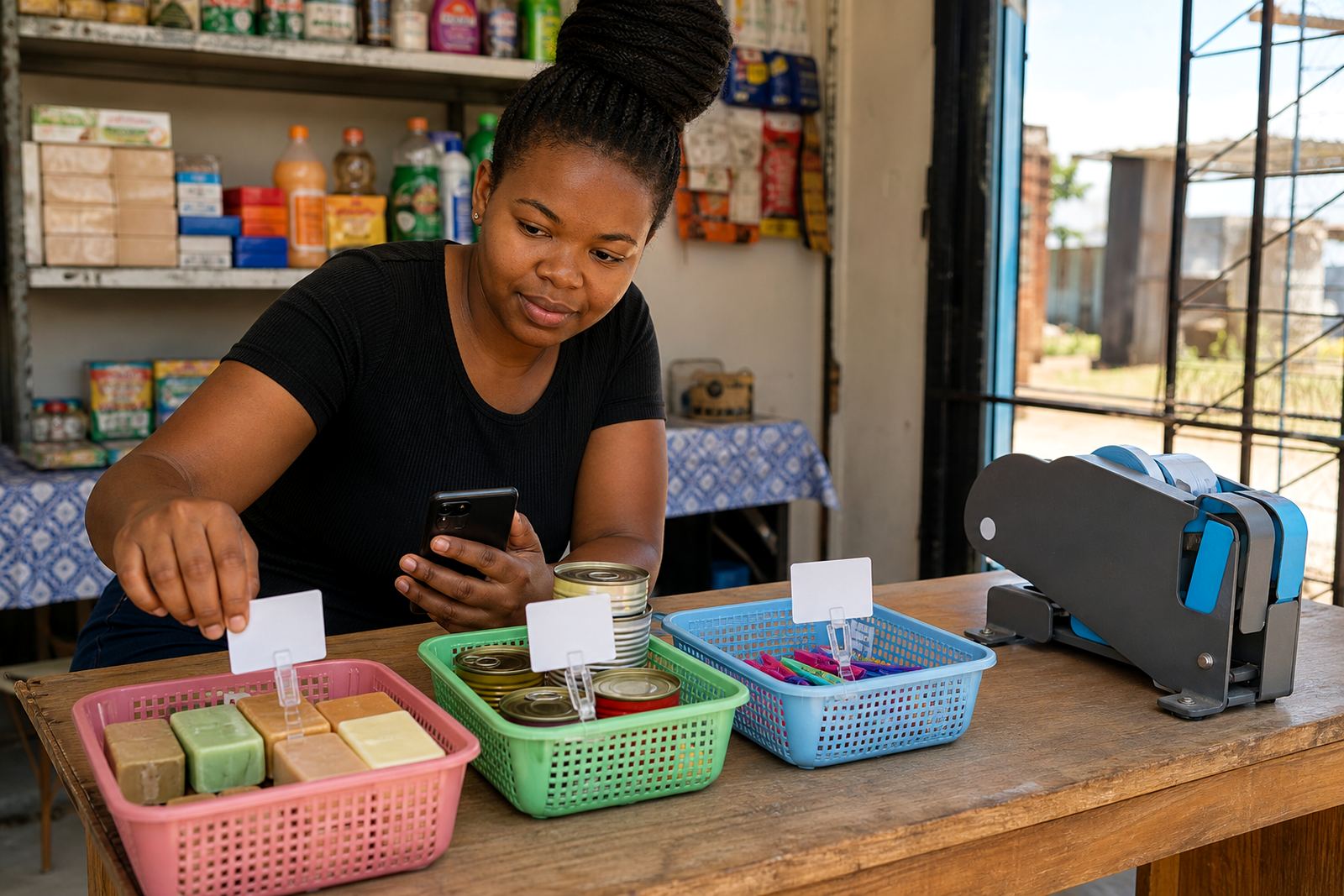
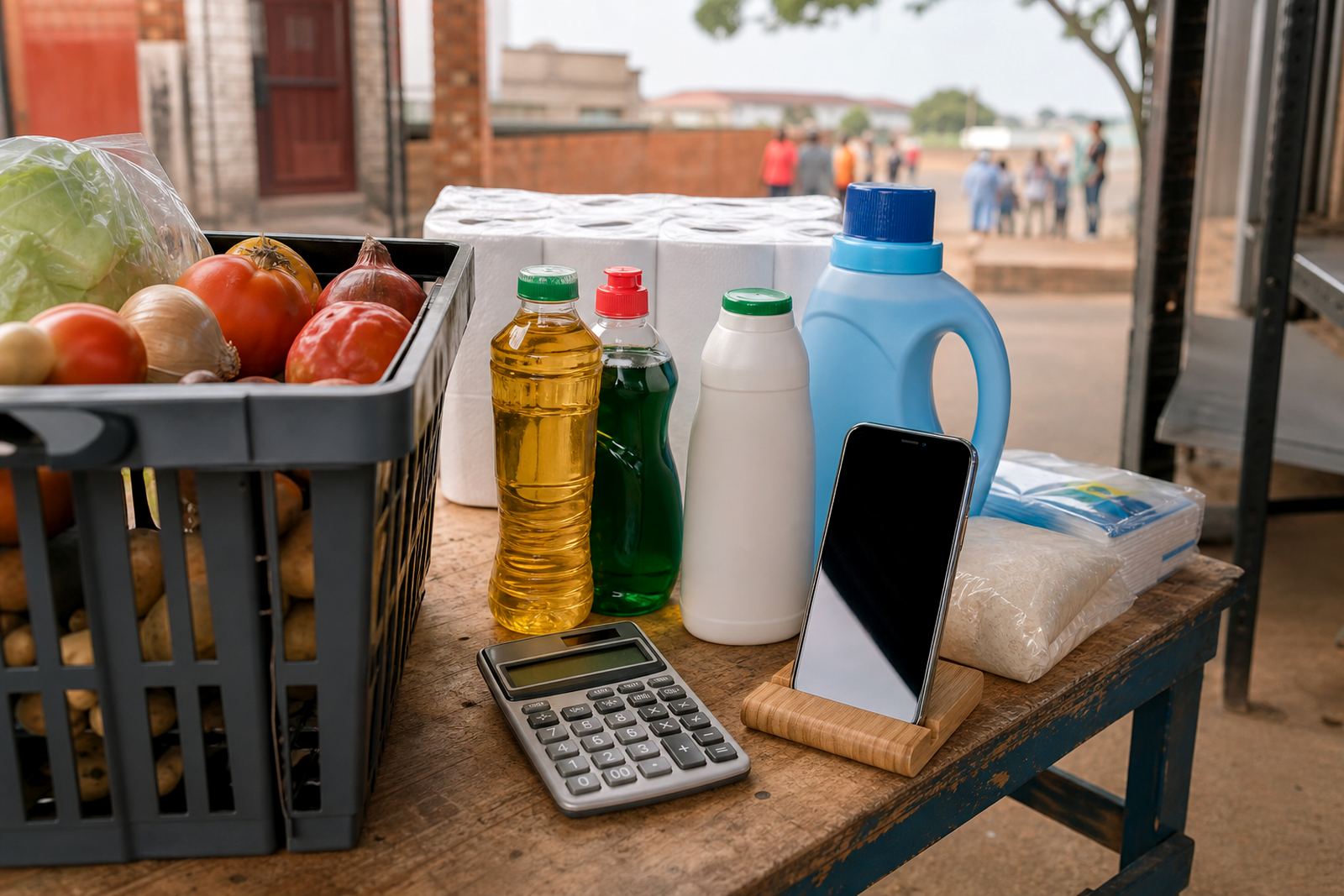
Customers move faster when prices are clear. A pricing page can help you list individual items, packs, sizes and any bulk options in one place. For traders serving different parts of Johannesburg, Durban, Cape Town, Pretoria and Gqeberha, clear pricing also helps reduce confusion when delivery costs or collection options differ.
If your prices change often, the store should make updates easy. That is useful for items affected by supplier changes, transport costs or seasonal demand. Keep the wording plain and avoid long paragraphs. A clean price list is easier to use than a crowded page with too many notes.
- Simple price display for each product
- Separate pricing for different sizes or packs
- Notes for specials, bundles or minimum quantities
- Space for delivery or collection charges where needed
WhatsApp orders without the confusion
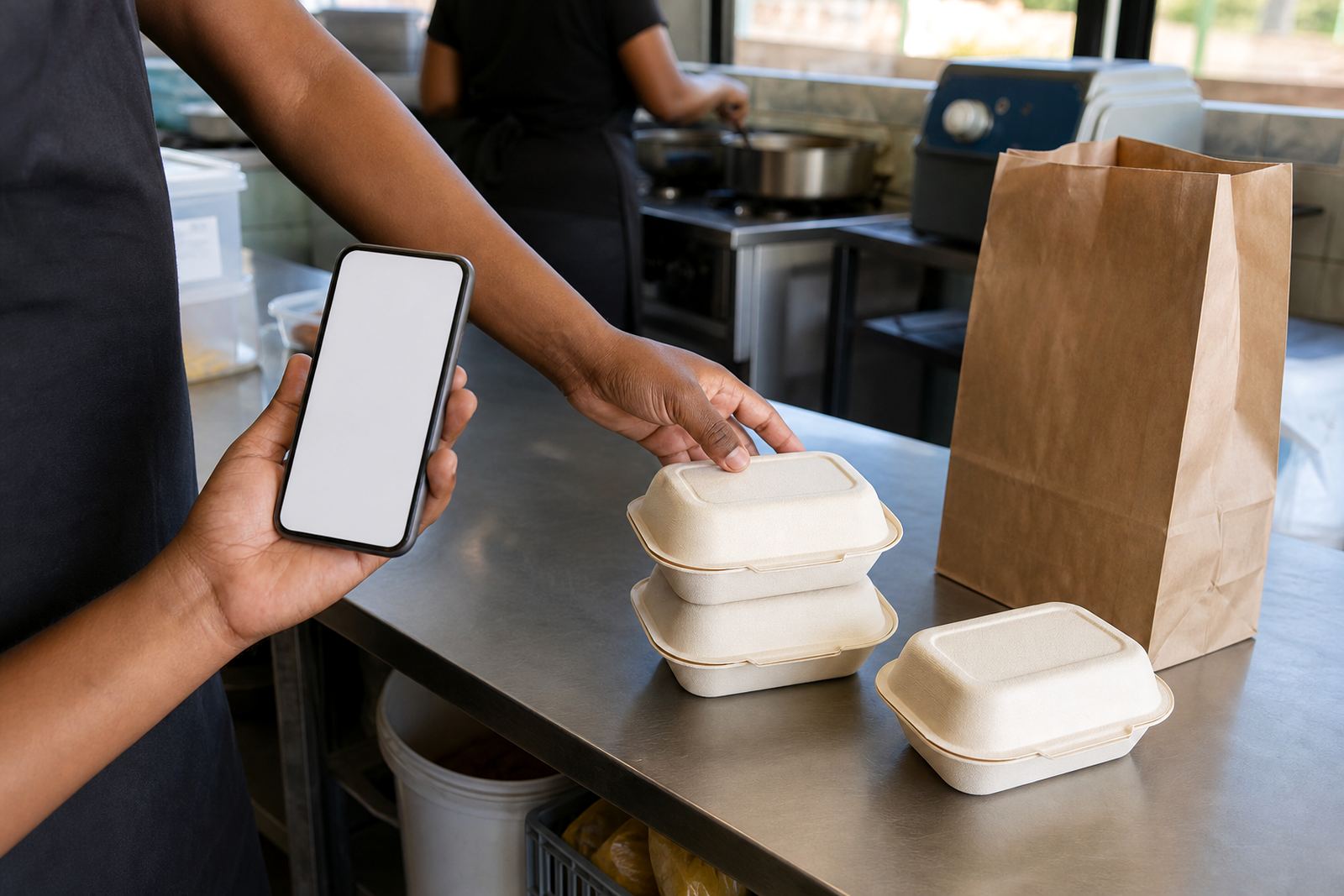
Many customers in South Africa prefer to ask a question first, then place the order by WhatsApp. A store can support that by adding tap-to-chat buttons, order prompts and product links that open the right conversation. That saves time for traders who take orders while serving customers at the counter, at home or at a market stall.
It also helps when you want customers to send their name, delivery area and the items they want. A clear order flow means fewer missed details and less repeated typing. For some traders, this is the easiest way to manage enquiries while keeping the process personal and simple.
- Tap-to-chat buttons on product and contact pages
- Order message prompts with item name and quantity
- Space for customer location and preferred delivery method
- Useful for enquiries from Alexandra, Tembisa and nearby areas
Payments, proof and collection choices
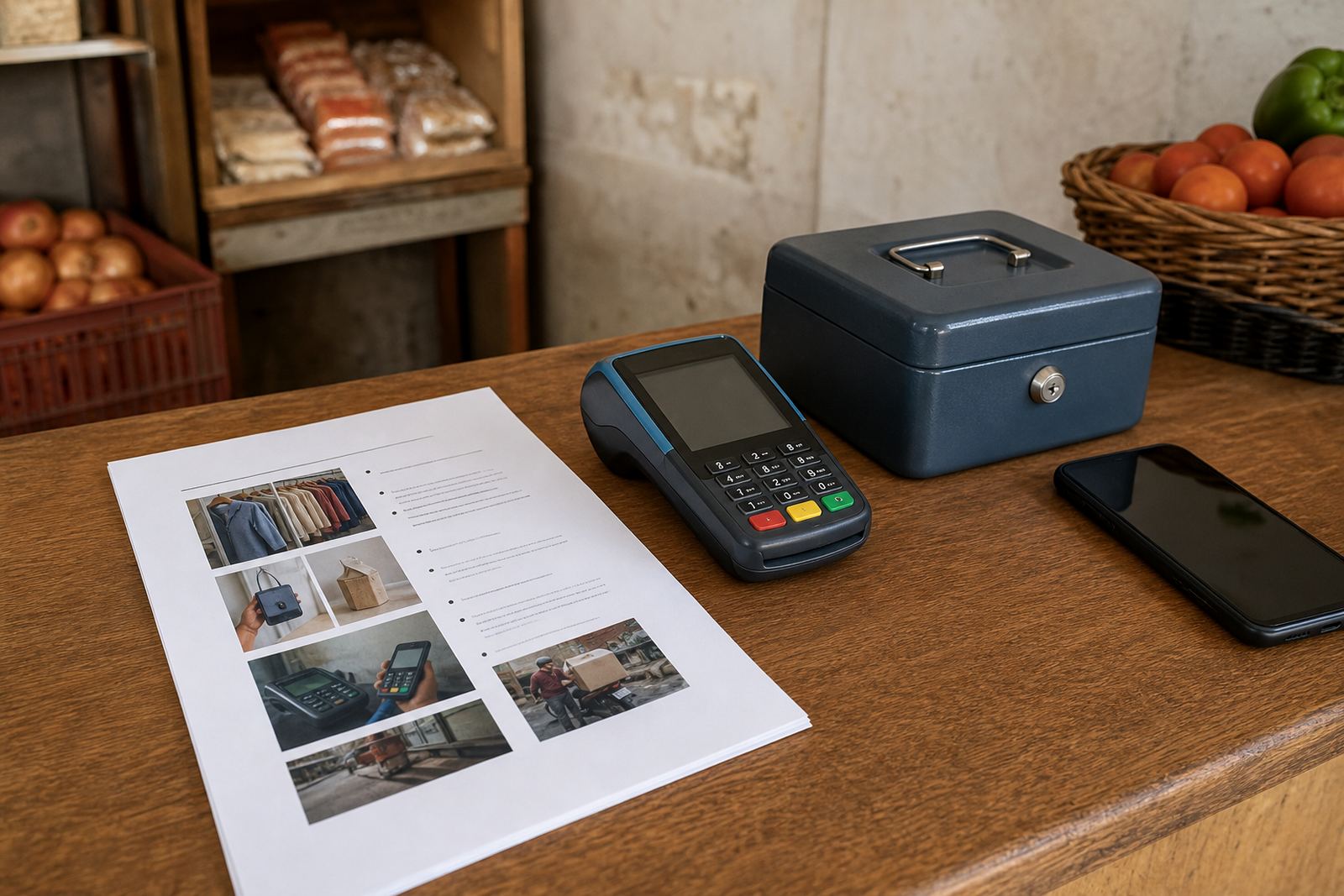
Not every customer wants the same payment method. A useful store can present the payment details clearly and explain the steps before checkout or order confirmation. Some traders need payment info for transfer-based orders, while others want to show cash on collection, card options at a point of sale, or other common methods used in their area.
It is also helpful to show how proof of payment should be shared and when an order can be prepared or released. Keep the wording practical and short. If you handle larger orders or repeat clients, a simple payment page can reduce mistakes and help the buying process run more smoothly.
- Payment instructions in plain language
- Collection or dispatch notes
- Proof of payment guidance
- Clear order confirmation steps
Delivery pages that set the ground rules
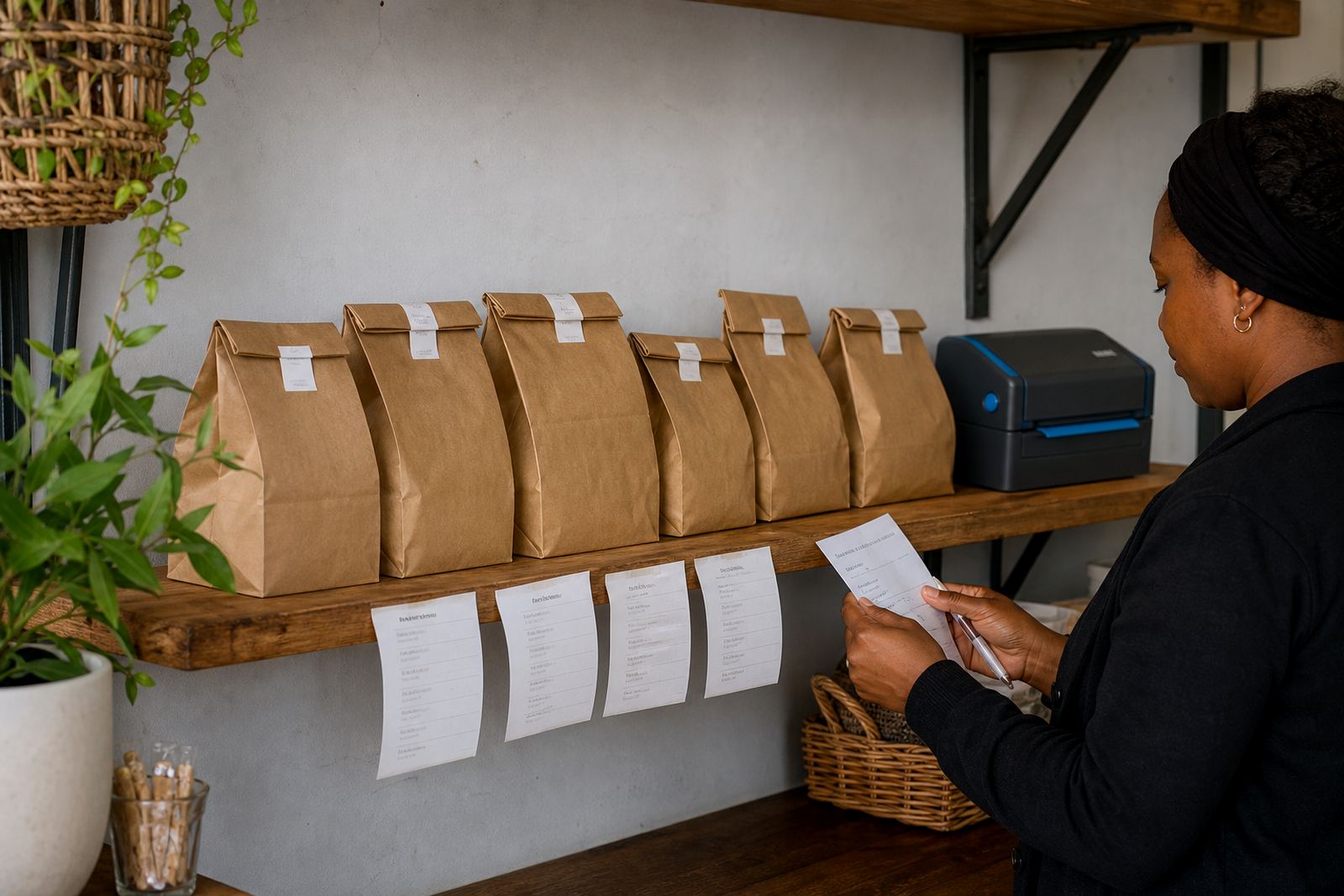
A delivery page can save a lot of back and forth. It tells customers where you deliver, whether you offer same day local drop-offs, and what to expect for outer areas. For traders across South Africa, this is useful when serving one suburb, several townships or a wider city area.
Delivery pages work best when they spell out the basics clearly: service zones, collection points, delivery days and any restrictions that apply to fragile or perishable products. If you use your own vehicle, a courier or collection from a trading point, say so in plain language. That helps customers decide before they place an order.
- Delivery zones and collection areas
- Notes for local and outlying suburbs
- Handling instructions for fragile or fresh goods
- Space for route changes and service updates
Keeping the store usable for real trading
The best store features are the ones your team can use without stress. That includes product upload help, content writing, photo guidance, catalogue rebuilds and staff training when more than one person needs to update the site. A store should be easy to manage on a busy day, even when stock changes quickly or a customer asks for a new item.
Support also matters when you need to update a home page, add new categories or tidy a price list after a supplier change. If tax or legal questions come up, it is best to check with SARS or a qualified adviser. Practical store features should support day to day selling, not make the work heavier.
- Easy updates for products and pricing
- Training for people who manage orders
- Content and photo help for cleaner pages
- Ongoing support for changes as the store grows