Turn one product into a neat choice panel
A product variant is the set of choices under one item, such as size, colour, pack count or flavour. Instead of listing the same item many times, you group the options together so the shopper can select what they need in one place.
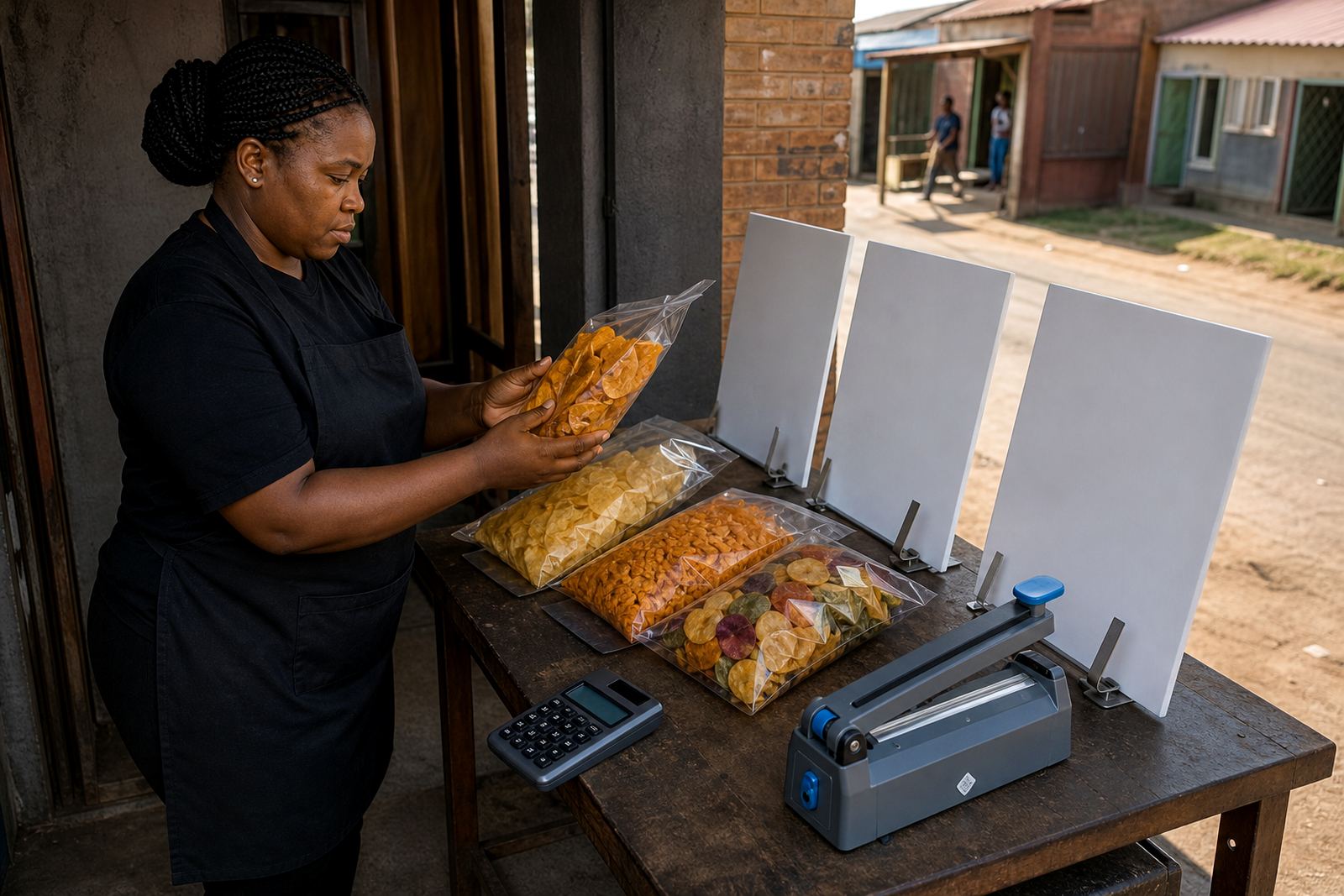
This matters for informal traders who sell clothing, cosmetics, groceries, homeware or made-up items in different options. A T-shirt can carry sizes S, M, L and XL. A detergent refill can carry 500 ml, 1 litre and 5 litre packs. A bead set can carry red, blue and mixed packs. The layout should be plain and easy to scan, especially on a phone.
Keep the main product title short and let the choices do the work. If the product name is already crowded with every option, customers often miss the size they need and move on.
Use the choices your customers already ask for
The best variants come from the questions shoppers ask most often. If people repeatedly ask “Do you have black?” or “Can I get two big packs?”, that is a clear sign that the choice should be built into the store page. For a Soweto trader selling school socks, the most useful options may be size and pack count. For a home business making candles, the choices may be scent, colour and jar size.
- Sizes for clothing, shoes and containers
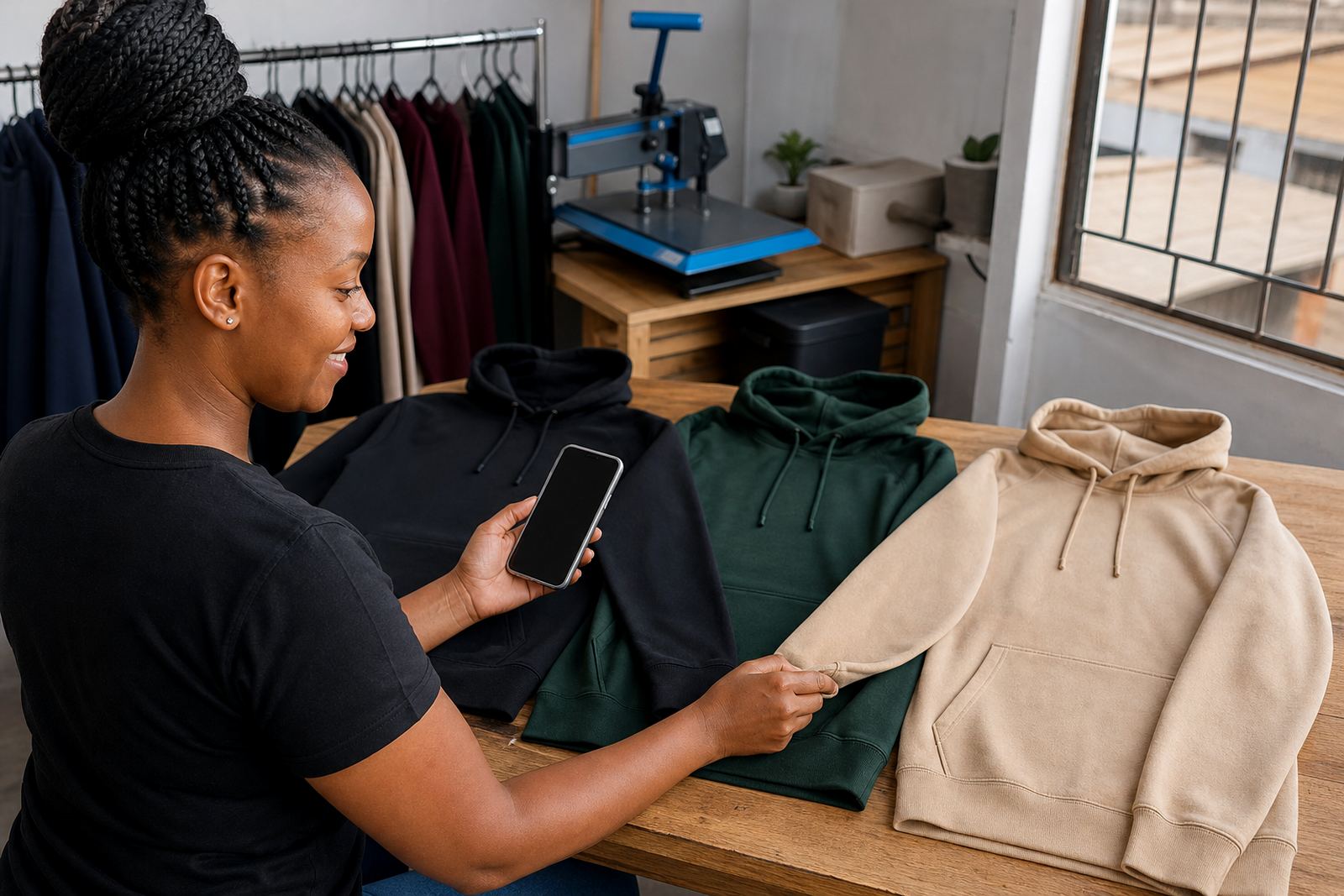
- Colours for fashion items, décor and gifting products
- Pack options for food items, toiletries and refills
- Flavours or scents for food, candles and bath products
- Single item, bundle or family pack where it makes sense
Only include options that are truly available. If a choice is shown but not ready for sale, shoppers lose trust and send more messages than needed.
Show the price shift clearly when the option changes
Some variants all cost the same, while others need different pricing. A smaller pack should not carry the same amount as a larger one unless that is the real price. The shopper should see the change as soon as they choose the option, not after they have filled in a long form.
That is especially useful for stores that sell both loose items and packed items. A trader in Alexandra might sell cleaning products in 500 ml and 1 litre bottles. A neat variant setup lets the customer compare the options without WhatsApp back-and-forth, which saves time for both sides.
It also helps with stock control. If the 2 kg pack is sold out, you can keep the 1 kg pack visible and avoid taking orders you cannot complete.
Photos should match the option on screen
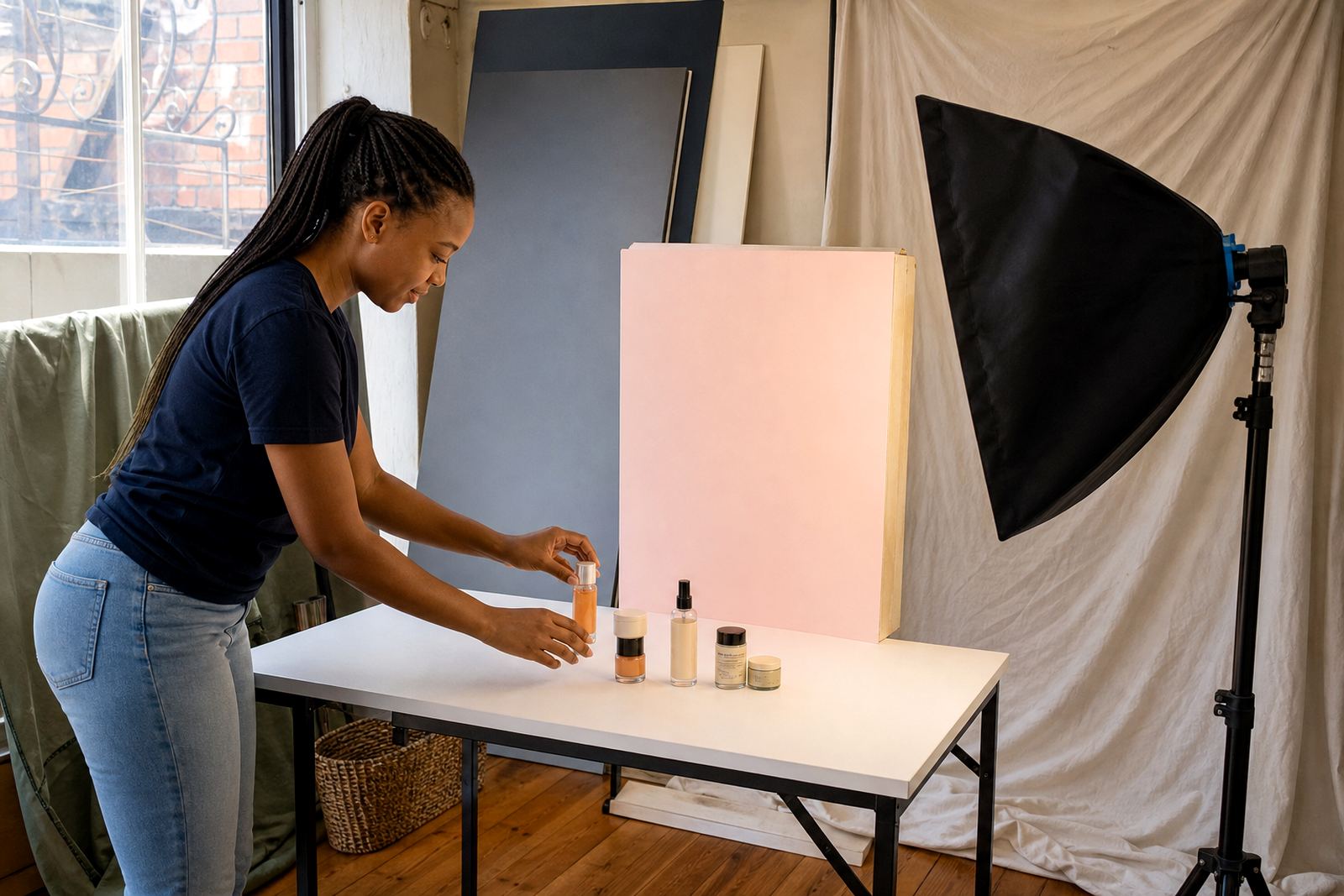
People buy faster when the picture and the choice match. If the variant is a blue dress, the main image should show blue. If the product has a small and large pack, the photo should make the size difference easy to see. Even a simple mobile photo can work well when the lighting is good and the background is tidy.
- Use one main photo for the default variant
- Add extra photos that show colour, size or packaging differences
- Keep the product in the same position so the change is easy to notice
- Avoid using one photo for every variant if the options look different in real life
- Check that the image still looks clear on a small phone screen
For coastal traders in Durban, moisture can affect labels, packaging and printed inserts, so photos should match the current condition of the product not an old batch. A clear image reduces mistakes when customers order from a distance.
WhatsApp orders work better with fewer questions
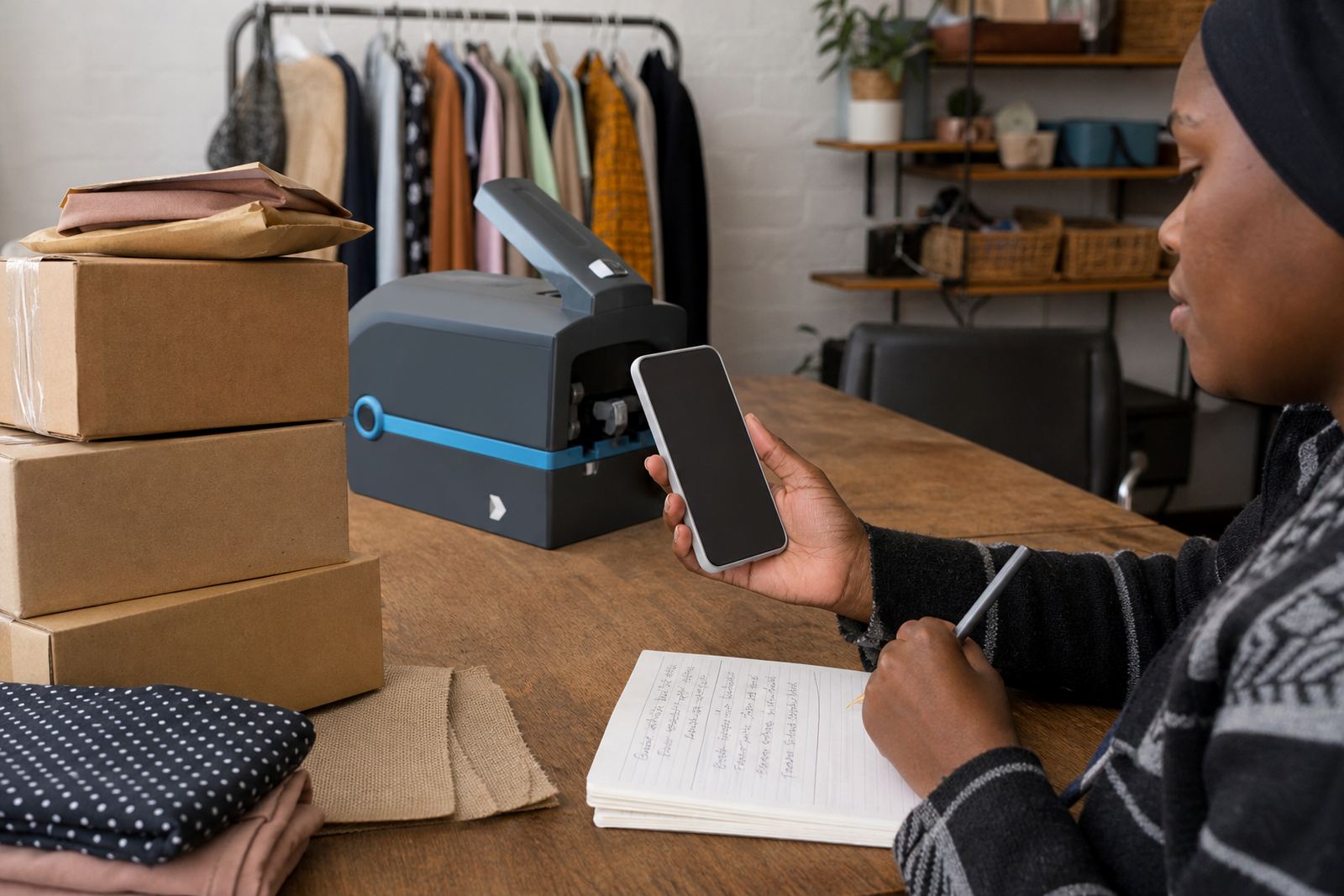
Many South African buyers still want to confirm an order through WhatsApp, especially for mixed items, group gifts or repeat shopping. Variant setup makes that process faster because the customer can see the exact option before they message.
Instead of writing “I want the red one, large size, two packs”, the shopper can choose the right combination first and send a cleaner order note. That helps traders in Pretoria, Gqeberha and Cape Town handle more enquiries without losing track of the details.
Useful details to show on the product page include:
- Which choices are available right now
- Whether the price changes per size or pack
- Any minimum order quantity if one applies
- Delivery or collection notes where relevant
- A short message prompt for WhatsApp orders
Delivery and payment details must fit the variant
Not every option moves the same way. A small item may fit standard courier packaging, while a bulk pack may need a different delivery option. When a store lists variants properly, the customer can see whether the item is suitable for courier, local delivery or collection.
Payment information should also stay close to the product details. If a deposit is needed for a made-to-order item, or if proof of payment is required before dispatch, say so in plain language. For traders handling payments online, it helps to keep the process simple and consistent across the whole catalogue.
If your business handles tax or compliance questions, check with SARS or a qualified adviser. A product page should not guess at rules that depend on the way the business is registered or how the goods are sold.
A Soweto trader example that keeps the page tidy
Picture a Soweto trader selling schoolwear and basic household goods from a small store page. One shirt comes in three sizes and two colours. One lunchbox comes in two pack options. One cleaning refill comes in a single bottle and a family pack. If each choice is listed as its own separate item, the page becomes crowded fast.
With variants, the store stays compact. The customer opens one shirt page, chooses size and colour, checks the price, and places the order. The same method works for home businesses in Johannesburg, Durban, Cape Town, Pretoria and Gqeberha that need a practical way to show mixed stock without making the catalogue hard to read.
That is the real value of good variant setup. It keeps the page orderly, helps buyers choose faster and gives the seller a cleaner way to manage stock. Small changes like this can make a store easier to use even when the product range changes often.