Start with the way shoppers actually search
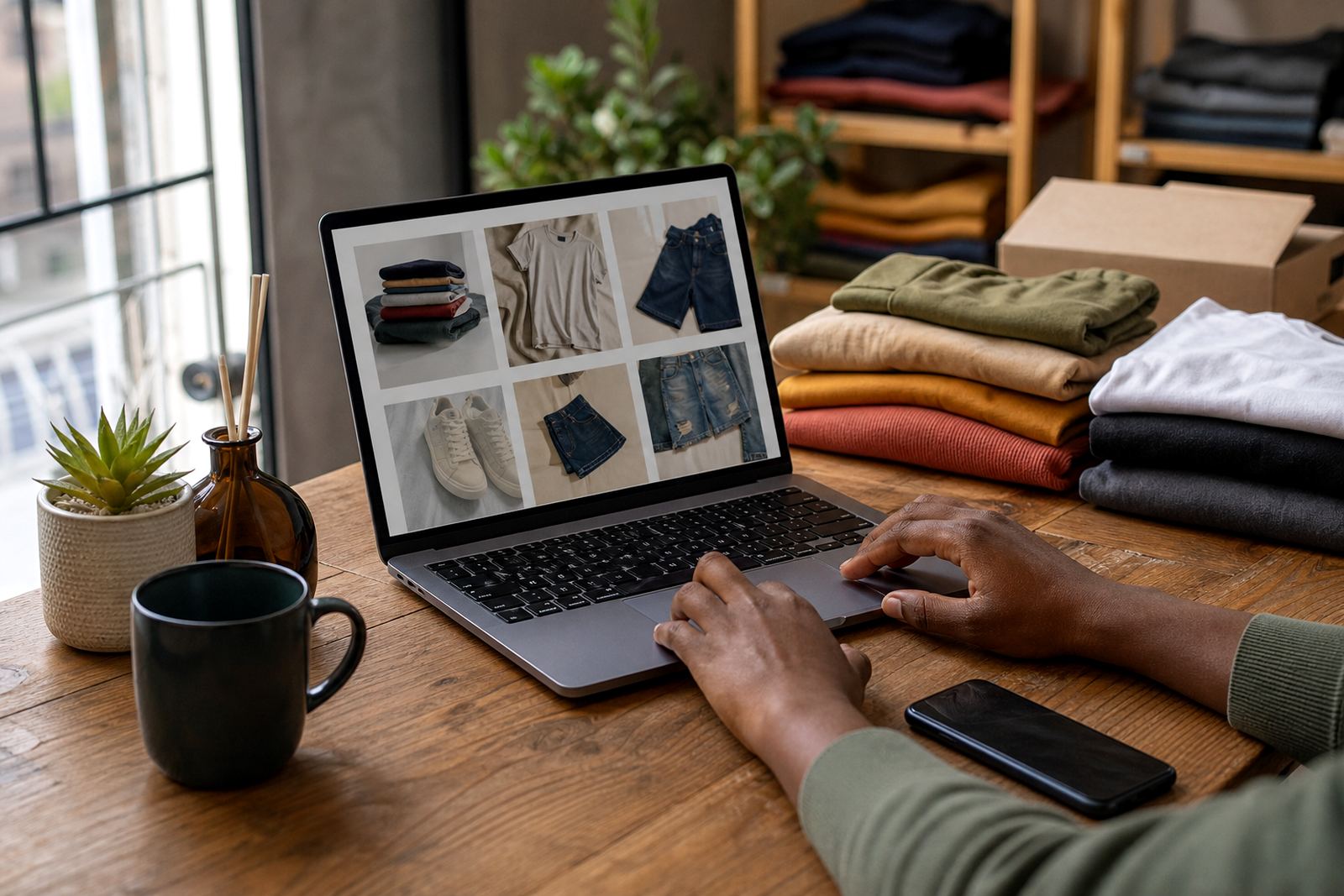
Most fashion buyers do not browse by long product descriptions first. They look for a dress, a T shirt, a doek, jeans or school wear, then narrow it down by size, colour and price. That is why an online store needs categories that match how people shop, not a jumble of mixed items on one page.
For informal traders in Soweto, Johannesburg and other busy areas, a clean structure saves time on both sides. If a customer in Durban wants a size 36 black trouser and can find it in two taps, the chances of a sale improve. Keep your main sections simple: women, men, children, shoes, accessories and new arrivals. Then add filters or tags for fit, fabric, colour and size.
Group stock by type before you upload anything
Before uploading products, sort your rails, bags or boxes into clear groups. Put tops with tops, skirts with skirts, and keep matching items together. If you sell both casual wear and occasion wear, split them into separate sections so shoppers do not have to scroll through every item to find one blouse.
- Sort by garment type: dresses, shirts, trousers, jackets and footwear.
- Separate adult and children's ranges.
- Set aside new stock so it can go into a new arrivals section.
- Keep sale items apart from full price items.
This also makes it easier when you need to update the store after a market day, a supplier drop or a busy weekend. A fashion seller in Pretoria can use the same layout for school uniforms, winter wear and weekend fashion without mixing the ranges together.
Use size, colour and fit as your quiet sales tools
Clothing shoppers ask the same questions over and over: what size is it, what colour is left and does it fit small or large. Put that information on every product page. If a shirt is only available in medium and large, say so. If the colour is navy and not black, say that clearly. Small details prevent returns and unhappy messages later.
Colour matters even more online because a photo can look different on a phone screen than in real life. Add one front photo, one close-up and one image that shows the item in daylight. When possible, include a note about texture, stretch or length. A customer in Cape Town dealing with coastal humidity may care about a lighter fabric, while someone in Gqeberha may prefer something that dries quickly after washing.
- List sizes in the same order for every item.
- Use plain colour names that shoppers understand.
- State if the item has stretch, lining or a loose fit.
- Keep measurements in centimetres where useful.
Photos that help a buyer say yes
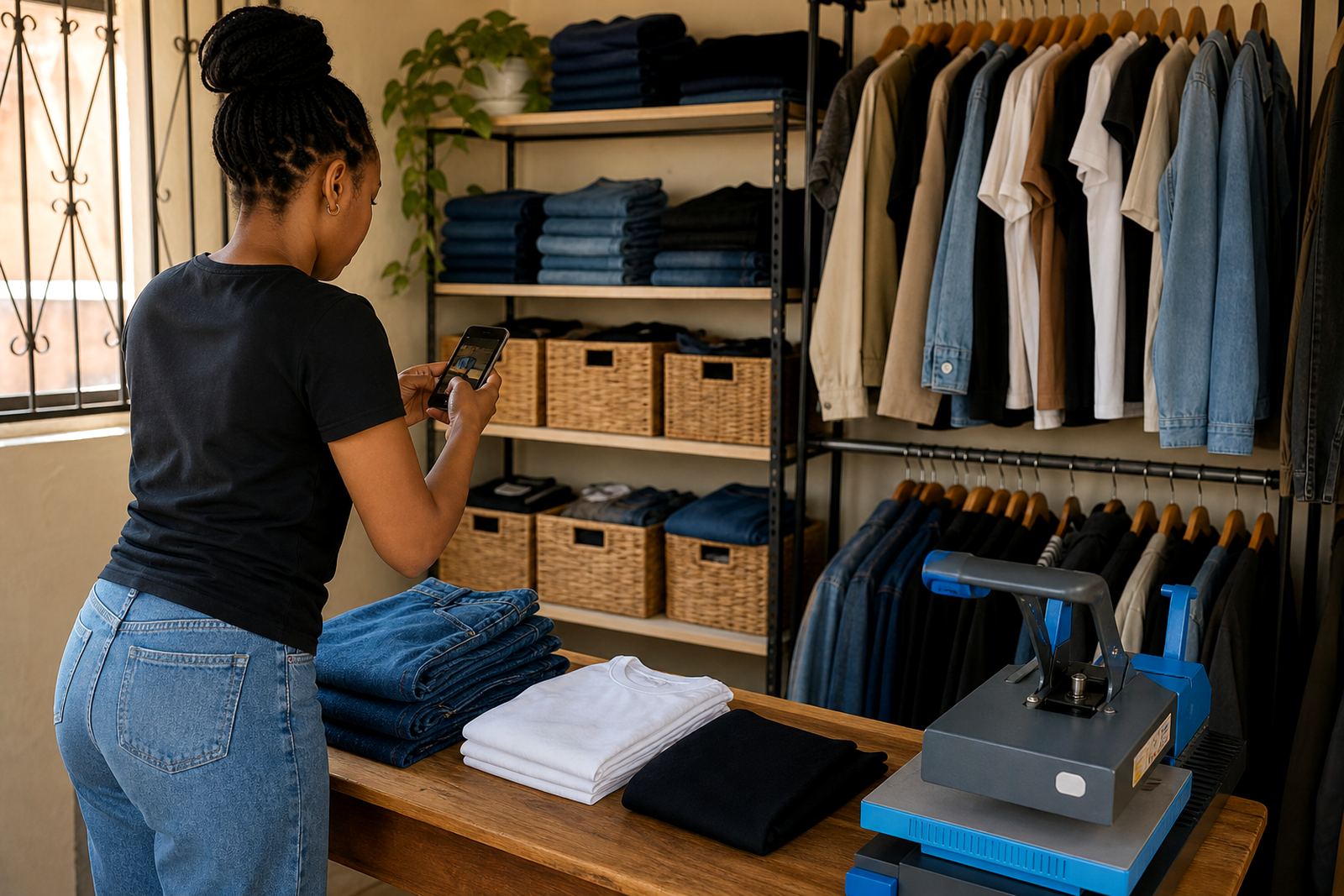
Fashion photos do not need studio tricks, but they do need consistency. Use a plain background when possible and take pictures in good natural light. Folded clothes can work for some items, yet worn photos often help with shape and length. If you are showing headwraps, jackets or dresses, try to include a front view and a side view so the customer can judge the cut.
For traders in Alexandra or Tembisa who run a small home business, a phone camera can still do the job if the lighting is right. Clean the lens first, avoid dark corners and keep the background free from clutter. One clear photo is better than three blurry ones. A neat image can do the same work as a long explanation, especially for customers placing WhatsApp orders.
Make pricing pages easy to read
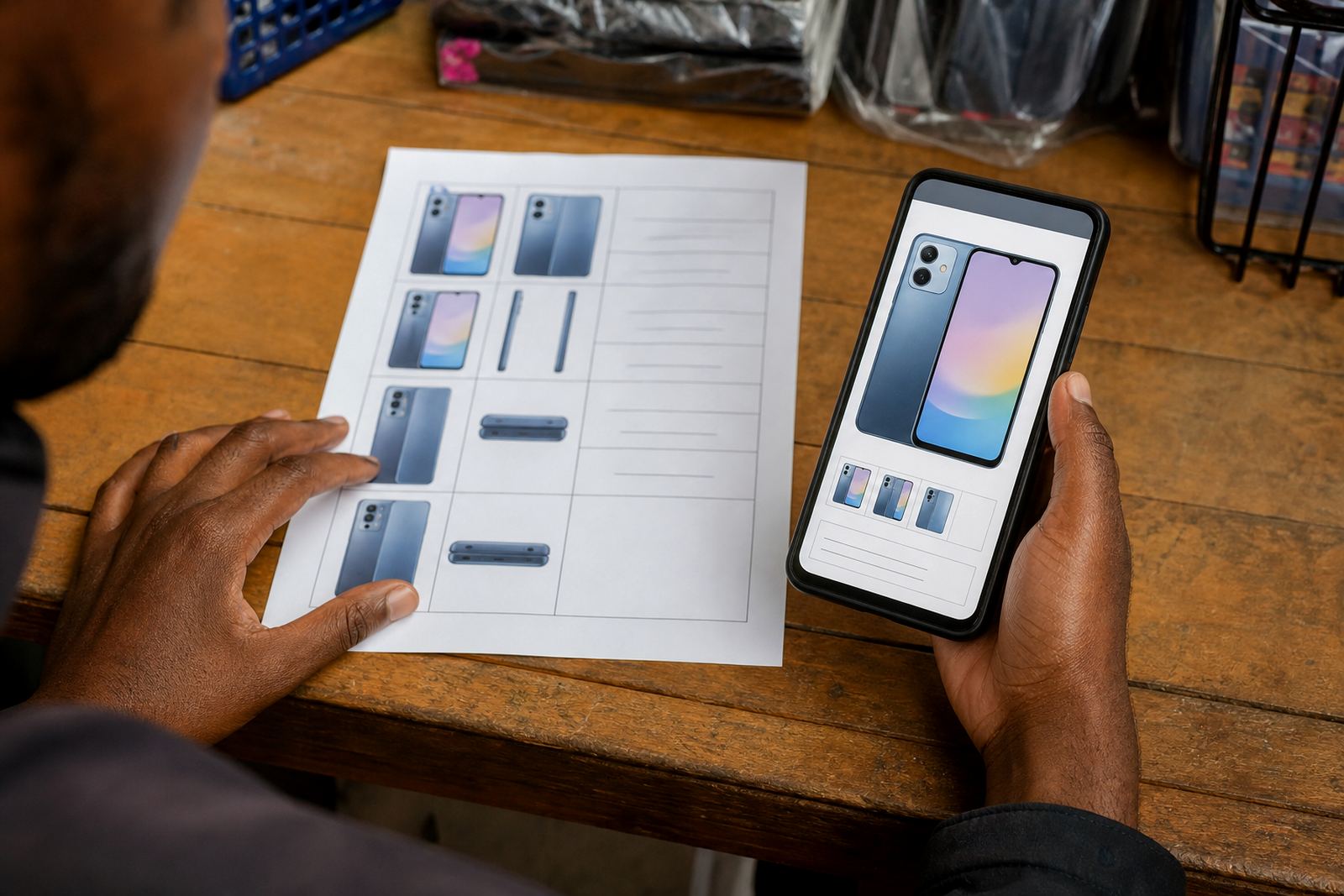
Prices should be visible without a buyer having to ask for every item. A simple pricing page or product card can show the item name, size range and price in Rand. If you have different prices for different sizes or bundles, set that out clearly. Do not make the customer guess what applies to what.
Use a straight layout that works on a phone screen. Many shoppers will be browsing while travelling, during load-shedding or after hours when they are comparing options quickly. If the price changes with colour or size, say so on the page. It is also wise to check with SARS or a qualified adviser on any tax matters that apply to your business. Keep that part in order before you scale.
- Show the price next to the item name.
- Use Rand symbols consistently.
- Mark sale items clearly if a discount applies.
- Keep shipping or collection notes separate from product prices.
WhatsApp orders and delivery choices without confusion
Many fashion customers still prefer to order through WhatsApp, especially when they want to confirm a size or ask about a colour. Set up your store so the customer can move from the product page to a message with the item already chosen. That saves back-and-forth and keeps the order details cleaner.
Delivery and collection should also be straightforward. If you deliver within Johannesburg, Durban, Cape Town, Pretoria or Gqeberha, say how the buyer can choose that option. If collection is available in Soweto or nearby areas, make the pickup point clear. Give customers simple choices and keep the wording short: delivery, collection or courier. That is usually enough for clothing sales.
A practical example from a Soweto fashion seller
Picture a fashion seller in Soweto who stocks ladies' tops, jeans, schoolwear and headwraps from a home base. The store opens with four main sections: women, children, accessories and new arrivals. Each product page shows size, colour, price and two photos. Sale items sit in their own section, while order notes direct customers to WhatsApp for sizing questions.
That setup makes the store easier to browse on a small screen and simpler to update when stock changes. If a particular colour sells out, the seller removes it from the page instead of leaving buyers guessing. Over time, the store becomes tidier, the product list is easier to manage and the customer gets a cleaner shopping experience without extra faff.
SellThat works with informal traders, spaza shops and home businesses that need practical store setup, product upload help, photo guidance, pricing page help, WhatsApp order setup, payment info setup, delivery page setup, home page refresh, store content writing, catalogue rebuild, staff training and ongoing support. The goal is to make clothing easier to find, easier to order and easier to manage day to day.