When a customer asks, speed matters more than perfect wording
A customer browsing on a phone in Soweto, Alexandra or Tembisa often compares two or three stores at once. If your product page is clear and your response is quick, the buyer is more likely to stay with you and finish the order. Slow replies can make a small store look uncertain, even when the product is ready and the price is fair.
The good news is that faster replies do not mean rushed messages. It means setting up your store so the most common questions are answered before the customer has to ask. That starts with clear product photos, proper prices, delivery notes and a WhatsApp button that is easy to find.
Set up the pages that do the answering for you
Many informal traders lose time because every shopper asks the same things. A good store cuts down that back-and-forth by showing the basics in one place. When a visitor can see what the item is, how much it costs and how to order, they are far less likely to message just to confirm details.
- Put the price beside each product, not only on a separate list.
- Add short product names that match what local customers call the item.
- Use clear photos from the front, side and close up where needed.
- Include delivery areas or collection options on a delivery page.
- Show payment methods in plain language, such as EFT, card or cash on delivery where offered.
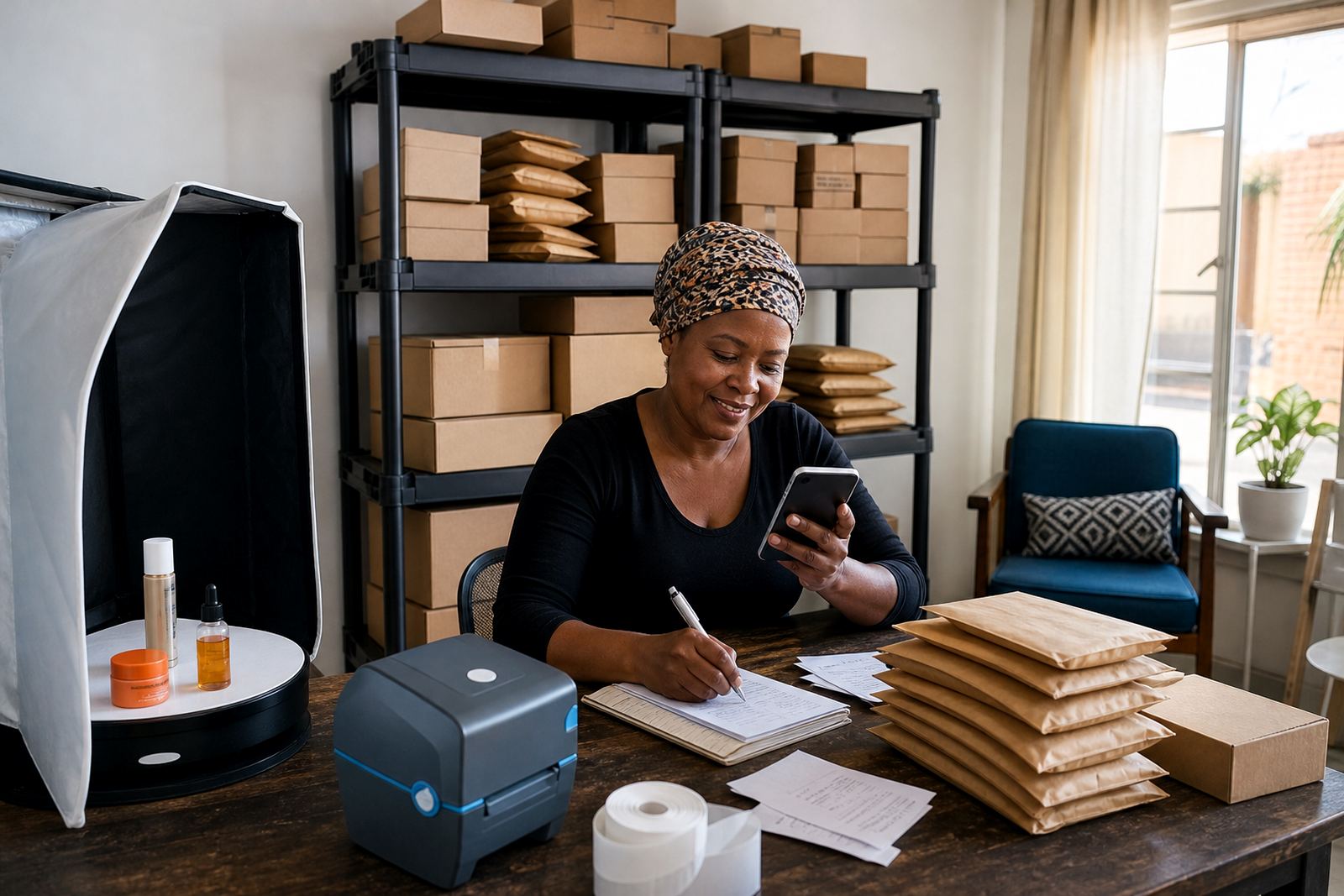
For a home business in Pretoria selling bags or toiletries, this can reduce repeated calls during busy periods. For a spaza shop in Durban, it can help customers place orders after work without waiting for a long message chain.
WhatsApp order setup should make the next step obvious
WhatsApp is often the quickest way for customers to place an order, especially where people want to ask about size, colour, stock or delivery. If your store links properly to WhatsApp, the shopper does not have to search for contact details or type a long message from scratch.
Use a short order prompt that tells the customer what to send. That can include the product name, quantity, size and delivery area. A neat template saves time on both sides and helps you reply in the same format each time.
- Ask for the item name and quantity first.
- Request size, colour or flavour only where it matters.
- Include the suburb or township for delivery checks.
- Tell customers what payment details they will need.
- Use one standard greeting so messages feel consistent.
In Gqeberha, where some customers prefer collecting and others want delivery, a clear WhatsApp order path prevents confusion. In coastal areas like Cape Town and Durban, it also helps when customers are placing orders after a long day and want the process to stay quick.
Replies stay faster when your photos and pricing are tidy
Messy photos and unclear pricing create extra messages. A customer may ask whether the item is in stock, whether the colour is accurate, or whether the price changes by size. Good product photos and a proper pricing page cut out that waste.
Use natural light where possible, especially for clothing, packaged goods and household items. Keep backgrounds plain enough that the product is easy to see. If a product has several options, show each one clearly and label it properly. That way the customer can decide without a long question-and-answer thread.
Pricing pages should be easy to read on a small screen. A shopper scrolling on mobile should not need to zoom in just to find the cost. If you sell in packs, bundles or different sizes, show the difference clearly so customers understand what they are paying for.
A local store in Soweto can reply faster without sounding rushed
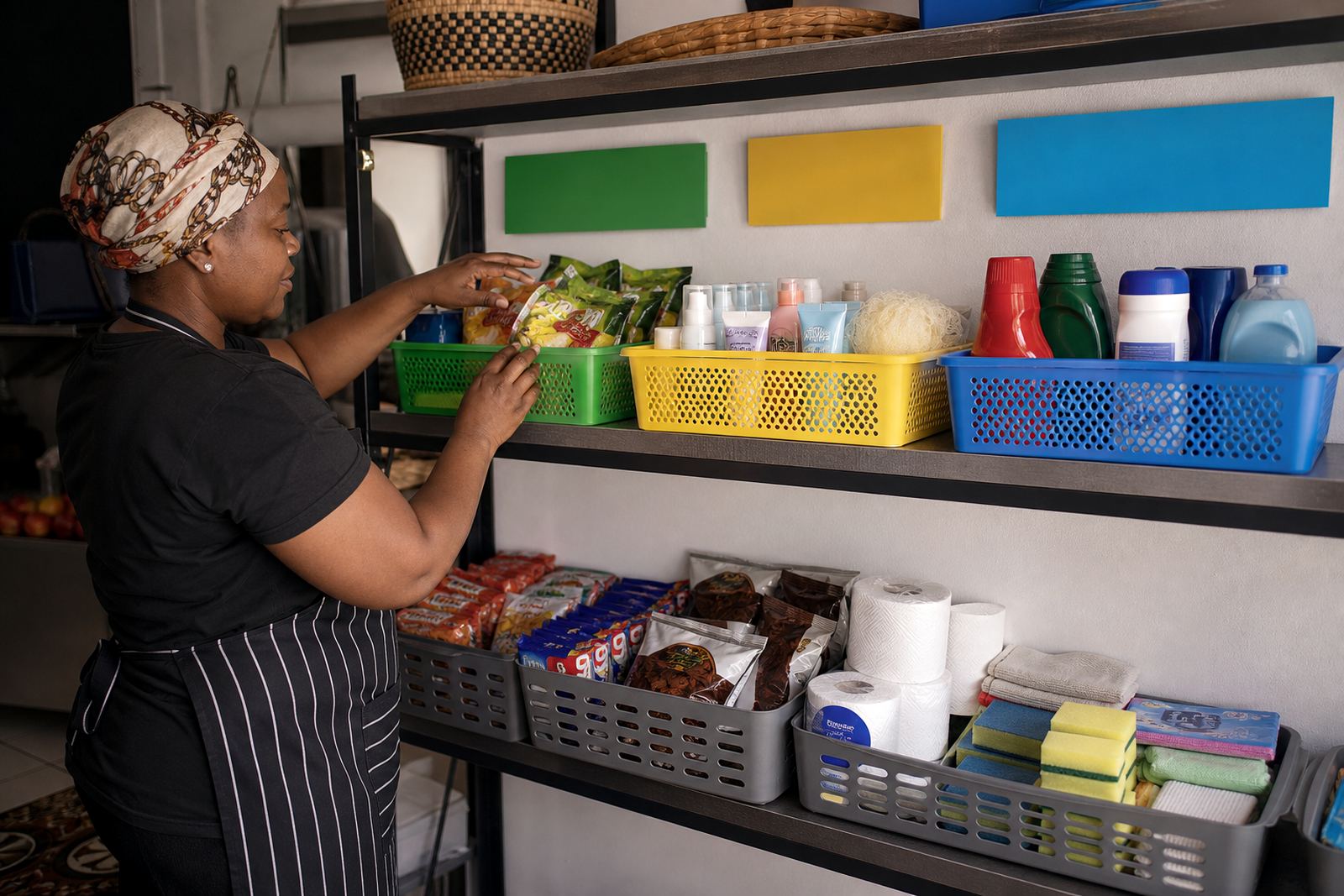
Picture a small trader in Soweto selling snacks, household items and school essentials online. In the morning, customers want quick answers about stock and collection. In the afternoon, they ask about delivery, and by evening they are checking payment options. If every message needs a fresh explanation, the day gets overloaded very fast.
A better system is to keep your store pages updated and use short, helpful message templates. Then the trader can focus on confirming orders instead of repeating the same details. The result is not only faster replies but fewer mistakes in addresses, prices and item choices.
This matters in areas where customers often order on mobile data and want the process to be light on steps. A store that loads neatly, shows the right information and makes WhatsApp easy to use gives the buyer a cleaner path to payment.
What to keep ready so every order moves cleanly
If you want quicker replies, prepare the information your customers ask for most often. It is a practical habit, not a fancy system. Once the basics are in place, you can spend less time explaining and more time packing orders or checking deliveries.
- Product names and short descriptions
- Prices for single items and bundles
- Product photos that match the real item
- Delivery areas and collection points
- Payment instructions and proof-of-payment steps
- WhatsApp order wording for quick replies
For tax or compliance questions, check with SARS or a qualified adviser. If you need help shaping the store content, upload flow or order pages, SellThat works with informal traders, spaza shops and home businesses across Johannesburg, Durban, Cape Town, Pretoria and Gqeberha. A store that answers clearly from the start helps customers decide faster and keeps your day steadier.