Put the Rand amount where the eye lands first
When a shopper opens a product page, the price should be one of the first things they see. Put the Rand amount near the product name or just under the main photo, where it can be read without scrolling. In South Africa, people often compare options quickly, so a hidden price creates doubt and extra questions.
Use a plain format that is easy to scan. Keep the same style across the whole store, whether you sell groceries in Soweto, airtime bundles in Tembisa, or home items in Pretoria. If one product shows R25 and another shows R25.00, the page starts to feel untidy. Consistency matters more than decoration.
- Use Rand symbols clearly, such as R35 or R120.
- Place the price close to the product title, not at the bottom of the page.
- Keep sale prices and normal prices in the same spot on every page.
- Do not make shoppers hunt for the amount, they wont bother for long.
Use pricing pages that answer the basics at a glance
A pricing page does more than list numbers. It gives shoppers a quick view of what is available, what it costs, and how they can order. For a small store, this can be a single page with product names, sizes, pack counts and prices listed in a clean order. That works well for spaza shops, informal traders and family businesses that want fewer missed messages.
If you sell different sizes or pack options, make the difference obvious. A customer in Cape Town should not have to guess whether the price is for a single item, a pack of six, or a larger container. Clear wording saves time for both sides and reduces mistakes when orders are placed through WhatsApp.
- Show the item name, size or quantity, and the price together.
- Group similar products together, such as food items, toiletries or household goods.
- Add a short note if a price changes for different sizes.
- Keep the page readable on a phone screen, since many shoppers browse on mobile data.
Make WhatsApp orders match the price shown online
Many shoppers want to message first and pay after checking stock or delivery details. That is normal, especially for traders serving local areas in Johannesburg, Durban and Gqeberha. The price shown online should match what the customer sees when they open the WhatsApp chat or order message.
If a product has a special request, like extra quantity or mixed packs, give a clear starting price and explain how the final total is worked out. That keeps the conversation fair and avoids confusion. A clear price next to a clear order method is usually enough to move a buyer from browsing to placing the order.
- Use the same price on the product page and in the WhatsApp order note.
- State whether the amount is for one item, a pack, or a set.
- If delivery changes the total, say so in plain language.
- Keep the wording short so shoppers can act fast on their phones.
Keep payment details practical and easy to read
Payment information should sit near the price or on the checkout page, not hidden in a corner of the site. Shoppers want to know what methods are accepted before they spend time filling in details. For informal businesses, the simplest approach is often the best: show the accepted payment options plainly and keep the steps short.
If you take electronic transfer, card payment or cash on delivery, say so in direct language. If a deposit is needed for special orders, explain that near the price or order button. Also make sure your wording is accurate and practical. For tax or record keeping questions, check with SARS or a qualified adviser so your business stays in line with the rules.
- List accepted payment methods beside the product price or checkout summary.
- State whether payment is needed before dispatch or on delivery.
- Keep any deposit or balance wording short and easy to follow.
- Use the same terms across the whole store, not different names for the same method.
Delivery fees should not surprise the shopper
Delivery costs can change the decision fast, especially when the shopper is comparing a few stores. If your area charge or courier fee is separate, show it clearly on the delivery page or near the checkout. A customer in Soweto or Alexandra should know whether the price on the product page is the final amount before they place the order.
You do not need a long explanation. A short delivery section can say where you deliver, how the fee is worked out, and whether collection is available. If you serve nearby suburbs, townships or other parts of South Africa, make that plain. That helps shoppers choose the right option without sending extra messages.
- Show whether delivery is included or charged separately.
- Use simple location wording, such as local delivery or nationwide courier.
- Explain collection points only if you offer them.
- Keep delivery notes near checkout so people do not miss them.
A Soweto trader example that keeps the numbers visible
Think of a trader in Soweto selling cleaning items, snacks and household basics. If the home page only says “View Products” and the prices are hidden behind several clicks, shoppers may leave before ordering. A better setup is a clean home page with a short product list, clear Rand amounts, and a quick link to WhatsApp for questions or bulk orders.
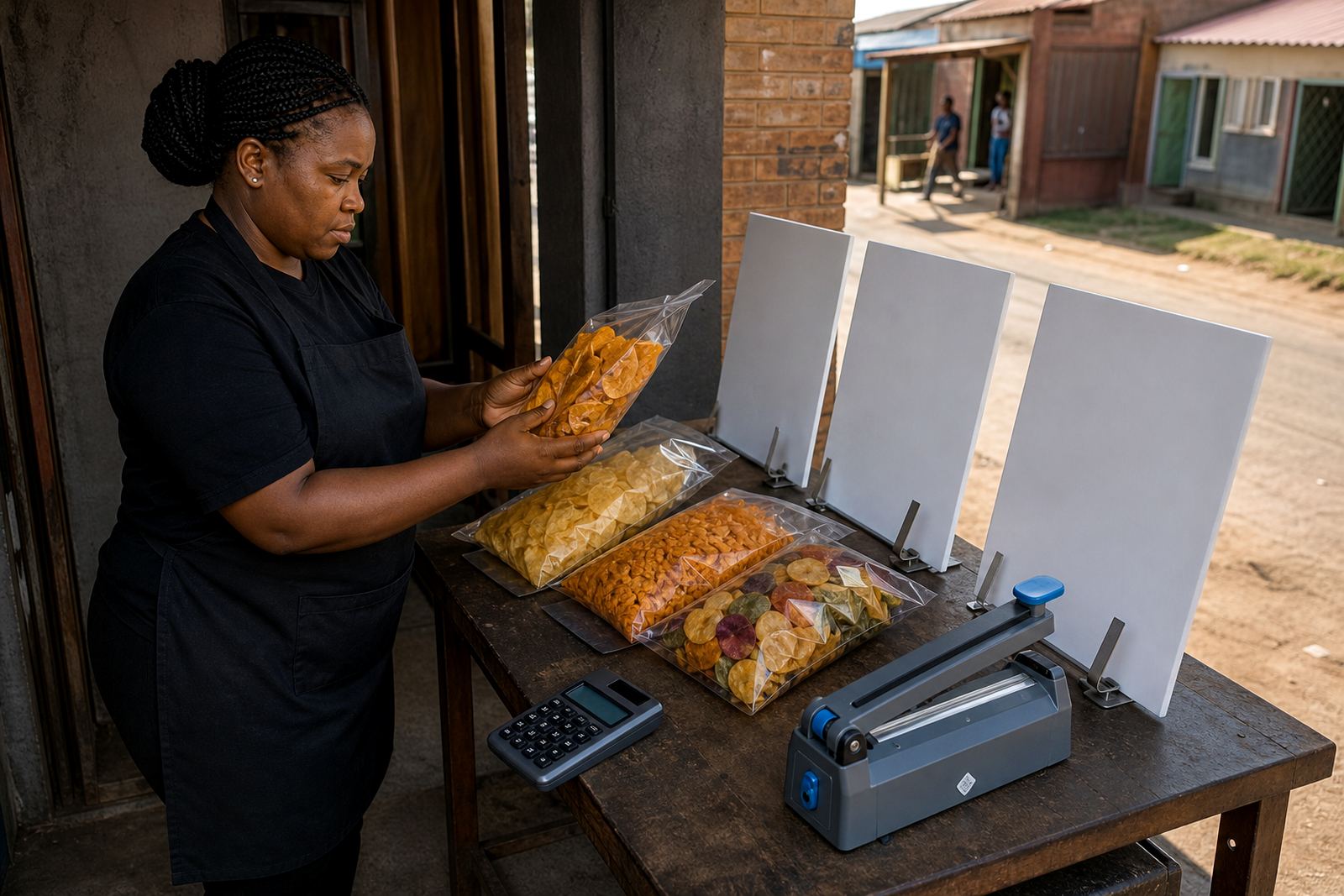
That trader could show each item with one photo, the size, and the price. The pricing page can list the most ordered products first, then add a delivery note for nearby areas. If a special promotion runs for a few days, the discounted amount should be easy to spot. Good pricing pages are not fancy, they are practical and direct.
For informal traders in Johannesburg, Durban, Cape Town, Pretoria and Gqeberha, this approach helps people compare and order without confusion. It also saves time for the business owner, who can spend less effort explaining the same price over and over.
- Start with the products people ask for most often.
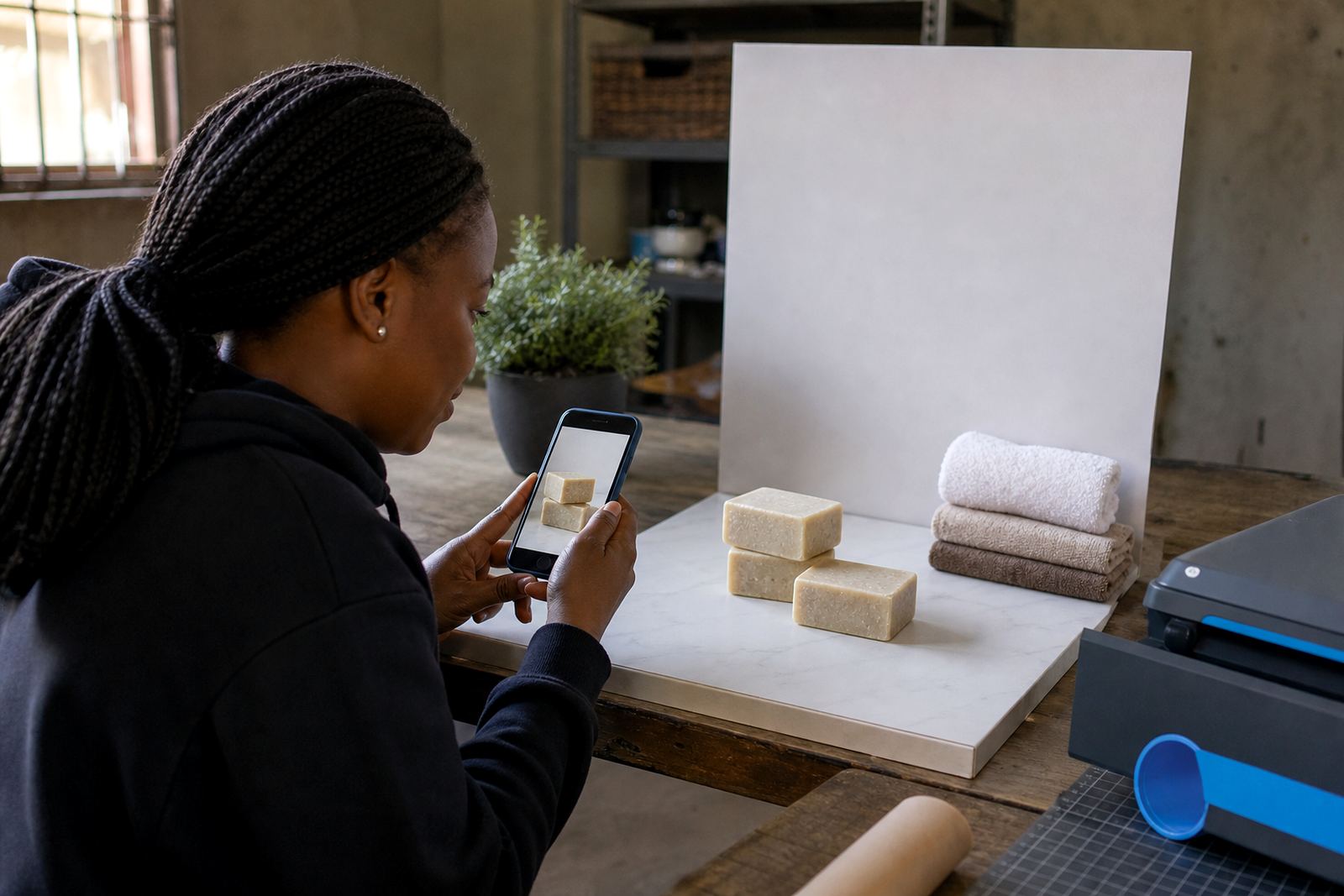
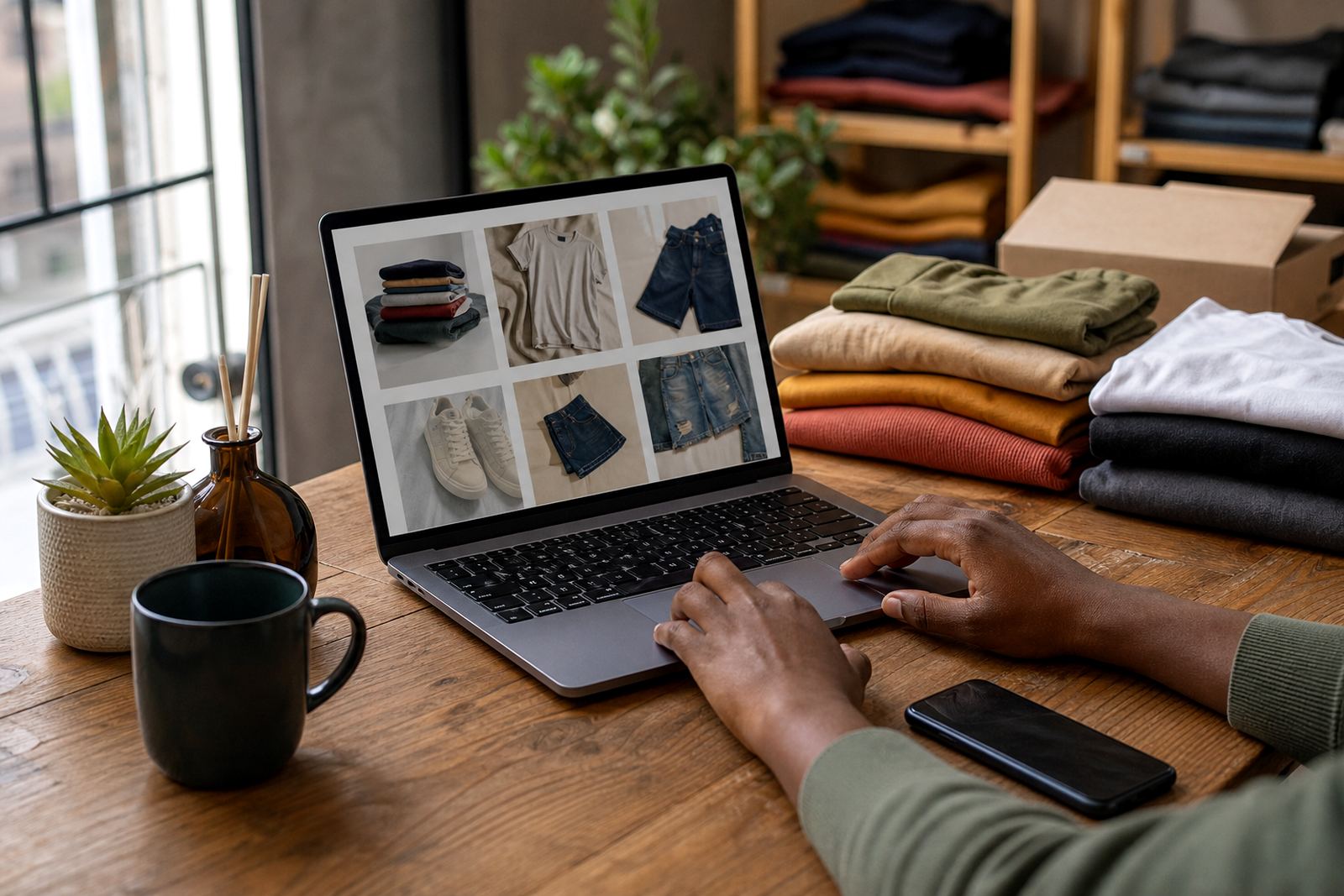
- Keep photos, names and prices together on the same screen when possible.
- Use a short delivery note for local areas and a separate note for wider delivery.
- Refresh the page when prices change so shoppers do not see old amounts.