Make the first message do useful work
When a customer taps to order on WhatsApp, the message should guide them, not leave them guessing. Add a short greeting, the items available, the size or quantity options and the exact next step. A person in Soweto selling stock from a home business should not have to explain the same basics over and over, especially when messages come in after hours or during a busy morning.
Keep the wording plain. If a shopper sees a clean product list, a price, and a clear instruction such as send the item name, colour and size, they can place an order faster. That helps both sides. It also cuts down on mistakes when customers are asking from a taxi rank, a spaza counter or while they are at work.
- Use one short line for each item
- Show the price clearly in Rand
- Ask for the name, quantity and delivery area
- Tell the customer if stock is limited
Match the chat to your product pages
A WhatsApp order setup works better when it matches the rest of the store. If a product page says 2 kg, the chat should say 2 kg. If your pricing page shows colour options, the WhatsApp prompt should ask for colour too. This avoids confusion and makes the store feel organised, even if the business is run from a kitchen table in Alexandra or a small prep space in Tembisa.
It helps to keep product names short and consistent. Use the same wording on the home page, catalogue and order message. If a customer asks about a bundle, the picture and description should already show what is included, what is extra and whether the item is for same-day collection or delivery later in the week.
- Use the same product names everywhere
- Keep sizes, colours and pack counts identical
- Make the WhatsApp prompt reflect the page layout
- Show clear stock notes when items move quickly
Set payment details in a way people can follow
For many traders, WhatsApp orders work best when the payment step is simple. List the payment methods you accept and show what proof of payment should include. If you use bank transfer, card payment links or cash on delivery, state it clearly so the customer does not need to ask twice. Keep the note short and practical, because people often read it while they are moving around or sharing a phone.
Do not overload the message with too many instructions. A buyer should know what to pay, when to pay and what happens after payment is sent. If you need to check anything with SARS or a qualified adviser for your business records or tax position, that is worth doing separately. The order message itself should stay focused on the sale.
- List accepted payment methods plainly
- Say when payment is needed
- Tell buyers what proof to send
- Keep finance and tax matters separate from the order chat
Delivery wording should fit the area and the order size
Delivery options need clear wording, especially if you serve different parts of Johannesburg, Durban, Cape Town, Pretoria and Gqeberha. A customer should know whether you deliver, offer collection or arrange a courier for larger orders. If a trader in Soweto only delivers certain days, say so. If a home business near the coast needs extra care for packaged items in humid weather, that can matter too.
Short delivery notes help prevent arguments later. Mention the delivery area, any cut off time for the day and whether the customer must share an address pin on WhatsApp. If certain items are fragile or need secure packaging, say that before the order is final. Clear delivery language also helps when customers are ordering from spaza shops, markets or office blocks where directions can be tricky.
- State delivery areas clearly
- Say whether collection is available
- Explain any cut off times or day limits
- Ask for an address pin when needed
Photos carry the sale before the chat starts
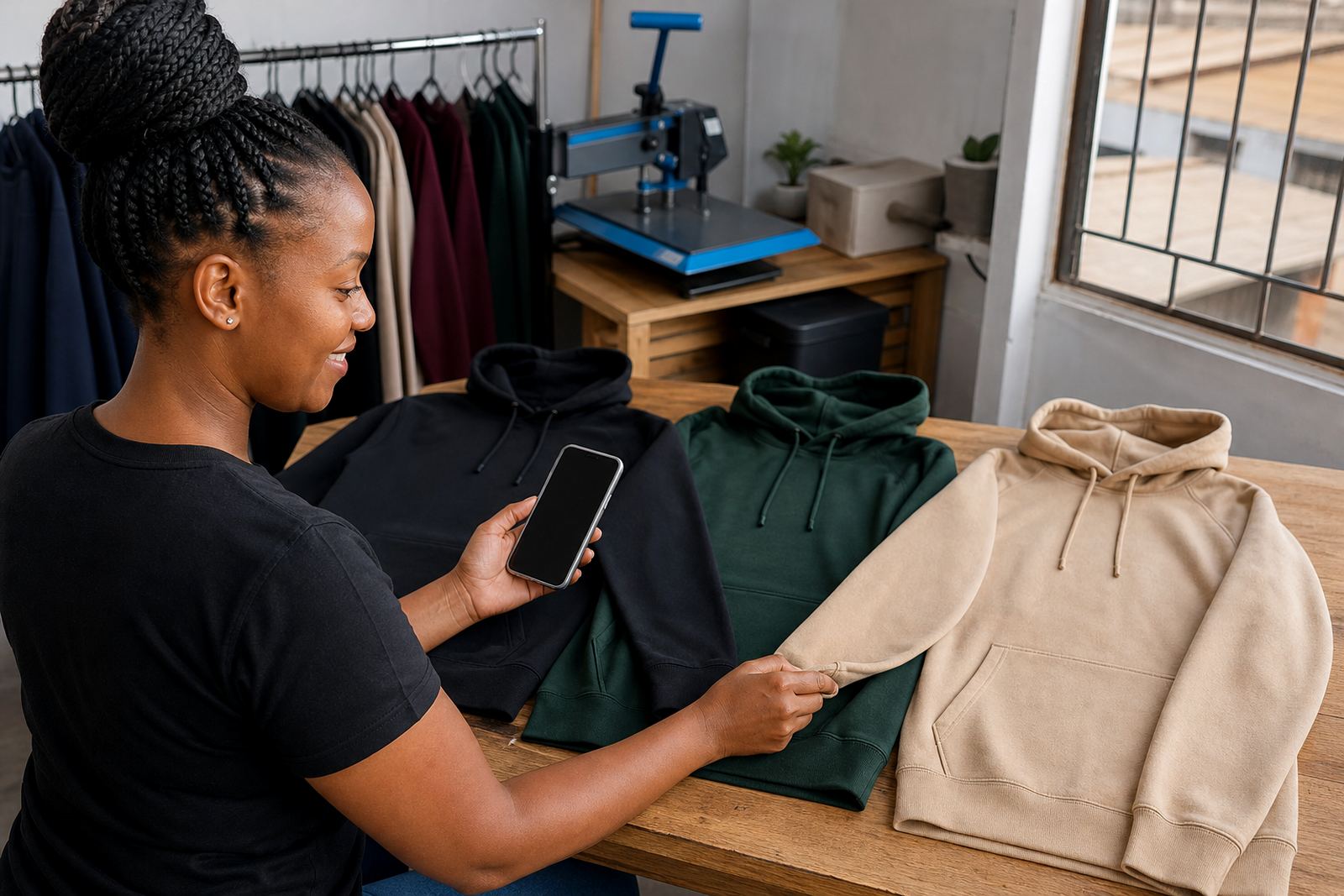
Good product photos make WhatsApp orders easier because customers can see what they are about to ask for. Use a bright background, clean lighting and enough detail for the buyer to understand size and colour. For informal traders, this is often the fastest way to reduce back and forth. A clear photo of a snack pack, a T shirt or a household item can do more work than a long description.
If the item comes in several variations, show the main options in one set of pictures. Do not mix unrelated products in one image if buyers need to order quickly. For a store built around local trading, the photos should feel honest and readable, not polished beyond what the stock actually is.
- Use clear light and a plain background
- Show the front and any important details
- Include size, colour or pack differences
- Keep the image style consistent across the store
A Soweto order flow that keeps the day moving
Think of a busy Soweto trader who sells household goods and small grocery items online. A customer sees the product page, taps WhatsApp, reads the item name and price, then sends the quantity and delivery area. The trader replies with the payment detail, confirms stock and shares the next step. That kind of order flow suits a business that gets messages while serving walk in customers, packing stock or loading goods for delivery.
When the flow is set properly, the trader does not need to retype every detail by hand. The customer gets a cleaner buying experience and the business can handle more enquiries without losing track of the order. It is practical, direct and works well for informal trade across South Africa.
- Customer taps the item
- WhatsApp opens with the key order details
- Trader confirms stock and payment
- Delivery or collection is arranged