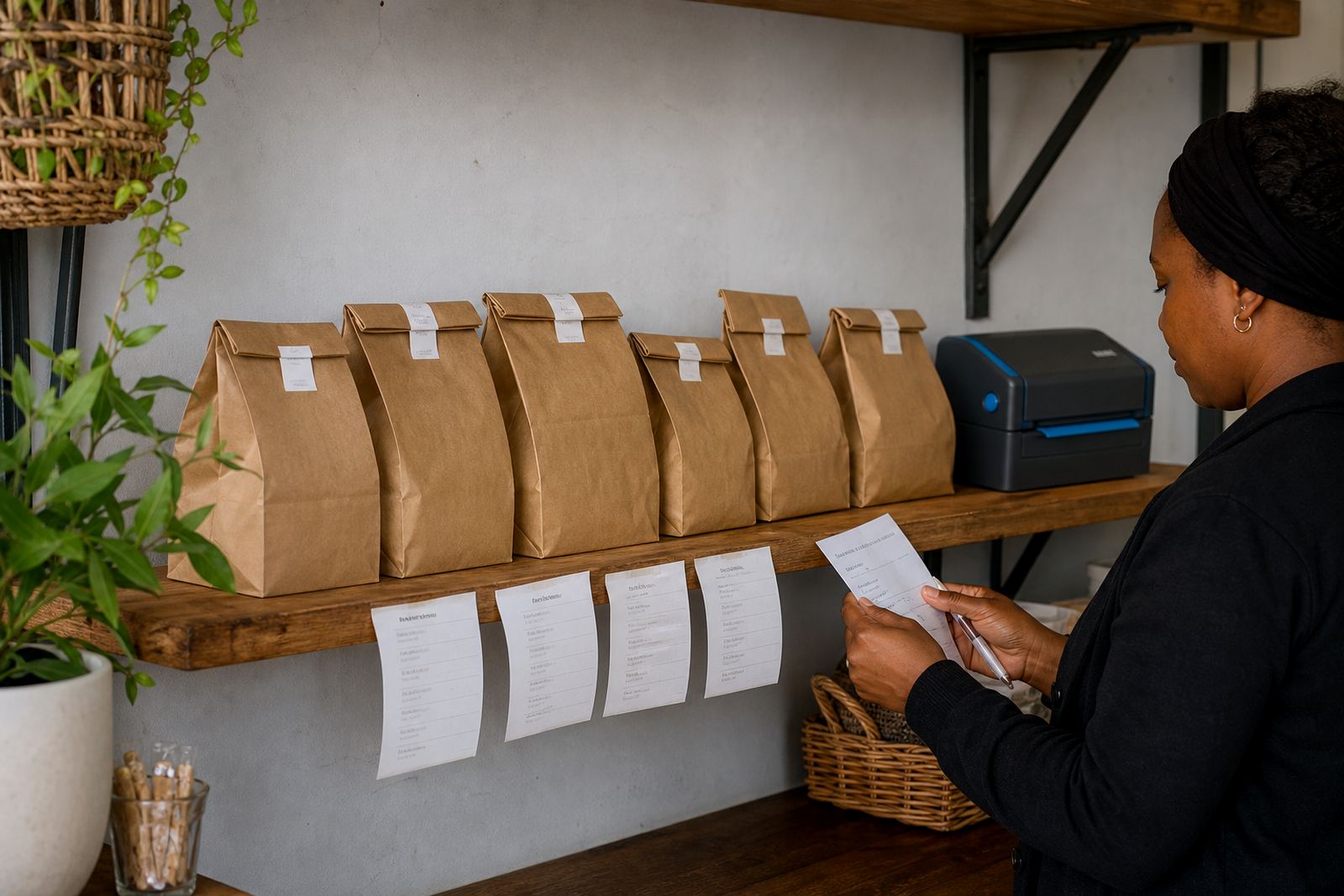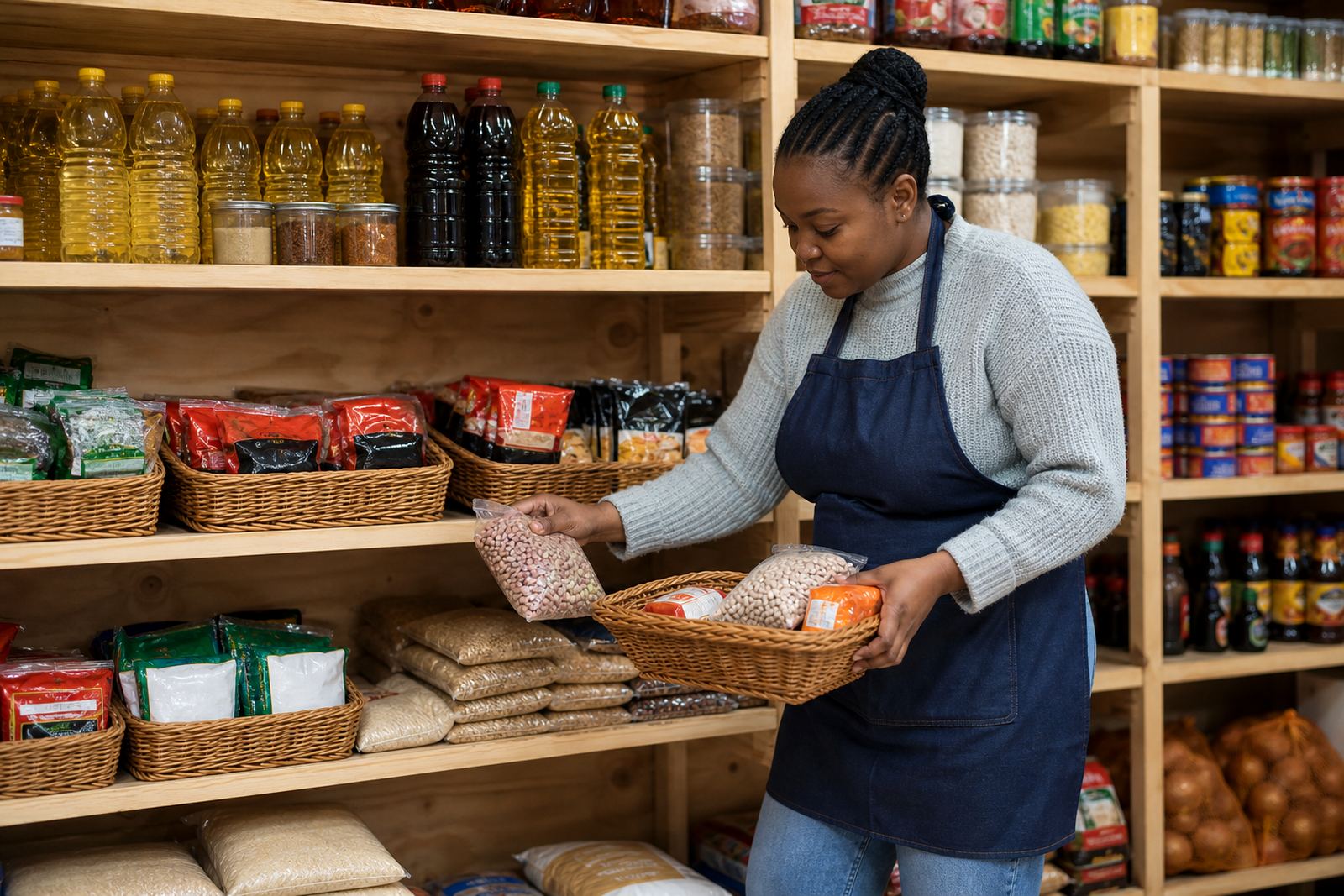
Clear sections that match the way traders sell
Category pages organise your store the same way a customer thinks at the table, tuck shop counter or WhatsApp chat. A shopper in Soweto can open one section for groceries, another for school clothes, another for snacks and a separate page for household goods, instead of scrolling through everything at once. That makes the store easier to use on a phone, which matters when most orders are placed quickly between jobs, taxis and family duties.
For informal traders, the page structure should be plain and practical. Common groupings include food, drinks, toiletries, cosmetics, kidswear, men’s wear, ladies’ wear, homeware, and cleaning goods. If you sell mixed stock, the categories can follow your actual shelves and boxes, so the online store reflects what you already know on the ground. The result is less back-and-forth and fewer mistakes when customers ask for a specific item.
- Groceries and dry goods
- Snacks and cold drinks
- Clothing and footwear
- Household and cleaning goods
- School supplies and small accessories
Product pages that carry the right detail
Each category page should open into product pages with the basics a buyer needs before placing an order. That includes the item name, pack size, colour, fabric, flavour, quantity, and any important option such as size 28 to 44 for clothing or 250 ml, 500 ml or 2 litre for liquids. If the item comes in a range, the customer must be able to see the choice clearly. A loaf of bread, a pair of jeans and a 12 pack of soft drinks all need different detail, so the wording should match the item type.
Good product pages also help with pricing pages and WhatsApp orders. When the shopper taps through from a category, they should see the price, the unit measure, and whether the item is sold as a single piece, set or pack. For traders in Johannesburg, Durban, Cape Town, Pretoria and Gqeberha, this matters even more when the same product is sold in different pack sizes depending on supplier stock or delivery route.
- Exact size or pack count
- Colour, flavour or variant
- Single item, bundle or carton
- Price per item or per pack
- Photo showing the actual stock line
Photos that help customers choose faster
Category pages work better when the photos are clean and easy to understand. A clothing section needs a front view, and if possible a back view or close-up of the fabric. Grocery and snack sections need clear pack shots, not blurry pictures taken in low light. For home businesses and spaza shops, a phone camera can do the job well if the item is placed against a plain wall, a clean cloth or a table with enough daylight. In coastal towns, wipe down shiny items first because humidity can mark packaging and show dust more quickly.
When there are many items in one category, keep the image style consistent so the store does not look scattered. Use the same background, the same angle and the same cropping where possible. That helps customers compare prices and sizes without guessing. If a section has seasonal stock, such as winter wear or festive snacks, the category page can be refreshed without changing the whole store layout.
- Use one clear image per item at minimum
- Show size labels, packaging and colour properly
- Keep backgrounds uncluttered
- Upload the same style across one category
Ordering paths for WhatsApp, payments and delivery
A category page should link smoothly to the way your customers buy. Some shoppers will add items to a cart, while others prefer to send a WhatsApp order after browsing a section. That is useful for informal traders who take mixed orders, especially when one customer wants groceries, a school jersey and cleaning liquid in the same request. The page should make it easy to see the item, select the size, and move straight to the next step.
Payment and delivery details sit naturally within the category layout too. A delivery page can note areas served, collection options, same-day local drops where arranged, and any limits linked to stock or route planning. If a payment method needs extra steps, such as proof of payment or bank transfer confirmation, the wording should be short and clear. If your business is VAT registered or needs to check how tax details must be shown, confirm that with SARS or a qualified adviser.
- WhatsApp order button on each category or item
- Payment options listed next to the price page
- Delivery notes for township, city and outlying areas
- Clear stock and collection wording for fast decisions
Sizing, fitting and use notes for clothing and mixed stock
Some categories need more than a title and a price. Clothing pages should mention waist size, chest size, age range, shoe size or garment length where needed. If the item must be fitted or altered, say so plainly. For example, uniforms, school wear and workwear often need size confirmation before dispatch. That saves time for traders serving Alexandra, Tembisa and other busy areas where customers want the right fit the first time.
Mixed stock stores also benefit from use notes. A kitchenware item may need a size or capacity, while a household item might need the number of pieces in the box. Keep the wording practical and do not bury key facts in long paragraphs.
- Measure sizes in centimetres, millimetres or litres where relevant
- State whether the fit is slim, regular or loose
- Confirm piece counts for sets and cartons
- Note any fitting, assembly or connection detail only when it applies
Keeping category pages tidy as stock changes
Stock changes often in informal trade, so category pages need regular sorting. Out-of-stock items should be moved out of sight or marked clearly, and new lines should go into the right section before the page becomes cluttered. A store with groceries, snacks, clothing and household goods will work better when each section stays current, rather than letting old products sit in the wrong place for months.
It also helps to rebuild categories when a trader expands from one area to another. A store serving Soweto today may also take orders from Pretoria or Gqeberha tomorrow, and the categories should still make sense for customers who do not know the stock by heart. Keep section names short, use plain language and check spelling on item names, prices and quantities. A clean page saves time for the trader and the customer.
Key facts
| Category structure | Groceries, snacks, clothing, household goods, toiletries, school items |
|---|---|
| Product detail fields | Name, size, colour, pack count, price, variant, stock status |
| Photo guidance | Clear phone photos, plain background, consistent angles, good light |
| Ordering options | Add to cart, WhatsApp order link, enquiry prompts, delivery notes |
| Common size formats | Centimetres, millimetres, litres, kilograms, pack counts, age ranges |
| Service fit | Store setup, product upload help, photo guidance, pricing pages, training |