A pickup setup that suits busy traders
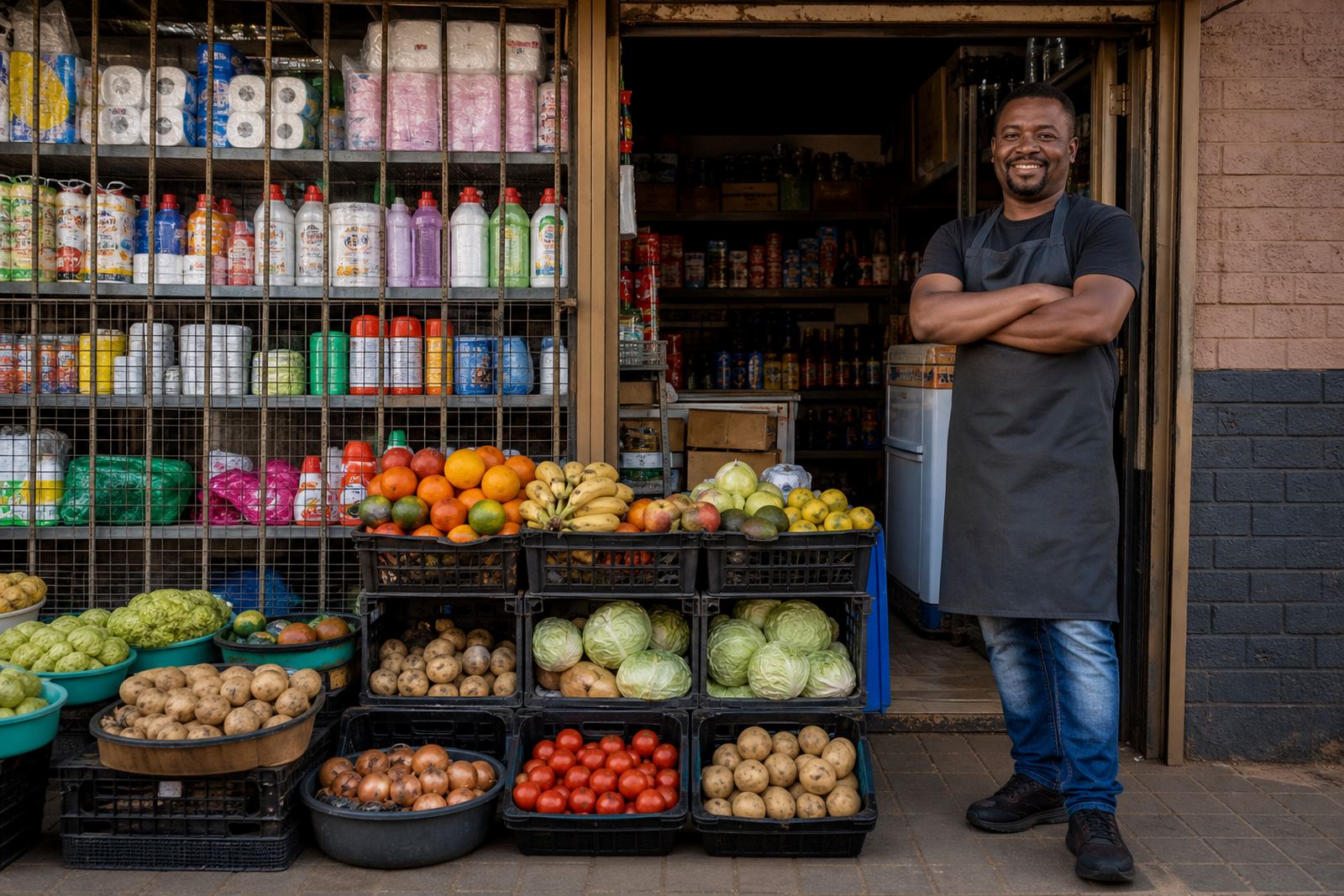
The Collection Option is for traders who want orders paid for online or confirmed by WhatsApp, then handed over in person at a set point. It works well for spaza shops, home bakers, clothing resellers, beauty product sellers and traders who serve customers in Soweto, Alexandra, Tembisa, Johannesburg CBD, Durban townships, Cape Town, Pretoria and Gqeberha. The goal is to keep the pickup step clear so customers know where to go, when to arrive and what to bring.
You can use collection for same-day handover or for orders that are packed first and released later in the day. The page can show your pickup address, landmark details, collection hours, order reference instructions and the name or number a customer should mention at the counter. Where traders handle many small orders, a proper collection note saves time and cuts down on missed pickups.
Collection details that make the handover easier
A good collection page gives the customer enough detail to avoid back-and-forth calls and confusion at the gate. You can add one pickup point or more than one point if your business serves different areas. If you work from home in a gated street, an industrial yard, a market stall or a shared shopfront, the address can be written in plain local wording so customers understand where to stop.
- Pickup point name and street address
- Closest landmark, taxi rank or main road
- Collection hours and closed days
- Order number, customer name or WhatsApp reference
- Special instructions such as gate code, security check or side entrance
- Whether a person must show proof of payment before collection
For traders in high-traffic areas, it also helps to mention where drivers can stop briefly, where pedestrians should enter, and whether collection is only for prepaid orders or also for pay-on-collection arrangements. That kind of detail keeps the pickup point organised, especially when there are load-shedding gaps, busy foot traffic or shared premises.
Sizes and setup options for different store types
The Collection Option can be used in a simple store setup or linked to a larger catalogue with many products. You can keep it basic with one collection choice, or split it by area, product type or order size. For example, a trader can set one option for small parcel pickup, another for bulk cartons, and a third for market-day collection.
Common setup options include:
- Single pickup point for one shop or home business
- Multiple pickup zones for branches or trading areas
- Time slot collection for packed orders
- Same-day or next-day handover where stock is ready
- Order note field for sizes, colours, flavour choices or quantity changes
If your products are fragile, chilled or made to order, the collection instructions can mention packaging or handling notes so customers know what to expect. For clothing, footwear and accessories, the page can also ask customers to confirm size, colour and style before the order is released.
Where collection works best
This option suits traders who can hand over stock directly and want fewer delivery complications. It is a practical fit for small shops in Soweto and the surrounding townships, market stalls in Johannesburg, pickup points near taxi routes, and home businesses where the trader wants to keep control over the handover. It also helps where customers prefer to save on delivery fees or want to inspect the parcel on arrival before taking it with them.
Collection can work alongside WhatsApp orders, payment proof, cash on pickup where you allow it, and delivery for larger orders. Many traders use it for repeat customers who already know the area and just need a clean, reliable handover point. For businesses serving several suburbs, it is useful to list the pickup area by name so the customer does not mix it up with another branch or trading point.
Fitting the pickup option into your store flow
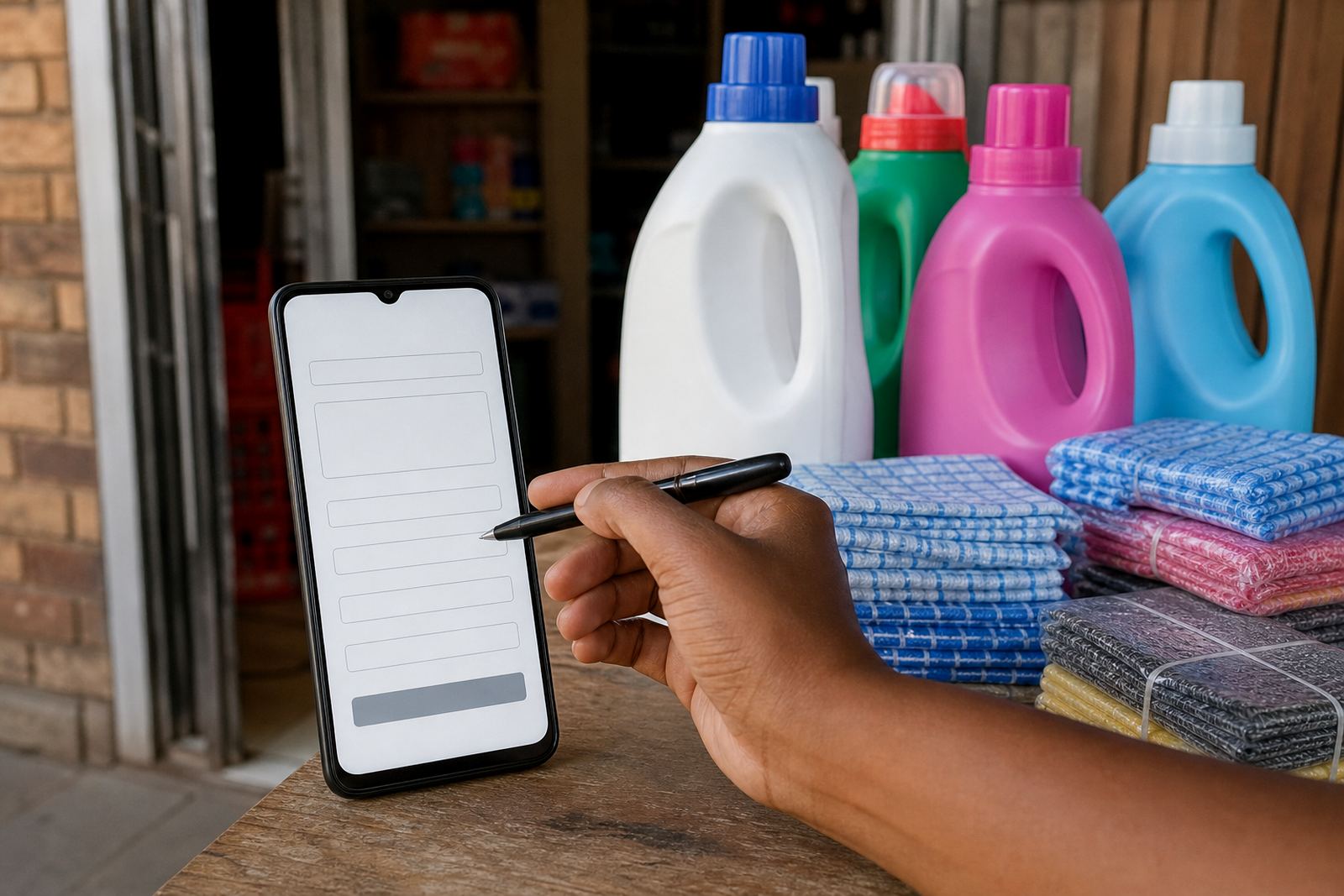
When the collection option is added to a store, the setup should match how you actually pack orders. If a customer orders online, the system can show collection as a choice at checkout or as a note on the product page. The store can then send the customer toward the right handover method, whether that is a counter collection, a collection shelf, a call-on-arrival process, or a packed order collected from a side entrance.
Useful details to confirm before the store is set up:
- The exact pickup address and area name
- Who hands over the parcel and how they identify the customer
- Whether orders are collected after payment or after confirmation by WhatsApp
- Any time windows when pickup is allowed
- Whether the customer should bring an ID, proof of payment or an order code
- How you want the collection note worded on the page
If your business runs from a place with limited access, a security counter or controlled gate, that information can be added in a plain way so customers arrive prepared. A clear pickup flow is especially useful in busy parts of Gauteng and coastal cities where parking, traffic and foot movement can affect the handover.
Care, upkeep and day-to-day handling
The Collection Option itself does not need physical care like stock does, but the details on the page should stay current. If your trading hours change, if you move the pickup point, or if a road closure affects access in your area, update the collection notes so customers are not sent to the wrong place. In a township or CBD setting, even a small change in gate access or taxi route can affect how smoothly collections happen.
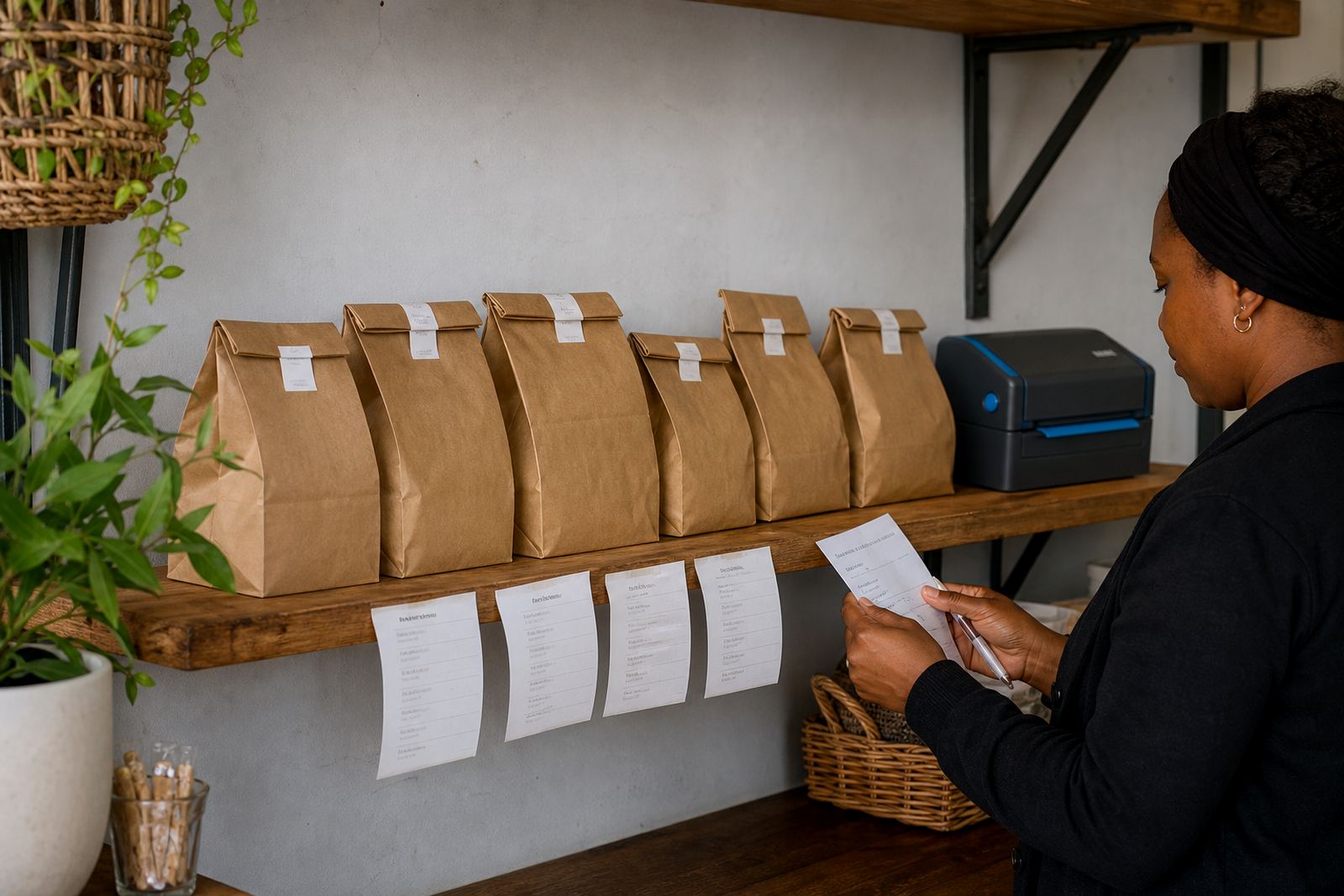
It is also wise to keep your order notes tidy. Check that the customer name matches the order code, the amount paid is correct if payment is part of the process, and the item is packed before the handover. Where a parcel is handed out often, use a simple label system or a numbered shelf so orders do not get mixed up. For food, chilled goods or items with a short shelf life, the collection window should be short and clearly written.
What to confirm before you add collection to the store
Before the Collection Option is switched on, confirm the practical details that matter at pickup time. This is where traders save time and prevent avoidable mistakes. If you are using the option for a home business in Soweto, a shop in Pretoria or a trading point in Durban, the customer should get the same clear instructions each time.
- Whether collection is from the shopfront, home address or a shared trading point
- The exact wording for the pickup location on the store
- The order reference format used for handover
- Whether collections are by appointment or during open hours
- How customers are told their order is ready
- Any special instructions for vehicle access, walking access or parking
If your business also uses delivery for some orders, the collection page should be separate enough that customers do not confuse the two. That way, the pickup process stays straightfoward for the customer and manageable for the trader.
Key facts
| Product type | Online store collection setup |
|---|---|
| Best for | Informal traders, spaza shops, home businesses, market sellers |
| Pickup formats | Single point, multiple points, time slots, same-day handover |
| Order info shown | Address, landmark, hours, order code, proof of payment notes |
| Checkout use | Collection can appear as a delivery choice or order note |
| Store fit | Works with WhatsApp orders, payment info and delivery options |