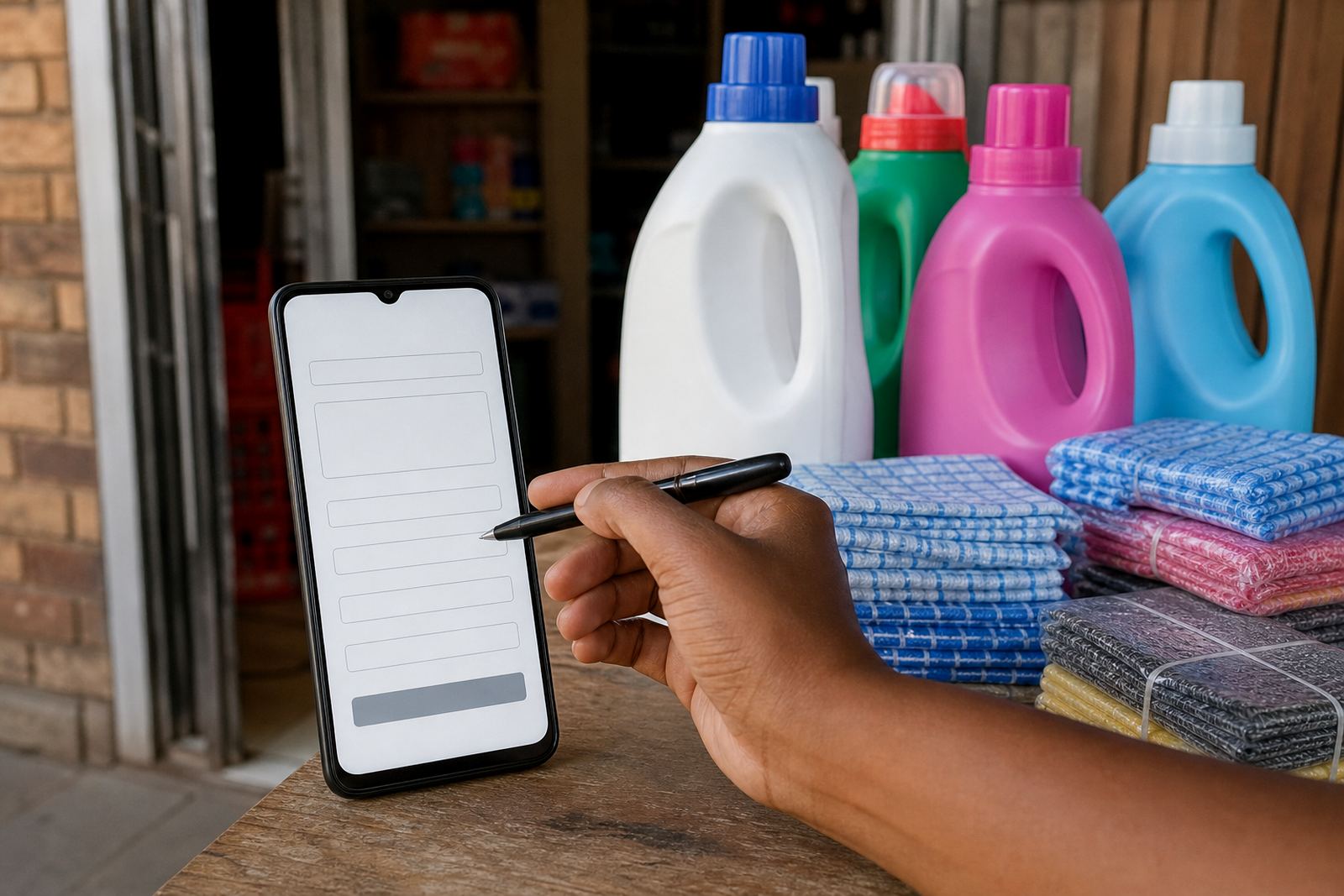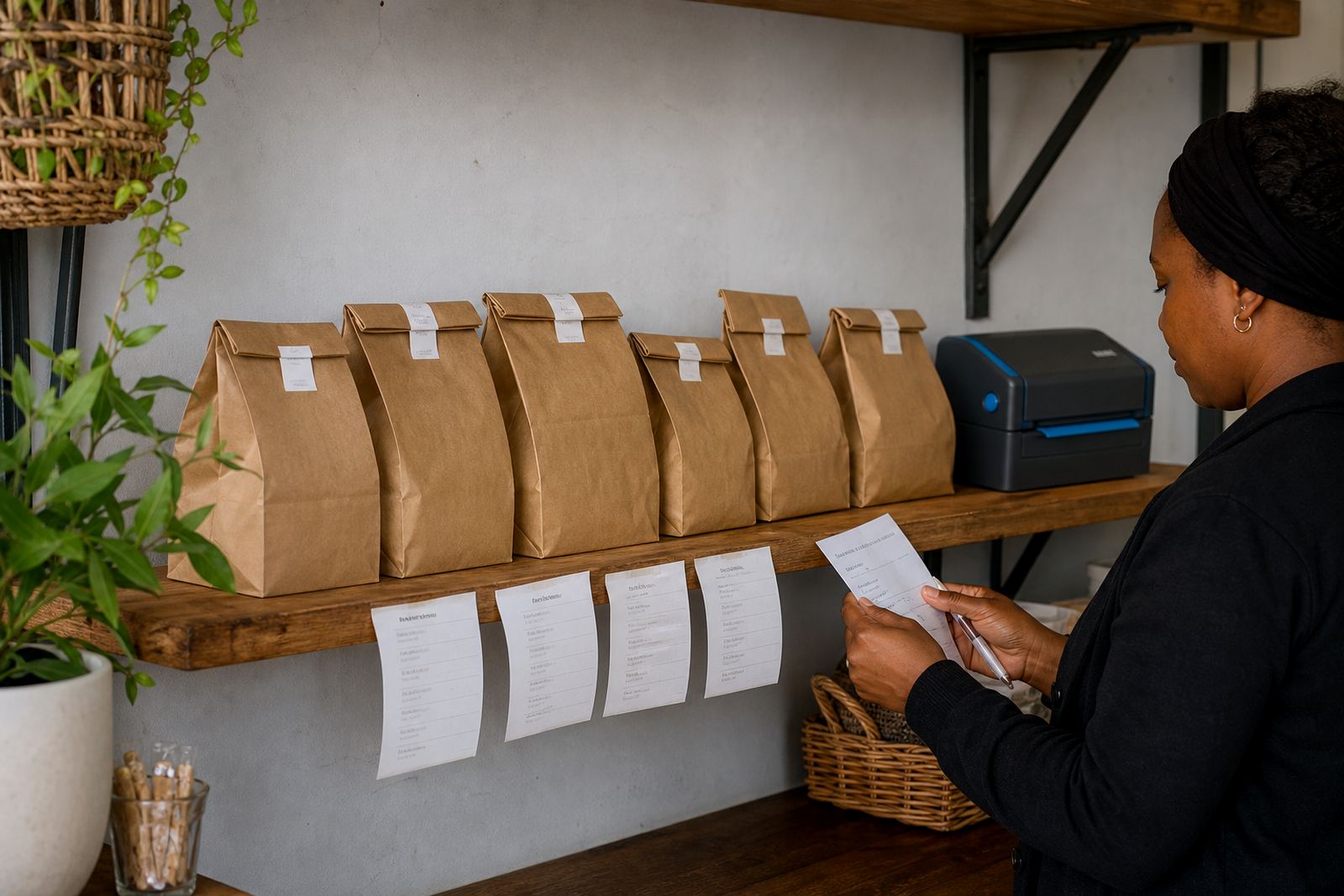
Clear product photos that make stock easier to choose
Photo Upload is the part of store setup where your product pictures are added and arranged so customers can see what is on offer without guessing. For spaza shops, home businesses and informal traders, that usually means everyday stock photos taken on a phone, then uploaded with the right names, prices and short descriptions. A neat photo set helps people spot the difference between similar items, whether it is airtime accessories, toiletries, clothing, containers, snacks or home goods.
Good product images do a lot of the selling work. A customer in Soweto, Durban or Pretoria may only have a few seconds while browsing on mobile data, so the picture needs to be sharp enough to show the item properly. Where possible, use a plain background, steady lighting and one item per photo. If you sell sets or packs, show the full pack and then a close view of the label or size. That avoids confusion when someone is checking stock for a delivery order or sending a WhatsApp message to confirm what they want.
- Front view for the main product image
- Side or back view for labels, ingredients or sizing
- Close-up for colour, texture or print detail
- Group photo for bundles, mixed packs or ranges
Image sizes and file types that work well on mobile
Photos from a phone can work very well when they are handled carefully. A clear image does not need heavy editing, but it does need the right format and a sensible file size so the page loads properly on a handset. Square photos suit most product catalogues, while portrait shots can help for clothing, standing items and taller packaging. Landscape shots can be useful for wide sets, trays or grouped stock on a shelf.
For most small stores, the usual file types are JPG, JPEG and PNG. JPG is often best for normal product shots because it keeps the file lighter. PNG can help when you need a cleaner edge or a simple logo image. Large files can slow down a store, especially on mobile data, so the image needs to be saved neatly without losing too much detail. If the photo comes from a basic phone camera, it can still work well as long as it is not blurry, cropped badly or too dark.
- JPG or JPEG for standard product photos
- PNG for images that need a cleaner finish
- Square, portrait or landscape depending on the item
- Good lighting and steady focus for a cleaner look
Where Photo Upload fits in a trader's online store
This service suits traders who want a simple catalogue that feels honest and easy to use. It works well for stores that sell individual products, mixed stock, or daily items that change often. If you trade from a house, tuckshop, container, market stall or roadside point, product photos help people understand your range before they ask about delivery, payment or collection.
It also helps when your stock changes by season or by supplier. A clothing trader may need new photos when colours change. A cosmetics seller may need a better view of shades and pack sizes. A home business selling baked goods, cleaners or crafted items may need updated images each week. In Johannesburg, Cape Town or Gqeberha, buyers often compare a few options before ordering, so the photo page needs to stay up to date. If your items are sold by size or weight, the photo should match the exact listing and pricing page entry.
- Informal traders with changing stock
- Spaza shops listing fast-moving products
- Home businesses selling on a small catalogue
- Traders who take orders through WhatsApp and delivery
How the photo upload is handled on your store
Product photos are usually added one by one or in small batches, depending on how many items you have and how the catalogue is laid out. Each image is linked to the correct product name, price and short description, so the store stays easy to browse. Where needed, photos can also be cropped, reordered or replaced if the old picture no longer shows the correct stock.
When the page is being set up, it helps to send the pictures in a steady order, such as by category or by shelf. That saves time and keeps the catalogue tidy. If you have a mixed range, the photos can be grouped by type, for example snacks, toiletries, cleaning items, household goods or clothing. A well arranged image set makes the store feel orderly and helps customers move from one item to the next without confusion.
- Single uploads for featured products
- Batch uploads for larger catalogues
- Image replacement when stock changes
- Category sorting for a cleaner product list
Photo setup details to confirm before uploading
Before your product images are uploaded, confirm the details that must match each item. This keeps the listing accurate and reduces messages asking what size, colour or pack count is available. If the item has variations, each version should be shown clearly or labelled properly so the customer knows what they are selecting.
For traders in places like Alexandra, Tembisa and Soweto, these small checks help a lot when customers order on WhatsApp or through a mobile store. It also makes it easier to keep your pricing page and delivery page aligned with the right product photos. If you are selling food items or consumables, make sure expiry dates, pack sizes and storage notes are shown correctly where needed. For business and tax matters, check with SARS or a qualified adviser.
- Exact product name and category
- Size, weight, colour or pack count
- Correct price for each item
- Whether the photo shows one item, a pair or a bundle
- Any label, ingredient or care detail that must be visible
Keeping product photos tidy after upload
Once the photos are on the store, they need light care from time to time. Images can be replaced when stock changes, when the packaging changes, or when the first photo was taken in poor light. If a picture is too dark, blurred or stretched, it should be swapped out so the catalogue still looks clear on a phone screen. That matters especially where customers browse quickly during lunch breaks or while commuting.
A good habit is to review the photo page whenever new stock arrives. Fresh pictures help the store feel active and prevent confusion when a customer places an order for something that no longer matches the photo. If your items are sold in bundles, pack sizes or mixed colours, it is worth checking that the right photo is still tied to the right listing. A tidy photo page can also make product upload faster later on, because the same format is easier to follow.
- Replace blurred or outdated images
- Check that each photo matches the correct listing
- Keep lighting and background fairly consistent
- Review stock photos when packaging or sizing changes
Key facts
| Format | Phone photos uploaded to product listings |
|---|---|
| Common file types | JPG, JPEG, PNG |
| Layout options | Square, portrait or landscape |
| Best use | Online catalogues, WhatsApp orders and price pages |
| Suitable for | Spaza shops, informal traders and home businesses |
| Service areas | Soweto, Johannesburg, Durban, Cape Town, Pretoria, Gqeberha and nearby trader areas |