Put the special in front, not buried in the catalogue
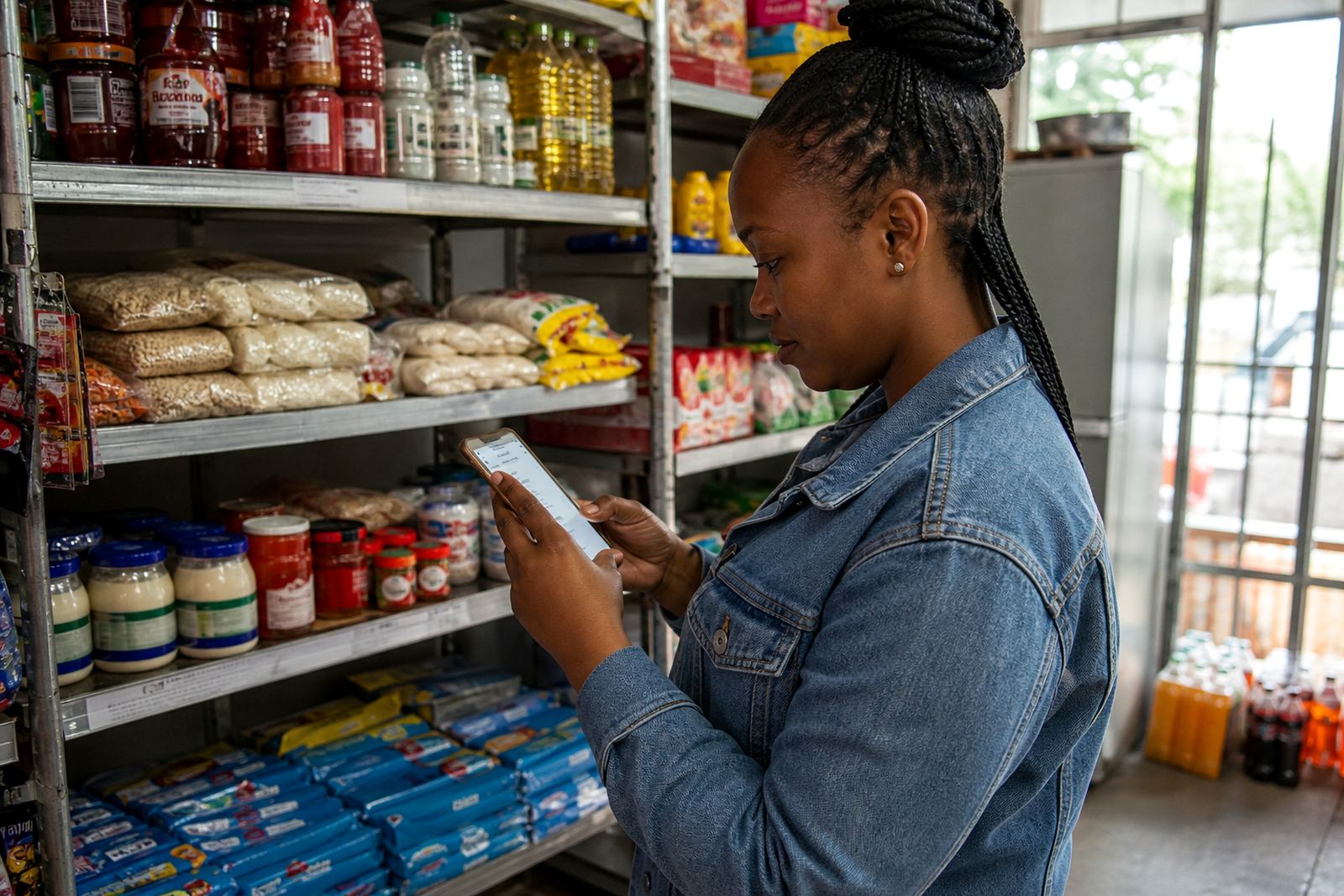
A promo page is built for the quick sale. It gives informal traders, spaza shops and home businesses a clean space to show what is on offer right now, without mixing the special into the full product list. That matters in places like Soweto, Alexandra, Tembisa and busy parts of Johannesburg where customers often open a link on a phone, skim fast, and decide within a few seconds.
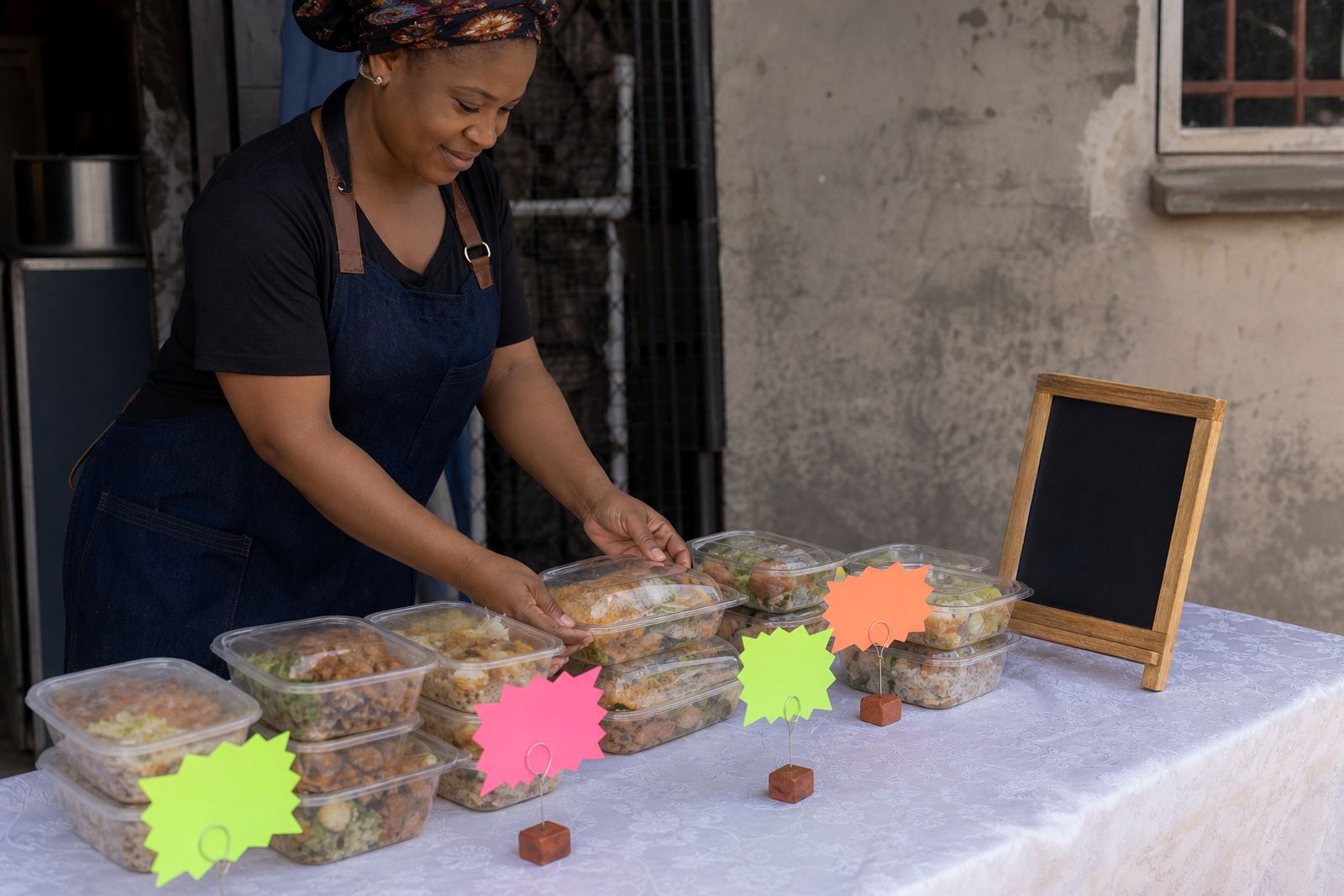
The page can carry one featured item, a bundle, or a small group of products tied to the same offer. Use it for meal packs, household basics, school items, winter stock, festive specials or a clear-out sale. The copy should say exactly what is included, the price per item or per bundle, and whether the offer is for a limited period. If the special is only valid for certain colours, pack sizes, or quantities, that needs to sit near the top so there is no confusion later.
Layout that works on a phone screen
Most customers will view the page on a phone, so the layout needs to be short, tidy and easy to tap. A good promo page starts with a banner image, then a price block, then a short list of what is in the deal. If you are running several offers at once, each card should have its own image, name and price so people do not have to guess. Keep the wording plain and local, because long paragraphs slow people down.
- Featured banner for the main special
- Price, pack size and offer period shown together
- Short product notes for bundle contents or flavour choices
- WhatsApp order button placed near the top
- Delivery or collection note shown before checkout
For traders in Cape Town, Durban or Gqeberha, it also helps to mention delivery areas clearly, since customers may want to know if an offer is available for a specific suburb or township. A promo page can carry one main offer or a small set of related offers, and the cleaner the page is the easier it is to manage when stock changes through the week.
Photos, pricing and the little details buyers need
Strong product photos make a promo page work harder. A clear front view, a close-up of the item, and a picture of the full bundle help buyers understand what they are getting before they order. If the special includes more than one item, show them together as well as on their own. Natural light usually gives better colour, and a plain background keeps the focus on the product instead of the surroundings.
Pricing should be easy to read and should match the offer exactly. If the page shows a saving, the original price and the special price must be shown in a way that is easy to compare. When the offer is seasonal or stock-dependent, say whether the price is for today only, this weekend, or while stocks last. Keep the wording honest, because a customer who sees one price online and another price on WhatsApp will quickly lose trust. That kind of slip is hard to fix once the message spreads.
- Use one hero image for the main offer
- Add close-up images for textures, pack sizes or labels
- Show bundle items together and separately if needed
- Display the special price clearly, with the unit size next to it
- Confirm whether the offer is per piece, per pack or per combo
WhatsApp orders, payments and delivery choices
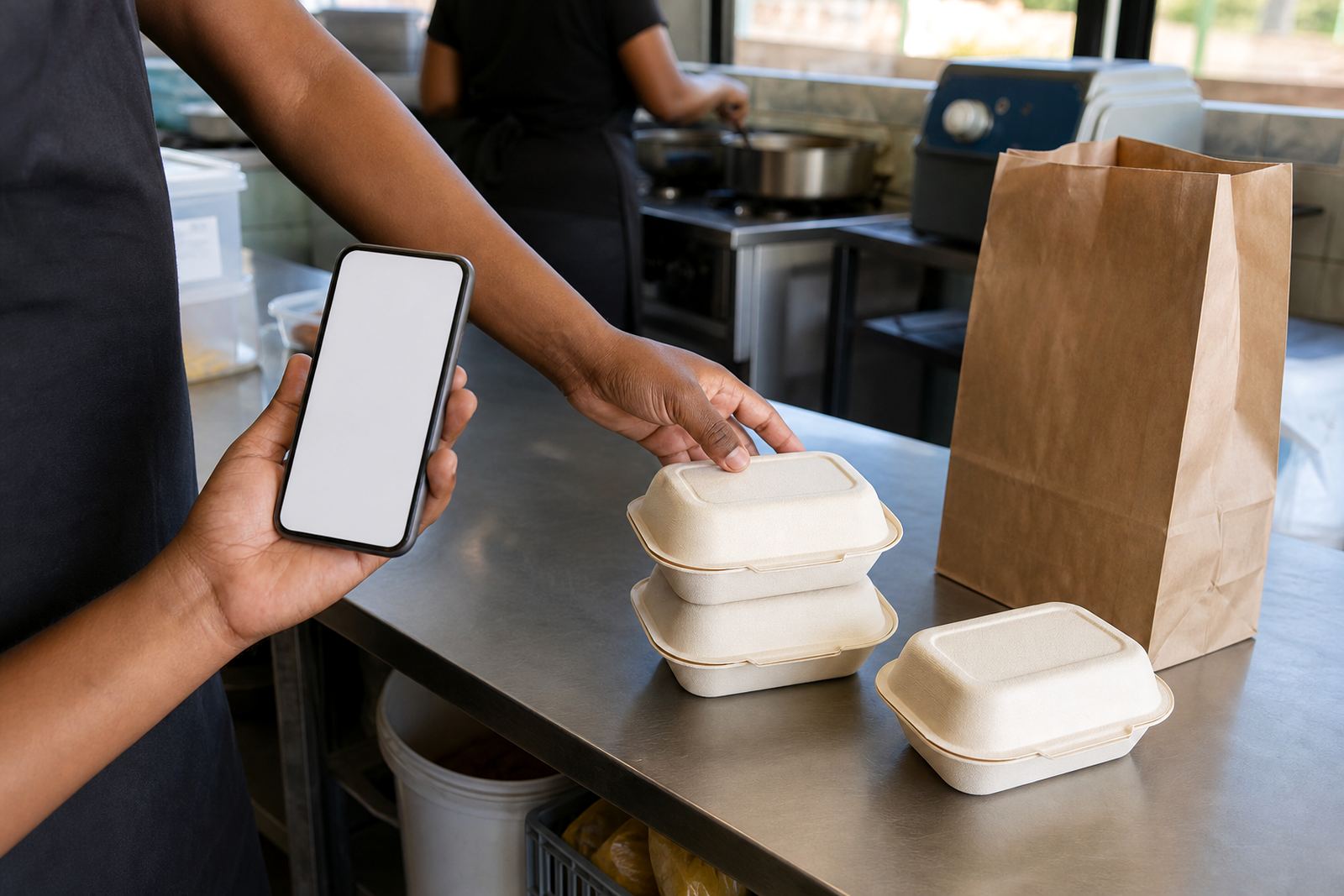
Many South African traders sell through WhatsApp first, then close the order on the promo page. That makes the page useful for quick specials because customers can tap through, ask for stock confirmation, and send their details without hunting through the rest of the site. You can set the page to show a WhatsApp order path, a payment information block, and a delivery note that tells buyers what happens after they place the order.
Payment details should be written carefully and in plain language. If you accept card payments, EFT, cash on collection or a payment link, list the options one by one. If a deposit is needed for a large combo deal or made-to-order item, say so near the price. For delivery, include the areas you serve, whether a courier is used, and whether collection is available from a base in Soweto or a nearby point. In some cases the page may also need a note about proof of payment or the name to use as a payment reference. If tax treatment matters for your business, check with SARS or a qualified adviser.
When a promo page suits your stock and your trading style
A promo page suits traders who work with fast-moving stock, changing bundles, or offers that only run for a short time. It is useful for home businesses, spaza shops and traders who want to push a specific line without rebuilding the whole store each time. You might use it for a month-end grocery special, a school supply bundle, a cold-weather hamper, or a festive gift box. It also works well where customers prefer simple buying steps and want one clear page instead of scrolling through a full catalogue.
Store owners in Pretoria, Johannesburg, Durban and Gqeberha often use these pages when one offer needs more attention than the rest of the catalogue. The same page can link to the main store, but still stand on its own for social media posts, WhatsApp status updates and roadside promotion. If the special changes often, the page should be easy to update without disturbing the rest of the site, which saves time when the week gets busy.
- Weekend specials and flash sales
- Combo deals and family packs
- Seasonal stock and festive runs
- Clearance items and overstock moves
- Launch offers for new products or new lines
What to confirm before the page goes live
A good promo page depends on accurate detail. Before it is published, confirm the exact product name, the size or quantity, the price, the offer dates and the stock available. If there are different versions of the same item, such as sizes, flavours or colours, note which ones qualify for the special. If delivery only applies to certain suburbs or towns, write that down clearly so buyers are not left guessing. The same applies to collection points and trading hours.
It also helps to confirm who handles the order messages, who updates stock, and who checks payment proof. That is especially important for traders with a small team or for shops that trade from a home base and a stall at different times. A promo page should make the buying process feel straightforward, but it still needs careful checks behind the scenes. One small error in a price, or a missing size note, can turn a good offer into a problem for both sides.
Page details that keep the offer tidy
A well-run promo page does not need clutter. It needs the right pieces in the right place, so customers can read, decide and order without phoning around for basic detail. The wording should fit the trade, the stock and the way South African buyers actually shop online, especially when they are using mobile data and want a fast answer.
For that reason the page should hold the offer name, the visual, the price, the size, the order path and the delivery note together. If the special is for a short period, add the end date or say while stocks last. If the customer needs to send a WhatsApp message first, make that clear near the top. A page like this works best when it feels practical and direct, with no guesswork and no fuss.
Key facts
| Page type | Dedicated promo page for specials, bundles and short-run offers |
|---|---|
| Best use | Weekend specials, combo deals, seasonal promotions and clearance stock |
| Display options | Featured banner, offer cards, pricing blocks and WhatsApp order path |
| Content items | Product name, sizes, bundle contents, offer dates, delivery notes and payment details |
| Mobile fit | Built for quick viewing on a phone screen with short text and clear buttons |
| Update scope | Easy to change when stock, price or offer period changes |