Map details that fit a trader’s store page
A location map page gives shoppers a quick visual guide to where your business is based, what area you serve and how local collection or delivery works. For a Soweto trader, that could mean showing the street area, nearby landmark or township section, while a Johannesburg, Durban, Cape Town, Pretoria or Gqeberha customer can see the service area at a glance. It helps people decide faster, especially when they are comparing places that deliver in different suburbs or townships.
The page can sit beside your products, WhatsApp order button and delivery notes so a customer does not have to guess where the order will go. If your business trades from home, a market stall, container shop or small retail spot, the map can point to the nearest practical pickup area and keep the wording clear. Small detail matters here, because customers in busy areas often check where the order will land before they send payment.
Ways to show your area without confusion
The layout can be kept plain and useful, with a map image, a pinned area, or a written service zone for places where a full street address is not the best fit. Some traders prefer to show the main area only, while others add suburb names or nearby transport points. In the Johannesburg metro, for example, a shopper may want to know if you serve Alexandra, Tembisa or the broader Soweto side, and the map should answer that in a straight line.
- Town or township name for quick recognition
- Pickup point, delivery zone or market area
- Nearest landmark, taxi rank or shopping centre
- Area notes for same-day collection, if offered
- WhatsApp order route linked to the map page
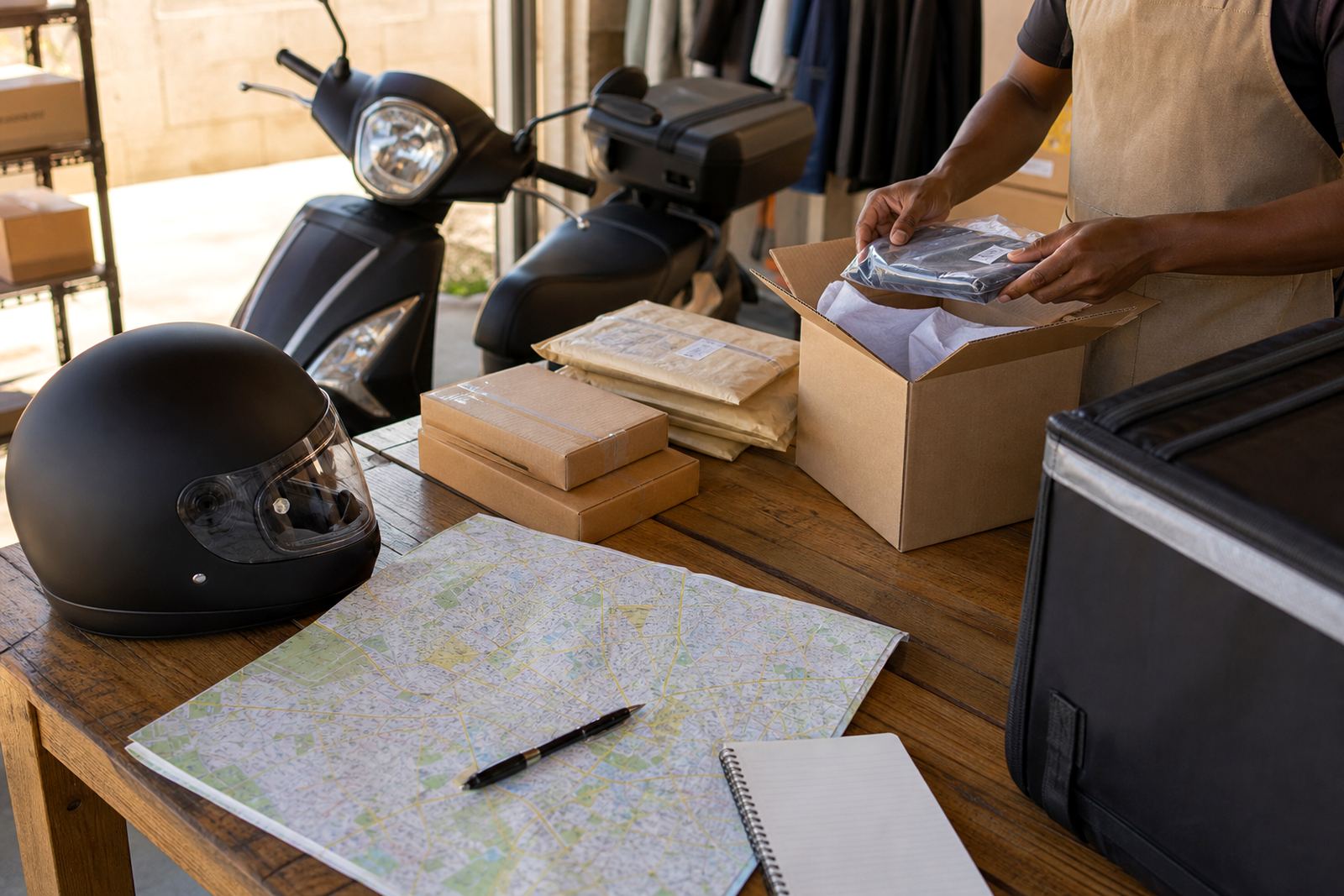
Where the map is used with delivery options, it should be matched to the actual route you can cover. That keeps the page useful for customers and easier for your staff to manage, especially when orders arrive from more than one neighbourhood.
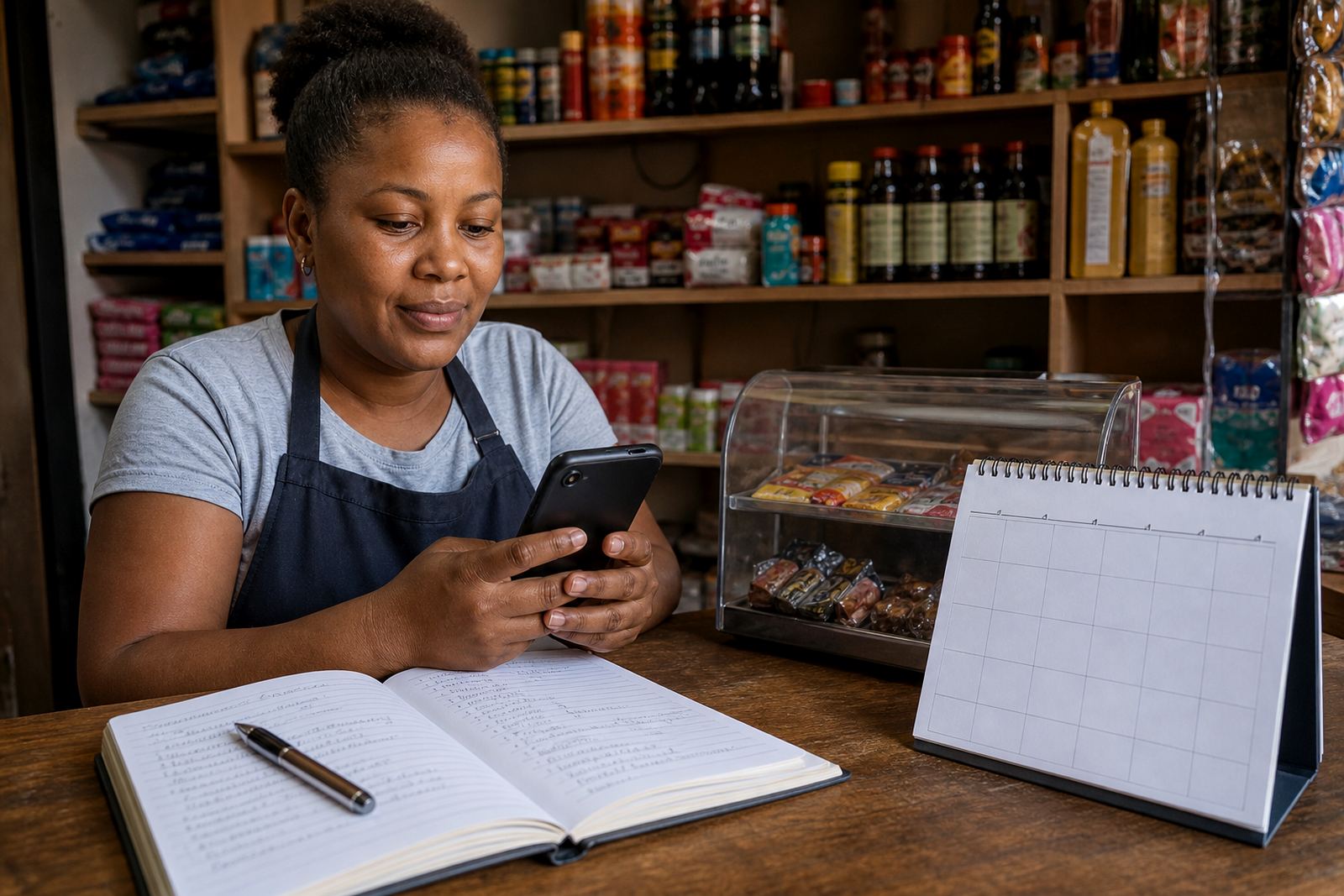
Best fit for spaza shops, home shops and traders on the move
This product suits informal traders who want a simple way to show where they trade from and where customers can collect or receive orders. It works well for spaza shops with repeat local buyers, home businesses that deliver within a set area, and traders who move between stalls, markets or street trading points. A map page is also handy for shared trading spaces where people need a clear reference point, not a long explanation.
For traders in coastal cities such as Durban, Cape Town and Gqeberha, a good area page can also help with delivery timing and collection planning, since traffic, weather and distance can affect what is practical. If you serve more than one area, the map can list each zone separately so customers do not send an order to the wrong place, which saves a lot of back and forth.
Setup details that need to be checked first
Before the map is added, confirm the exact place name you want customers to see, the service area wording and whether you want a delivery zone, collection zone or both. If you use a pin on the map, make sure the marker sits on the right point and that the written directions match it. A small mistake in the area name can send customers to the wrong part of town, so double-check spelling and local place names.
- Exact trading area name, such as Soweto, Alexandra or Tembisa
- Street, landmark or pickup point to display
- Whether the page should show delivery only or collection too
- Neighbourhoods or suburbs you do and do not serve
- Contact route for order confirmation, usually WhatsApp
If you sell from a home address, decide how much of that detail should be visible. Some traders prefer a broad area description only, while others are happy to show a more specific point. Either way, the wording should fit the way you actually trade and not promise access you cannot offer.
Practical care for the map and page layout
A location map page needs occasional checking, especially when trading points shift, roadworks affect access or a delivery zone changes. If your business moves between markets, the map should be updated so customers do not arrive at a closed point or the wrong gate. In wet coastal areas, keep the wording current if weather affects collection times or access roads, because people need to know what to expect before they leave home.
It also helps to keep the page neat on mobile screens. Most customers will open it on a phone, so the address line, area name and action button should be easy to read without zooming in. If you use product photos on the same page, make sure they match the area and service notes, otherwise the page feels mixed up and not very useful.
What to confirm before the map goes live
To set up a location map properly, the main details to confirm are the trading area, the service zone and the way customers should reach you. If your shop accepts WhatsApp orders, the map should lead naturally into that step. If you use payment instructions on the page, make sure the wording matches the order process and the same goes for delivery notes, especially where collection points change by suburb or day.
- Preferred trading area name and local landmark
- Whether the map is for customers, delivery drivers or both
- Collection instructions and access notes
- Linked pages for pricing, WhatsApp orders and delivery info
- Any area restrictions by township, suburb or city
For South African traders, a clear map page cuts down on confusion and helps people trust that they are dealing with a real local business. It is a small page, but it carries useful work for customers in Soweto, Johannesburg and other busy trading areas.
Key facts
| Product type | Location map page for an online store |
|---|---|
| Primary use | Show trading area, pickup point or delivery zone |
| Best for | Informal traders, spaza shops, home businesses and market sellers |
| Display options | Map pin, area description, landmark note or service zone list |
| Supported areas | Soweto, Johannesburg, Durban, Cape Town, Pretoria and Gqeberha |
| Related setup | WhatsApp orders, payment info, delivery page and pricing page |