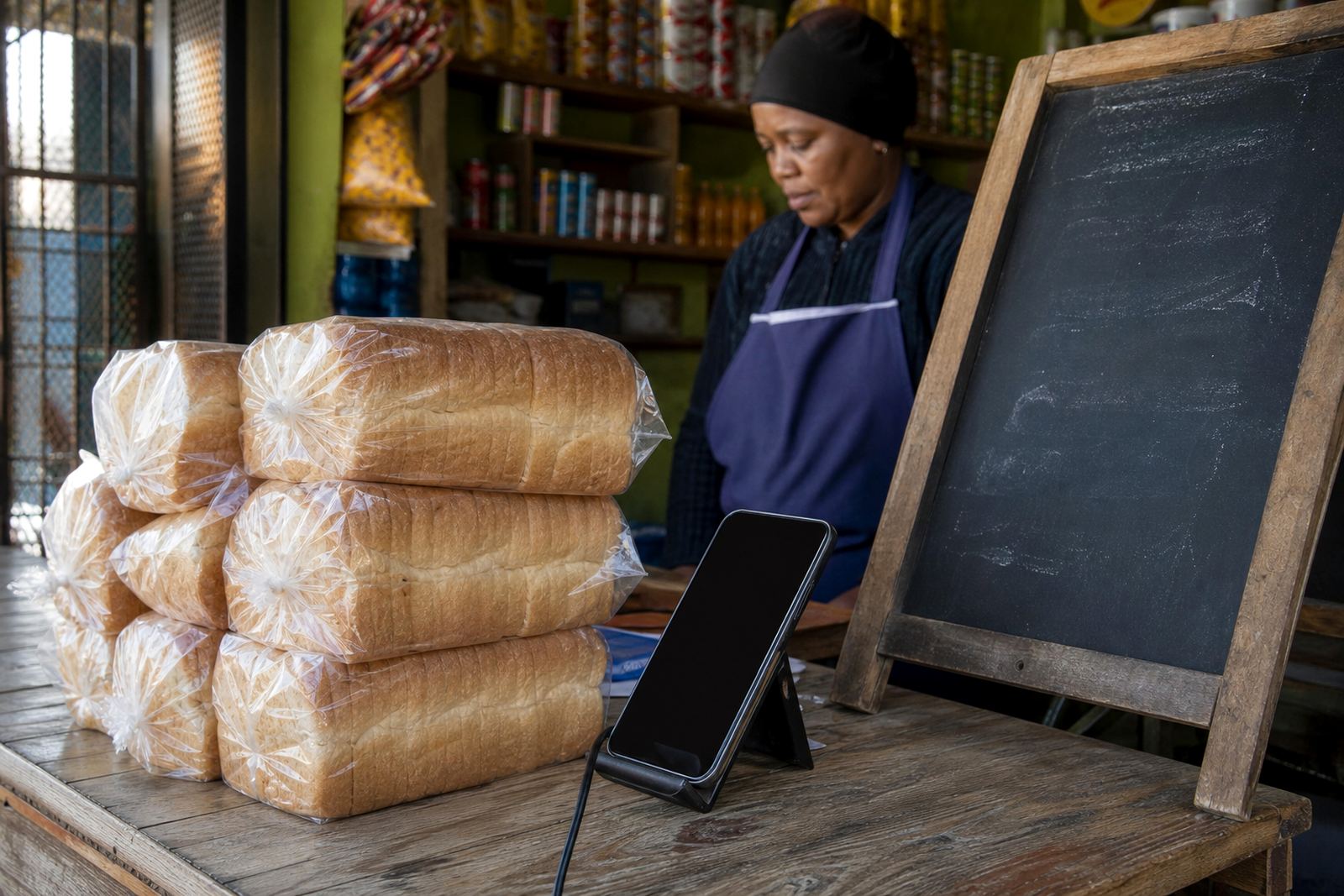
Fresh stock in one place
New Arrivals is the section you use when there are new products, new colours, or a fresh batch of stock that needs attention straight away. Instead of leaving customers to scroll through a long list, this page puts the latest items near the top with clear photos, prices and short details that are easy to read on mobile. It works well for traders in Soweto, Johannesburg, Durban, Cape Town, Pretoria and Gqeberha who need to keep up with changing stock on a practical, day-to-day basis.
The layout is usually kept clean, with a heading, product cards, price fields and a short note for each item. If you are adding lunch packs, clothes, household goods, beauty items or small electronics, the New Arrivals page helps repeat customers spot what is new before they browse anything else. That saves time, and it keeps the shop looking active without having to rewrite the whole store every week.
- Best for weekly stock drops and small batch items
- Useful when colours, sizes or pack counts change often
- Helps customers see new items first on a phone
Sizes, options and product details that matter
For each new item, the listing should show the details buyers ask about most. That includes size, colour, pack count, flavour, finish, quantity and any option that changes the price. If you sell clothing, note sizes like S to XXL, or waist measurements in centimetres. If it is food or household stock, note weight, count or volume. For home business products, include whether the item is sold singly, in a set, or in a bulk pack.
Good product detail stops confusion and reduces back-and-forth messages on WhatsApp. A customer should know if they are ordering a 1 litre bottle, a 500 g pack or a 3-piece set before they contact you. When the product has different versions, each version should be listed clearly so the wrong item is not packed by mistake, especially when orders are moving fast and stock is shared across more than one selling channel. A small spelling slip here and there can happen, but the item detail must still be clear.
- State exact sizes, weights, colours or counts
- Show whether the product is single, set-based or bulk
- List price changes by option if the variants differ
Photo style that helps a buyer decide
New stock sells better when the photos show the item properly. Use a clear front view, then a second angle if the shape or finish matters. For clothing, lay the item flat or use a clean hanger shot so the cut can be seen. For packaged goods, keep labels facing forward and make sure the lighting is even. If the item comes in several colours, one photo per colour helps a lot. Grainy photos, dark rooms and busy backgrounds make it harder for a customer to trust what they are seeing.
In busy trading areas and coastal towns, product photos can also help when buyers are comparing stock from different sellers. A neat picture, a plain background and a readable price card can do more than a long description. If you are photographing reflective items, glass, shiny plastic or sealed containers, check for glare before uploading the image. A quick crop and a sharp file usually works better than over-editing.
- Use natural light where possible and avoid heavy shadows
- Show the label, size mark or pack count clearly
- Keep the same photo style across the whole New Arrivals page
Pricing pages and order choices
New Arrivals works well with a pricing page that is easy to scan. Each item should show a clear Rand amount, and if there is a special launch price or an updated rate, that change must be visible without making the customer search for it. Some traders prefer to show one price only, while others want a price range when there are different sizes. Either way, the pricing should match the item description and the photo. If the item is on limited stock, say so plainly.
Many informal traders also use WhatsApp for orders, so the page should point customers to the correct step after they have chosen the item. That can be a short order note, a selection box or a tap-to-chat message with the product name. Payment options can be listed on the product page or on a separate page, depending on how the store is managed. If you accept card, EFT or other digital payment options, the instructions should be simple and the wording should match how your buyers already shop. For payment and tax matters, check with SARS or a qualified adviser if you need guidance.
- Show one clear Rand price or a price by size
- Match the price with the exact item and option
- Keep WhatsApp order steps short and easy to follow
Delivery notes for local trading areas
Delivery details on a New Arrivals page should tell buyers what happens after payment, where delivery is available, and whether collection is possible. This is useful for traders serving nearby suburbs, taxi routes, township customers and wider city orders. If delivery depends on the size of the parcel, fragile packing or the distance from your base, make that clear. It helps avoid confusion when customers place orders from different parts of Gauteng, KwaZulu-Natal or the Western Cape.
Use plain wording for delivery time windows, handover points and any area limits. If an item is bulky, breakable or needs careful handling, say that in the product notes so the buyer knows what to expect. For products that are packed in bulk cartons or sealed bundles, mention the number of units per carton if that changes the delivery method. A little extra detail here saves a lot of messages later, and it makes the shop feel more organised.
- State whether collection or delivery is available
- Note any area limits or extra handling for bulky items
- Explain carton counts or bundle counts where relevant
Keeping new items tidy and easy to update
A New Arrivals page needs regular tidying so old stock does not sit in front of current items. New products can be moved in at the top, while older arrivals drop down or move to the main catalogue once the first rush has passed. This helps repeat customers spot fresh stock quickly and keeps the store looking active without turning it into a long mixed list. When a product sells out, remove it or mark it clearly so buyers do not ask for something that is no longer there.
For traders with staff helping on the floor or from home, simple training helps keep updates consistent. The person loading products should know how to write the title, add the photo, set the price and choose the right category. If the store uses the same naming style every time, the page stays neat even when new items arrive often. That matters for spaza shops, home businesses and small resellers who work with changing stock, limited storage and daily customer questions.
- Move older items down once the new batch is listed
- Mark sold-out stock clearly or remove it from the page
- Use the same naming style for every new upload
Key facts
| Section purpose | Highlights new stock so repeat customers can spot fresh items quickly |
|---|---|
| Typical use | New products, updated colours, fresh batches and seasonal items |
| Display format | Product cards with title, photo, price and short details |
| Best device view | Mobile-first layout for WhatsApp-led shopping |
| Common options | Size, colour, weight, count, pack type and launch pricing |
| Update rhythm | Add new items as stock changes and move older arrivals down or out |