A cart flow that keeps buying straightforward
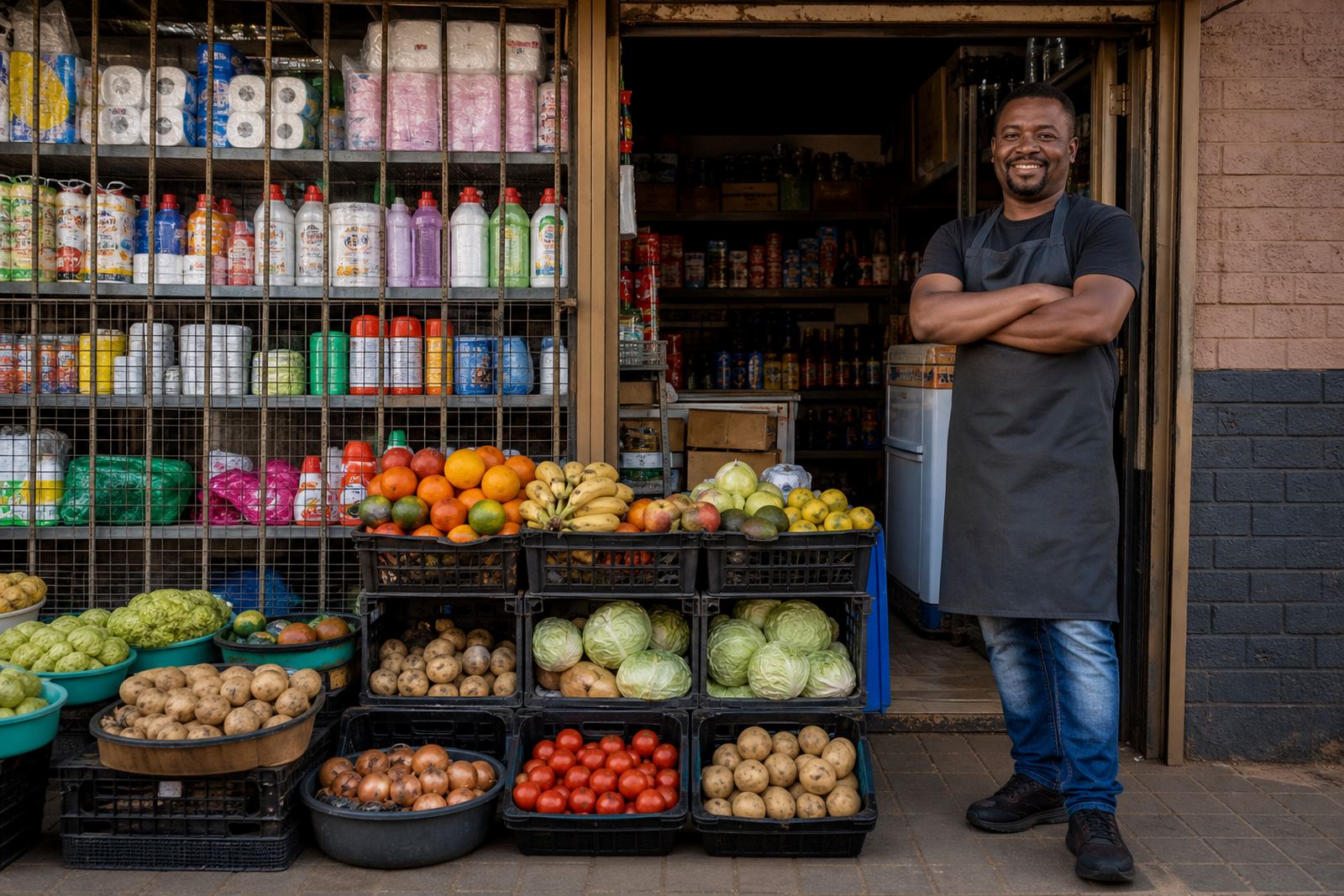
Simple Cart is the ordering setup on SellThat for traders who want customers to browse items, add them to a cart and send through an order without fuss. It works well for everyday stock such as groceries, airtime top ups, toiletries, baked goods, cosmetics, school items and small household products. The flow is built for customers on a phone screen, which matters in Soweto, Alexandra, Tembisa and other busy trading areas where most orders are checked quickly between errands.
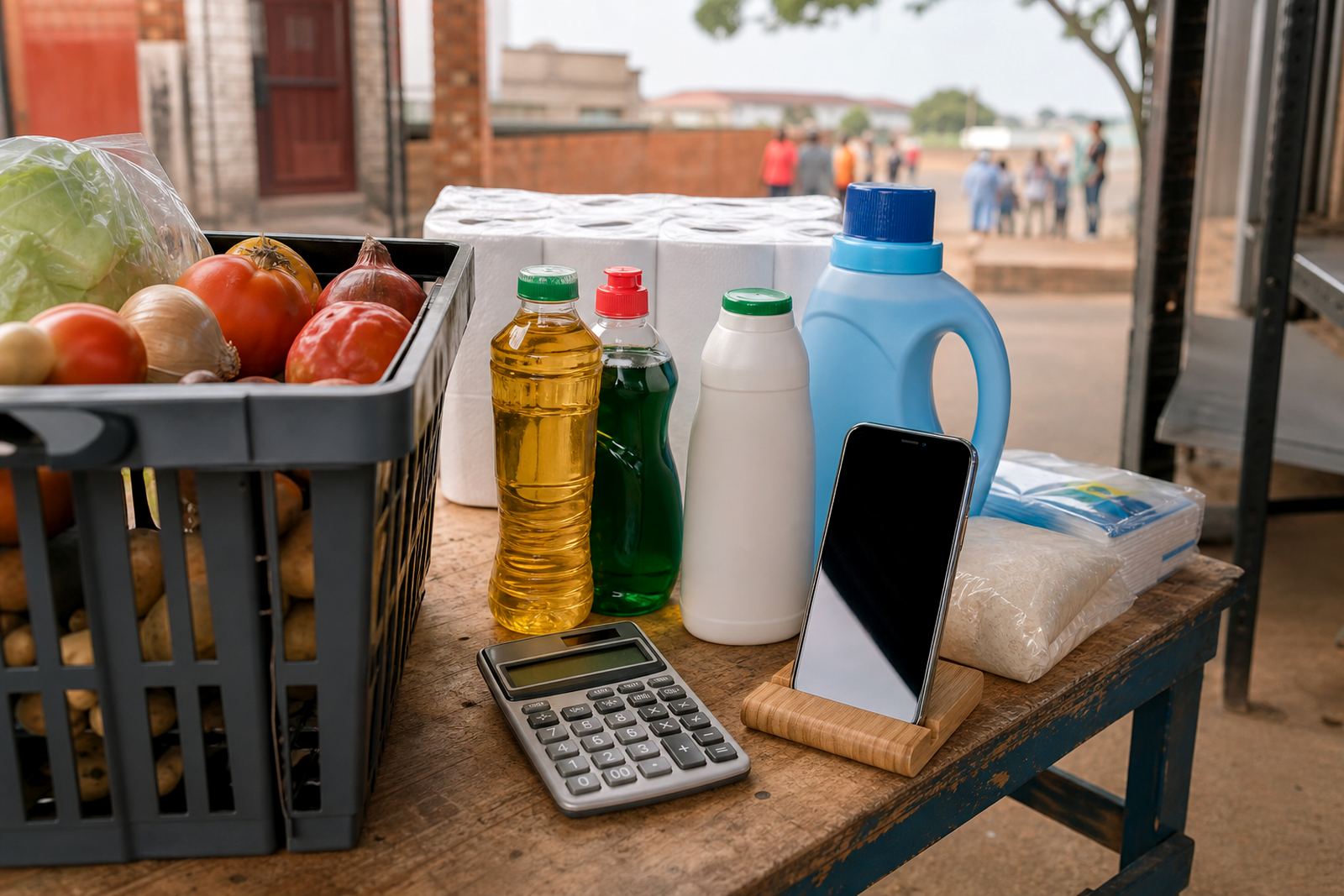
The layout keeps the important parts in front: item name, clear photo, size or pack count, price, quantity and checkout method. Traders can show one item per line or group variants under the same product. For example, a shop might list single units, packs of 6 or bulk boxes on one page, while a home bakery might list one tray, half tray and full tray. That makes it easier for customers to compare options before they place an order.
- Cart-style ordering for mobile shoppers
- Product pages with photo, price and quantity choices
- Works for single items, packs and bulk options
- Suitable for Johannesburg, Durban, Cape Town, Pretoria and Gqeberha customers
Sizes and options traders can set up
Simple Cart can be arranged in a few different ways depending on the stock being sold. A trader with a small list of products may only need a short catalogue, while a shop with many lines may need sections, categories and filters so customers can move through the range without confusion. The page structure can be kept lean or expanded, depending on how much stock needs to be shown.
Common options include single-product pages, multi-size listings, colour choices, flavour options, bundle pricing and back-in-stock notes. Where a trader sells in different measures, the page can show grams, kilograms, litres, tins, sachets or each units. That helps with pricing pages because the customer sees exactly what is being ordered and there is less back and forth over quantities.
- Single product pages or grouped product variants
- Size choices such as each, pack, carton, tray or bundle
- Quantity selector for one item or multiple units
- Category sorting for fast browsing
Where Simple Cart fits best
This cart setup suits traders who want a clean online order path rather than a large retail system. It is a practical fit for spaza shops, takeaways, home bakers, hair product sellers, children’s clothing sellers, snack sellers and small service businesses that sell fixed items online. It is also useful for traders who take WhatsApp orders already and want those orders to be easier to manage in one place.
For informal traders across South Africa, the value is in clarity. A customer in Cape Town may want to place a quick order before work, while a customer in Durban may check products on mobile data after load-shedding has changed the day's routine. Simple Cart keeps the process neat enough for that kind of use, with product information easy to scan and order details easy to pass on for packing or collection.
- Good for spaza shops, home businesses and market traders
- Works for fixed stock, made-to-order items and repeat purchases
- Useful where customers prefer WhatsApp follow-up after ordering
- Fits small catalogues and growing product lists
What setup and fitting usually involves
Setting up Simple Cart means gathering product names, prices, images, sizes and order rules, then placing them into the store in a clear order. A trader may need help with product upload, catalogue rebuilds, pricing page layout, home page refreshes and WhatsApp order settings. If payments are included, the payment info section needs to match the method being used so customers know what to do at checkout. Delivery pages can also be added where local delivery, collection or courier handover is part of the process.
Training helps when a trader wants to update stock without having to call in support every time. Staff may need to learn how to change prices, add new items, switch a product off when it is sold out, or edit a photo that is too dark. In areas like Soweto, Johannesburg, Pretoria and Gqeberha, that day to day control matters because stock changes quickly and seasonal items move fast.
- Store setup for new traders and existing traders alike
- Product upload help for small or larger catalogues
- WhatsApp order setup for quick customer contact
- Delivery page setup for local handover or courier use
Photos, pricing and checkout details that matter
Product photos should be clear, well lit and taken from the front where possible. A plain wall, table or clean counter helps the item stand out, especially for small products viewed on a phone. For clothing, shoes or packaged goods, one front shot and one close detail shot may be enough. For food items, the portion size and packaging should be visible. In humid coastal areas such as Durban or Gqeberha, keeping packaging neat and dry before the photo is taken helps the listing look more professional.
Pricing pages need to show the exact unit being sold, whether that is a single item, a set, a tray or a pack. If a trader offers delivery zones, collection points or different order steps for bulk buyers, those details should be written plainly. Customers should also know whether they will pay online, via transfer, cash on delivery where allowed, or through WhatsApp after the cart has been submitted.
- Clear photos with accurate colour and size reference
- Visible pricing per item, pack or bundle
- Simple checkout notes for collection or delivery
- WhatsApp handover for order confirmation where needed
What to confirm before an order is added
Before listing Simple Cart on a store, it helps to confirm the item count, product categories, price structure, delivery area and payment method. A trader should also check whether stock is sold individually or in packs, and whether certain items need a minimum order amount. If a business is dealing with taxable sales or formal records, it is sensible to check the details with SARS or a qualified adviser so the setup matches the business position.
It is also worth confirming who will update the store after launch, because prices, stock and photos often change. A trader may want a Client Success Lead, support coordinator or training facilitator to show the routine once, then hand over the day to day updates to the shop owner or staff member. That keeps the cart usable without making it complicated.
- Product names, counts and variants
- Final prices and price format
- Delivery areas or collection rules
- Payment method wording and stock update process
Key facts
| Cart type | Straightforward online ordering flow with product pages and quantity selection |
|---|---|
| Best for | Informal traders, spaza shops, home businesses and small catalogues |
| Product fields | Name, photo, price, size, quantity, category and order note |
| Ordering methods | Cart submission, WhatsApp order handover and payment info setup |
| Delivery support | Local delivery, collection and courier note sections |
| Support areas | Soweto, Johannesburg, Durban, Cape Town, Pretoria, Gqeberha, Alexandra and Tembisa |