What the Featured Products section does on a store
This section is the front shelf of an online store. It shows a small selection of items you want seen first, such as fast-moving stock, new arrivals, seasonal goods or high-margin products. On a clean home page, featured items help a customer move from interest to order without scrolling through every category first.
For South African traders, it works well when stock changes often and the page must stay practical. A visitor in Soweto, Johannesburg or anywhere else should see clear product names, a price in Rand, a short description and a next step such as WhatsApp order, add to cart or delivery request. That kind of layout helps with quick decision-making on a phone screen, which is where most shoppers will view it.
- Best for 4 to 12 items on the home page
- Useful for products with regular demand or a strong visual look
- Can link through to full product pages, a pricing page or a WhatsApp order flow
- Works with catalogues for clothing, cosmetics, snacks, homeware, phone accessories and household goods
Sizes, options and how many items to show
Featured Products is not one fixed block. It can be arranged as a small grid, a row of cards or a slider, depending on how much space you want on the home page. For mobile viewing, a simple grid often reads better because the product photo, title and price are easy to scan.
The size of each card should leave enough room for a clear image and readable text. As a guide, a square product image works well at 1200 x 1200 pixels or similar, while the displayed image can be cropped smaller for faster loading. Keep product names short and direct. If an item has options such as size, pack count or colour, show that on the product card or on the linked product page.
- Grid layout for 4, 6, 8 or 12 items
- Square or portrait product photos for cleaner mobile viewing
- Price display can show full price, sale price or price from a starting amount
- Optional labels such as new, popular, low stock or special offer
Where featured items suit local traders
This section suits traders who need customers to find the main stock quickly. It is handy for a spaza shop selling everyday household lines, a home business doing takeaway items, or a trader in Durban or Gqeberha working with beach-season goods that change often. In busy local markets, the featured area can also point customers to items that sell best on weekends or month-end.
It works well when the home page has a limited amount of space and the trader wants to keep the front page neat. A visitor should be able to glance at the page and know what is on offer before opening the full catalogue. If the business uses WhatsApp for orders, the featured block can help steer the customer straight to the most ordered lines.
- Spaza shops with fast-moving household stock
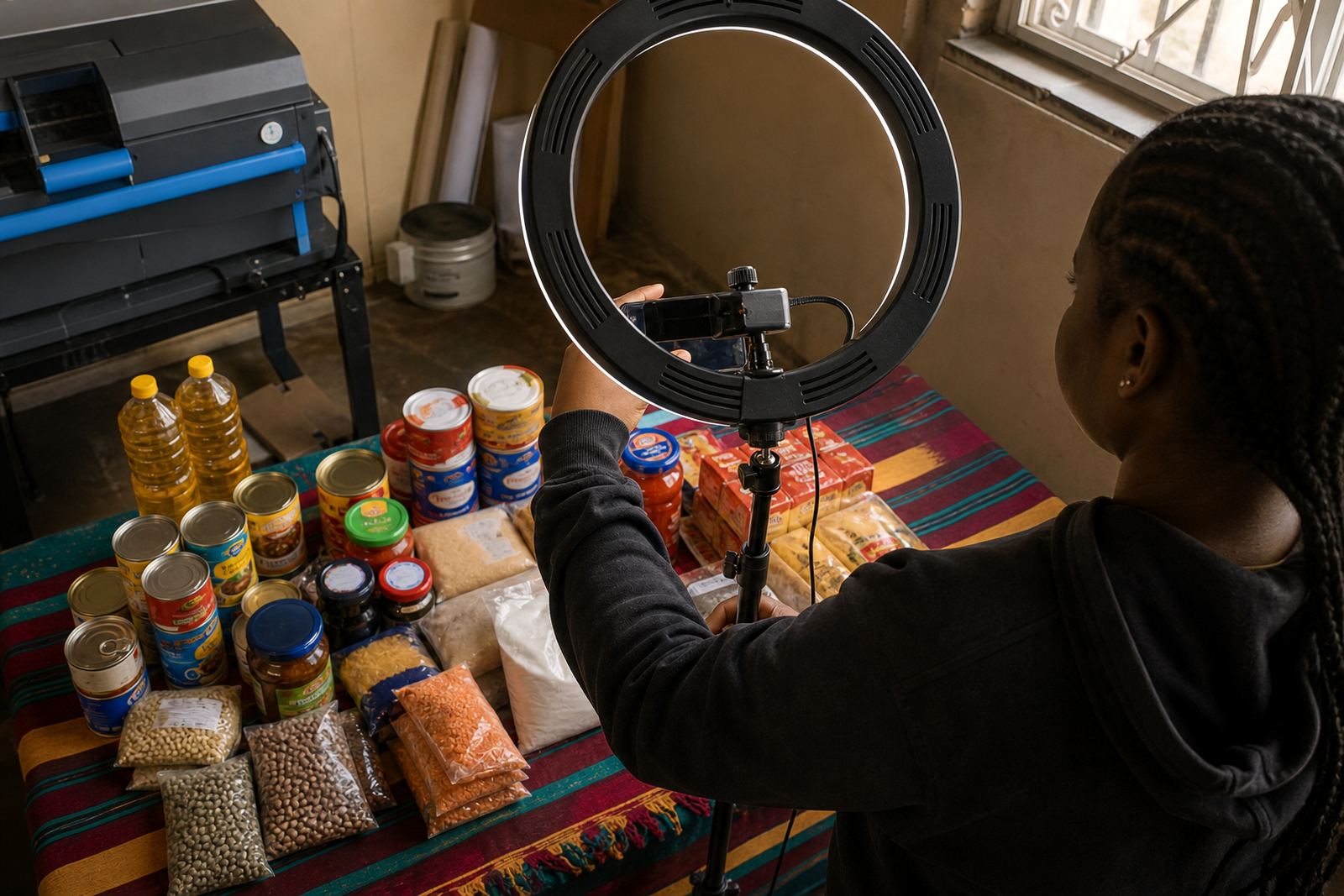
- Home bakers, food sellers and snack traders
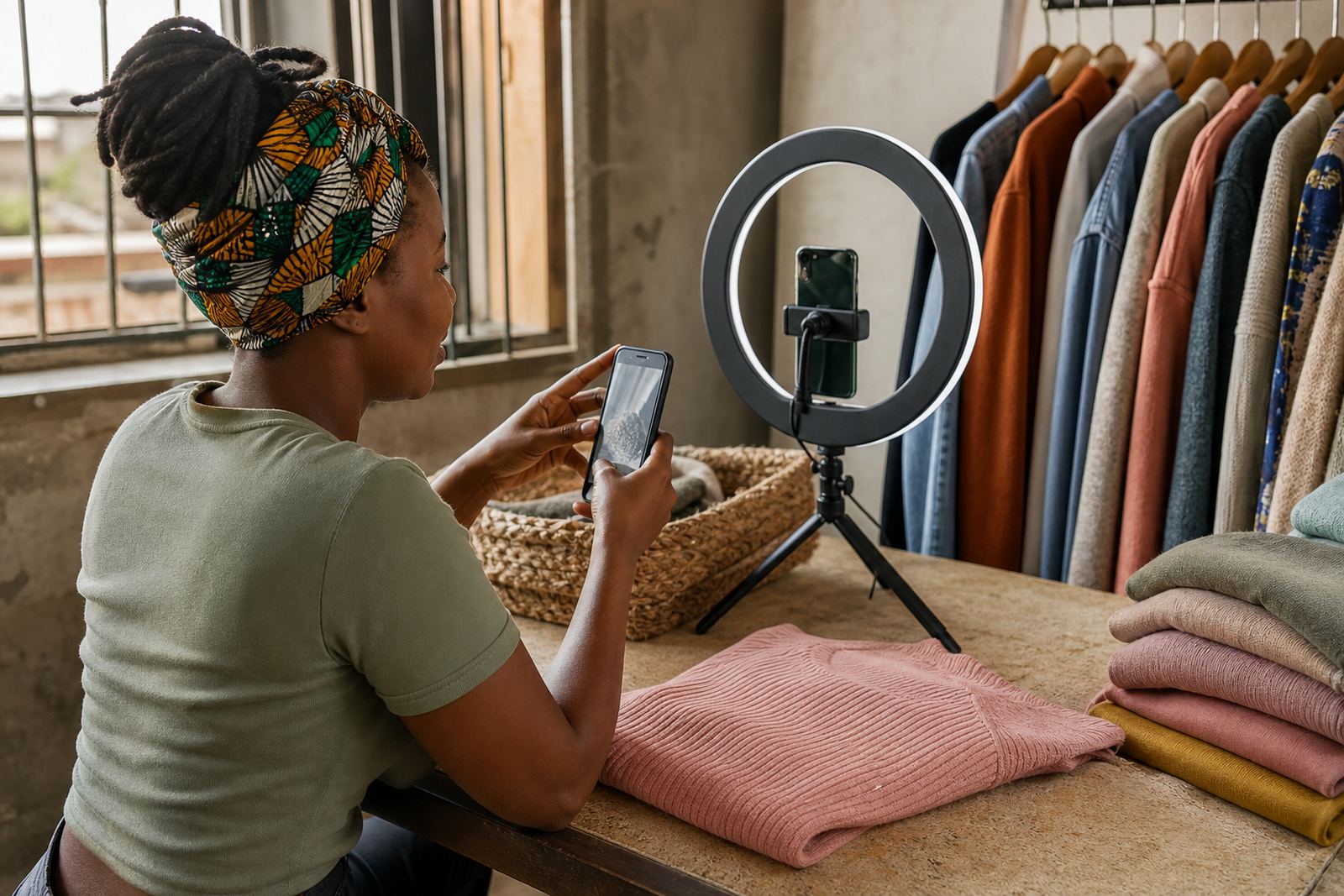
- Clothing, hair and beauty sellers with a small seasonal range
- Mobile traders and informal sellers serving Johannesburg, Pretoria, Cape Town and beyond
Installation and fitting details for the store page
Featured Products is added to the store layout and linked to the items you want highlighted. No physical fitting is needed, but the page still needs clean setup work so the products display properly on phones and larger screens. The layout should be checked for spacing, image crop, button size and the order in which products appear.
Where a store already has a catalogue, the featured items can point back to existing product pages. Where the catalogue is still being built, the featured section can be set up first with the main items and then expanded later. If the store uses payment options, delivery notes or WhatsApp ordering, those details should match the featured products so customers do not get mixed messages.
- Confirm the exact order of the items to be shown first
- Check image orientation and crop before publishing
- Link each card to the correct product or category page
- Make sure buttons, prices and stock notes match the rest of the store
Care and keeping the section current
A featured section needs regular attention because stock moves. If the top items change and the home page does not, the store starts to feel stale. Keep the main items current, remove sold-out products from the front of the page and swap in fresh lines when new stock arrives. For traders dealing with perishables, imported stock or seasonal goods, this matters even more.
Good care also means using photos that still look clear after compression, checking spelling on product names and keeping prices in Rand up to date. If a business in Johannesburg or Cape Town changes delivery areas or WhatsApp ordering steps, that should be reflected on the featured products page so customers do not hit a dead end.
- Replace sold-out items quickly
- Update prices when stock changes
- Refresh photos if lighting, packaging or stock quality improves
- Review the home page after any catalogue rebuild
Details to confirm before the page is set live
Before the featured section is published, confirm the products, the prices and the wording that sits under each item. If a product comes in different sizes, packs or colours, list those options clearly so the customer can choose the correct one. If delivery is offered in selected areas only, say so near the product or on the delivery page. If the business accepts WhatsApp orders or card payments, those steps should be reflected in the product flow too.
For traders who want a clean front page, the main question is not how many items can fit, but which items should be seen first. The featured section should point customers to the strongest stock, the clearest offers and the products that are easiest to order without confusion. For tax or payment questions that need specialist guidance, check with SARS or a qualified adviser.
- Product name and short description
- Price, pack size and any available variants
- Photo quality and the exact image to use
- Order method, delivery area and payment choice
Key facts
| Product type | Home page featured product section for a South African online store |
|---|---|
| Best use | Show selected items first so customers start browsing quickly |
| Display options | Grid, row or slider with 4 to 12 items |
| Photo spec | Square images around 1200 x 1200 pixels or similar |
| Order links | WhatsApp order, product page, category page or checkout |
| Ideal for | Spaza shops, informal traders, home businesses and small catalogue stores |