Pages that keep the shop easy to use
A multi page store breaks the shopping experience into clear sections so customers can move through your products without confusion. A visitor can check the home page, browse products, read delivery details, view payment options and open your contact page without scrolling through one long page. That structure helps in busy areas like Soweto, Johannesburg, Durban and Pretoria where customers often shop on their phones while travelling or at work.
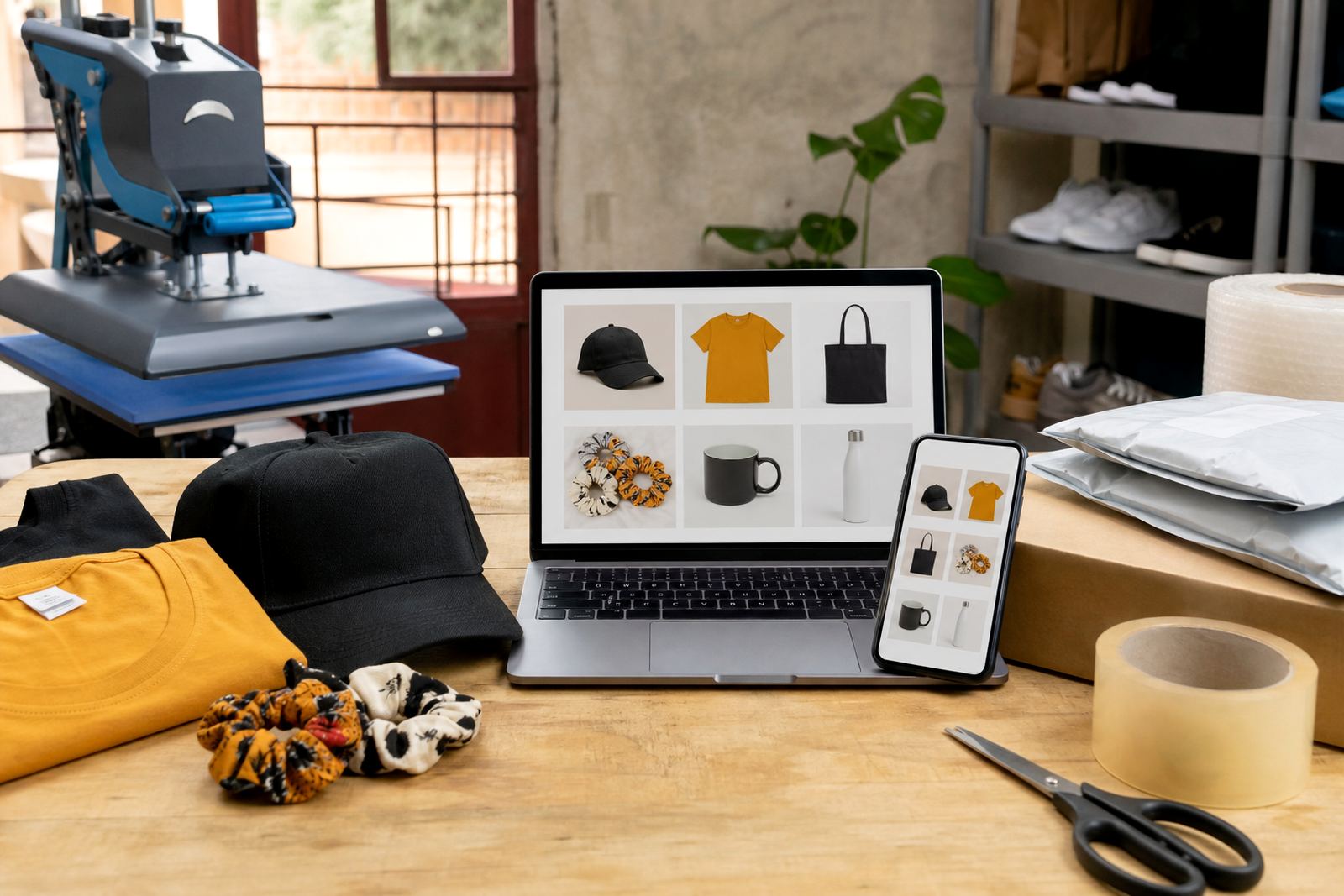
For informal traders this setup works well because different products need different details. A clothing seller may need size charts and colour choices, while a snack reseller may need pack sizes, case quantities and collection notes. A store with separate pages makes that information easier to read and easier to update when stock changes.
- Home page for the main message and featured products
- Product pages for items, sizes, options and photos
- Delivery page for collection, courier or local drop off notes
- Payments page for EFT, card or payment proof instructions
- Contact page with WhatsApp and enquiry details
Product pages built for real stock lists
The product page is where customers check what is for sale and what they need to choose before placing an order. For clothing, that may mean S to 4XL, colour options, fabric weight and whether the item is for men, women or children. For home items, the page can note size in millimetres or centimetres, quantity per pack and whether the item is sold singly or in a set. For food and goods sold by informal traders, the page can list pack size, shelf life, storage notes and whether the item is sold loose, in crates or by carton.
We also set out any fitting or setup details where they matter. A wall mounted unit may need measured spacing, a display rack may need assembly, and a powered item may need plug type, voltage or battery details. If the product uses gas, the page should note the gas connection type and bottle size that matches the unit. The aim is to stop wrong orders and reduce back and forth when customers ask for missing details.
- Sizes in centimetres, millimetres, litres, kilograms or pack counts
- Colour, pattern, material and finish options
- Single item, bundle, case or carton format
- Care notes such as wiping, washing, storage or handling
- What to confirm before ordering: size, colour, quantity and delivery area
Photos, pricing and the bits customers ask first
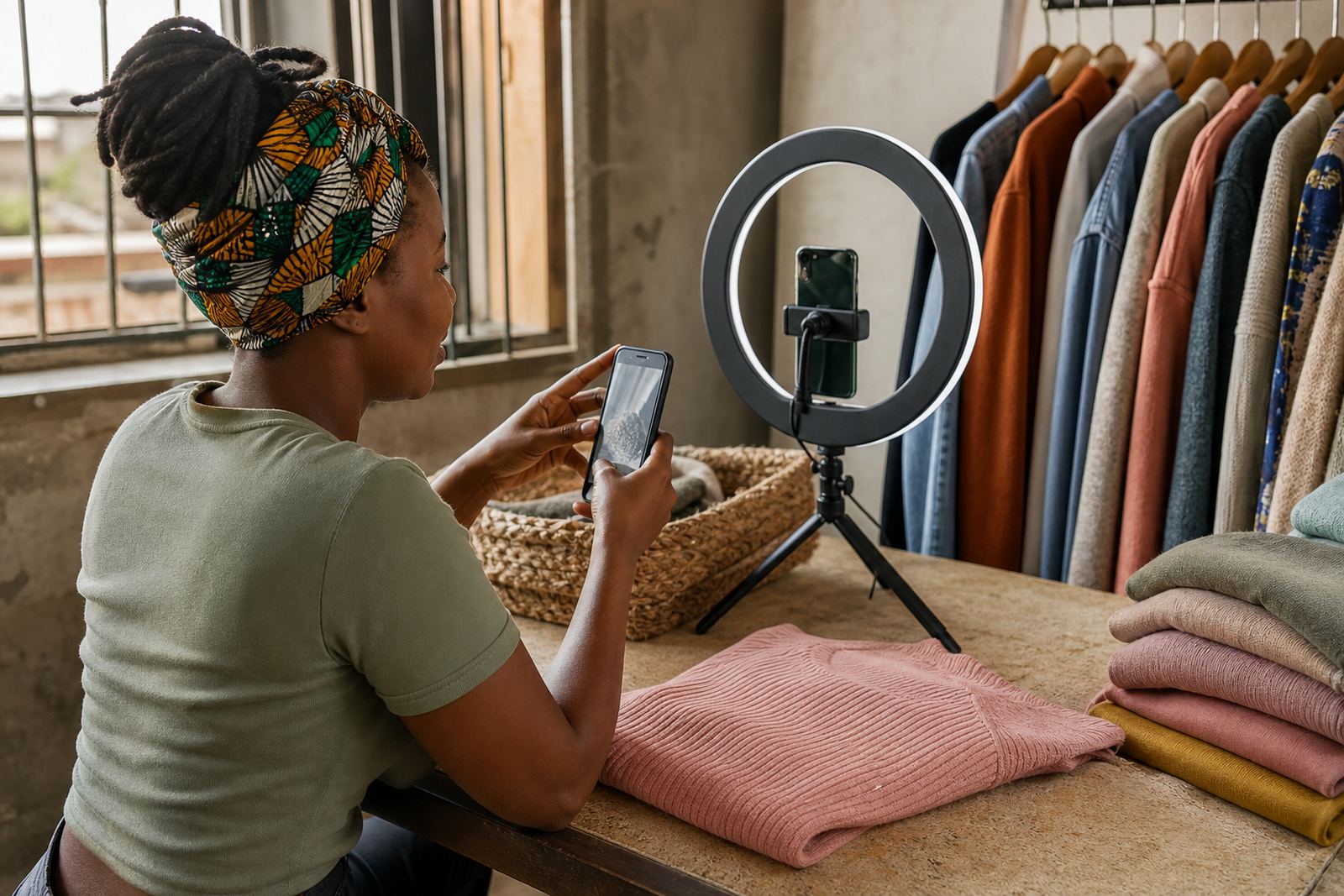
Good product photos help a store feel clear and trustworthy. A trader in Alexandra or Tembisa may only have a few items to show, but each photo still needs a clean angle, proper light and a plain background where possible. Close up photos help with texture, print details and finish. If a product has more than one colour or size, the page should show each option rather than leaving people to guess from the name alone.
Pricing pages need to be plain and specific. Customers want to know if the price is per item, per set, per kilogram or per box. If there are bulk rates, they should be shown separately so the buyer can see the difference straight away. For traders who sell in changing quantities, a notes section can explain minimum order amounts or whether the price changes for larger packs. That helps with WhatsApp order messages because people can send the exact item, size and quantity instead of asking for a fresh quote each time.
- One main product photo and extra angles where needed
- Price per unit, pack or bundle shown clearly
- Bulk pricing notes where the stock is sold in larger quantities
- Short captions for size, colour and material
- Image names and page text written so customers can search and read easily
Payments, WhatsApp orders and delivery notes
Many informal traders prefer a store that sends customers to WhatsApp after they choose their items. That keeps orders practical, especially for repeat buyers who already know what they want. The store can show a WhatsApp order button, a short order message format and the details needed to complete payment. Payment pages can set out EFT details, payment proof instructions and any card or online payment option that the trader uses.
Delivery pages are important for customers across Johannesburg, Cape Town, Durban, Gqeberha and Pretoria because delivery choices are not the same everywhere. Some orders are collected, some go by courier and some are delivered locally within a set area. A good delivery page should explain service areas, order cut off times if used, and what the customer must check before handing over an address. Where collection points or market pickup are used, the page can show those details clearly so there is less confusion later.
- WhatsApp order button with a short message template
- Payment instructions by EFT or other chosen method
- Delivery areas and collection choices listed clearly
- Address, contact and reference fields shown in one place
- Notes for fragile, chilled or bulky items where needed
Store pages that match the way informal traders work
Not every trader needs the same kind of store. A spaza shop may want a simple catalogue with snack packs, household goods and water products. A home business may need extra detail on made to order items, size changes or custom colours. A trader selling across Soweto, Johannesburg and the rest of South Africa may need a fuller layout with separate pages for categories, delivery, payments and contact details so customers can move through the store without confusion.
This service suits businesses that want their online shop to look organised on a phone screen and still stay manageable on a busy trading day. It also helps when stock changes often, because the pages can be updated in sections instead of changing everything at once. That matters for traders who sell clothes, accessories, food, household items or mixed stock from one page to another.
What we need before the pages go live
To set up a useful multi page store, we need the product details written down clearly. That includes product names, sizes, colours, prices, photos, delivery areas and any special notes for ordering. If there are different variants, it helps to list them in order so the store can show the right options on the right page. Where a product has care instructions, fitting notes or battery details, those should be included in the wording from the start.
It also helps to confirm how customers will place orders. Some traders want WhatsApp only, others want online payment and message follow up, and some want both. If tax or compliance questions come up for your trading setup, check with SARS or a qualified adviser. That keeps the store details practical and aligned with your own business situation.
- Product list with sizes, colours and quantities
- Photos for each item or range
- Price format and any bulk notes
- Delivery areas and payment method details
- Contact wording for the enquiry page
Key facts
| Page structure | Home, product pages, delivery, payments and contact |
|---|---|
| Best for | Informal traders, spaza shops and home businesses |
| Order method | WhatsApp orders and clear enquiry details |
| Product details | Sizes, colours, quantity, material and care notes |
| Payment notes | EFT, proof of payment and chosen online methods |
| Delivery coverage | Local collection, courier or area based delivery options |