A cleaner way to take orders from your store
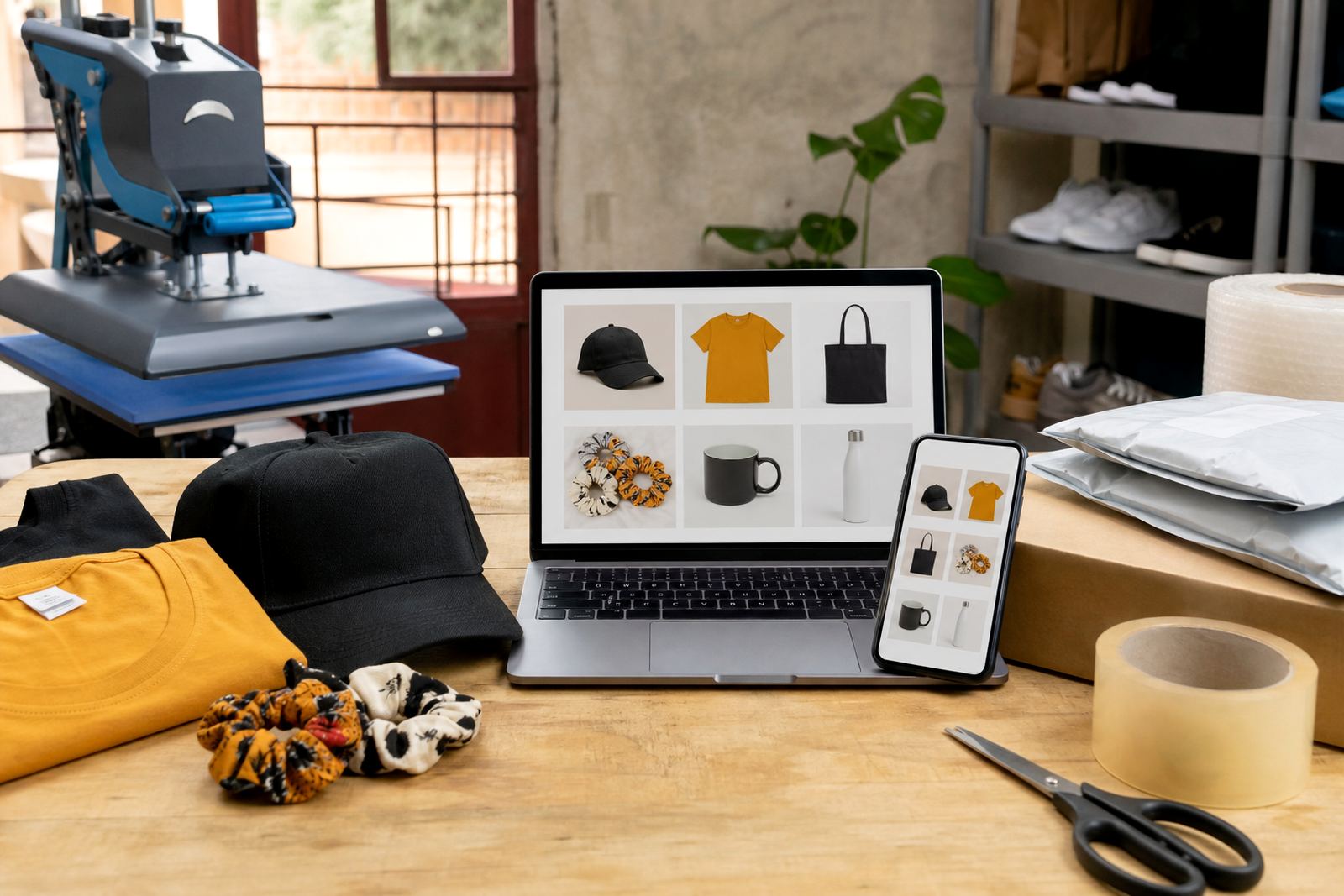
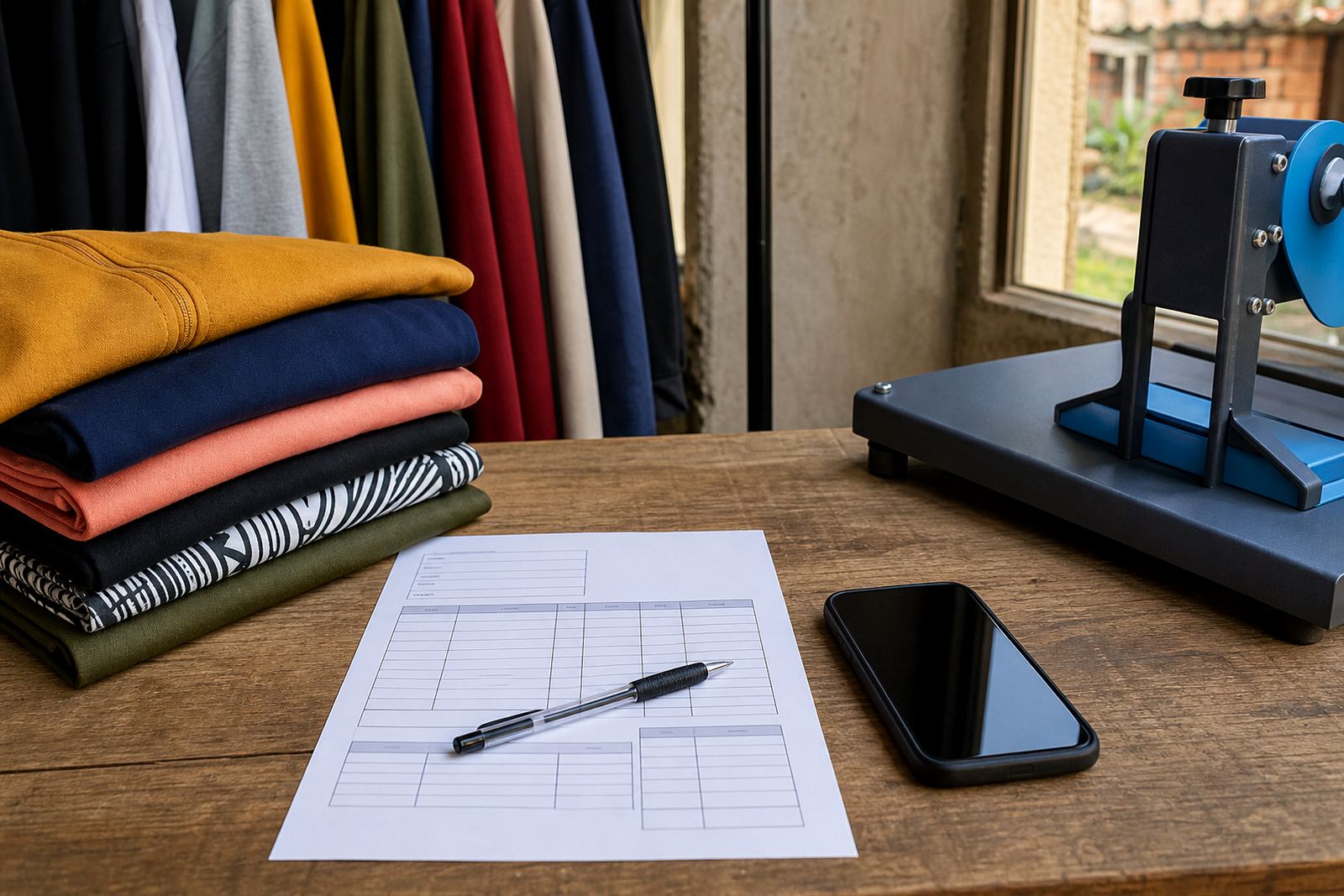
An order request form gives shoppers a clear place to send their name, contact details, product choices and quantity before you confirm the order. For informal traders in Soweto, Johannesburg and other busy areas, that keeps enquiries tidy when customers browse on a phone and order by WhatsApp, call back or message at odd hours.
The form can sit on your home page, product page or checkout path, depending on how your store is set up. It works well for spaza shops, home businesses and traders who sell clothing, household items, cosmetics, school items or packaged goods. You can ask for the details you need without making the buying process too long.
- Name and surname
- Cell number and WhatsApp number
- Product name, size or colour
- Quantity and preferred collection or delivery area
- Notes for special requests, for example preferred packaging or exact address directions
Field choices that suit local trading
Every trader does not need the same fields, so the form can be kept lean or made more detailed. A clothing seller may need size, colour and fit notes, while a grocery or toiletries store may only need pack size and quantity. For Johannesburg, Durban, Cape Town, Pretoria and Gqeberha customers, it helps when the form is short enough to finish on a phone in a few taps.
Common form options include dropdowns, tick boxes and free-text notes. Dropdowns are useful for standard items like size or delivery area. Tick boxes can be used for preferred contact method or whether the customer wants collection or delivery. Free-text notes are best for extra instructions such as gate codes, floor numbers or nearby landmarks, especially where street delivery is tricky.
- Dropdowns for size, flavour, colour or pack count
- Tick boxes for collection, delivery or WhatsApp follow-up
- Text fields for address, landmarks and order notes
- File upload for proof of payment if your process needs it
Where the form fits in a trader store
The form is useful on a product page when a customer wants to send an order without going through a long checkout. It also works on a pricing page, a home page refresh, or a catalogue rebuild where you want customers to place requests after comparing items. For traders who rely on WhatsApp orders, the form can capture the first details and then move the conversation into chat for final confirmation.
If you run a store with payment options listed separately, the form can help you confirm what the customer chose before you share payment details. That is useful for traders who offer cash on collection, EFT, card payment links or deposit-based orders. Delivery options can also be listed in the request so you know whether the parcel is going to a local township address, a shopping centre pickup point or a regional courier handover.
- Home page enquiry blocks for general orders
- Product page request buttons for item specific orders
- Catalogue page links for bulk browsing
- WhatsApp handover after the form is submitted
What customers should confirm before sending a request
Clear order details cut down on mistakes and repeated messages. The main things to confirm are the exact product, the quantity and the delivery or collection choice. If you sell items in different sizes or pack counts, it is worth asking the customer to specify which one they want instead of leaving it to guesswork.
For clothing or footwear, size matters more than almost anything else, and it helps to mention fit notes or age range if the item is for a child. For grocery packs, cleaning products or toiletries, the unit count and volume should be shown clearly. If you use courier delivery, ask for the full street address, suburb, postal code and a working cell number for the driver or dispatch follow-up.
- Exact item name and variant
- Quantity or number of units
- Size, colour, flavour or pack type
- Delivery address, collection point or pickup suburb
- Preferred contact method for order confirmation
Care, handling and customer follow-up
The form itself does not need heavy care, but the order information behind it should be handled neatly. Store requests in one place so you can check quantities, delivery notes and payment status without searching through scattered messages. If your team in Soweto or Alexandra uses shared phones, a central request record makes handover easier when someone else needs to pack or dispatch the order.
For best results, keep the wording on the form plain and local. Short labels are easier to read on mobile screens. A basic privacy note can tell customers that their details are used for order handling and delivery contact. If you need tax or invoicing guidance for your trading setup, check with SARS or a qualified adviser, especially where you issue invoices or handle stock across different outlets.
- Use short labels for small screens
- Check spelling on suburb names and street addresses
- Keep one record for each order request
- Review delivery notes before packing
What SellThat sets up for your order request flow
SellThat helps traders in Johannesburg, Durban, Cape Town, Pretoria and Gqeberha set up a form that matches the way they already trade. That can include product upload help, pricing page help, WhatsApp order setup, payment info setup, delivery page setup, store content writing and catalogue rebuilds. The idea is to keep the request process practical for spaza shops, home businesses and township traders who need clear order details without extra clutter.
Depending on the store, the form can be linked to a product list, a checkout request page or a contact route that sends customers into WhatsApp with the right order summary. If your photos are still being sorted, product photos and captions can be added first so the customer sees what they are choosing before they send the request. The same approach works for small catalogues and larger item ranges, from everyday household goods to fashion and accessories.
- Store Setup and Product Upload Help
- Photo Guidance and Store Content Writing
- WhatsApp Order Setup and Delivery Page Setup
- Ongoing Support and Staff Training