What the store setup actually includes
SellThat is set up for traders who want a clean online store with the basics in place and easy to manage. The page structure can include a home page, product listings, pricing pages, a WhatsApp order button, payment information and delivery details, all arranged so customers can find what they need without hunting through too many clicks.
The layout suits clothing sellers, snack traders, cosmetics, household items, school supplies and other small stock ranges. If your catalogue changes often, the content can be kept straightforward so you can update products, prices and stock notes without rebuilding the whole site. It works well for traders in Soweto, Alexandra, Tembisa, Durban, Cape Town, Pretoria and Gqeberha who want a practical online presence and not a complicated one.
Pages, sections and store options you can ask for
Different traders need different page setups, so the store can be arranged around how you sell. Some need one simple catalogue with a few products, while others need separate sections for categories, specials, delivery areas or bulk orders. The store can also be shaped to suit home businesses that take orders through WhatsApp and confirm payments manually.
- Home page with a short business introduction and featured products
- Product upload help for items with sizes, colours, pack counts or variants
- Pricing page help for clear price display
- WhatsApp order setup for fast customer enquiries
- Payment info setup for card, EFT or other payment methods you already use
- Delivery page setup for local collection, door delivery or courier notes
If you need a catalogue rebuild, the product list can be reworked into clearer sections with better naming, neater photos and more useful order notes. That helps customers compare items without confusion, which is especially useful when you sell from a spaza shop, market stall or from home.
Product photos, wording and pricing details
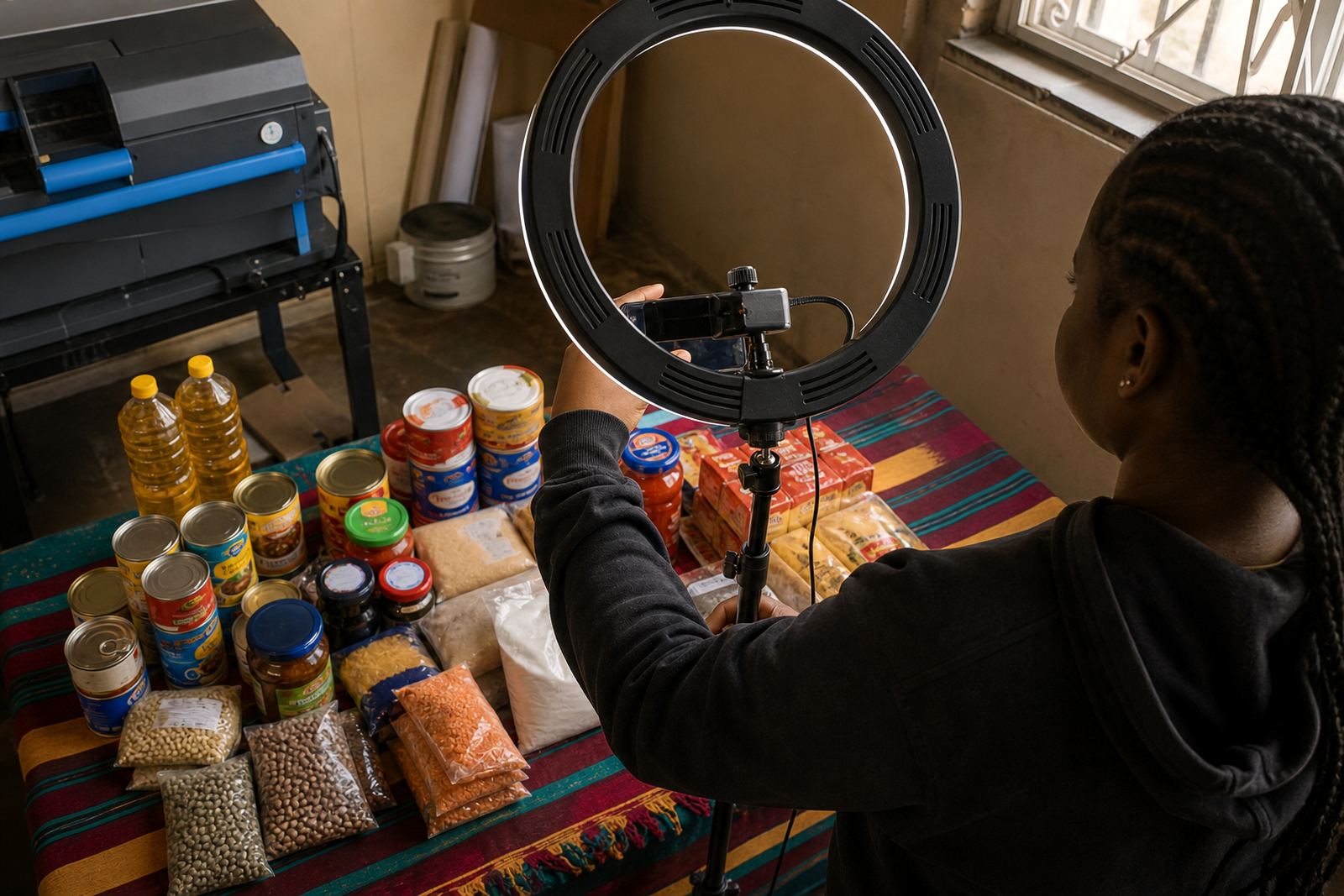
Good product pages need clear photos and plain wording. A trader can use phone photos, but the pictures should show the item from the front, side and close up where needed. For clothing, include size labels and colour choices. For food items or packaged goods, show pack size, weight or quantity, because customers often want to know exactly what they are paying for.
- Use well lit photos taken against a plain background where possible
- Show measurements, pack size, units or quantity for each item
- List price per item, per pack or per set so customers do not guess
- Note colour, size, scent, flavour or variant names clearly
- Keep spelling and product names consistent across the store
For traders in humid coastal areas like Durban or Gqeberha, it helps to store printed product notes and sample stock in a dry place so labels stay readable. If your items are handled often, a tidy photo setup and consistent naming makes the store easier to update and a lot less messy.
WhatsApp orders, payment choices and collections
Many informal traders prefer WhatsApp because it is familiar and fast. The store can guide customers into a chat where they send the item name, size, colour and quantity. That keeps the order process practical for traders who confirm stock before they pack or dispatch anything. It also helps with custom orders where the customer wants to check availability first.
Payment information can be displayed on the store with the methods you accept, such as cash collection, EFT, card payment or payment on delivery where that suits your business. For some traders the payment page is mainly there to explain how orders are confirmed and what proof of payment is needed. If you handle collections from a shop, home address or trading point, the collection note should state the suburb and basic handover process clearly.
Delivery areas, collections and local service notes
Delivery details matter because customers want to know where you send stock and what happens after they place an order. A delivery page can set out local drop-off areas, same-city delivery zones, courier options or collection arrangements. It should also state any limits on fragile items, bulky goods or time-sensitive stock, because those need careful handling.
- State whether you deliver in your area only or to other parts of South Africa
- Confirm if collection is from a shop, home business address or market stall
- Note any packaging needs for breakable or heat-sensitive stock
- Explain who pays for delivery and when that cost is shown
For traders working in Johannesburg, Pretoria, Durban, Cape Town or Gqeberha, location wording should be specific enough that customers know whether you serve their area. Where municipal rules matter, such as trading points or market spaces, keep the wording aligned with the rules of that area and your own trading permit arrangements.
What to confirm before your store goes live
Before a store is published, the key details should be checked carefully so customers do not order the wrong item. Confirm product names, prices, sizes, colours, quantity, delivery areas, payment instructions and your WhatsApp contact flow. If the store carries a catalogue rebuild, each product should match the photo and the written description, because small errors can lead to wrong orders and extra admin.
- Exact business name and trading area you want shown on the store
- Product list with sizes, variants and price points
- Delivery method for each type of order
- Payment method wording and confirmation steps
- Any special notes for bulk orders, fragile items or perishable stock
If you are unsure about tax treatment, VAT or record keeping, it is best to check with SARS or a qualified adviser. That keeps the store details practical and aligned with your own business setup.
Support for traders who need the store kept tidy
Once the store is up, the main job is keeping the information current. That means removing sold-out items, updating prices, adding new products and making sure the photos still match what is actually in stock. A neat store saves time for customers and helps the trader avoid back and forth messages for basic details.
SellThat support is built around the kind of work informal traders do every day in Soweto and other busy areas, where stock changes quickly and customer questions can come through at any time. The store should stay easy to read, easy to edit and practical for real trading conditions, not overdone or cluttered.
Key facts
| Platform type | Online store builder for informal traders and small businesses |
|---|---|
| Main use | Simple product listings, orders and customer enquiries |
| Order channel | WhatsApp order setup and contact flow |
| Payment details | Can display EFT, card, cash on collection or other accepted methods |
| Delivery options | Local delivery, courier notes or collection instructions |
| Best suited to | Spaza shops, home businesses, market traders and small catalogue sellers |