A WhatsApp order path that fits local selling
WhatsApp Orders adds a direct order path to your store, letting customers tap through from a product page, a pricing page or a catalogue listing and open a WhatsApp chat with the right order details ready to go. For traders working across Soweto, Alexandra, Tembisa, Durban, Cape Town, Pretoria and Gqeberha, that makes it easier to handle questions in a way people already understand and use every day.
The setup is useful when customers want to ask about stock, confirm a colour, check the size, or send a quick order request before paying. It works well for goods that need a bit of explanation, like clothing, toiletries, food packs, household items, beauty products, school supplies and small electrical items sold by informal traders and home businesses.
- Fast link from product page to WhatsApp chat
- Works for enquiries, orders and stock questions
- Can carry product name, size, quantity and price details
- Useful for repeat buyers who prefer chatting before they buy
What the customer sees before they tap
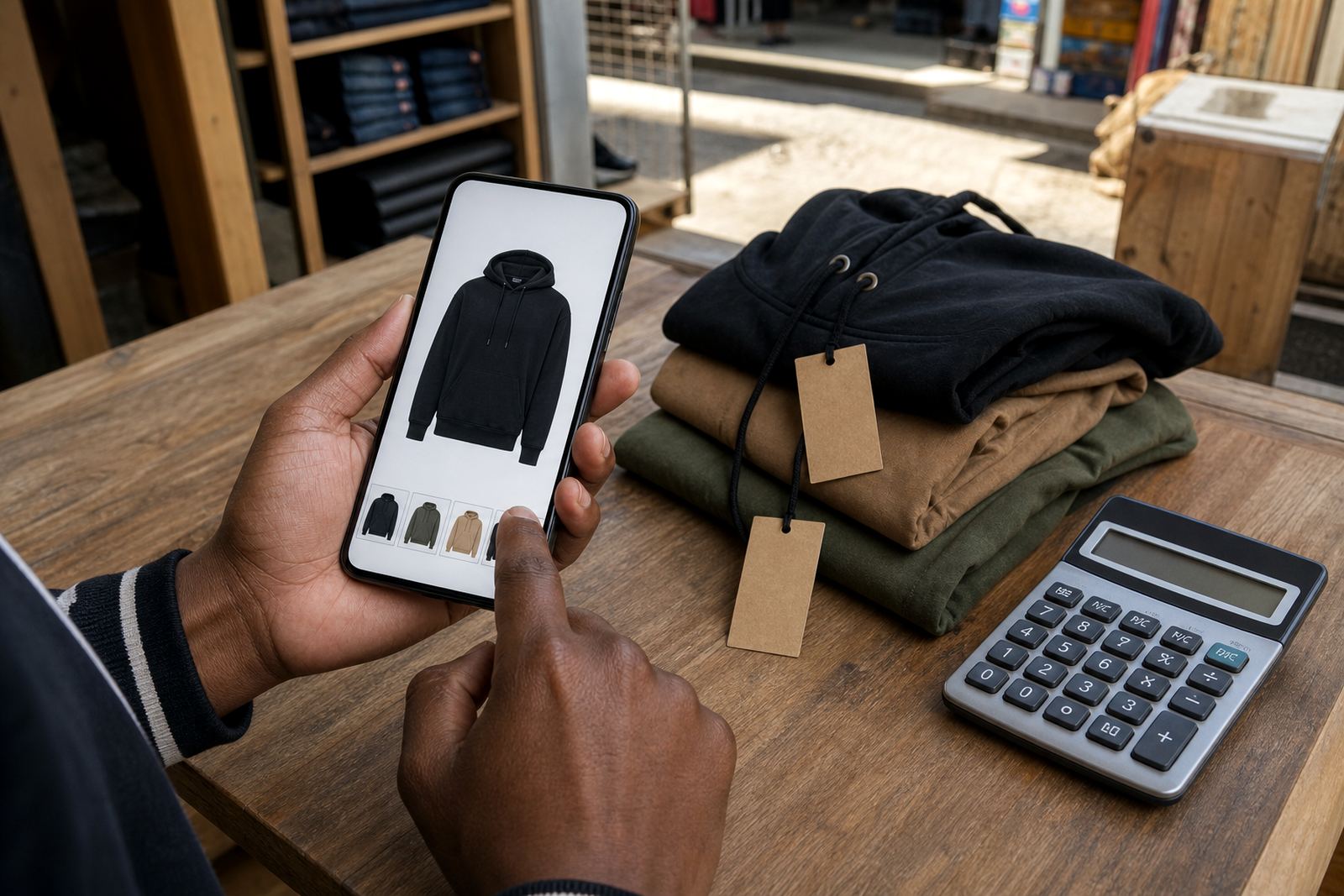
When someone taps the WhatsApp order button, they should already see enough detail to send a clear request. That usually includes the product name, a short description, price, available colours or pack sizes, and any delivery note. If the item comes in more than one size or bundle, the options can be listed beside the product so the buyer does not have to guess.
For stores that sell mixed stock, a clean product page helps keep orders tidy. A customer in Johannesburg may want one item, while a customer in Cape Town needs three different products sent to one address. The more exact the page is, the less time is spent asking for basics later.
- Product title and short description
- Price or price range where needed
- Size, colour, weight or pack count
- Delivery area or collection note
- Payment instructions and order reference field
Sizes, options and message details that prevent confusion
WhatsApp orders work best when the store shows the exact options a trader offers. That can include small, medium and large sizes, colour choices, bundle counts, bottle sizes, or item weight in grams and kilograms. If the stock is sold by units, the page should make that clear too, so a customer does not order by box when the business sells singles.
For informal traders, these details matter because many orders are placed from a phone while the buyer is at work, at home, or travelling by taxi. Clear options make it easier to keep notes straight, especially when one customer wants a different quantity for each item.
- Sizes in cm, metres, litres, millilitres or kilograms where relevant
- Single item, pack, carton or bundle options
- Colour and finish choices
- Quantity selector for repeat items
- Special instruction field for mixed orders
Where WhatsApp orders suit best
This setup suits traders who sell everyday goods, because many customers want a quick response before they commit. It is practical for spaza shops that take bulk requests, clothing sellers who need size confirmation, home bakers who manage custom orders, and service traders who quote for items before supplying them. It also works well for small businesses that serve nearby neighbourhoods and deliver within a local area.
In places with busy mobile traffic, WhatsApp gives customers a familiar way to ask questions without filling in a long form. That makes it handy for traders operating from Soweto townships, flat areas in Johannesburg, or delivery routes that cover multiple suburbs and estates.
- Spaza shops and tuckshop stock orders
- Clothing, shoes and accessories
- Food, baked goods and meal packs
- Personal care, household and school items
- Home businesses with custom or made-to-order items
Payment and delivery notes that can sit beside the chat button
WhatsApp Orders can be used alongside payment information and delivery pages, so the customer sees the next step after they send their request. A store may show whether it accepts EFT, card payment through a checkout page, cash on collection, or another payment method that fits the business. Delivery wording can also explain local drop-offs, courier collection, same-area delivery or collection from a trading point.
For traders handling stock across different areas, it helps to keep the payment and delivery note simple. State what details must be sent, like proof of payment, delivery address, suburb, nearest landmark and preferred drop-off time. If a product has special handling needs, that should appear on the product page or order message too.
- Payment method name and reference instructions
- Delivery area or collection point
- Suburb, street and landmark details
- Order number or product code
- Notes for fragile, chilled or bulk items
Keeping WhatsApp orders tidy after the first message
Once an order request lands in WhatsApp, the store still needs a clear record. Good setup keeps the customer message linked to the product, so the trader can see what was requested, which size was chosen and whether payment or delivery details were included. That makes it easier to sort orders when several customers message at once during a busy day.
Care is mostly about keeping product details current. If stock changes, the price moves, or a size runs out, the page should be updated so the WhatsApp message reflects the latest information. In humid coastal areas like Durban or Gqeberha, product photos and text can also need refreshing when packaging changes due to heat or handling.
- Check product names and prices regularly
- Remove out-of-stock options
- Keep delivery areas and order notes current
- Use clear photos with plain backgrounds where possible
- Match WhatsApp wording to the store page wording
What to confirm before you switch the order button on
Before a WhatsApp Order setup goes live, confirm the details a customer will need to send a clean request. That includes the exact product name, the available sizes or quantities, the final price shown on the page, and the contact person or store line that receives the message. If the store includes payment or delivery pages, those should match the wording on the WhatsApp button too.
It also helps to agree on a standard message format. For example, the customer can send product name, quantity, colour, size, suburb and preferred delivery method in one chat. For businesses that must check tax or payment handling rules, it is sensible to confirm those points with SARS or a qualified adviser.
- Product title and SKU or internal code
- Available sizes, colours and pack options
- Price, delivery area and payment note
- Order message format for the customer
- Any rules around collections or local delivery timing
Key facts
| Order type | WhatsApp enquiry or purchase request |
|---|---|
| Best for | Informal traders, spaza shops, home businesses and small local sellers |
| Input fields | Product name, quantity, size, colour, suburb, delivery note |
| Display options | Button on product pages, pricing pages and catalogue listings |
| Payment tie-in | EFT, card checkout, cash on collection or agreed store method |
| Delivery tie-in | Local delivery, courier handoff or collection point details |