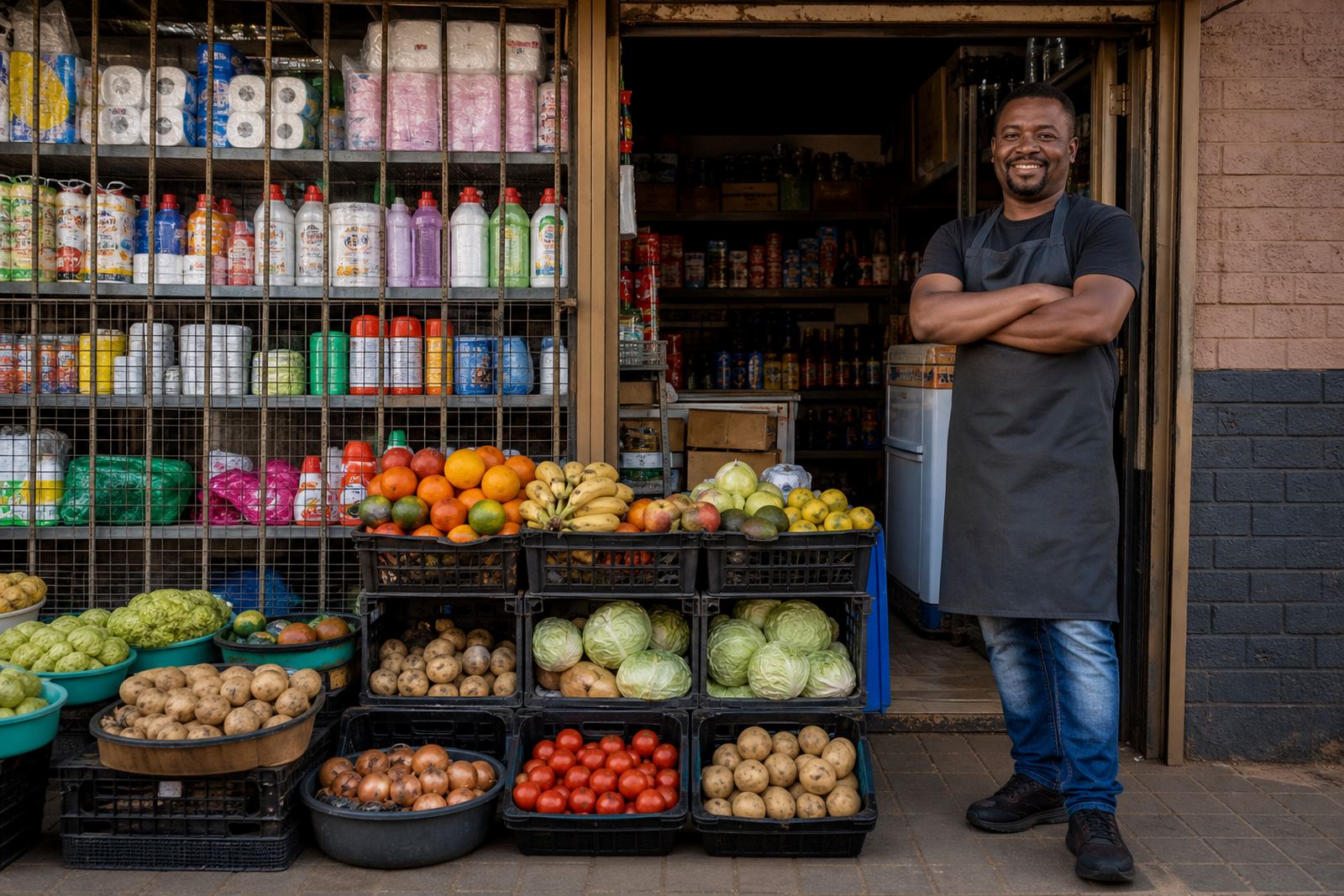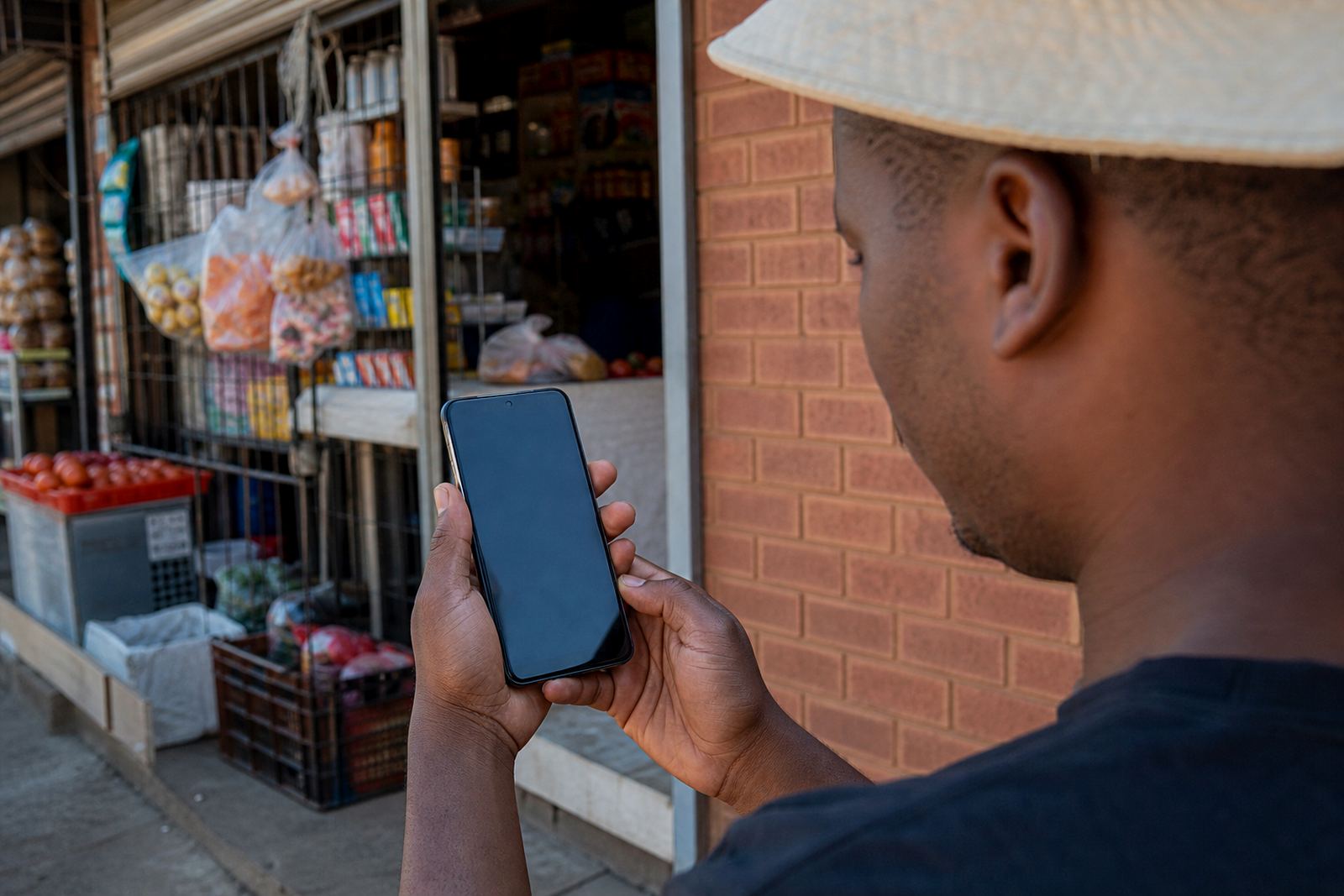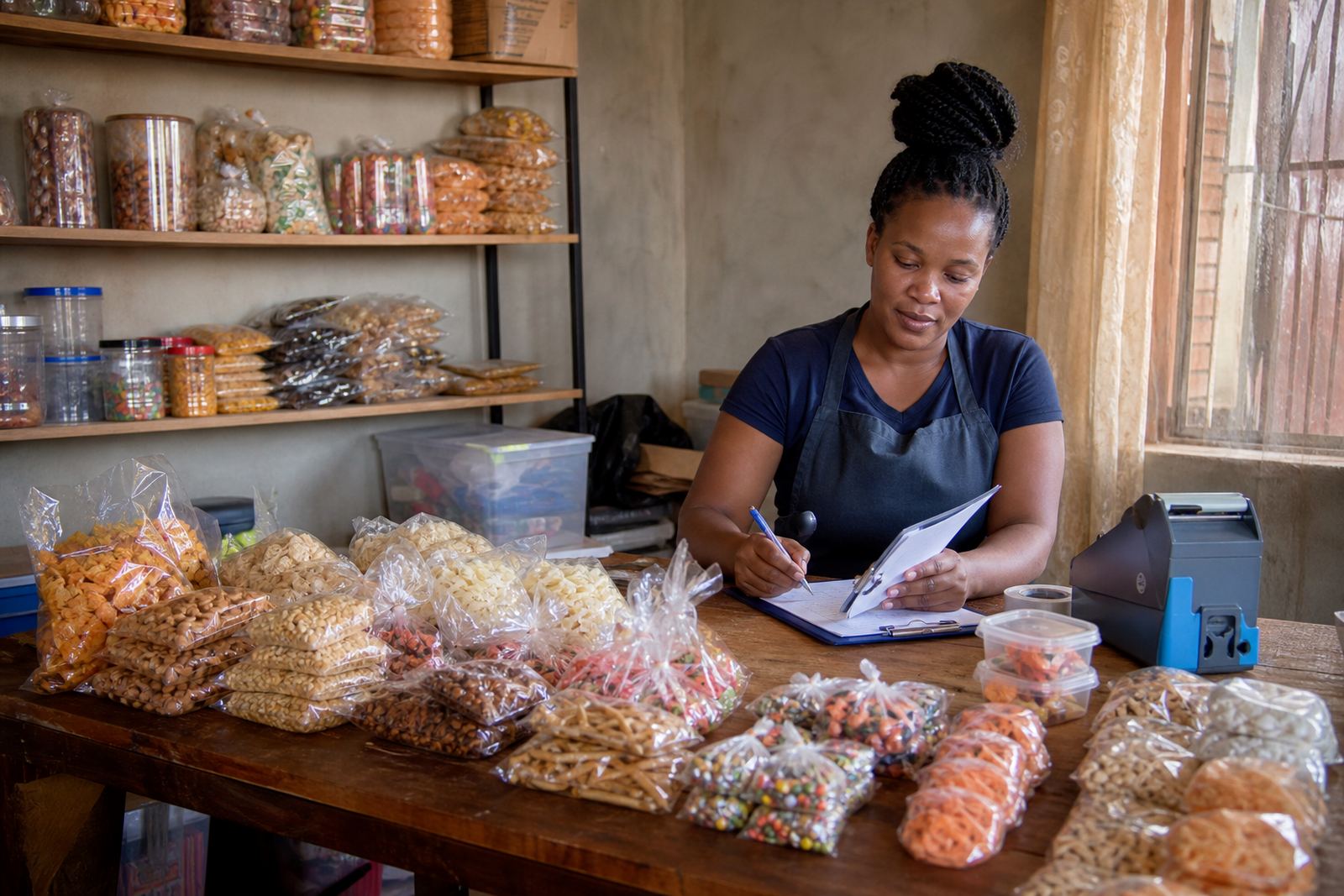
Many products, one organised store
Bulk Listing is the practical way to add a long product list when you already know what you sell and need the store filled properly. Instead of uploading each item from scratch one by one, the product information is grouped, checked and arranged so customers can move through the catalogue without confusion.
This works well for traders in Soweto, Johannesburg, Durban, Cape Town, Pretoria and Gqeberha who stock fast moving goods, mixed household items, clothing, beauty products, school supplies or packaged food lines. The aim is tidy product pages with clear names, sizes, prices and delivery notes, so the store looks ready for real orders not half finished.
- Best for 10 products or more, depending on how many variants each item has
- Useful when a price list is already available in a notebook, spreadsheet or WhatsApp message
- Helpful for stores that need categories such as groceries, basics, clothing or accessories
- Can include item codes, flavour names, pack counts and different size options
Product details that make listings easier to buy from
Each listing should carry the details a customer needs before placing an order. For informal traders, that usually means a clear product name, a short description, the size or pack count, price, colour where relevant and any buying notes such as minimum order quantity or mixed pack options.
When items have variations, those need to be listed properly so the buyer does not guess. If you sell T-shirts, for example, size ranges such as S to 3XL can be shown. If you sell food or cleaning items, pack sizes like 250 ml, 500 ml, 1 L, 2 L, 5 kg or a 12 pack should be shown in the listing.
- Product name and category
- Size, weight, length, volume or pack count
- Colour, flavour, scent or style options
- Unit price, bundle price or quantity based price
- Stock note, such as in stock or limited stock
Where bulk listing suits local trading
This service suits traders who need a practical store that reflects how they actually sell. A spaza shop may need repeat basics listed in clear quantities. A home baker may need cake sizes, filling choices and collection times shown. A clothing seller may need sizes, colours and set collections grouped under one category. For mobile traders and market sellers, the online store can carry the same range that customers ask about on WhatsApp, only laid out properly.
It also works for traders serving busy local areas where customers want quick decisions. In places like Alexandra, Tembisa and around Johannesburg CBD, buyers often check a page, compare prices, then place the order by phone or WhatsApp. Bulk Listing helps the store match that buying habit with product pages that are easy to read on a small screen.
- Spaza and convenience stock
- Home based food and baked goods
- Clothing, accessories and school wear
- Beauty, hair and personal care items
- Seasonal stock, gift items and mixed bundles
Uploading photos and keeping the page neat
Good bulk listings depend on usable product photos. A plain background, even light and a steady camera angle help the product look clearer on screen. If the image is blurry or cropped badly, customers often skip the item and move to the next one. For many informal traders, the best result is not fancy photography but clean photos that show the actual item, pack size and colour accurately.
Photo guidance usually includes matching the image to the right product name and keeping the view consistent across the catalogue. That matters when a store has 30 or 50 items, because mixed image sizes and random backgrounds can make the page look untidy. If a product has several variants, such as colour or size, each option should be matched to the correct image where possible.
- Use one main photo per product where possible
- Show the full item, not only part of the pack or label
- Keep file names and product names aligned
- Use close up images for texture, print or small parts
- Show bundled items together if they are sold as one unit
Orders, payments and delivery notes
Bulk Listing is often used alongside WhatsApp ordering, payment info and delivery details, because customers need to know how the purchase will be completed after choosing an item. Each product page can point buyers to the correct ordering method, payment steps and delivery area. That keeps the store practical for people shopping from their phones in Soweto, Durban, Cape Town or Pretoria.
Payment details should be written clearly and consistently. If a trader accepts card payments through an online checkout, bank transfer, EFT or cash on collection, the payment instructions should match the actual method used. Delivery notes can show collection points, local delivery areas, courier options or trading day collection windows, depending on how the business works.
- WhatsApp order button or order instruction line
- Payment method text matched to the real process
- Delivery zones, collection point or courier note
- Lead time for packed orders where relevant
What to have ready before the listings go live
To keep the upload smooth, it helps to prepare the product list in one place. That means names, sizes, prices, photos and any stock notes should be checked before the catalogue is loaded. If the list is messy, the store will show that mess too, so a quick sort through the information saves trouble later.
It is also worth confirming any special details that affect selling. If products must be sold in pairs, by box, by carton or by set, that must be stated. If a product has a short shelf life, a size difference or a colour that changes from batch to batch, note it clearly. For tax or pricing questions, check with SARS or a qualified adviser so the store information stays in line with proper business guidance.
- Final product names and category order
- Current prices and bundle offers
- Photo files for each listing
- Pack sizes, units and variation choices
- Stock limits, order rules and delivery areas
Listing specs and care for busy catalogues
Bulk listings work best when the store is kept updated in the same way it was uploaded. If one price changes or a pack size is added, that update should be made across the listing set so customers do not see mixed information. Clean product pages help prevent wrong orders and save time when shoppers compare items.
The service suits businesses that want a tidy catalogue with enough detail for real buying decisions. A well prepared bulk upload usually includes consistent product descriptions, matching sizes, clear pricing and a straightforward order route. That makes the store easier to use on a phone, which is where most customers will view it.
For traders serving coastal areas like Durban, Gqeberha or Cape Town, it is also sensible to keep product images and text clear enough to read on smaller screens, because customers often check the store while moving about and may not revisit a page if the details are hard to see.
Key facts
| Service type | Bulk product listing support for online stores |
|---|---|
| Best fit | Informal traders, spaza shops, home businesses and market sellers |
| Typical upload range | 10 items or more, depending on variants and product groups |
| Common fields | Name, size, price, colour, pack count, stock note, category |
| Order options | WhatsApp orders, card, EFT, collection or delivery notes |
| Photo guidance | Clear product photos with matching names and consistent layouts |