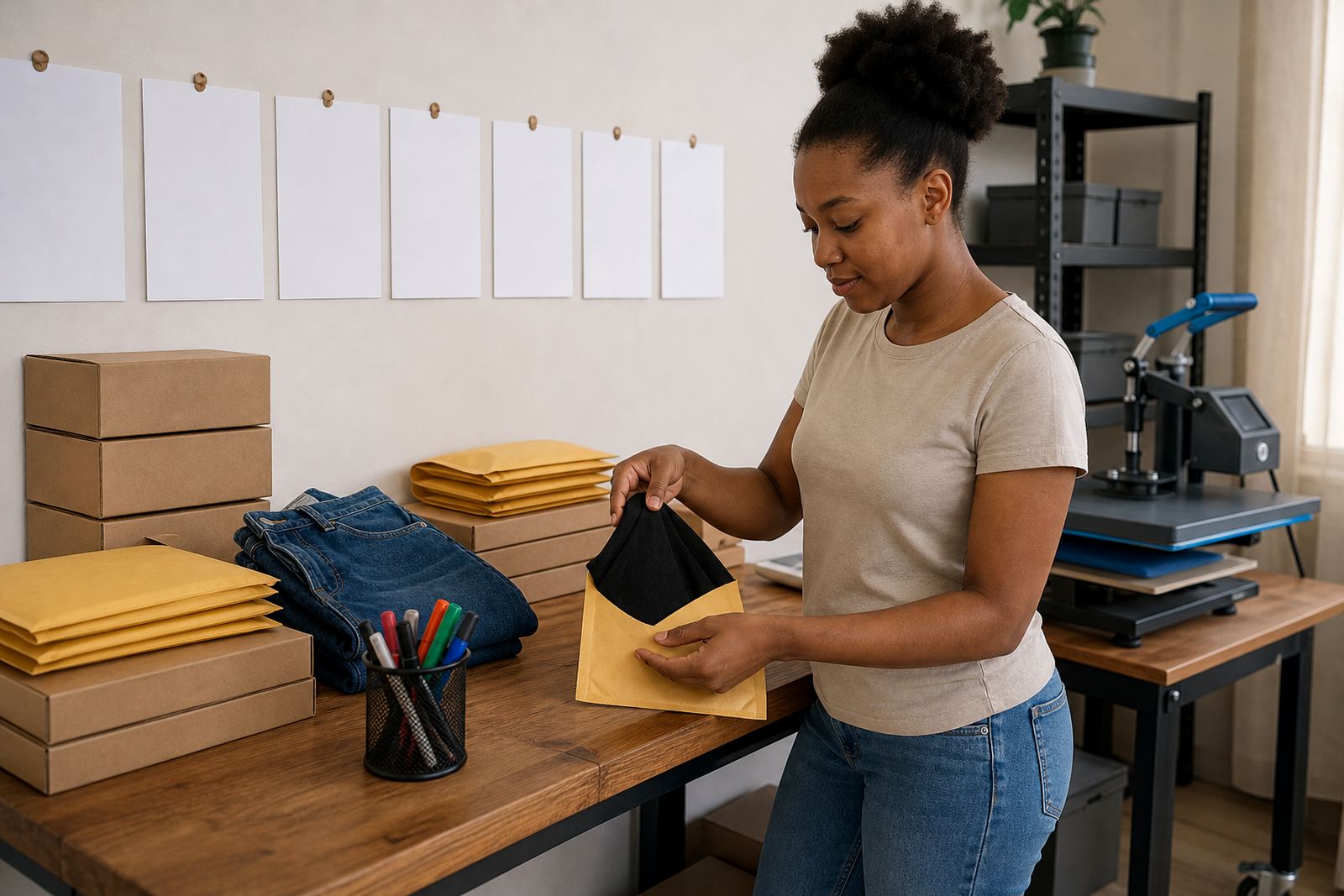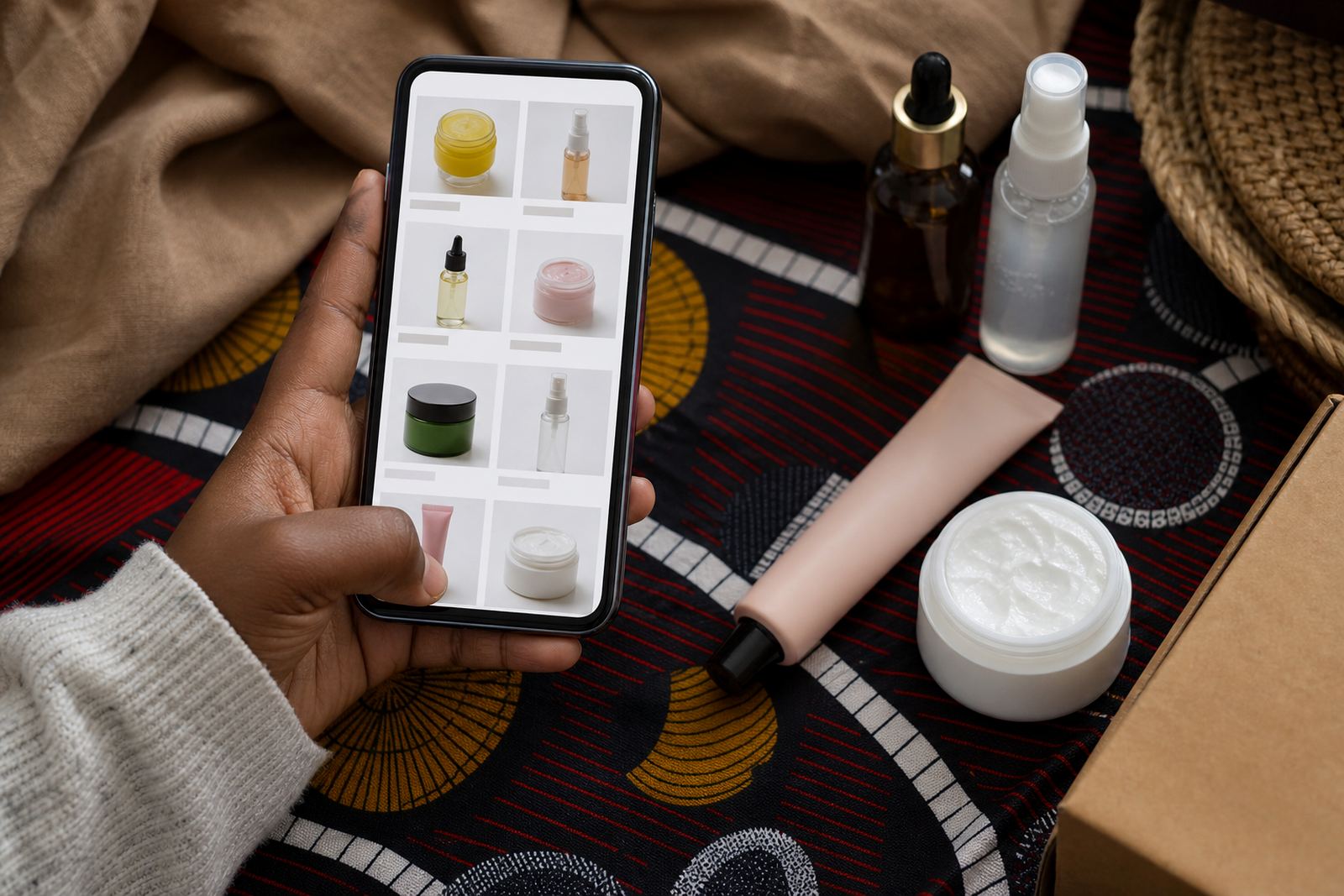
Photos that make the shelf easy to scan
A product gallery brings your items into one place so customers can browse without hunting through messages or voice notes. Each photo should show the real item clearly, with enough light to see colour, shape, texture and packaging. For market traders in Soweto, Johannesburg, as well as Durban, Cape Town, Pretoria and Gqeberha, that usually means using bright daylight, a plain wall, or a neat cloth background that does not fight with the product.
For best results, show the front view, a side angle and a close-up where needed. If you sell food packs, household goods, beauty items or school supplies, the gallery can show the pack size and any variant such as colour, scent, flavour or count. A customer often decides in seconds, so the first image should answer the main question quickly.
What belongs in each listing
Every item in the gallery should carry the details a buyer needs to order with confidence. That includes the product name, size, pack count, colour choices, and the price shown in Rand. If you sell clothing, mention the size range, fabric feel and fit notes. If you sell groceries or spaza stock, include unit count, weight and whether the item is sold as a single item or a carton.
- Product name and clear category
- Size, weight, volume or pack count
- Price in Rand and any variant price
- Colour, flavour, scent or model options
- Stock note if the item is limited
- WhatsApp order button or order link
It helps to keep the wording plain. A buyer in Alexandra or Tembisa should be able to read the page and know what is being sold without having to ask for extra explanation.
Where the gallery suits best
This page suits traders who sell many items at once, or who need a neat way to show a changing stock list. It works well for clothing rails, beauty products, household goods, food containers, school stationery, hair products and small electronics sold through informal channels. It also helps home businesses that take orders by WhatsApp and want customers to check the options first.
A gallery is useful where face-to-face selling is common but buyers still want to browse before they order. If you serve local delivery areas or collection points, the gallery can group items by range, such as daily essentials, weekend specials or seasonal stock. That makes the page easier to manage when new items arrive or old stock moves out.
Ordering details customers need to see
Once a shopper finds the right item, the ordering details should be easy to spot. Add the payment method, delivery option and collection choice where relevant. If you take orders through WhatsApp, make the chat button clear and place it near the product details. Where bank transfer, cash on collection or card payment is accepted, say so plainly and keep the instructions short.
- How to place the order
- Payment method used for the item
- Delivery area or collection point
- Any minimum order for local delivery
- Lead time for packed or customised items
If your product needs any fitting, assembly or handling instructions, include them close to the gallery entry. For items that need sizing, checking measurements before dispatch helps reduce returns and mixed-up orders. For traders dealing with municipal markets or home collection points, the page can also show the suburb or area covered.
Photo care and listing upkeep
Product photos stay useful when they are kept current. If a batch changes colour, label, pack size or packaging, the gallery should reflect it straight away so customers do not order the wrong version. In humid coastal areas such as Durban or Gqeberha, careful storage helps keep packaging neat and prevents photos from showing damaged stock. In busy inland trading areas, dust and handling marks can also affect how the product looks on screen.
Wipe items before photographing them, straighten labels, and keep the background clean. If a product has reflective packaging, move it a little to avoid glare. For food, beauty and household items, show the seal, cap or closing detail where that matters. A tidy gallery makes the whole store look more organised and helps buyers trust what they see.
Specs to confirm before the gallery goes live
Before your product gallery is published, it helps to confirm the practical details that affect each listing. This keeps the store accurate and saves time when buyers are ready to order. For traders with a changing catalogue, one missing detail can slow down sales or cause confusion at collection.
- Exact product name and variant
- Photo count per item or category
- Size, weight, volume or count
- Price and currency format
- Order method, WhatsApp or online checkout
- Delivery area, collection point or dispatch note
If a product has multiple options, list them in the same order each time so buyers can compare quickly. Where pricing changes by size or pack count, keep each version separate and labelled clearly. For tax or legal questions, check with SARS or a qualified adviser.
Key facts
| Gallery format | Single view, grid view or category based layout |
|---|---|
| Photo guidance | Front, angle and close-up images where needed |
| Detail fields | Name, size, colour, pack count, price and order method |
| Ordering channels | WhatsApp, online checkout or manual order note |
| Delivery options | Local delivery, collection point or dispatch by area |
| Best fit | Informal traders, spaza shops, home businesses and small catalogues |