The front sign for a small shop online
A homepage banner is the large opening section at the top of your store. It usually carries your main message, a headline, a short line about what you sell, and one or two clear buttons that lead shoppers to your products or WhatsApp orders. For spaza shops, home businesses and street traders in Soweto, Johannesburg, Durban, Cape Town, Pretoria and Gqeberha, this is often the first place to show bread, airtime, snacks, groceries, beauty items, clothing or household goods that move fastest.
It works well when your store needs to look neat from the start. You can use one strong product photo, a group photo of your best sellers, or a simple image with your trading name and a short offer. If you update stock often, the banner can be changed to show what is moving that week, or to point shoppers to a pricing page, delivery page or WhatsApp order option. Keep the message clear and short because most customers will see it on a small screen first.
Banner sizes and layout choices that suit phone screens
Most banner sections are set to fit full width across the top of the page, with image crops that can work on mobile and larger screens. A good layout uses enough space for the headline to breathe, but not so much height that visitors have to scroll too far before they see your products. For informal traders, a compact banner often works better than a heavy design because it keeps the focus on price, product and order action.
- Common banner crop: wide format for phone and laptop viewing
- Text area: short headline plus 1 support line
- Buttons: shop now, view prices, or order on WhatsApp
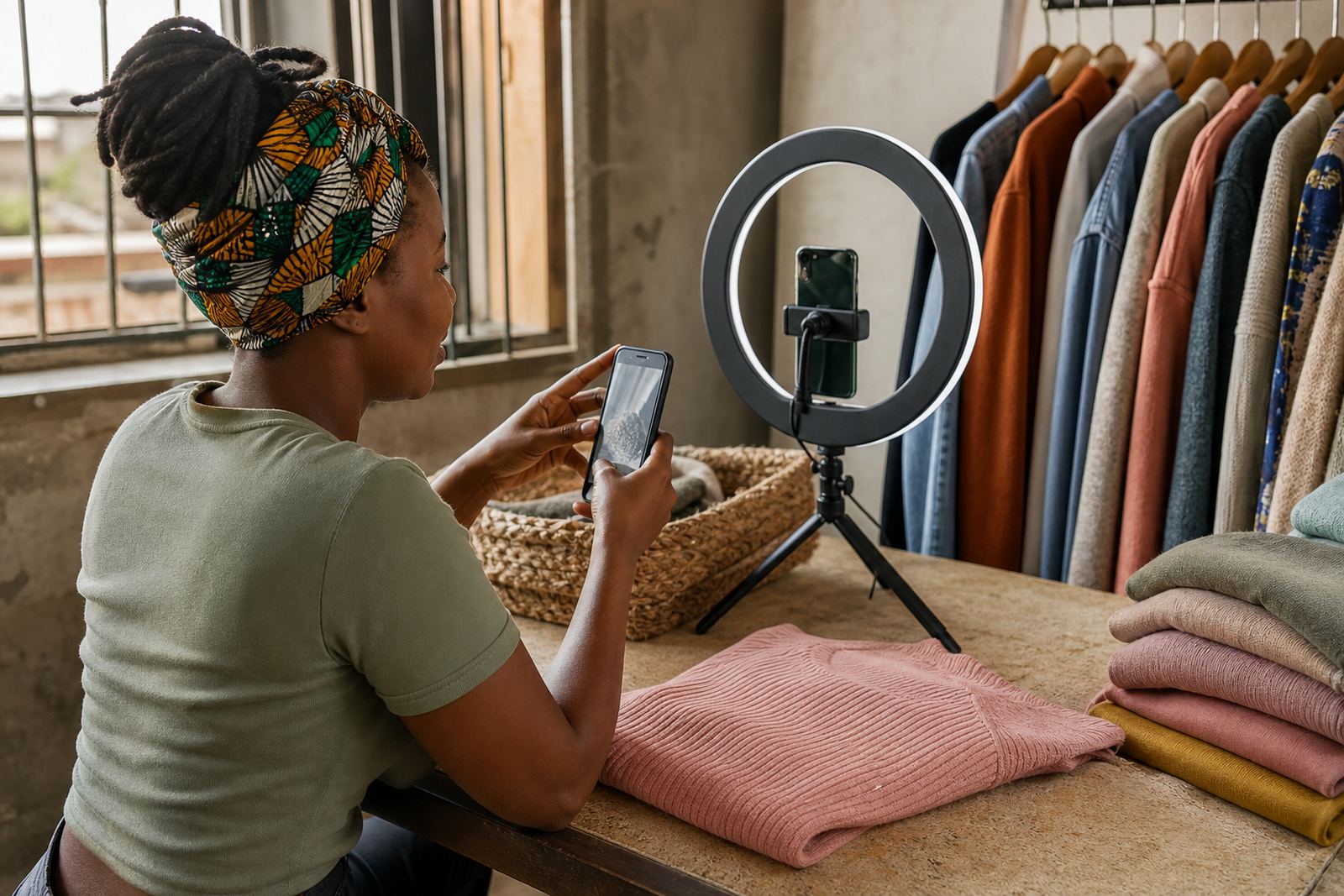
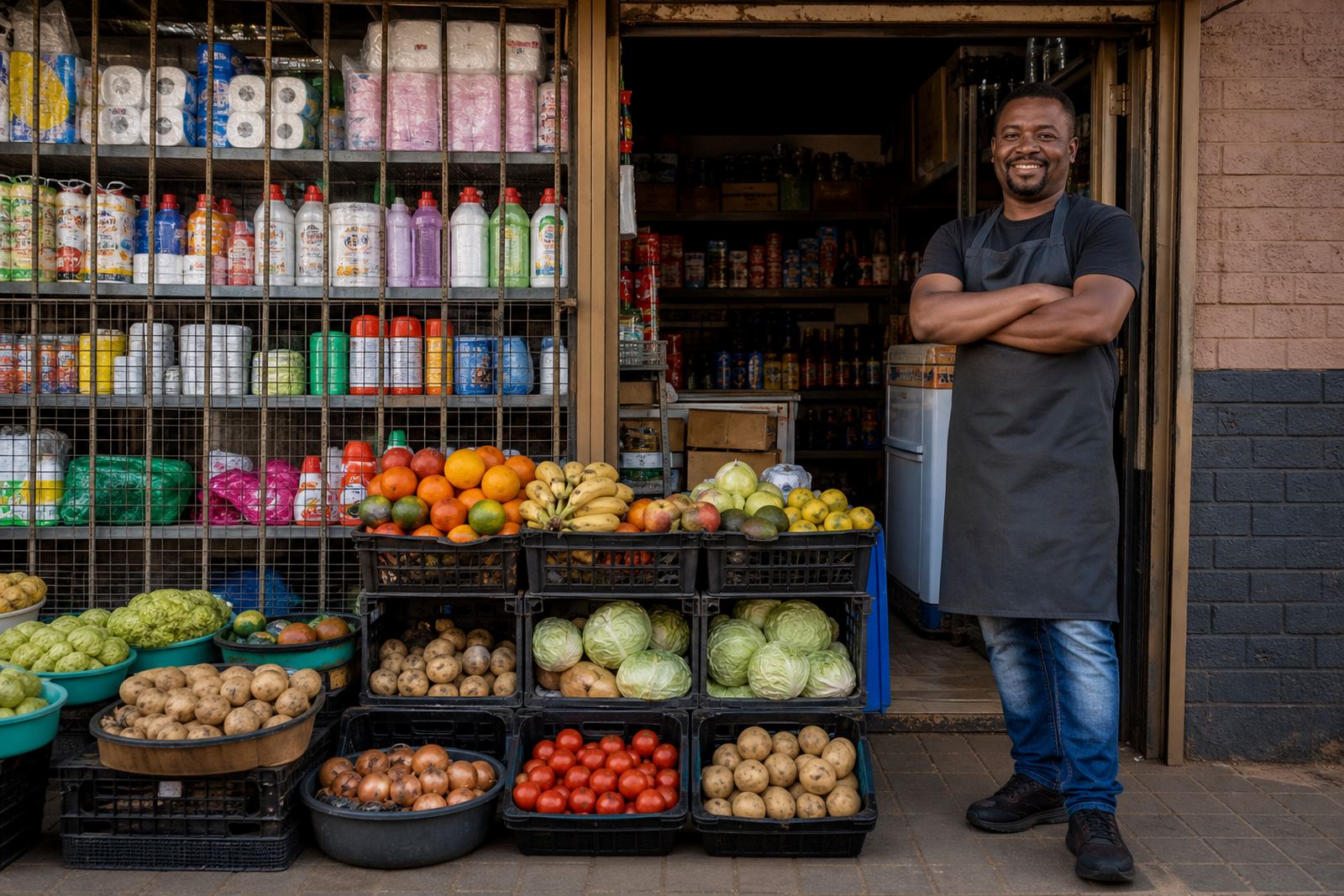
- Image choice: one product, a few top sellers, or a clean trading display
- Colour use: match your stall, packaging or product range without making the top section crowded
If you sell from Soweto, Alexandra or Tembisa, a banner that loads quickly and reads clearly on entry-level phones can be more useful than a busy header. It should point shoppers to the exact place you want them to go, whether that is a catalogue page, a pricing page or a contact line for order confirmation.
Where this page suits everyday trading
This page suits traders who want a direct first impression without unnecessary clutter. A banner can introduce your store, show your strongest products and guide visitors into the right part of the site. It fits grocery traders, home bakers, clothing sellers, hair product resellers, cosmetic stockists, school item sellers and other local businesses that need customers to understand the offer in a few seconds.
It also helps when you serve different areas and need one opening message that speaks to all of them. A banner can highlight delivery options in Johannesburg, collection in Durban, or local drop-off in Cape Town and Pretoria where that is part of your normal service. For traders with changing stock, the banner can be used to promote weekly specials or seasonal products without rebuilding the whole store.
- Useful for stores with a small number of top sellers
- Handy for businesses that trade through WhatsApp and online at the same time
- Good for new stores that need a clear first screen before the full catalogue
- Works well for home businesses that update product photos often
What to load into the banner before it goes live
A strong banner needs a few details ready from the start. The main headline should match what you sell, such as fresh groceries, everyday essentials, beauty stock or clothing. Add one short support line that tells shoppers why they should move through the store, for example to view top sellers, check prices, or place an order by WhatsApp. If you want to feature a special item, make sure the product name and price on the banner match the product page below it.
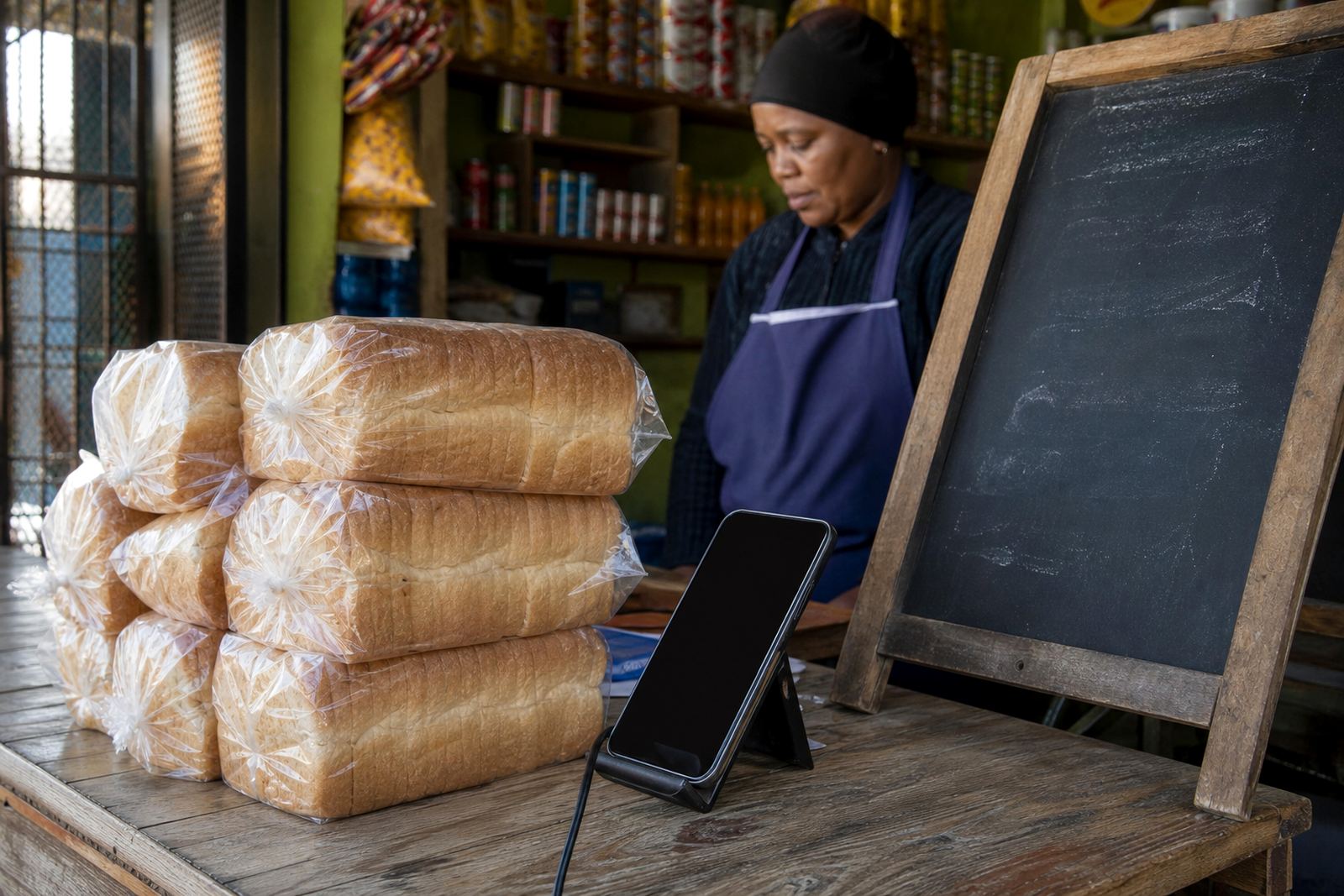
The best banner photos are sharp, bright and close enough for customers to see the item clearly. A trader in Gqeberha may want to show packaged goods neatly stacked, while a home business in Soweto may prefer a clean table display with labels easy to read. If you use payment information or delivery details in the banner, keep them brief and direct. Do not overload the space with too many lines, because the banner is not the place for a full catalogue.
- Trading name or store name as it should appear online
- Top seller names and a short price note if needed
- One main photo or a small group of featured products
- WhatsApp order wording if that is your main order path
- Delivery area notes, collection notes, or payment prompts where relevant
Product photo, pricing and order details that matter
For a homepage banner, the product details need to be exact enough for shoppers to trust what they see. Confirm the item name, pack size, colour, flavour, count or model where that applies, plus the price display you want shown on the opening screen. If you sell mixed goods, tell us which item should lead the banner and which items belong in the supporting line underneath. A banner that says too much can lose the customer before they reach the product pages.
Include whether the banner should point to a pricing page, a product catalogue, or a WhatsApp order button. If delivery is part of your setup, say which towns or areas you serve and whether the customer should choose collection or delivery at checkout. For payments, confirm what information must be shown on the page, such as card, instant EFT or proof of payment instructions. If you are unsure about tax wording, check with SARS or a qualified adviser so the wording on the store matches your situation.
- Exact product names and pack sizes
- Clear banner headline and support text
- Preferred button text for shopping or WhatsApp orders
- Delivery area wording and collection notes
- Payment information to display on the store
Care, updates and keeping the opening section tidy
A banner needs regular attention because it is the first thing customers see. Change the image when your top sellers change, or when a seasonal special needs the front of the store. Keep photos clean and cropped properly so they do not stretch or blur on mobile screens. If you use text over an image, make sure the words still read well on bright screens in daylight, especially for shoppers browsing while moving around town or standing at a taxi rank.
Store owners who trade in coastal areas like Durban or Gqeberha should keep product photos and graphics crisp and current, because damp weather and dusty working spaces can make older images look tired on a page. If your store includes training or staff handover, the banner should be simple enough for someone else to update without guesswork. A clear top section saves time when stock changes, prices move, or the week’s main items need to be shown quickly.
- Refresh banner text when top sellers change
- Replace faded or low-quality photos
- Check that buttons still go to the right page
- Keep wording short enough for mobile viewing
Details to confirm before the banner is set
Before the homepage banner is prepared, confirm your trading name, the products you want shown first, and the exact message you want customers to see. It helps to decide whether the banner should push shoppers to products, pricing, WhatsApp orders or delivery information. If you want to feature a special offer, make sure the price is final and that the item wording is the same across the banner and the product page.
Also confirm the order of importance for the page. Some traders want the store name first, then the product offer, then the call to action. Others prefer a photo first and a short line under it. There is no single layout that suits everyone, but the front section should always be easy to read, easy to tap and easy to understand on a phone.
Key facts
| Product type | Homepage banner for an online store |
|---|---|
| Best use | Show top sellers, pricing and order paths at the top of the store |
| Layout | Full width banner with headline, support text and 1 to 2 buttons |
| Image format | Wide photo or cropped product image for mobile and benchtop screens |
| Common options | WhatsApp order button, pricing link, catalogue link, delivery note |
| Update use | Easy to refresh for specials, seasonal stock and changing products |