A shopfront that fits in one hand
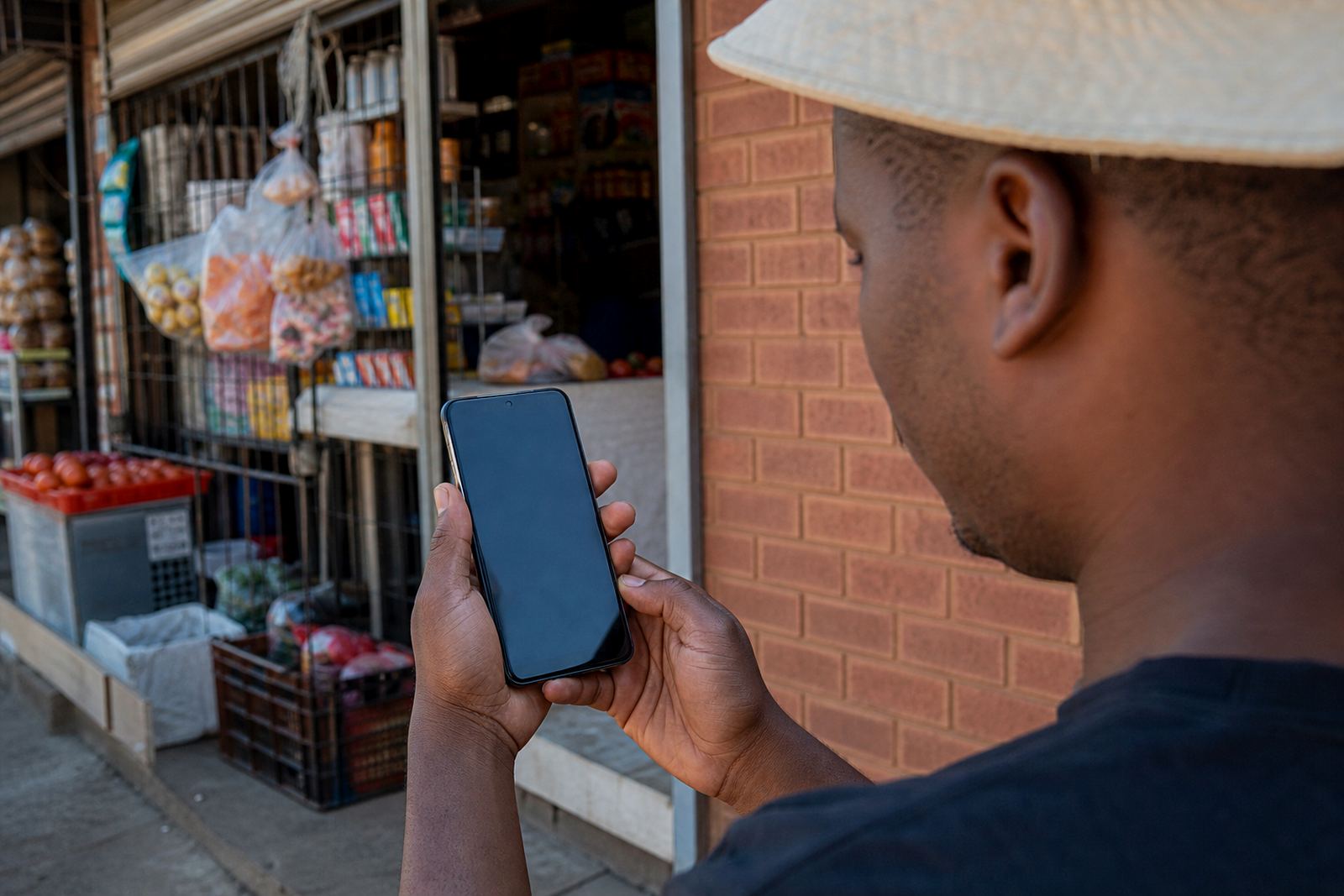
Mobile Layout is the way your online store appears on a phone screen. It controls the width of your pages, how product tiles stack, how text wraps, and how buttons sit under the thumb. For informal traders, spaza shops and home businesses, that matters because many customers will never open the site on a laptop. They will look at it on a small handset, often on prepaid data, so each page has to load neatly and stay easy to read.
The layout is set up to keep the important parts at the top of the screen. Product name, price, size, photos and order button should be visible without too much scrolling. When the store is built with mobile use in mind, customers can move from the home page to a product page, then to a WhatsApp order or payment details without confusion.
- One-column product view for narrow screens
- Thumb-friendly buttons for WhatsApp and checkout
- Short text blocks that stay readable on smaller phones
- Fast page flow for customers using mobile data
What the layout covers on your store
A proper mobile layout is more than shrinking the page. It changes how the store presents your catalogue, pricing pages, delivery notes and contact details on phones. Images need to scale properly, product cards need room for prices, and long descriptions must break up cleanly so they do not turn into one hard-to-read block. If you sell clothing, groceries, phone accessories, cleaning items or home goods, the layout has to help customers compare options quickly.
SellThat sets the mobile structure around practical browsing. That includes the top menu, category list, product gallery, order buttons and the footer where customers look for delivery and payment information. On busy trading days in Johannesburg, Durban, Cape Town, Pretoria and Gqeberha, people often check a store while standing in line or moving between places, so the page must work well with one thumb and a short attention span.
- Menu that collapses neatly on a phone
- Product gallery that keeps images proportioned
- Price blocks and size options that stay visible
- Footer links for delivery, WhatsApp and store info
Sizes and page options that suit local traders
Mobile Layout can be set up for a small starter store or a larger catalogue with many product categories. A simple store might need just a few pages, while a bigger trader may need a home page, product categories, pricing page, delivery page, payment details and a WhatsApp order path. The layout is adjusted so these pages work on a phone without forcing customers to zoom in and out.
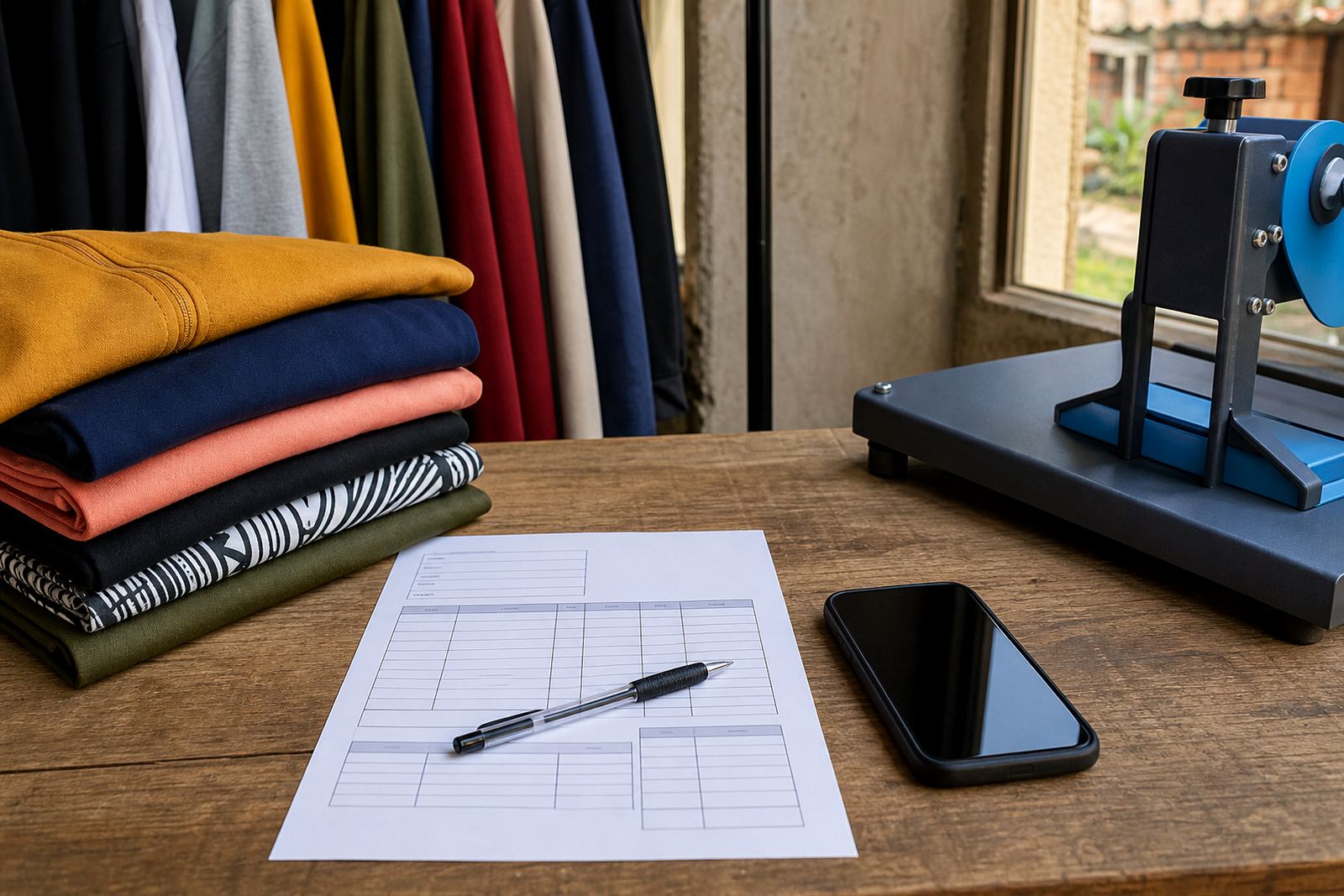
For a clothing seller, the phone view must leave space for sizes and colour choices. For a food or household seller, the layout must make pack sizes, unit prices and bulk options easy to scan. For mixed stock, a clear category menu helps customers jump from one item to the next without losing their place. That kind of structure is useful for traders in Soweto, Alexandra, Tembisa and other busy trading areas where shoppers are comparing options quickly.
- Single-product pages for a tight catalogue
- Multi-category store view for wider stock ranges
- Photo grids for visual products
- Text-led pages for items where details matter more than images
How it suits spaza shops, home businesses and market sellers
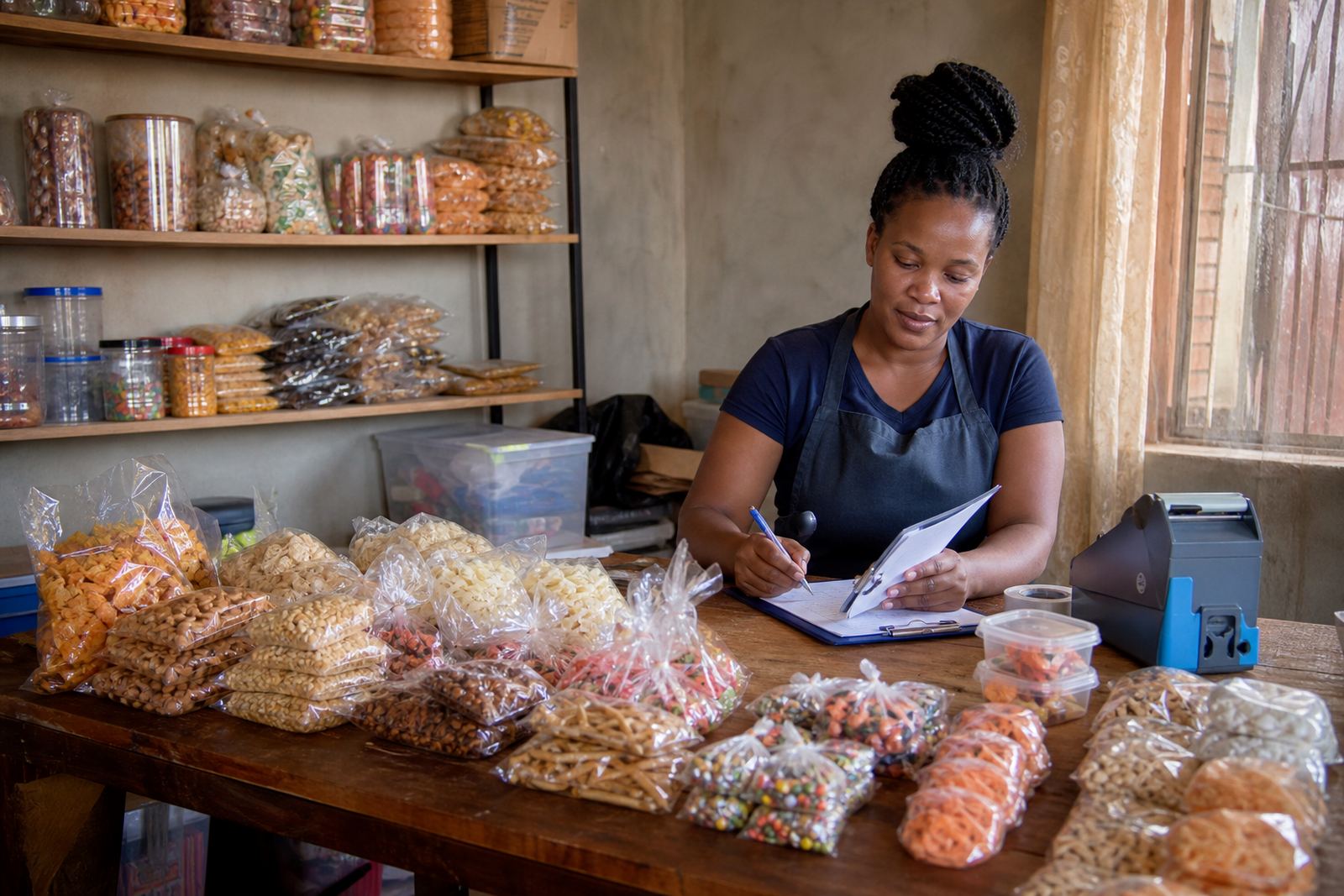
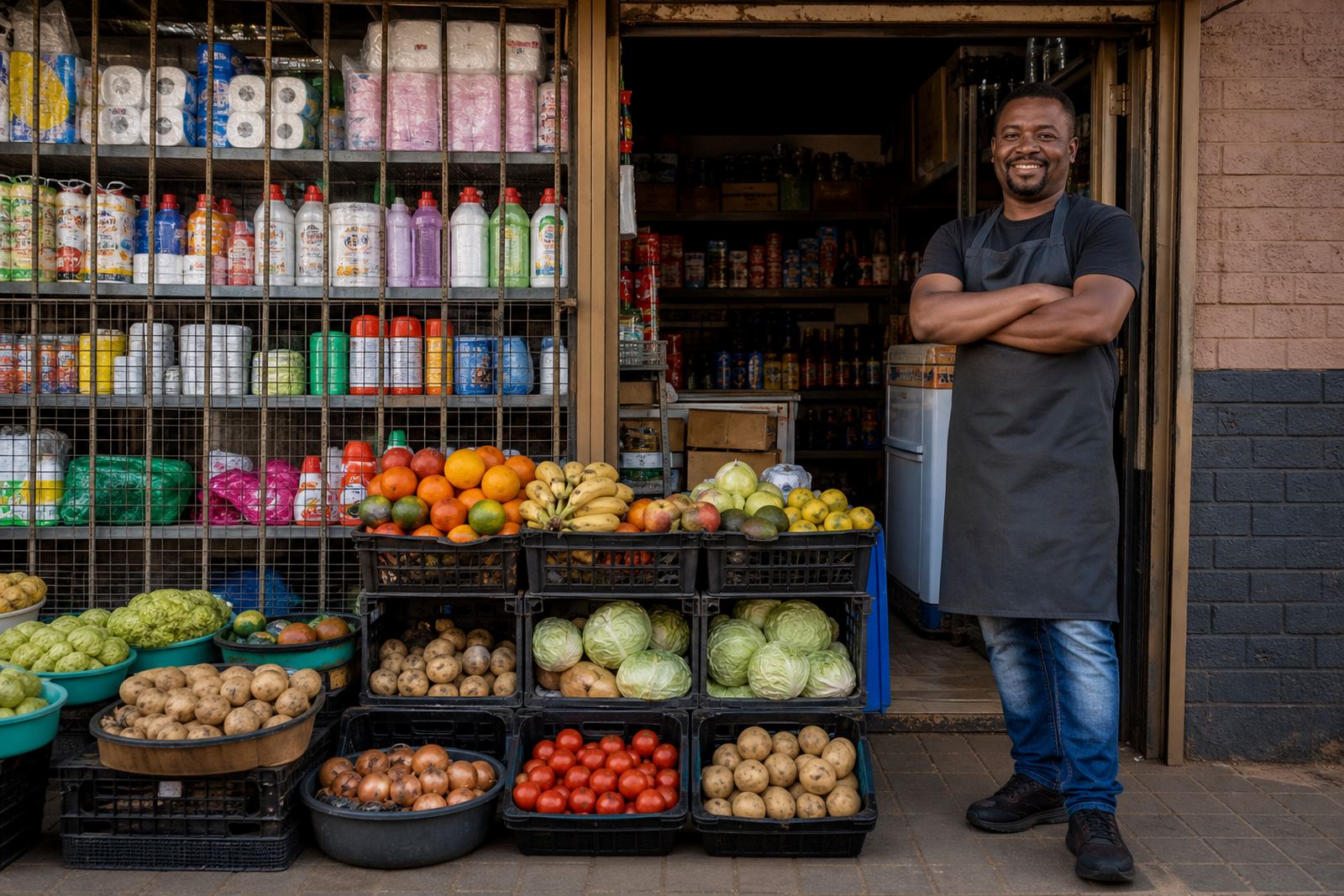
This layout works well for traders who rely on quick product checks and simple ordering. A spaza shop can use it for snack packs, household items and airtime-style add-ons. A home business can use it for baked goods, beauty items, custom items or printed goods. Market sellers can use it to show stock that changes often, with prices and stock notes adjusted as needed. The page structure is made to handle a practical mix of photos, short descriptions and order prompts.
For towns and coastal cities, the weather can affect shopping habits too. In humid places such as Durban or Gqeberha, customers may prefer to place orders without staying on a page that is slow or messy. A clean mobile view helps keep them moving through the store. It also helps traders who update stock from a phone while at the stall, at home, or between deliveries.
- Good for small daily stock updates
- Useful for mixed product ranges
- Works well with WhatsApp-based selling
- Fits traders who manage the store from a phone
Setup details and fitting points to confirm
Before a mobile layout is put in place, it helps to confirm the structure of your store and the way you want customers to order. That includes your main products, the order of your categories, which pages must be easy to reach from the home screen, and whether you want price display by item, by pack, or by size. If you use delivery zones, pickup notes or payment instructions, those details should be placed where they are easy to spot on a phone.
When setting up the store, the page needs to be checked on different screen sizes so buttons do not overlap and text does not run off the edge. If you supply product photos, they should be clear and cropped with the item taking up enough of the frame. If the store will be updated by staff, it helps to know who will upload products, who will edit prices, and who will handle orders from WhatsApp.
- Confirm product categories and page order
- Check whether prices are per item, pack or size
- List delivery areas, pickup points and order notes
- Provide clear photos with enough light and clean backgrounds
Care, updates and day-to-day use
A mobile layout needs regular attention when stock changes. If a product goes out of stock, if the price changes, or if a new range arrives, the page should be updated so customers are not seeing old details. Clear photos and short text make that easier because the store stays tidy even when many items are added. For a trader handling orders in Soweto or Johannesburg, that kind of order saves time when the day gets busy.
Keep product names short and specific, and avoid crowding the page with long notes. If a page starts to feel heavy, the first thing to check is the number of large photos, the length of the text and the way the categories are arranged. A neat mobile view is not only about appearance, it also helps customers place an order without missing the price or delivery point.
- Refresh product photos when stock changes
- Remove old items that no longer sell
- Keep pricing and delivery notes current
- Check the page on a few phone models now and then
What to confirm before the layout goes live
To set up the mobile layout properly, confirm the page titles, main categories, product counts and the order in which you want items shown. You should also confirm whether the store will use WhatsApp for orders, a payment page, delivery notes, or all three. If you are selling across South Africa, make sure the wording suits customers in Johannesburg, Durban, Cape Town, Pretoria and Gqeberha without sounding too local to one area only.
For tax or registration matters, check with SARS or a qualified adviser. The layout itself should stay focused on the practical parts of shopping on a phone: easy reading, clear prices, quick contact points and pages that do not force the customer to hunt for the next step.
- Page order and category names
- Product photo count and photo style
- Order method and payment information
- Delivery wording and service areas
Key facts
| Layout type | Phone-first store page structure |
|---|---|
| Screen fit | One-column view for small screens |
| Best use | Informal traders, spaza shops and home businesses |
| Display features | Product tiles, prices, size options, WhatsApp buttons |
| Ordering flow | WhatsApp order setup, payment details and delivery notes |
| Content needs | Product photos, short copy, updated stock and prices |