Where the delivery zones reach
Our delivery zone setup is for traders who sell in one suburb, a few nearby towns, or across wider city areas and need customers to see exactly where orders can be sent. We work with stores based in Soweto, Johannesburg, Durban, Cape Town, Pretoria and Gqeberha, and we also help traders serving Alexandra and Tembisa. If your customers are in the same metro, across Gauteng, or in another province, the zone labels can be set to match how you actually move stock.
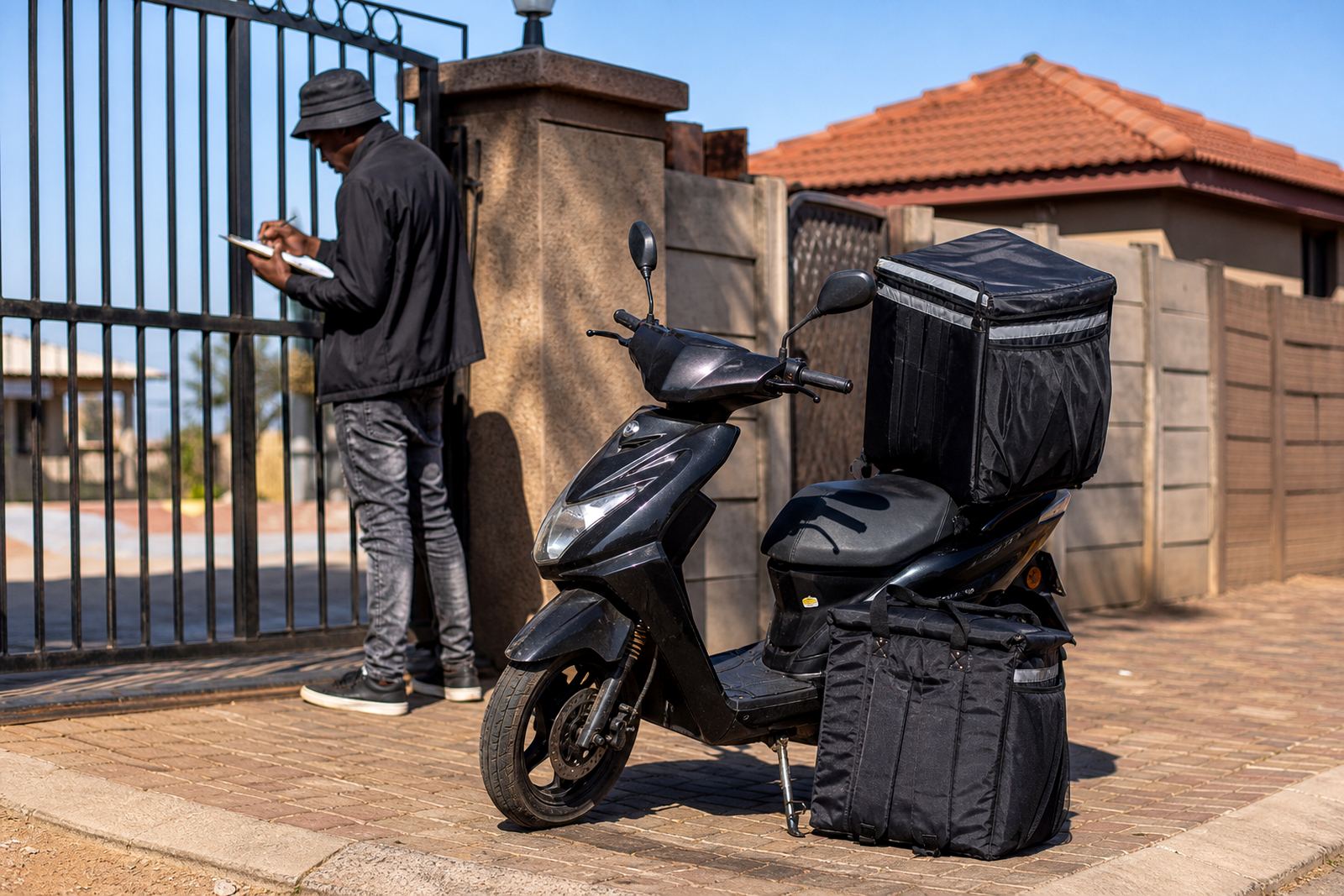
The delivery page can be kept local for hand delivery, widened for courier drop-off, or split into zones for different fees and order minimums. That helps keep the page practical for daily trade, especially where a customer in Randburg needs a courier option while a customer in Soweto wants a same-day local drop, no confusion on checkout.
Zone options for small shops and home traders
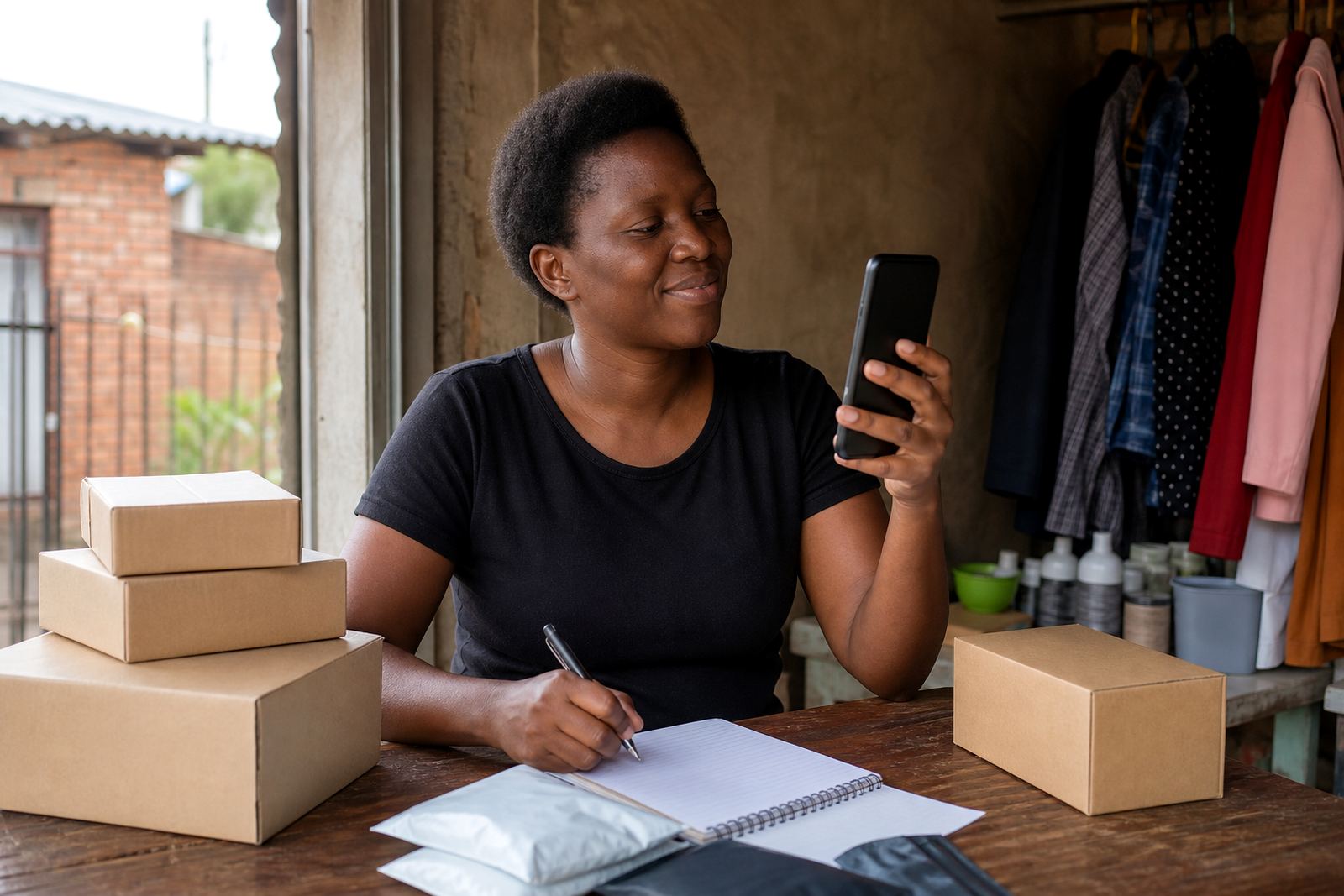
Most traders need only a few clear delivery options. A simple store can use a local zone for nearby streets, a city zone for the wider metro, and a national zone for out of town orders. If you sell from a home business or spaza shop, this keeps your delivery page neat and easy to manage when orders arrive through WhatsApp or the checkout page.
- Local collection or hand delivery within a suburb or township area
- Same-city courier delivery for Johannesburg, Durban, Cape Town, Pretoria and Gqeberha
- Provincial delivery for wider Gauteng, KwaZulu-Natal, Western Cape, Eastern Cape and other areas
- Nationwide delivery where your stock and packaging can support it
Delivery zones can also be set by product type. Light items like phone accessories, clothing and packaged goods may go wider, while heavier goods can be limited to nearby areas. That is useful when stock is bulky or fragile and you need clear rules on what is available in each zone.
How the setup works on a trader store
We set up the delivery page so customers can see the area covered, the fee type, and any cut-off rules before they place an order. The page can show a flat local fee, a courier fee, or a free-delivery threshold if you choose to use one. Where needed, the wording can explain that the final cost may depend on parcel size, weight, or the address entered at checkout.
For traders working from Soweto or other busy trading areas, the wording needs to be direct and practical. A customer should know whether delivery is same-day, next-day, or by courier pickup, and whether the area falls inside the zone or not. That keeps questions down and helps avoid missed orders, especially when the delivery route changes during the week.
- Delivery zone names matched to real areas your customers know
- Fee notes for local drop-off, courier dispatch, or collection
- Address fields that capture suburb, town and postal code
- Optional notes for gate access, call-ahead instructions, or building rules
What the page should show before customers order
A good delivery page gives the basics without crowding the screen. Customers should be able to see where you deliver, what you charge, how long it normally takes, and whether the service applies to all products or only selected items. If you are using a WhatsApp order flow, the same zone wording can be repeated there so customers are not guessing after they click through.
When the page is set properly, it can also show the product range by area. For example, a trader may allow accessories across South Africa but keep fresh stock or breakable items inside a tighter metro zone. That helps the business stay practical, and it gives the buyer a clear picture before payment.
- Service area or town name
- Whether the delivery is local, metro, provincial or national
- Any minimum order value for a zone
- Items excluded from certain areas
- Whether delivery is available on weekends or only weekdays
Photos, pricing pages and payment notes that match the zones
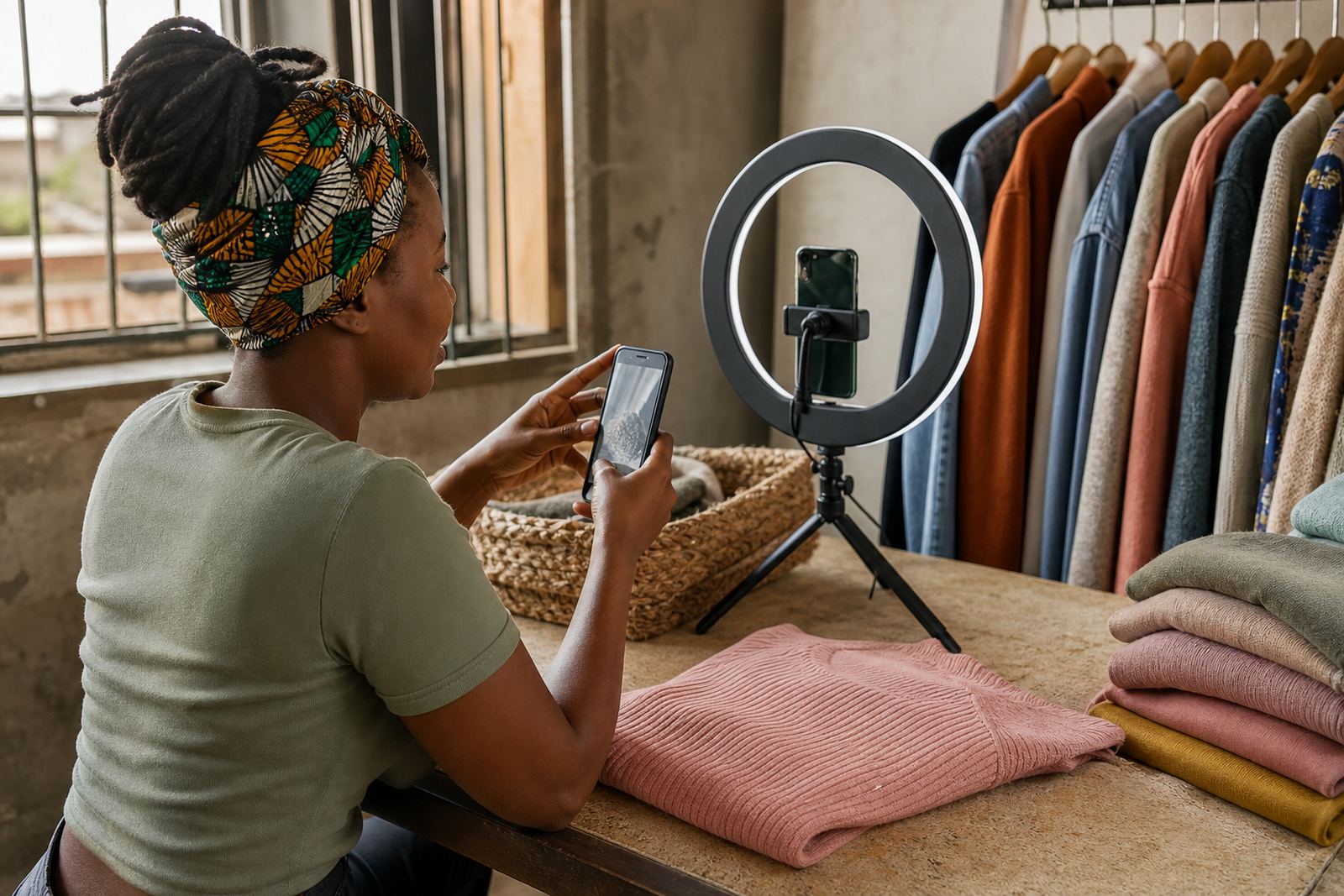
Delivery pages work best when the product photos and pricing pages support them. If you sell clothing, home items or spares, the photos should show scale, colour and packaging so the customer knows what is leaving the shop. Pricing pages should be clear on whether the listed amount is for collection only or includes delivery in a certain area. Small details like this save time for traders who deal with busy phone lines and WhatsApp messages.
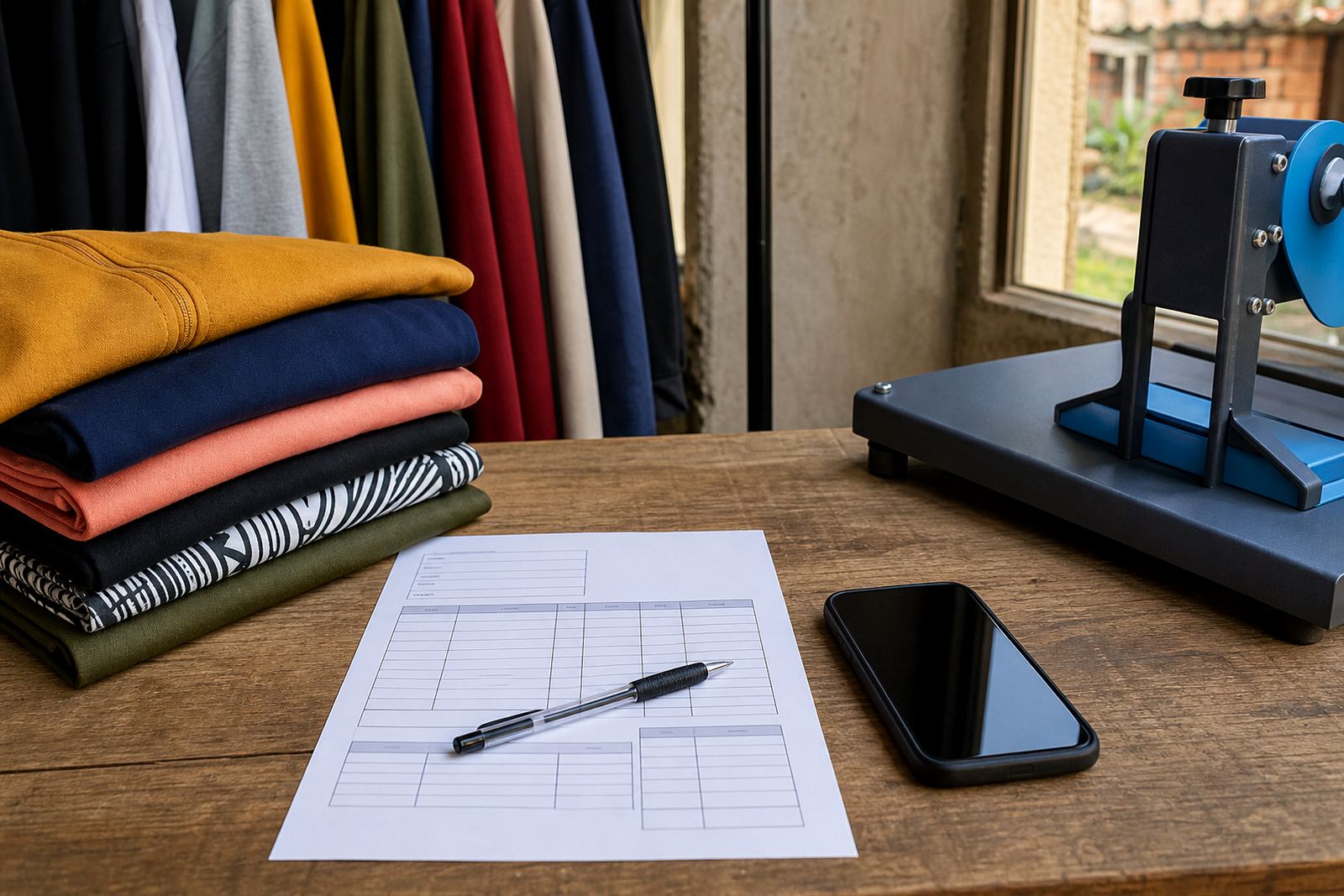
For payment setup, we can help a store show the accepted payment methods in plain language, such as bank transfer, card payment or payment on collection, depending on how you run the business. If you need to work out tax treatment, invoicing or any compliance detail, check with SARS or a qualified adviser. That keeps the delivery wording clean and proper for day to day trading.
Care, changes and checks before you switch the page on
Once the zones are live, they should be reviewed whenever your trading route changes, your courier changes, or your local hand-delivery area grows. If you start serving more of Johannesburg or add a new route from Cape Town or Pretoria, the delivery notes should be updated so customers do not place orders outside the covered area. A simple page can still handle a lot, but the details must stay accurate.
Keep a short note of the towns, suburbs and postcodes that belong to each zone. If you are selling from a spaza shop, home base or market stall, also note the days you can hand over parcels and who signs for them. It is a small admin habit, but it stops mix-ups and keeps the order process tidy.
- Check suburb names, town names and postcodes
- Confirm the areas covered by courier or hand delivery
- Review delivery fees after route or fuel changes
- Update cut-off times when your packing routine changes
- Keep contact details and handover notes current
Key facts
| Service type | Delivery zone setup for simple online stores |
|---|---|
| Primary base | Soweto, Johannesburg |
| Coverage | Johannesburg, Durban, Cape Town, Pretoria and Gqeberha, plus nearby township and metro areas |
| Zone formats | Local, metro, provincial and nationwide |
| Order methods | Checkout and WhatsApp order flow |
| Best suited to | Informal traders, spaza shops and home businesses |
| Support areas | Soweto Traders, Johannesburg Traders, Durban Traders, Cape Town Traders, Pretoria Traders, Gqeberha Traders, Alexandra Traders, Tembisa Traders |