When the SellThat team is available
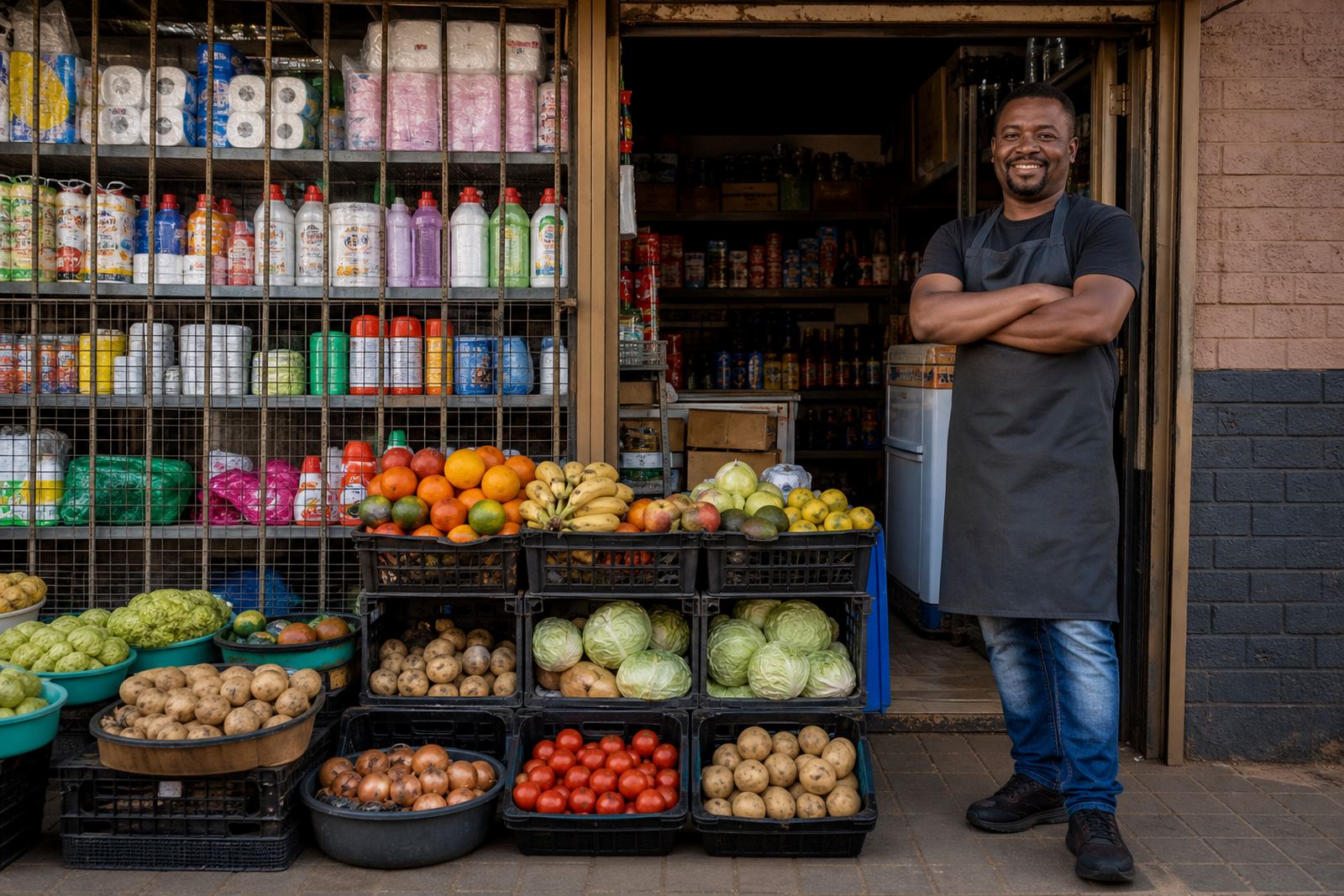
SellThat supports informal traders, spaza shops and home businesses that need a clear time to send messages, ask about store setup, or collect the details needed for a new online store. Hours are arranged around practical trading times in Soweto and across Johannesburg, Durban, Cape Town, Pretoria and Gqeberha, so you can plan your day without guessing when a reply is likely to be seen.
During listed hours, the team handles store setup questions, product upload help, pricing page work, WhatsApp order setup, payment info setup, delivery page setup and content updates. If you are busy with customers in the morning or closing late, it helps to send a full message with your store name, the area you trade in, and what needs attention.
- Good for first time store setup
- Good for catalogue changes and stock list updates
- Good for pricing pages, delivery wording and product photo checks
- Good for traders in Soweto, Alexandra, Tembisa and other busy neighbourhoods
Hours that suit market trade and shop floor work
Many traders work in short windows between buying stock, serving customers and packing orders. That is why the hours are meant to suit early trade, school-run traffic, lunch time checks and after-close admin. If you run a home business, a roadside stall or a small shop, these are the times when you can deal with your online store matters without pulling attention away from your counter.
When you plan around opening hours, you can line up your tasks more cleanly. For example, send product photos while stock is still laid out, prepare prices before a busy weekend, and handle delivery notes after you have confirmed what is available. In coastal towns like Durban, damp weather can affect how long printed notes, cartons and photo backgrounds stay neat, so some traders prefer to do their store admin earlier in the day.
- Suitable for traders who open early and close late
- Useful for those who only have quiet time between customers
- Handy for stock changes after market days or payday rushes
- Practical for home businesses working from a kitchen, yard or back room
What to send when you contact us
To make use of the opening hours well, send the details that match the job you need done. A short message is fine, but it helps to include the area, the type of store, and whether you need help with a fresh setup or a change to an existing store. If your pages need prices, delivery areas or WhatsApp order steps, say so clearly so the right person can work on it.
For store support, the team often needs product names, sizes, price points, photos, and the order in which items should appear. If you already have a delivery policy or collection arrangement, include that too. Where payment information is involved, check the wording carefully and confirm the details with SARS or a qualified adviser where tax or payment obligations are involved.
- Store name and trading area
- Product list with sizes, colours or pack counts
- Prices in Rand, including any specials or bulk options
- WhatsApp number for order handling, if you want it shown
- Delivery areas, collection points or handover notes
Store setup work that happens during business hours
Opening hours matter most when a store is being built or updated, because the work usually needs information from the trader before anything can be uploaded. SellThat handles the parts that help customers find products quickly, compare pricing and place orders without confusion. That can include a home page refresh, product upload help, catalogue rebuilds and support for basic content writing.
For some traders, the important part is getting the opening hours of the store itself displayed clearly, such as when orders are checked, when collections are accepted, and when a WhatsApp line is actively watched. For others it is about showing that the store trades from Soweto while serving customers in Johannesburg or nearby areas. The time windows need to be easy to read on mobile, because many customers will check the page on a phone while they are on the move.
- Store setup for new product ranges
- Content writing for product pages and home pages
- Photo guidance for clear images in daylight
- Pricing page help for single items and bundles
- WhatsApp order setup for direct customer contact
Collections, handovers and support timing
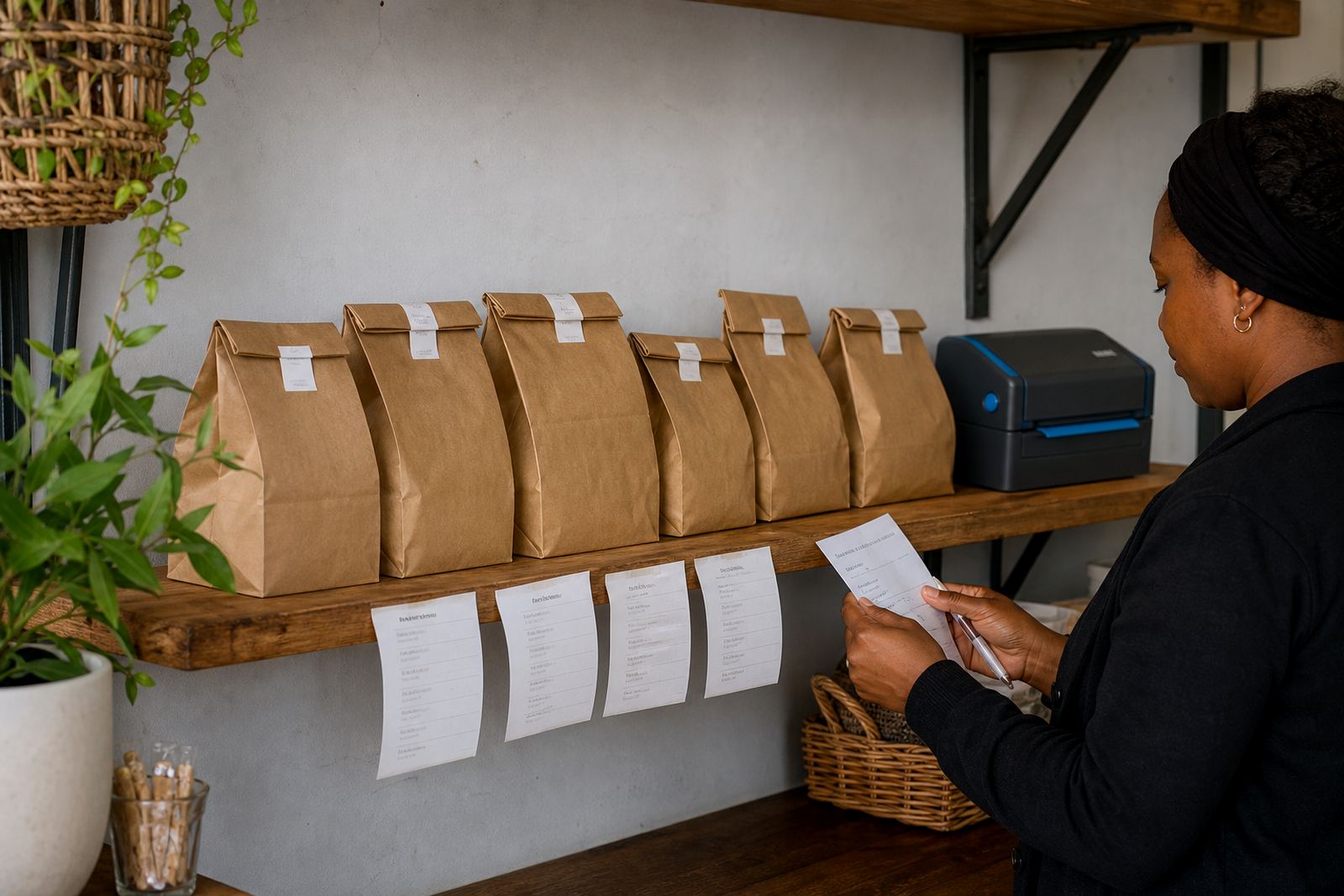
If your business offers collections, the opening hours should match the times when someone is actually available to hand over parcels or check orders. That can be a backroom, a counter, a home gate or a small shop entrance depending on the way you trade. Good timing avoids confusion for customers travelling in from nearby suburbs or townships.
Support timings also matter for staff training. If you need help learning how to update prices, swap product photos, add delivery notes or read incoming orders, it is easier to do that while the business is open and the stock is in front of you. That way the person helping can see the products, confirm the wording and sort out missing details before the page goes live.
- Collection times should be shown only if someone is present to assist
- Handover points need clear directions for customers
- Training is easier when stock, prices and photos are nearby
- Support timing should match the trading rhythm of the business
Hours, care and details to confirm before publishing
Before your opening hours are added to a store page, confirm the exact days, whether you close for lunch, and whether orders are taken after hours or only during the day. Some traders prefer a short note such as morning collections only, while others list a full weekly pattern. The right wording depends on how your business actually runs and whether you are dealing with deliveries, collections, or both.
It also helps to check the care points that affect your page. Product photos should be neat and clear, pricing should be easy to follow, and delivery notes should reflect the areas you serve. If you use staff members to handle messages, decide who checks the inbox, who updates the store, and who confirms order details. In hot inland areas or damp coastal weather, keep printed notes and product labels clean so the page and the stock match.
- Days open and closed
- Time windows for messages, collections and order checks
- Whether you pause for lunch or close on weekends
- Who handles WhatsApp orders and store updates
- Any location notes, landmarks or collection instructions
Key facts
| Product type | Opening hours and support timing for an online store service |
|---|---|
| Best for | Informal traders, spaza shops and home businesses |
| Service areas | Soweto, Johannesburg, Durban, Cape Town, Pretoria, Gqeberha and nearby townships |
| Contact method | Enquiry form on the contact page |
| Useful details to send | Store name, trading area, products, prices, photos, delivery notes and order method |
| Options covered | Store setup, product upload help, photo guidance, pricing pages, WhatsApp orders, payments, delivery pages, training and ongoing support |