What a SellThat store page includes
A SellThat store page is a practical online selling space for people who need to list goods quickly and keep the details easy to follow. It brings together product photos, prices, item descriptions, WhatsApp ordering, payment information and delivery notes in one place, so customers can see what is available without searching through scattered messages.
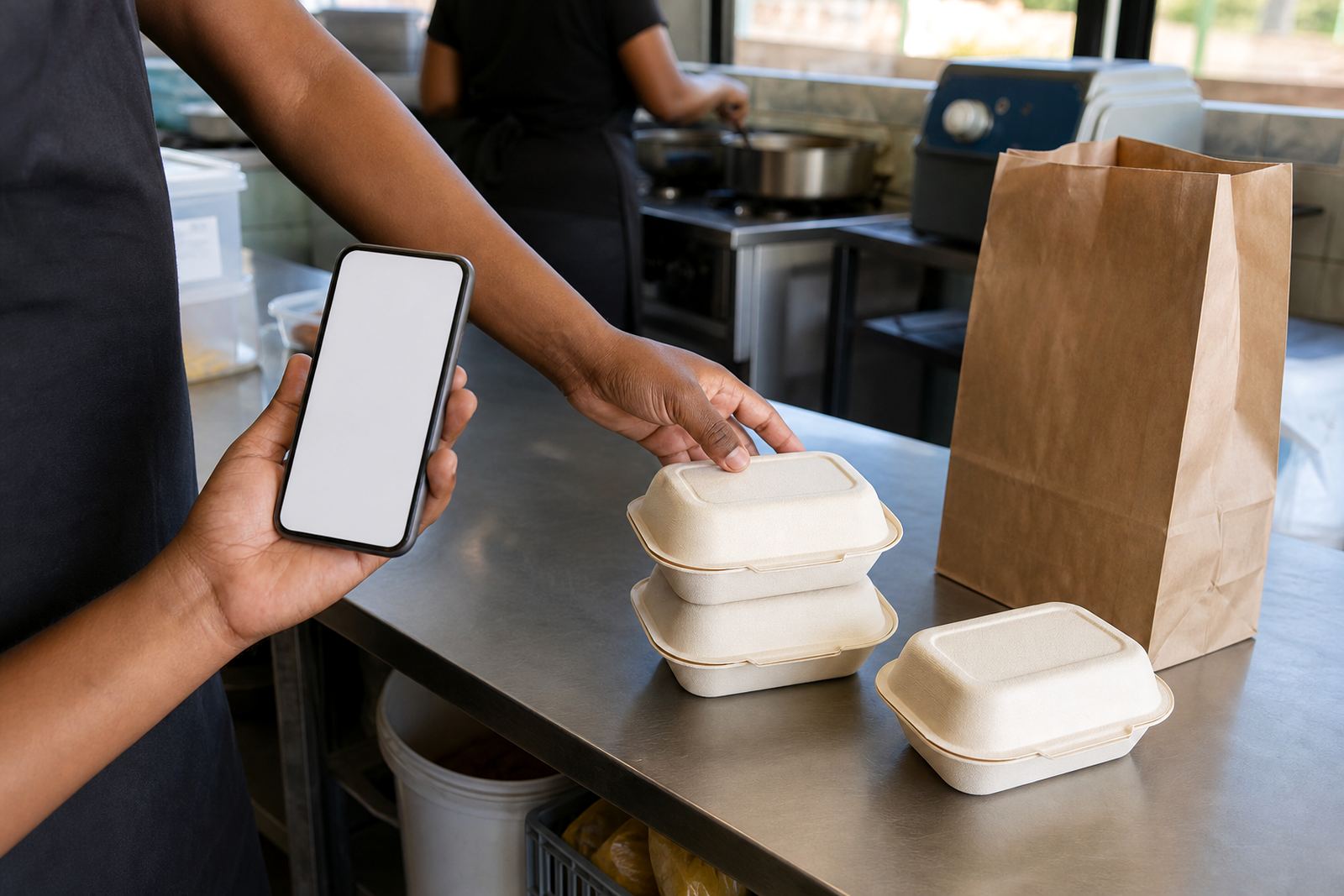
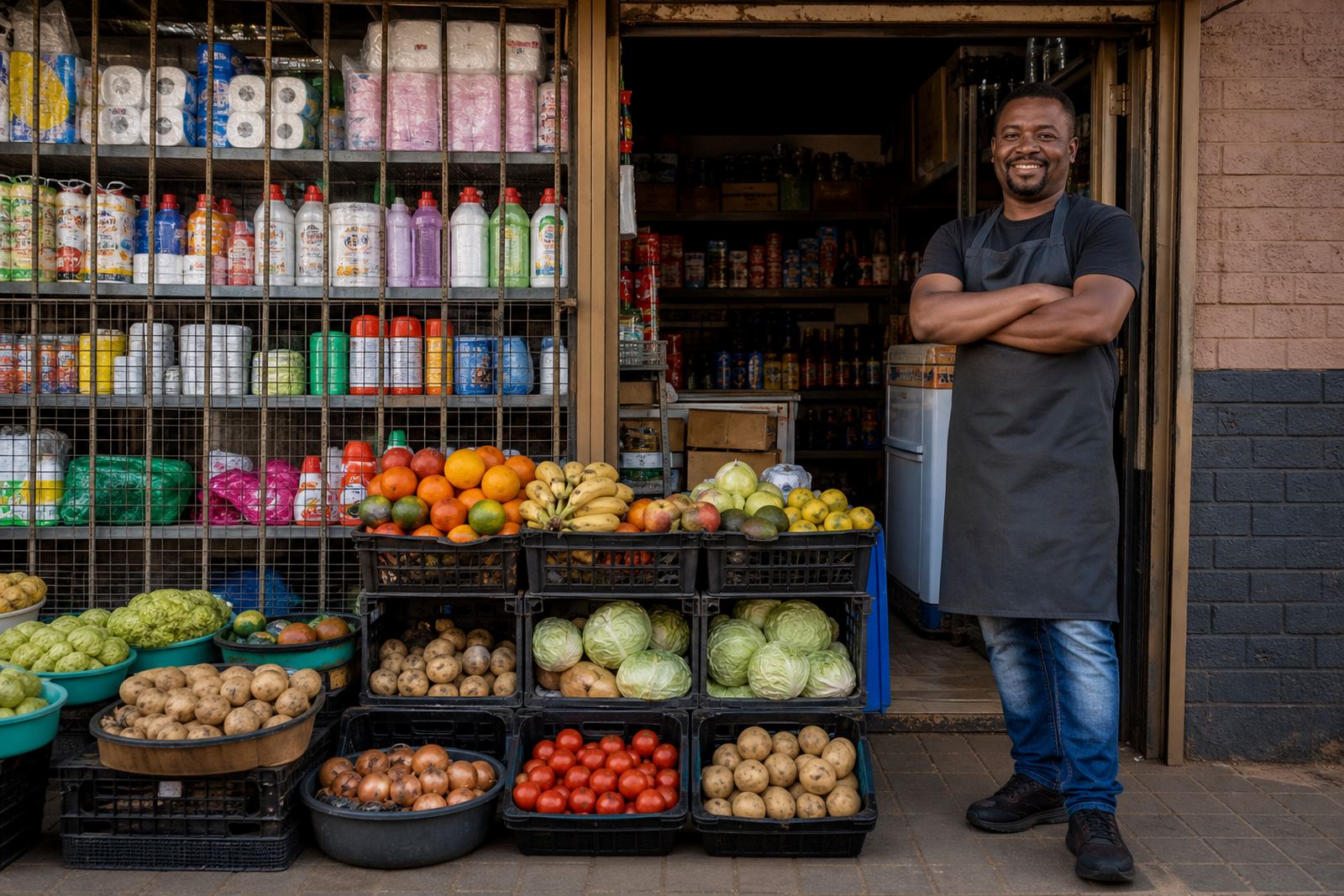
The page suits traders selling groceries, cleaning goods, clothes, cosmetics, school items, takeaway food, homeware, phone accessories and similar everyday stock. We set it up so the page reads clearly on a phone, which matters for customers in Soweto, Alexandra, Tembisa and other busy trading areas where most browsing happens on mobile data.
- Product listings with clear names, sizes and pack counts
- Pricing pages that show unit price, bundle price or pre-order price
- WhatsApp order buttons for quick customer contact
- Payment details for common local payment methods
- Delivery notes for same-day handover, courier or collection
Store setup for real trading conditions
Many informal traders do not need a long setup process, they need a store that works with their daily stock movement. We help organise the front page, product categories and order flow so customers can move from browsing to paying with less confusion. If a trader keeps changing stock, we can set the layout so new items can be added without rebuilding everything.
The setup can suit a small starter catalogue of 10 to 20 items or a larger range with separate sections for staples, specials and seasonal goods. For traders in Johannesburg or Pretoria who sell from a table, container, home kitchen or small shopfront, the page can be arranged around local delivery areas, collection points and WhatsApp ordering. Where a trader needs to show multiple variations, we can list colour, size, flavour, pack size or quantity clearly.
- Starter store pages for a small range
- Expanded catalogues for larger product lists
- Category sorting for fast browsing
- Product notes for stock variation and substitutions
Photos, pricing and wording that make sense to customers
Good product photos matter because most buyers make a quick decision from the first image. We guide traders on using clean photos with enough light, a plain background where possible and at least one close-up that shows the actual item. For packaged goods, labels, size markings and the number of pieces in the pack should be easy to see. In coastal towns like Durban and Gqeberha, where humidity can affect packaging, it helps to show the item in dry, neat condition before stock changes appearance.
Pricing pages are set up to show amounts in Rand, with clear wording for specials, bundles, deposits or delivery charges where relevant. Store wording can also include practical details such as expiry date, unit count, garment size, shoe size, litre volume or weight. If a trader is selling mixed stock, the page should show the difference between a single item and a pack of several items, so there is less back-and-forth on WhatsApp.
- Use clear front-facing product photos
- Show size, colour, weight or pack count where it matters
- State the selling price in Rand and any bundle deal clearly
- Include delivery or collection wording if needed
WhatsApp orders, payments and delivery notes
For many informal traders, WhatsApp is still the quickest way to confirm stock, take a customer order and answer short questions. We help set the store up so the customer can tap through to WhatsApp with the product name already clear, which cuts down on confusion when several similar items are listed. If a trader wants order requests sent another way as well, the page can include a second contact path without making the process heavy.
Payment information can be listed in a plain, practical way, with the payment option, reference format and confirmation note shown near the order details. Delivery pages can explain whether the trader offers local handover, courier dispatch or collection from a business point, and which areas are covered. For sellers moving stock between Soweto, Johannesburg central, Durban townships or the northern suburbs of Cape Town, the delivery wording must match the actual route and timing used by the business.
- WhatsApp order links for fast customer contact
- Payment information shown beside the order steps
- Delivery areas listed by suburb, town or city
- Collection notes for traders who hand over stock in person
What to confirm before the store goes live
Before publishing, it helps to confirm the product list, the exact spelling of item names, the prices, the delivery areas and the wording for out of stock items. If the business sells different pack sizes or changing stock, those details should be checked one more time so the page does not send the wrong message to buyers. For traders who work across a few areas, it also helps to confirm which areas are serviced and which are collection only.
We also recommend checking that any tax or compliance wording matches advice from SARS or a qualified adviser, especially where the trader needs formal records or invoices. A clean store page should match how the business actually works on the ground, whether it is run from Soweto, Tembisa, Alexandra or a home base in another part of South Africa.
- Product names and quantities
- Current prices and specials
- Delivery, collection and payment wording
- Any compliance notes checked with SARS or a qualified adviser
How informal traders use SellThat day to day
Once the store is live, traders use it as a working sales page rather than a static brochure. That means adding new items, updating prices, changing photos and moving sold-out products out of the main view. A spaza shop can use it to list repeat essentials, while a home business may use it for made-to-order goods, event stock or weekly specials. A trader in Cape Town or Gqeberha can also use it to show what is available for local delivery that day.
SellThat supports traders who want a cleaner way to organise their online selling without making the process complicated. The pages are set up so customers can understand what is on offer, how to pay and how to ask for delivery or collection, with the business still in control of the stock and the wording used.
- Update stock as items move in and out
- Refresh photos when packaging or quantities change
- Keep WhatsApp, payment and delivery notes current
- Use the same store for daily sales and special orders
Key facts
| Store type | Online store page for informal traders, spaza shops and home businesses |
|---|---|
| Supported order flow | Product view, WhatsApp order, payment note and delivery note |
| Common listing fields | Name, size, colour, quantity, pack count, price and short description |
| Photo support | Product photo guidance for mobile-friendly listings |
| Coverage | Soweto, Johannesburg, Durban, Cape Town, Pretoria, Gqeberha and nearby trading areas |
| Support options | Store Setup, Product Upload Help, Photo Guidance, Pricing Page Help, WhatsApp Order Setup, Payment Info Setup, Delivery Page Setup, Home Page Refresh, Store Content Writing, Catalogue Rebuild, Staff Training, Ongoing Support |