A food page that matched the way orders are taken
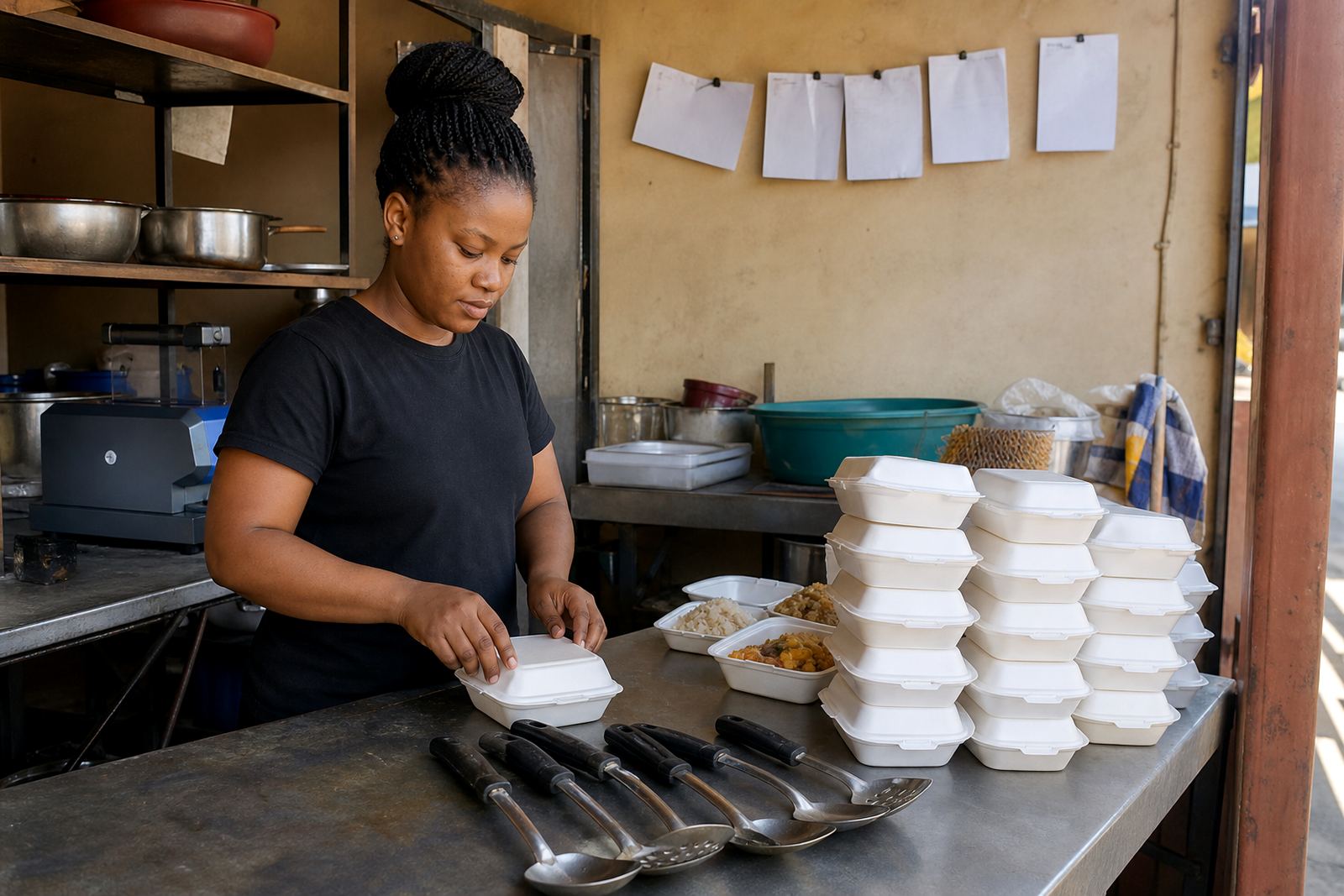
The client in Meadowlands, Soweto sells cooked meals from home and through local pickups, with most orders handled on the phone and over WhatsApp. The brief was straight forward: show the menu in a way people can scan quickly, make it easy to place an order and keep the page calm enough for daily use, even when the menu changes by the day.
We kept the structure tight. The home page led with meal photos, followed by the day’s specials, prices and the best time to order. That helped shoppers see what was ready, what could be made to order and how to reach the seller without sending repeated messages for basic details.
- Client type: cooked food seller
- Area: Meadowlands, Soweto
- Main need: quick WhatsApp orders
- Store style: simple, easy to update and mobile friendly
The gaps we had to work around
The main challenge was that the seller had good food but uneven product photos and no fixed way of listing order times. Some meals were photographed on different backgrounds, some prices were missing and the contact details were spread across separate messages. That makes it harder for customers to order, especially on a small screen.
We also had to keep the setup practical for a trader who updates food items often. The seller needed a page that could handle lunch plates, family meals and side dishes without turning each update into a long admin job. The layout had to stay useful on busy days, when the same menu can shift before midday.
- Inconsistent meal photos
- No clear order cut off times
- Prices not shown on every item
- WhatsApp requests arriving in different formats
What we set up on the store
We supplied the store structure, cleaned up the product list and wrote the page copy in plain South African English. The food items were grouped in a way that made sense for a cooked food seller: main meals, extras, drinks and daily specials. Each item got a clear name, a short description and a price field where needed.
We also added a WhatsApp order prompt so visitors knew exactly how to place an order. The page showed when orders open and when the kitchen stops taking requests for that day. For a food seller, that matters because customers want to know if they should place an order early, arrange collection or ask about local delivery.
- Meal photo placement and spacing
- Pricing page wording
- WhatsApp order button and short prompt text
- Order time notes for lunch and late afternoon
- Delivery wording for nearby areas
Delivery notes, payments and the fine print
The delivery section was written to match a small food business serving local customers in and around Soweto. We set out the delivery options in simple terms, with a note that some areas may need a minimum order or a collection arrangement depending on the day. No payment claims were padded out, and no extra promises were added beyond what the seller already offers.
For payments, we set up general payment info so the customer can see the accepted methods before ordering. Where needed, we included a prompt to check the seller’s preferred payment method before collection or dispatch. Any tax or record keeping questions were left out of the sales text and the seller was pointed to SARS or a qualified adviser where that is needed.
- Payment info page set out in plain language
- Delivery wording for local orders only
- No unclear terms around meal collection
- Contact route kept to WhatsApp and the enquiry form
The build timeline and working rhythm
The project ran over three weeks. In the first week we gathered the meal list, photo set and order details. In the second week we built the store pages, arranged the menu sections and wrote the text for the home page, prices and order prompts. In the third week we checked the layout on mobile screens, adjusted spacing and trained the client on how to change items, swap photos and update order times.
That timing suited a cooked food business because the seller could keep trading while the page was being prepared. The goal was not to create extra work. It was to put the menu into a shape that can be maintained by the trader without needing technical help for every small change.
- Week 1: menu list and photo selection
- Week 2: page setup and copy writing
- Week 3: checks and staff training
What changed after launch
Once the store was live, the seller had one clear place to send customers instead of explaining the menu item by item. The food photos were easier to compare, the order times were visible, and the WhatsApp prompt reduced the back and forth around where to order. Customers could see the meal range, the price and the next step before they sent a message.
The page also made the business look more settled online, which helps when a local seller is trying to serve repeat customers and new customers at the same time. The seller can now update specials, refresh photos and adjust delivery notes as trading changes through the week.
- Clearer ordering flow for customers
- Less confusion around meal prices
- Better photo presentation on mobile
- Quick updates for daily specials
What we would redo for the next food store
We would repeat the same practical approach for another food seller: keep the menu short, use real meal photos, show order times early and make the WhatsApp prompt easy to spot. That mix works well for informal traders who need a store that supports daily sales without extra admin.
For cooked food pages, the details matter more than fancy wording. Clear prices, clear collection times and neat photos do more for the customer than long descriptions. That is the pattern we would use again for spaza food orders, lunch sellers and home kitchens across Johannesburg, Durban, Cape Town, Pretoria and Gqeberha.
- Keep the menu easy to scan
- Show order times near the top
- Use one main action for WhatsApp orders
- Update photos and pricing in one place
Key facts
| Project | Meadowlands Food Orders |
|---|---|
| Client type | Cooked food seller |
| Town | Meadowlands, Soweto |
| Build period | 3 weeks |
| Key features | Meal photos, pricing page, WhatsApp order prompt, delivery notes |
| Support | Store setup, content writing, photo guidance and training |