A local spaza with a practical online brief
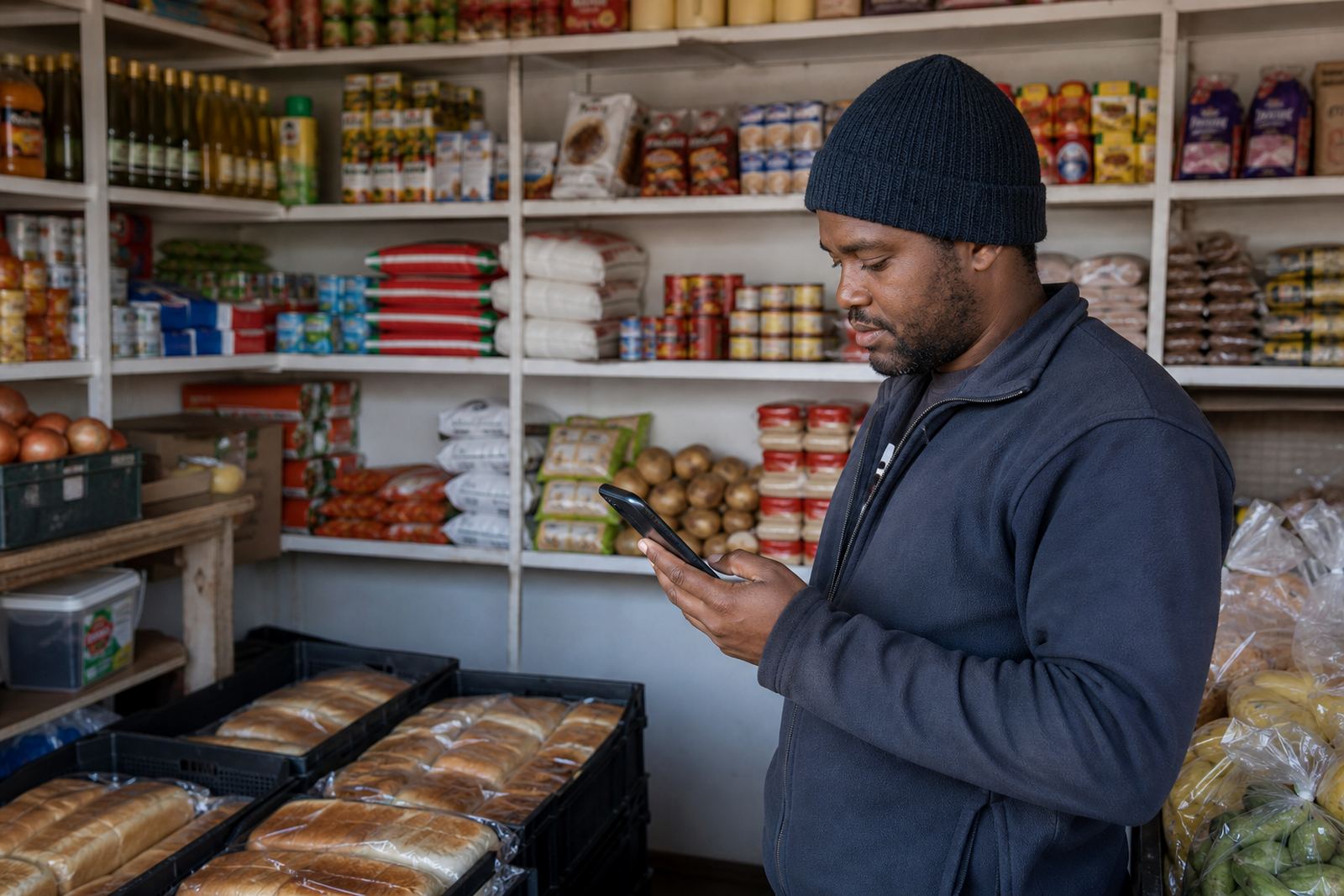
The owner of a Soweto spaza store wanted to move the busiest grocery lines online in a way that fit daily trading. The brief was straightforward: keep it simple, make it easy for customers on mobile, and let the store show prices clearly without a lot of back-and-forth.
The shop serves nearby households, taxi passers-by and regular repeat buyers, so the online store had to feel familiar. Customers needed to see the main items quickly, send an order through WhatsApp and choose a delivery or collection option that matched how the shop already works.
- Client type: Soweto spaza store
- Area: Soweto, Johannesburg
- Store focus: top grocery lines and household basics
- Main channel for orders: WhatsApp
What had to fit around daily trading
The main constraint was time. Staff were busy serving in the shop, packing stock and handling cash sales, so the online setup had to be light on admin and easy to update. Product pages could not be cluttered, and the store needed a structure that would not confuse first-time customers.
Another constraint was the way spaza customers shop. Many buyers are browsing on a phone with limited data, and some want to check prices quickly before placing a small order. We kept the layout simple, used short product descriptions and made sure the important details sat near the top of each page.
- Built for mobile-first browsing
- Short product names and clear pricing
- Fast order flow to WhatsApp
- Easy updates for changing stock lines
Store pages that match everyday shopping
We supplied a simple store structure with a home page refresh, a pricing page and product pages for the store's top grocery lines. The aim was not to turn the shop into something complicated. It was to make the buying path shorter, especially for customers who already knew what they wanted.
Product photos were cleaned up and resized so they loaded properly on mobile. We also helped arrange the catalogue in a way that made common items easy to find, with plain language that suited local shoppers. The result was a store that looked tidy, practical and less crowded on smaller screens.
- Home page refresh with clear shop sections
- Product upload help for fast-moving grocery items
- Photo guidance for sharper, lighter images
- Pricing page help for visible item costs
Ordering, payments and delivery details
The order flow was set up so customers could move from product page to WhatsApp without extra steps. That kept it familiar for people who prefer to confirm quantities before paying. We also added payment info setup so the shop could show accepted payment methods in a neat, easy-to-read format.
Delivery page details were added for local drop-offs and collection notes. The store needed to be clear about how orders are handled, where customers can collect and what to do if an item is out of stock. For a spaza, that kind of clarity saves a lot of time at the counter and on the phone.
- WhatsApp order setup for direct customer contact
- Payment info setup with clear method wording
- Delivery page setup for local drop-offs
- Simple notes for collection and stock changes
Training for staff who already have a full day
Because the shop team already had enough to manage, training focused on the parts that would matter most in daily use. We covered how to update prices, swap product photos, edit item names and keep the main lines current. The session was practical and tied to real store tasks, not theory.
We also showed how to spot page issues quickly on a phone, since that is how many traders check their store after hours. The staff were not asked to learn a new system from scratch, only the parts that help keep the catalogue clean and useful. A few small notes and checklists were left behind for later reference.
- Staff training on updates and content changes
- Quick checks for product pages on mobile
- Support for price edits and stock line changes
- Simple working notes for day-to-day use
What changed after the launch
The store moved from a purely in-person selling style to a cleaner online catalogue for its busiest items. Customers could view products on a phone, compare prices more easily and place an order through WhatsApp without asking for repeated details. That made the buying process quicker for both sides.
From a practical point of view, the business gained a better way to show what is in stock and what the price is on the day. It also gave the owner a neater way to handle local delivery requests and collection queries. The setup was completed in 3 weeks, including content prep, page layout, product loading and training.
- Top grocery lines shown on mobile-friendly pages
- Fewer repeat price questions
- Cleaner handover from browsing to ordering
- Local delivery and collection details in one place
What we would use again for a shop like this
For another Soweto spaza or home business, we would keep the same approach: short product lists, clear pricing, WhatsApp ordering and a tight delivery page. That mix works well when customers want speed and the shop needs a system that fits real trading hours.
We would also keep the photo guidance simple. A few clean images with good light and consistent framing do more than a long written description. For this kind of store, the useful details are the item name, the price, the pack size and how the order gets confirmed. For tax or payment record questions, the owner should check with SARS or a qualified adviser.
- Best fit for small grocery ranges and repeat purchases
- Good for mobile shoppers in Johannesburg and beyond
- Clear product photos help customers decide faster
- Pricing and payment notes should stay current
Key facts
| Project | Maponya Spaza Store |
|---|---|
| Client type | Soweto spaza store |
| Location | Soweto, Johannesburg |
| Timeline | 3 weeks |
| Core services | Store Setup, Product Upload Help, Photo Guidance, Pricing Page Help, WhatsApp Order Setup, Payment Info Setup, Delivery Page Setup |
| Main outcome | Simple mobile-friendly product pages for top grocery lines |