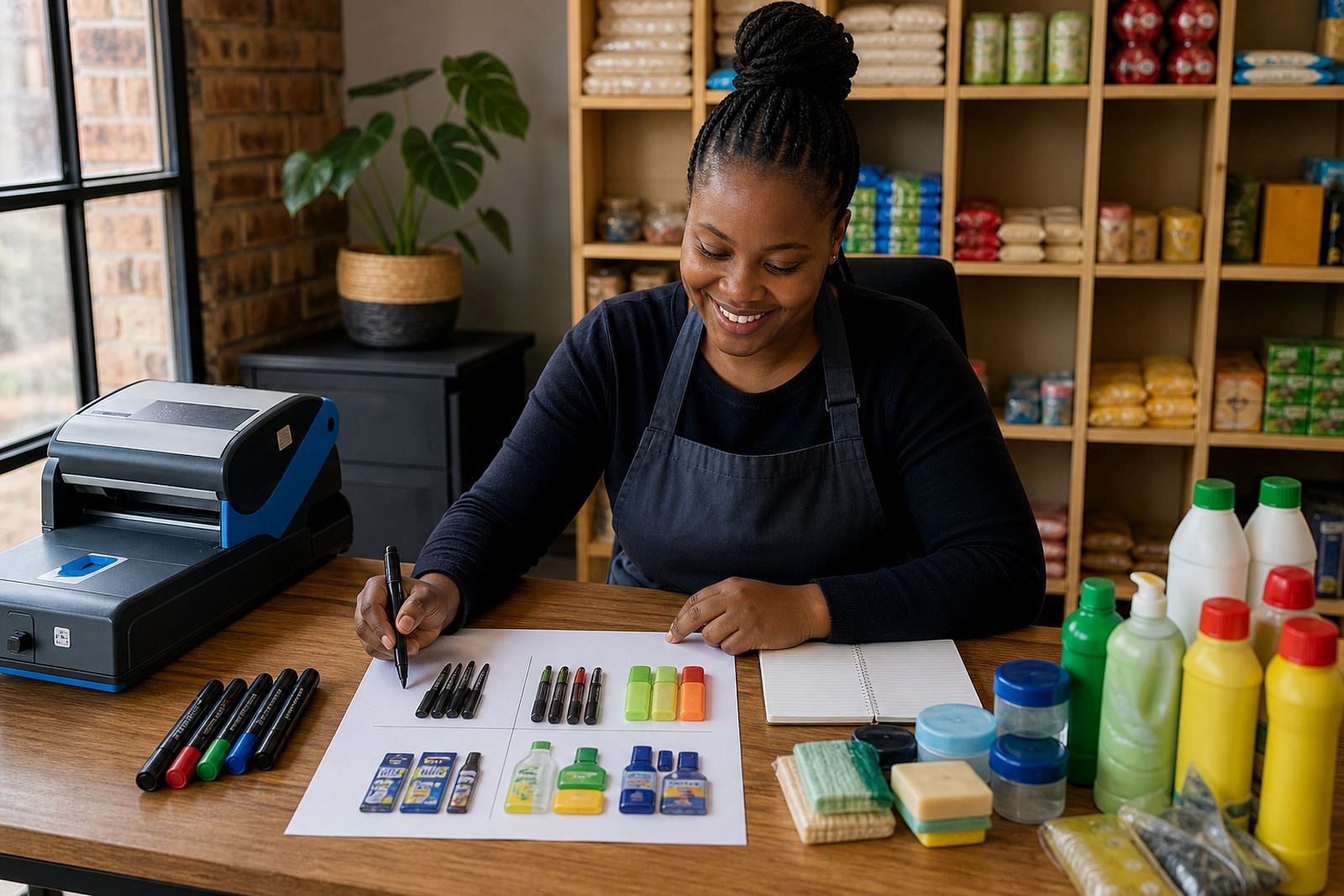
Start with the price people need to see first
Your pricing page should make the main price easy to spot. Put the product name, pack size, unit count or service detail close to the price so customers do not have to guess. If you sell in Soweto, Durban or Pretoria, keep the format the same across every item so the page feels neat on a phone screen.
Use plain wording. If the item is sold per piece, per litre, per metre or per pack, say that clearly. If the price changes by size, list each option one under the other. That helps customers compare quickly and avoids confusion when they place a WhatsApp order.
- Use a clear product title
- Show the size or quantity next to the price
- Keep the same format for every item
- Make the page easy to read on mobile
Build price blocks that compare well
Many traders sell more than one version of the same product. A simple price block helps customers choose without phoning around. For example, list a smaller pack, a medium pack and a larger pack in the same order every time. If the larger pack gives better value, say so in a short line, but keep it factual.
Do not crowd the page with too much text. A customer in Cape Town checking data on a phone should be able to scan the page in seconds. Use short notes for flavour, colour, size, quantity or condition where needed. If there is a difference between cash price and card price, show that clearly and keep it consistent across the store.
- List similar items together
- Keep sizes in the same order
- Use short notes for key differences
- Show payment method differences clearly
Add what is included with the price
Customers want to know exactly what they get. If the price includes a standard bag, a basic container or a set quantity, say so on the page. If extras cost more, separate them from the main price. This is useful for home businesses, spaza shops and traders offering mixed products across Johannesburg, Gqeberha and nearby areas.
A clean pricing page also helps with trust. State whether the price is for collection, local delivery or nationwide delivery if that applies. If delivery depends on location, say that the fee is added at checkout or confirmed on WhatsApp. Keep the wording direct and practical.
- State what is included in the price
- Separate extras from the main item
- Explain collection and delivery clearly
- Use the same wording across related products
Make WhatsApp orders easy to follow
For many informal traders, WhatsApp is where the order gets finished. Your pricing page should support that process, not complicate it. Add a short order prompt near the price, such as asking for the item name, size and quantity. If customers must send a screenshot or quote a product code, place that instruction near the relevant item.
Where stock changes often, say that the final order depends on availability. That is especially useful for traders dealing with fresh stock, seasonal goods or fast-moving lines. Keep the message calm and direct so customers know what details to send before they place the order.
- Tell customers what details to send
- Use product codes if your catalogue is large
- Note stock-dependent items clearly
- Keep WhatsApp instructions near the price
Show payment options without clutter
A pricing page should support payment choices without turning into a long list. Mention the payment methods you accept and where the customer should pay. If you use bank transfer, card checkout or EFT, place that near the order steps. If you need a deposit for custom work, state the deposit amount or percentage only if you already use one, and keep the wording simple.
If you sell in more than one city, such as Johannesburg, Durban, Cape Town, Pretoria or Gqeberha, make sure the payment note stays the same everywhere. That helps reduce confusion when customers move from the pricing page to checkout. For tax or compliance questions, check with SARS or a qualified adviser.
- List accepted payment methods clearly
- Keep the payment note short
- Use the same payment wording across the store
- Refer tax questions to SARS or a qualified adviser
Add delivery notes that suit local trading
Delivery details help customers decide faster. If you offer local drop-off, courier delivery or customer collection, put that beside the relevant item or at the end of the pricing page. For traders working in Soweto, Alexandra or Tembisa, local delivery wording should be clear about area coverage and any extra fee that may apply.
When goods are bulky or fragile, say so. If the customer must confirm an address before delivery, mention that in a short line. A useful pricing page does not over-explain, it gives just enough detail for the buyer to choose the right option and complete the order properly.
- State collection and delivery options
- Note where extra delivery fees apply
- Flag bulky or fragile items
- Keep address details near the delivery note
Quick check before you publish the page
Before the page goes live, read it on a phone and check whether each price is easy to find. Make sure the product names match your catalogue, the quantities are correct and the WhatsApp order note is still clear. If you sell seasonal stock or mixed bundles, review the page often so customers are not seeing old prices.
A useful final check is to ask whether a first-time customer can understand the offer without phoning for more detail. If the answer is no, shorten the wording, move the price higher on the page or add a simple comparison line. The goal is plain, steady information that helps people order with confidence.
- Read the page on a phone
- Check product names and quantities
- Review old prices and stock notes
- Make sure the order steps are clear