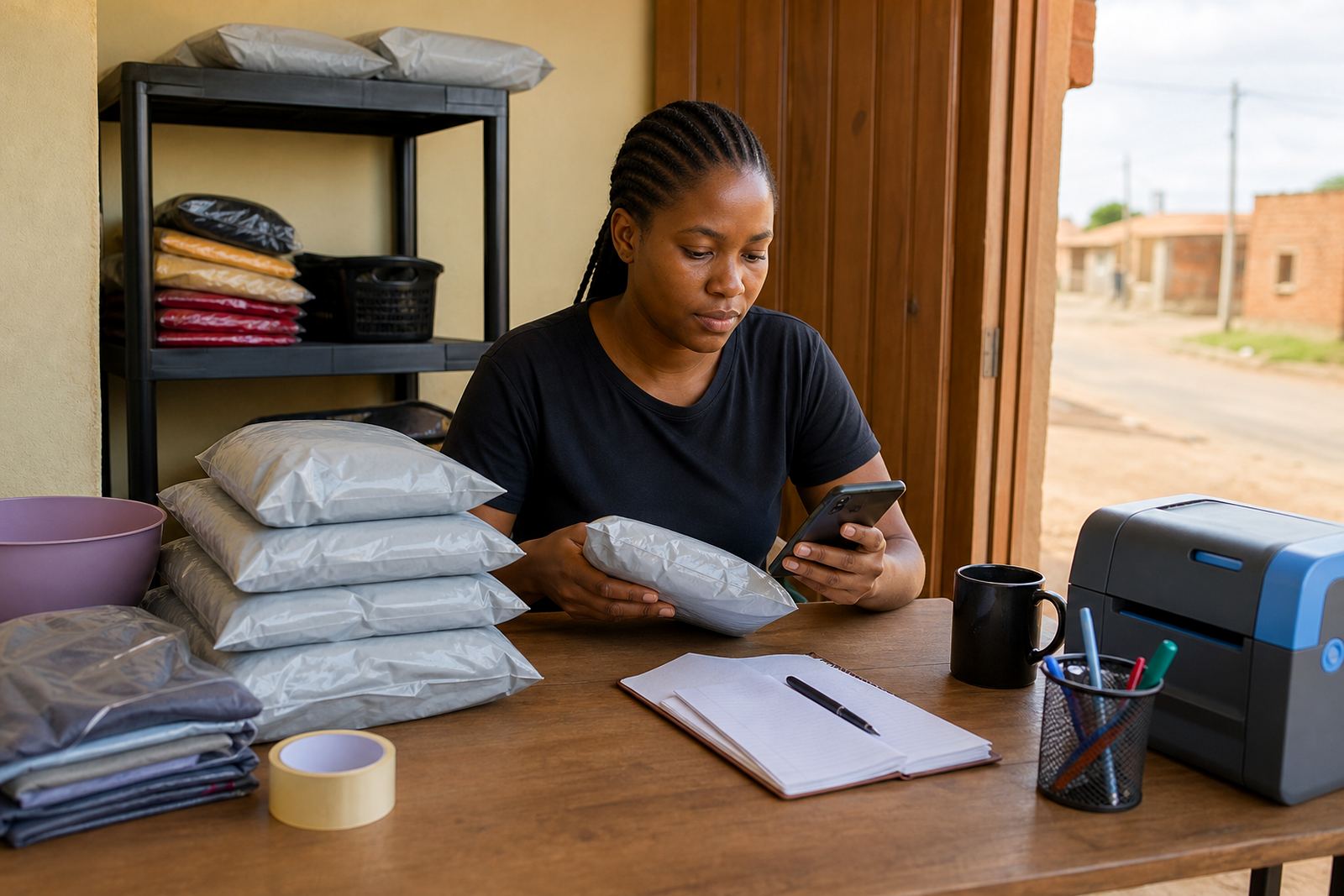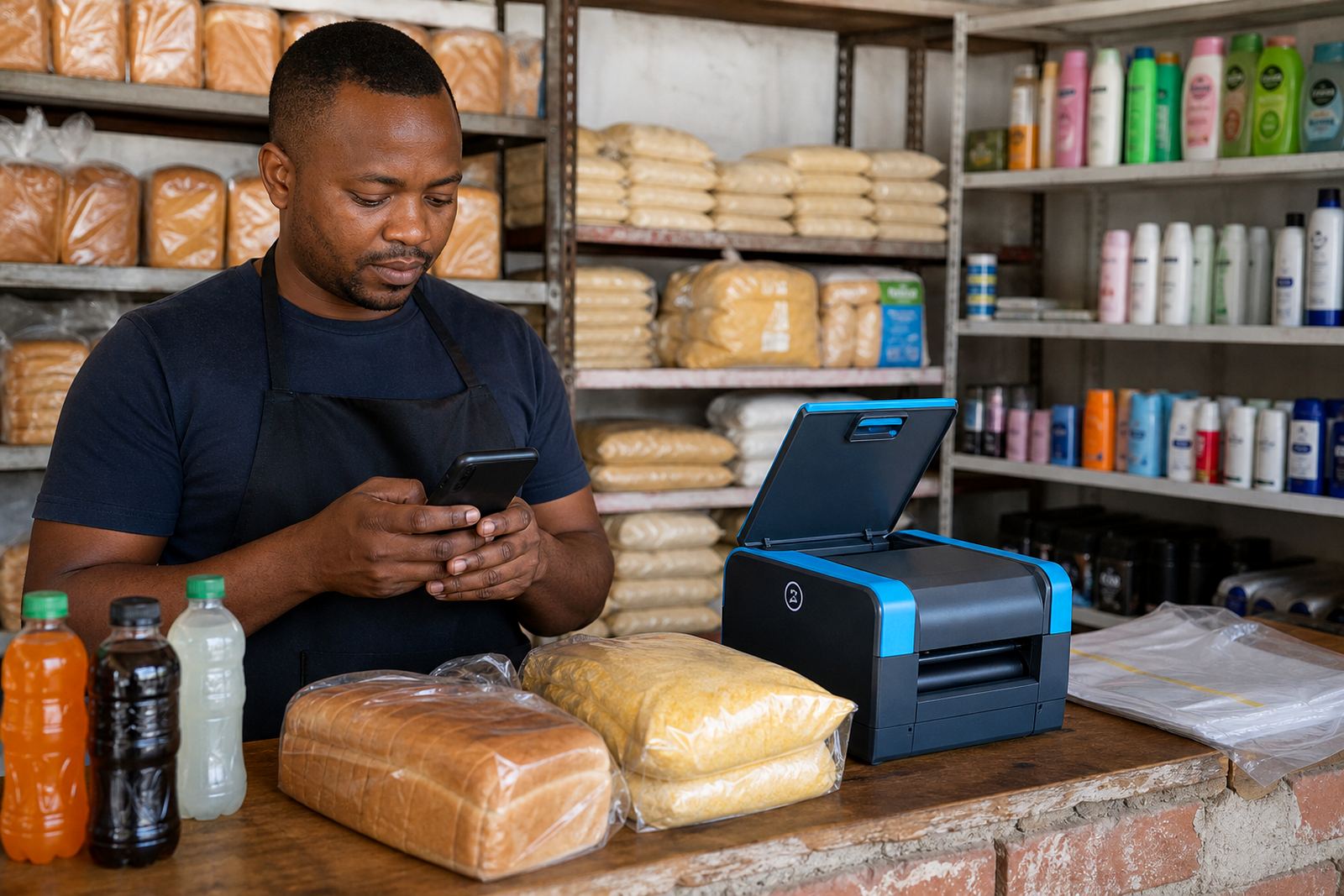
Start with the products that move fastest
Begin with the items customers ask for most often, then build the store around those lines. For many spaza shops and home businesses that means maize meal, bread, rice, sugar, cooking oil, washing powder, soap, tinned goods, cooldrinks, snacks and toiletries. If you list too many items at once, the page gets messy and prices fall out of date very quickly.
Keep each product page short and practical. A shopper should see the name, pack size, price, whether stock is available, and how to order on WhatsApp. If you sell in bundles, say so clearly. A 5 kg bag, a 750 ml bottle or a 12 pack needs to be shown exactly as it is sold in the shop, not guessed.
- Choose 20 to 40 top sellers first
- Group items by food, household and baby essentials
- Show the pack size in grams, litres, kg or units
- Mark items that change often as price on request if needed
Take product photos that match real shop stock
Clear photos help buyers trust what they are ordering. Use natural light near a doorway or window, or a bright indoor space with a clean background. Lay the item flat or stand it upright so the label can be read. In coastal places like Durban and Gqeberha, wipe moisture off packs and bottles before taking photos because humidity can make packaging look dull or marked.
Use one photo for the front label and one if the pack size is hard to see. For loose items like fruit, vetkoek or baked goods, photograph a tidy portion and label the quantity. If a product comes in different flavours or sizes, do not mix them into one image. It is better to have less clutter and more accuracy, even if the pictures are plain.
- Clean the product before shooting
- Use a steady hand or lean the phone on a shelf
- Crop out busy backgrounds and extra items
- Keep the same angle across similar products
Write pricing pages that are easy to read
Price pages should be simple enough for a customer standing in a queue to understand quickly. Use large clear numbers and add the unit next to each item. If a price changes often, note that prices may change with supplier stock or market movement, especially for goods that come in from wholesalers. A short note helps, but avoid long explanations that slow the page down.
For traders serving Soweto, Johannesburg, Durban, Cape Town, Pretoria, Gqeberha, Alexandra and Tembisa, local shoppers often look for value packs and repeat buys. Put your best sellers near the top and list specials in a separate section if you have them. If you use a pricing table, keep the columns the same all the way through, otherwise the page becomes hard to read on a phone.
- Show the product name first
- Add size, count or weight directly beside it
- Use one price format throughout, for example R25 or R25,00
- Separate specials from everyday prices
Set up WhatsApp orders without confusion
WhatsApp ordering works well for informal traders because it keeps the conversation close to the sale. Each product page should make the next step obvious. A shopper needs to know what to send, whether to include a name and address, and if they should add a preferred delivery time. Keep the wording short so the order does not get lost in long paragraphs.
It helps to use a standard message line such as item name, quantity, area and delivery choice. That keeps things neat when you are dealing with multiple orders in a day. If a customer is collecting in person, say when and where collection happens. If delivery is available, tell them how far you go, and whether you use a driver, a bike or a pickup arrangement. municipal rules can affect delivery parking and loading in some areas, so check local by-laws where needed.
- Ask for product name and quantity
- Include suburb or township name
- State collection or delivery choice
- Make payment instructions clear before the order is sent
Keep payment and delivery details plain and local
Shoppers want to know how they can pay and when the goods will arrive. List the payment methods you accept in plain language, whether that is card, instant transfer or other common options. If you handle transfers manually, make it clear that proof of payment may be required before dispatch. Do not make the payment page look heavy or formal, it should read like practical shop notice.
For delivery, spell out the areas you serve and how the fee is worked out. Some traders use flat local delivery areas while others charge by distance or order size. Be direct about cut-off times, missed deliveries and collection points. If you run a home business, also note safe handover instructions so orders are not left outside in the sun or rain. For tax or legal questions around payments, stock records or invoices, check with SARS or a qualified adviser.
- List payment methods clearly
- Show whether proof of payment is needed
- Set out delivery areas and fees
- Explain collection points if you offer pickup
Keep the store updated when stock changes
Spaza stock changes fast, so the store must be kept current. If bread is finished, if a popular snack runs low, or if a price changes after a supplier visit, update the page straight away. A few stale items can make the whole store look unreliable. It is better to remove a product for a day than to take orders for something that is already gone.
Set aside a short routine each day to check best sellers, photos, prices and delivery notes. This is especially useful for traders balancing shop work with family responsibilities. A clean catalogue also helps when power cuts interrupt admin work, because you can update the site in one focused session rather than trying to fix many pages at once.
- Check best sellers every day
- Remove finished stock quickly
- Refresh prices after supplier changes
- Review delivery notes and contact details weekly
A simple checklist before you publish
A good spaza store page should feel like a well arranged shelf. The items are easy to find, the prices are readable and the order path is clear. Before you publish, look at the store on a phone and check that the photos load properly, the WhatsApp button is visible and the delivery wording makes sense.
SellThat supports informal traders, spaza shops and home businesses with Store Setup, Product Upload Help, Photo Guidance, Pricing Page Help, WhatsApp Order Setup, Payment Info Setup, Delivery Page Setup, Home Page Refresh, Store Content Writing, Catalogue Rebuild, Staff Training and Ongoing Support. If you are building a store for Johannesburg, Durban, Cape Town, Pretoria or Gqeberha, keep the layout practical and the wording local, because that is what helps customers place an order without guesswork.
- Photos are clear and match the stock
- Prices are visible and current
- WhatsApp ordering is easy to follow
- Payment and delivery steps are plain
- Top sellers are listed first