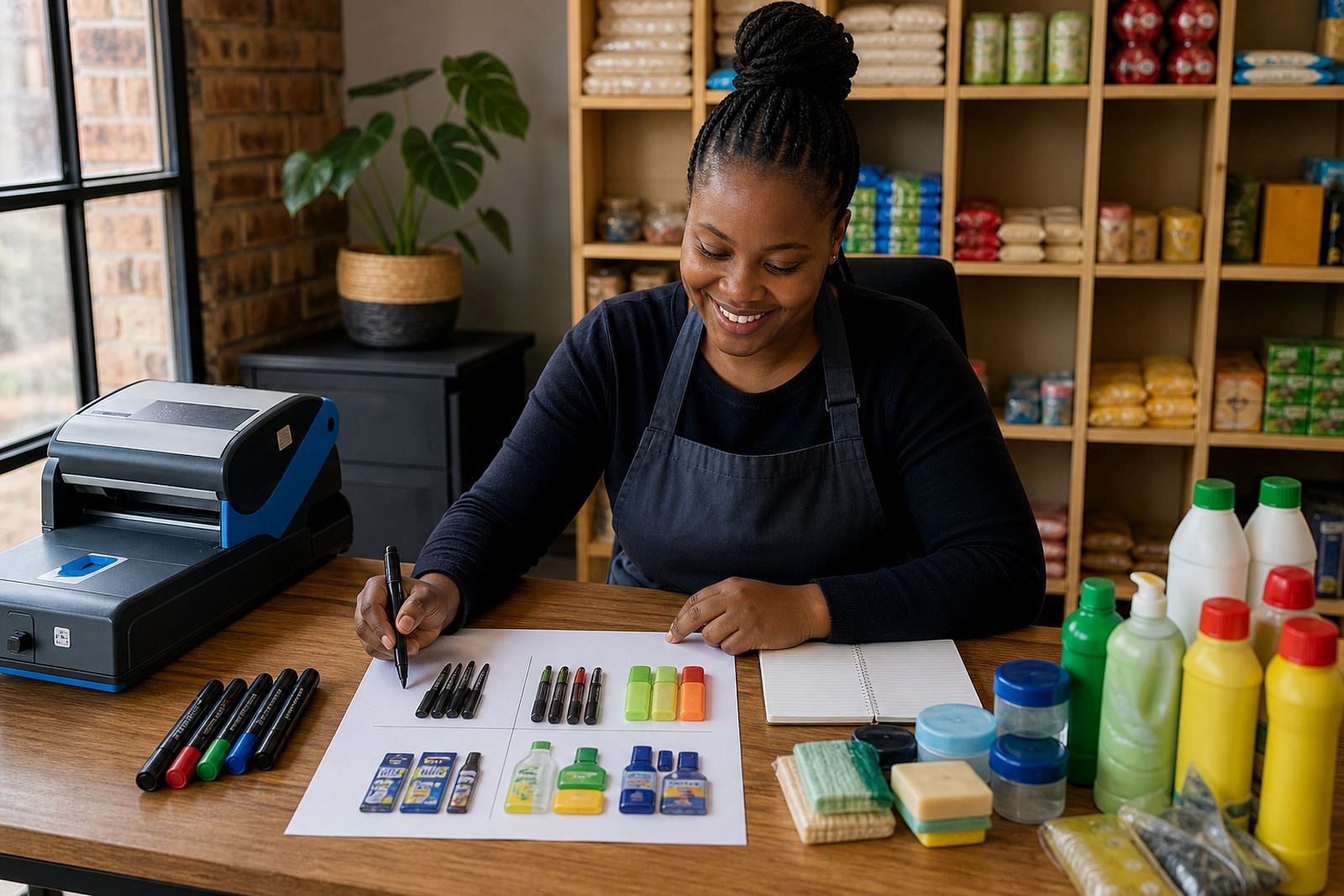
When a catalogue layout earns its place
A catalogue page suits spaza shops, home businesses and traders with many items that need regular updates. If you stock snacks, cosmetics, clothing, phone accessories or mixed household goods, a catalogue helps customers move through products by category instead of scrolling through a long general page.
It also works well when stock changes often. You can remove sold-out items, add new arrivals and adjust pricing pages without rebuilding the whole store. For traders in Soweto, Johannesburg, Durban, Cape Town, Pretoria and Gqeberha, that kind of flexibility matters when supply shifts from week to week and customers want clear, current details.
- Use a catalogue if you have more than one product range
- Use it if prices change often or sizes vary by item
- Use it if customers order by WhatsApp and need a quick view of the range
- Use it if you want to organise products by category, colour or pack size
Set up your product groups before you upload anything
Before adding products, decide how the catalogue will be arranged. Group items by type first, then narrow them down by size, flavour, colour, pack count or use. A clean structure makes it easier for customers and it saves time when you update stock later. Keep names short and plain. If you call a product by a local nickname, add the common name too so nobody gets lost.
For example, a clothing trader might separate adult tops, kidswear and accessories. A food trader might use tea, dry goods, snacks and cleaning products. Keep the same logic across every page so the store feels orderly. If a category gets too full, split it into smaller sections instead of stacking everything into one long list.
- Start with 5 to 8 main categories
- Keep category names consistent across the store
- Use the same naming style for every product
- Move slow items to a separate section if they clutter the main view
Photos that help customers make a quick choice
Catalogue pages depend on strong product photos. Customers should be able to see the item clearly, judge the size and understand what they are buying. Take photos in natural light where possible, especially for items sold in homes or small stalls near windows. In coastal areas like Durban and Gqeberha, wipe packaging carefully so moisture and glare do not blur the image. In busy indoor settings, a plain wall or clean cloth works better than a crowded background.
Show one full front view, then add a close-up if the label, texture or finish matters. If the product comes in different colours or pack sizes, show those variations together so customers do not guess. A messy image can create wrong orders and extra messages on WhatsApp, which slows down the whole process.
- Use the same angle for similar products
- Keep the background plain and uncluttered
- Include a close-up for texture, labels or ingredients where needed
- Make sure the item is fully visible and not cropped badly
Pricing pages that reduce back and forth
A catalogue page works best when the price is easy to find. Put the amount close to the product name and keep the format the same everywhere. If you sell by pack, unit or bundle, say so clearly. A customer should not have to message you just to ask whether the price is for one item or a box.
If you offer different prices for different sizes, make that clear in the title or under the item description. Keep delivery fees separate from product prices unless your store structure makes it easier to show them together. If you need to handle discounts or bulk rates, list the rule plainly. Avoid long explanations that crowd the page and make the store harder to scan on a phone.
- Show the price in Rand format across all products
- State whether the price is for one item, a pack or a box
- Keep bundle deals in a separate section if they confuse the main catalogue
- Use the same wording for sizes, quantities and variants
WhatsApp orders, payment details and delivery notes
Many informal traders prefer catalogue ordering because it links neatly with WhatsApp. Customers browse the products, note what they want and send the order through a chat. Keep the process short. Add a clear ordering prompt on each product page, then explain what details to send, such as item name, quantity, colour or size.
For payments, list the accepted methods in plain language and keep the instructions easy to follow. If you accept electronic transfer, cash on collection or other common methods, place that information in one visible section. Delivery details should also be direct. Say where you deliver, whether there is a local collection point and what areas are covered. If your store serves several cities, keep the wording practical rather than fancy so customers know exactly what happens next.
- Tell customers what details to send in their order message
- Place payment information in one clear section
- Separate local collection notes from delivery notes
- List the towns or areas you cover without making the page crowded
Keeping a catalogue updated without losing control
Catalogue stores need regular upkeep, especially where stock changes often. Set a routine for checking prices, removing sold-out items and adding new arrivals. If products move quickly, review the most viewed categories first. A store can look tidy on launch day and then become confusing after a few busy weeks if no one checks the listings.
Use one person to approve changes if possible. That prevents duplicate uploads, broken names and old prices staying live after stock has moved. For traders with staff in more than one place, a simple update habit keeps the store useful instead of cluttered. Keep a short checklist near your working area so nothing gets missed.
- Check old prices and remove items that are no longer available
- Review the most active categories first
- Keep product names, photos and prices aligned
- Watch for spelling slips, odd sizes or repeated listings
A quick checklist before the catalogue goes live
Before the store is opened to customers, walk through the catalogue as if you were buying from it yourself. Open it on a phone, scan the categories and test whether the products are easy to find. Make sure the photos load properly and that the order path makes sense from browsing to WhatsApp or payment.
If you serve informal traders, spaza shops or home businesses, keep the first version practical. You can add more pages later, but the starting point should be neat, readable and simple to manage. Check with SARS or a qualified adviser if you need guidance on tax or compliance matters tied to selling online.
- Are the categories clear and in the right order
- Can a customer see the price without searching
- Are the photos clean and easy to understand
- Do the order, payment and delivery notes match the way you work