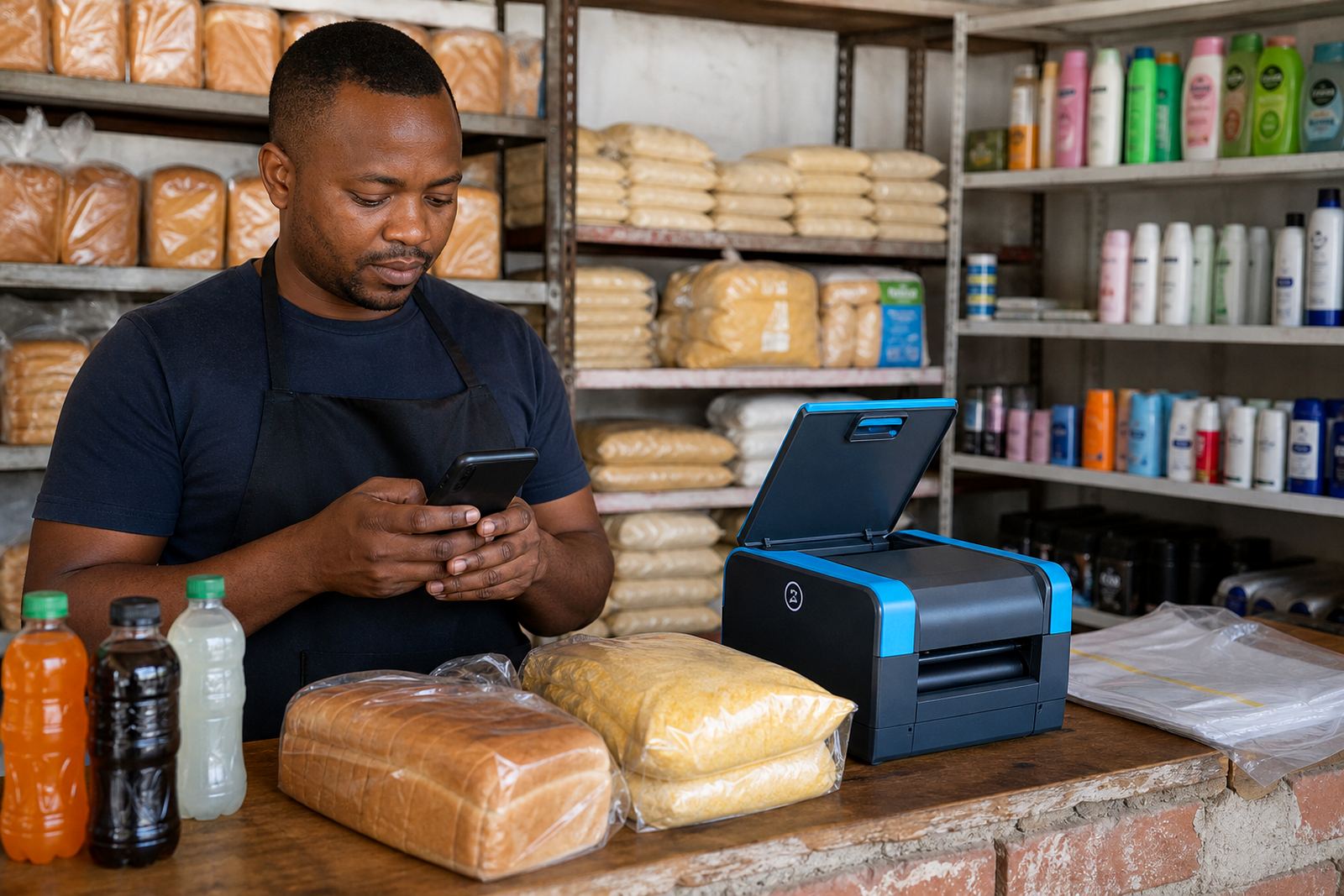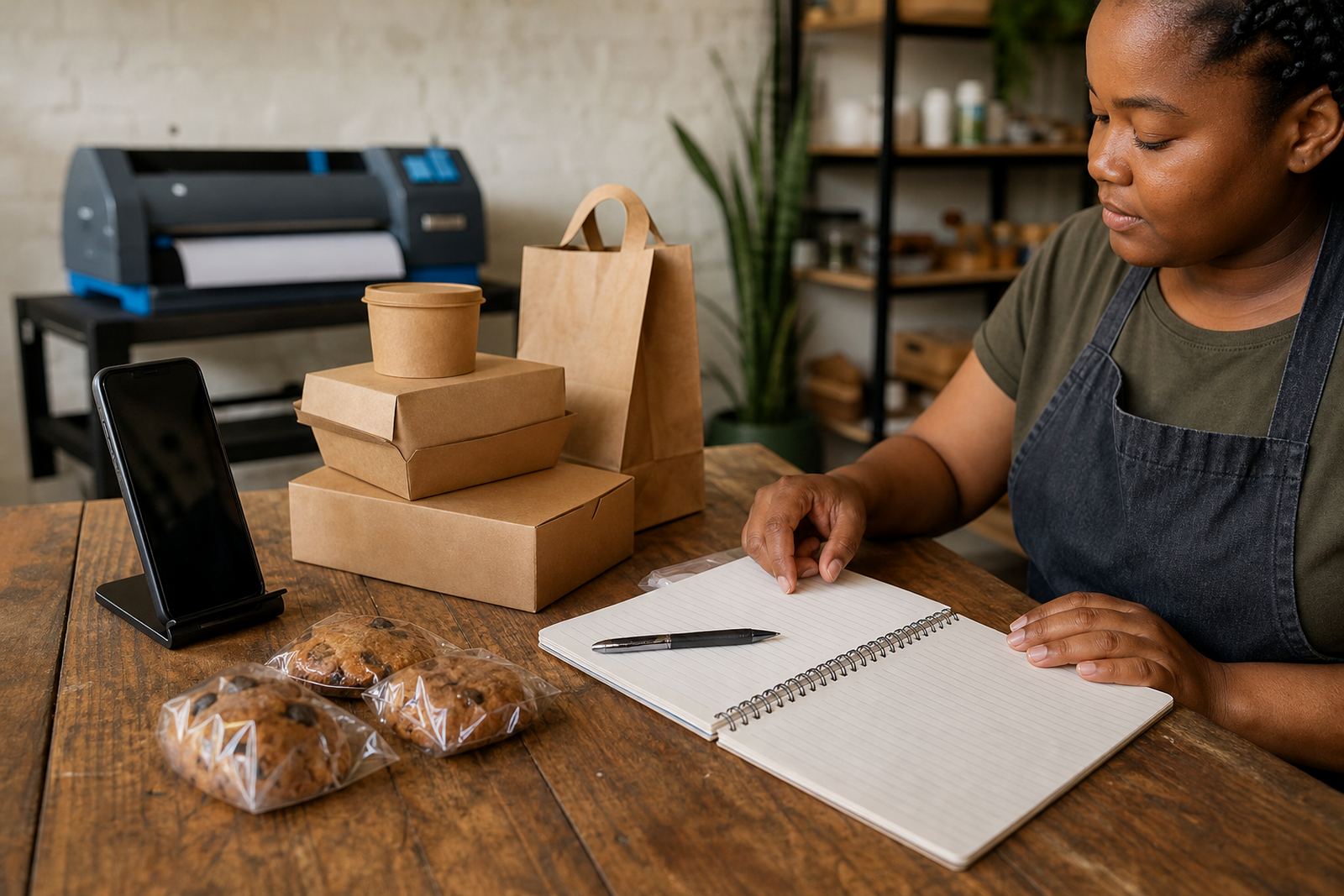
Set the first message customers must send
Start by deciding what a customer should send when they want to place an order. Keep it short and easy to follow, because many buyers will be using a phone while they are on the move or busy at a taxi rank, work site, or at home in Soweto, Durban or Cape Town. A clean first message saves time and reduces back-and-forth.
Place the instruction in a visible spot on your store, product page or contact page. If you sell food, clothing, household goods or spaza shop items, the wording should make it clear that the customer needs to include the product name, quantity, size or colour where needed, and their area for collection or delivery.
- Ask for product name and quantity
- Ask for size, colour or flavour where it matters
- Ask for the customer’s area or suburb
- Ask whether the order is for collection or delivery
- Ask for a name and a contact number for the order
Keep the WhatsApp chat tidy from the first reply
When a customer messages, reply with one clear step at a time. Confirm that you received the enquiry, then repeat the order details so both sides are working from the same information. This is useful for traders in Johannesburg, Pretoria, Gqeberha and other busy areas where messages can come in all day and details are easy to miss.
If a product is out of stock or only available in certain colours, say so plainly. If a buyer needs to choose between sizes or bundle options, give the choices in a short list. The aim is to keep the chat easy to read on a small screen and to avoid long paragraphs.
- Confirm the item and quantity
- Repeat the total if the price is already known
- Share the collection point or delivery area
- Explain any waiting time for packing or dispatch
- Keep one order per chat thread where possible
Make payment steps clear before the order is packed
Your payment instructions should sit beside the product or at the point where the customer confirms the order. Many informal traders use a mix of cash on collection, electronic payments and transfers, so the wording should fit the way your business actually works. If you charge a deposit for made to order goods, say that upfront and make the amount easy to see.
Do not crowd the customer with too many payment choices in one message. Give the main option first, then any backup option if you use one. If tax treatment or invoicing matters for your business, check with SARS or a qualified adviser so your records stay in order.
- State the payment method before packing starts
- Say whether full payment or a deposit is required
- Confirm the amount in Rand
- Tell the customer what proof of payment to send if needed
- Record unpaid orders so they are not mixed up with paid ones
Use one collection note for every order
Collection details should be standard for every customer. If people collect from a home business, shop front, market stall or trading point, include the exact place and the time window when items can be collected. That matters in places with heavy foot traffic, changing transport times and late afternoon load-shedding in some areas where shops still run on mains power for lights or card machines.
Say what the customer must bring or show on arrival. If the order is being sent to another person, note the recipient name clearly. Clear collection notes cut confusion and help you finish orders faster without extra calls.
- Give the collection area, landmark or stall reference
- State the collection days and hours
- List any reference number or order name
- Say whether the buyer must show proof of payment
- Include who may collect if someone else is picking up the order
Set delivery choices that suit your trading area
Delivery options should match the areas you serve and the type of goods you sell. A trader in Johannesburg may offer local hand delivery, while a home business in Cape Town may work with a local drop-off point or courier for wider reach. Whatever method you use, explain the area covered, the charge if there is one, and what happens if a buyer is not available when the parcel arrives.
For food, fragile items or goods that can spoil in coastal heat and humidity, say how the order will be packed and when it must be received. For bulky items, note whether the buyer needs to help offload. Keep it practical and specific to the neighbourhoods you cover.
- Name the suburbs, towns or cities you deliver to
- Say if delivery is same-day, next-day or scheduled
- Explain who pays the delivery charge
- Note special handling for fragile or perishable goods
- State what happens if the customer is not available
Use a simple order checklist before closing the chat
Before you mark an order as complete, run through a short checklist. This helps with spaza shop restocks, clothing orders, home bakery sales and small household goods alike. It also makes it easier to train staff or family members who help with orders when the business gets busy.
A checklist keeps the process steady even on a hectic trading day. It also helps you spot gaps in the flow, such as missing sizes, unclear delivery areas or unpaid orders that were packed too early.
- Customer name confirmed
- Product and quantity confirmed
- Price confirmed in Rand
- Payment status checked
- Collection or delivery detail confirmed
- Special notes captured, such as colour or size
- Order marked as packed, handed over or delivered
Train staff to answer in the same format every time
If more than one person handles WhatsApp orders, everyone should use the same wording and steps. That keeps the customer experience consistent and helps avoid mixed messages about stock, payment or collection. A short script for replies works well for traders in Soweto, Alexandra, Tembisa and other busy trading areas.
Keep the script practical. Staff should know how to greet the customer, ask for missing details, confirm payment and close the order politely. A shared process also makes it easier to manage busy mornings, market days and weekends when messages can pile up quickly.
When the chat flow stays clear, customers know what to send and what happens next. That means fewer errors, better record keeping and less time spent sorting out missing details later.