A menu page that works in the real trading day
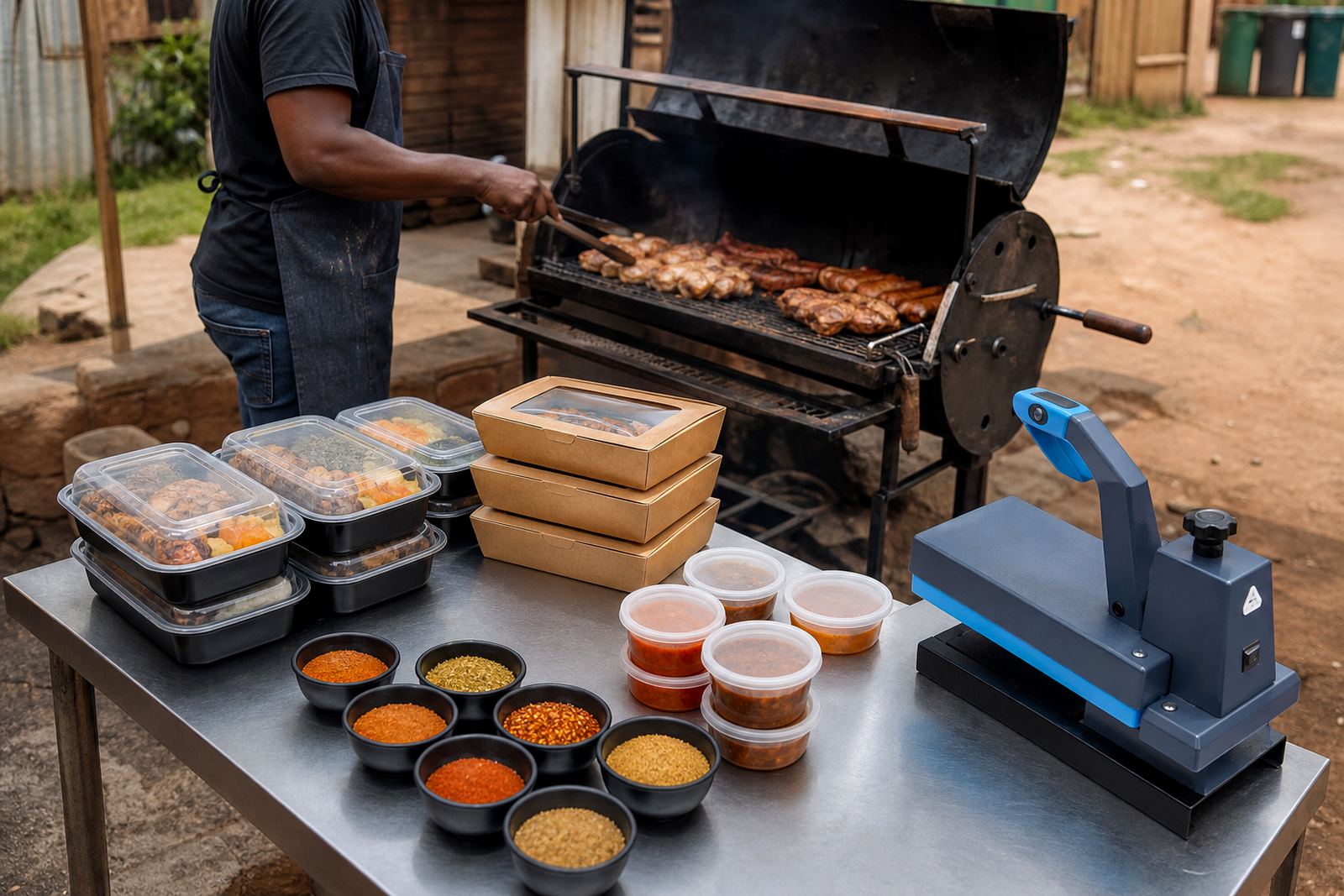
For a shisa nyama trader, the online store has to handle the rush between late morning planning and the busiest food-selling hours. Customers want to see what is on the menu, what each pack costs, what time collection starts and whether there is delivery in the area. A clean page with braai packs, pap, chakalaka, salads and drinks is easier to use than a long message thread with photos scattered across chats.
The best starting point is a small store structure with one page for the menu, one page for ordering and one page for delivery or collection details. That keeps the customer moving without confusion. In Soweto, Alexandra, Durban or Cape Town, many buyers are checking on a phone while they are on the road or in a queue, so big product photos and short descriptions matter. Keep it direct: pack size, what is included, and whether the order is for collection or drop-off.
A simple setup also helps when stock changes through the day. If the lamb chops are finished, the special pack can be removed or marked unavailable without upsetting the rest of the page. That is much easier than sending out fresh pricing in several chat groups and trying to correct old messages later.
What a shisa nyama order setup normally needs
Most traders do not need a complicated e-commerce structure. They need a store that makes ordering quick, shows prices clearly and gives customers a fast way to place an order on WhatsApp. For food trading, the useful parts are usually the menu, order button, payment details, delivery notes and a simple contact area. If the trader works from a township yard, home kitchen or trading corner, the site should be easy to read on a small screen.
- Clear menu packs with names, portions and prices in Rand
- Fresh product photos taken in good natural light
- WhatsApp order button for quick back-and-forth
- Payment info with the methods the trader accepts
- Delivery area notes for nearby streets, suburbs or townships
- Collection instructions with trading hours and a landmark if needed
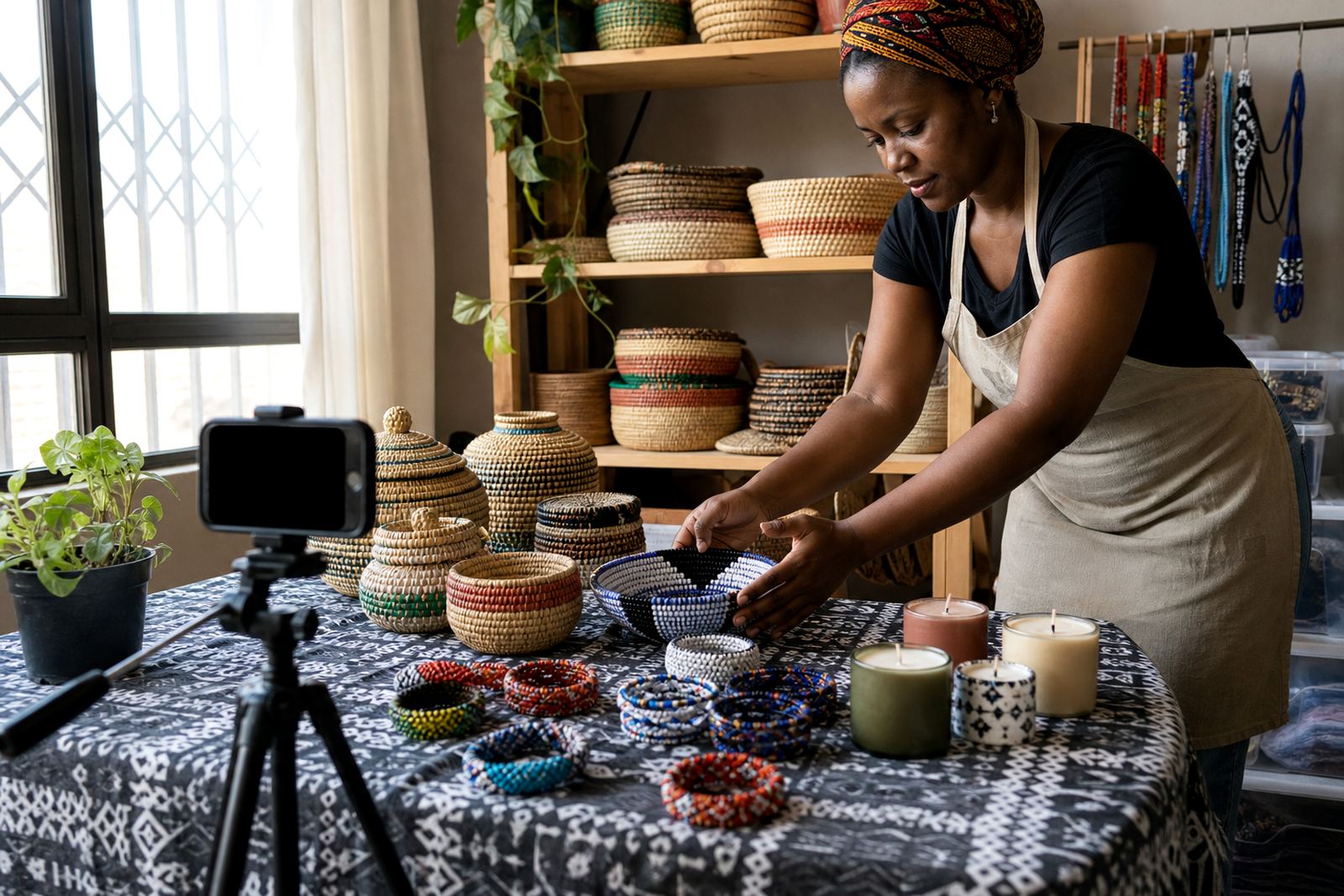
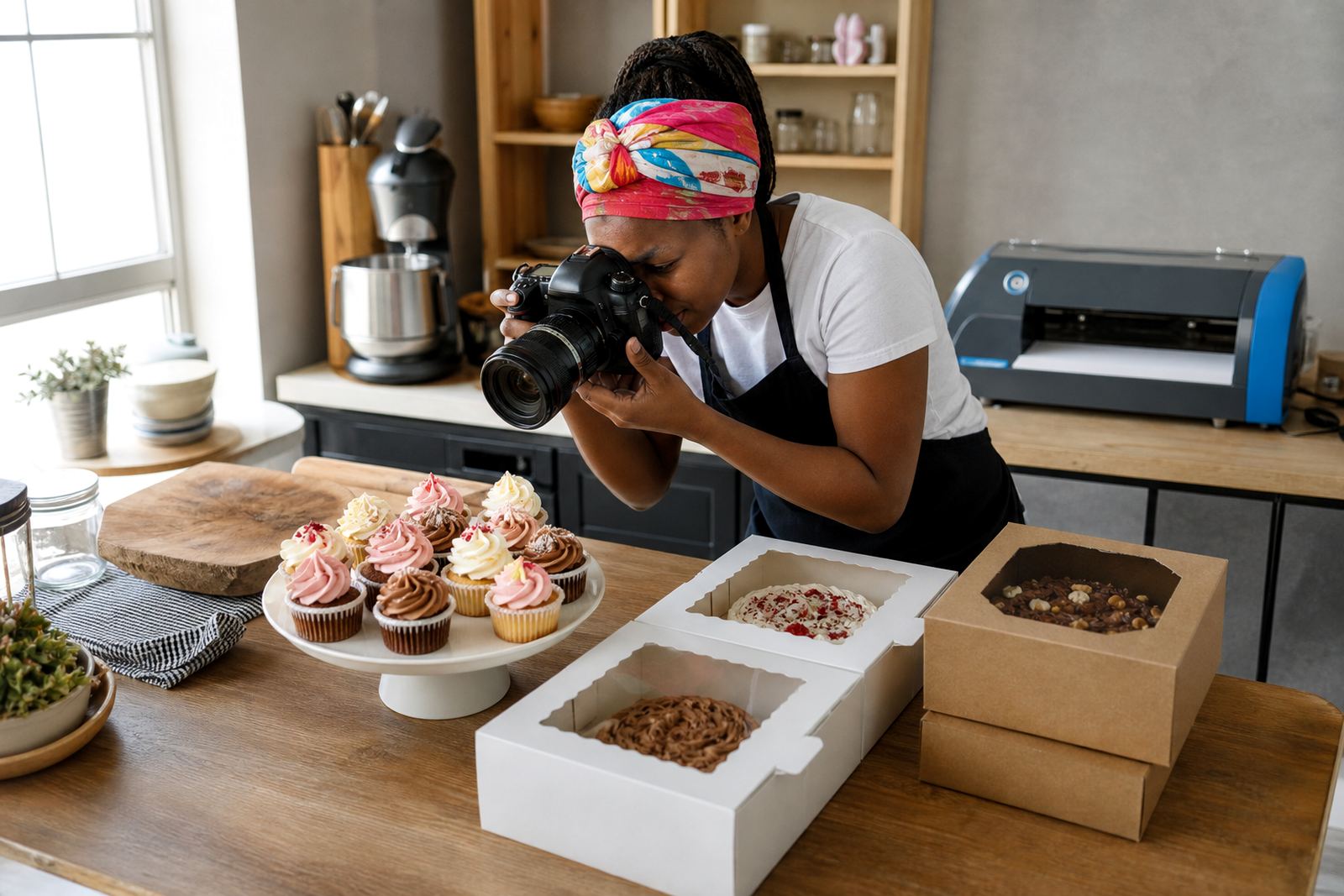
Good photos do not need a studio. A clean plate, plain background and enough daylight usually do the job. For pap, meat and side dishes, close-up photos help customers see portion size. If the trader uses a cooler box, foil trays or takeaway containers, those should be shown too because buyers often want to know how the food will look on collection.
Layout choices that suit food buyers
Food buyers usually make quick decisions. That means the first screen should answer the main question straight away: what is on sale today. A strong home page for shisa nyama orders keeps the best sellers near the top, followed by specials, combo packs and sides. If the trader serves office workers, school parents or weekend crowds, the menu can be grouped by portion size rather than by ingredient only.
One useful layout is to split the store into three parts. First, a short welcome line and a button for WhatsApp orders. Second, a menu grid with photo, name and price. Third, a simple info section with collection time, delivery area and payment notes. That way customers do not have to scroll through long text before they can place an order. If delivery is only available within a few kilometres, say so clearly. It saves time and avoids confusion for customers outside the zone.
Where traders operate in busy areas like Johannesburg, Pretoria or Durban, a map pin or a clear area note can help customers locate the stand or tuck shop. For traders serving Gqeberha or Cape Town, weather and traffic can affect collection timing, so it helps to state whether orders should be confirmed before leaving home. Small details like these reduce missed collections and repeated calls.
Common mistakes that slow down food orders
Many food traders lose orders because the page is too busy, the pricing is not current, or the order path has too many steps. If a customer has to scroll past a long introduction before seeing the menu, some will leave. If a combo price is old, customers may challenge it on WhatsApp and that creates extra work. Another common problem is using photos that do not match the actual pack size, which can lead to disappointment at collection.
- Too many words before the menu appears
- No clear choice between collection and delivery
- Old prices left on the page after a menu change
- Photos that show generous portions that are not available
- Missing delivery boundaries, so customers guess
- Forgetting to show whether sauces, pap or salad are included
It also helps not to overload the store with every item ever sold. A focused page with current packs is easier to manage than a large catalogue that needs constant correction. If the trader has weekday lunch packs and separate weekend braai packs, those can be grouped by day. That keeps the page practical for the people actually ordering.
Budget ranges for a basic food ordering store
Budget depends on how much help is needed with photos, product loading, menu writing and delivery setup. For a small shisa nyama store with a handful of packs, the basic work can stay lean. A more detailed setup with many items, special combo pages and several service areas will cost more because it takes longer to organise.
As a practical guide, a very small store with a simple menu and WhatsApp ordering may sit around R1,500 to R3,500. A fuller setup with a larger menu, pricing pages, delivery notes and content help may be closer to R4,000 to R8,000. If the trader needs a catalogue rebuild, training for staff and ongoing support for menu changes, the amount can move higher. The best fit depends on how many products need loading and how much editing is required.
Traders should also check any payment, tax or business registration questions with SARS or a qualified adviser if needed. For food trade, it is better to sort those matters properly before relying on customer payments. The online store can still stay simple while the trader gets the business side in order.
How SellThat helps food traders keep orders moving
SellThat works well for food traders who need a practical store for menu packs, WhatsApp orders and local delivery. The team can help with store setup, product upload support, photo guidance, pricing page help, WhatsApp order setup, payment info setup, delivery page setup, home page refresh, store content writing, catalogue rebuild, staff training and ongoing support. That suits traders in Soweto, Johannesburg, Durban, Cape Town, Pretoria, Gqeberha, Alexandra and Tembisa who want a straightforward order flow for daily trading.
The handiest part is keeping the store easy to update when meat prices change or a special runs out. A trader can change the menu page, swap photos and adjust delivery notes without rebuilding the whole thing. For a shisa nyama business, that kind of control matters because the menu often changes with stock and the day’s foot traffic.
With a clear setup, customers can see the pack, tap to order and know whether they are collecting or waiting for delivery. That is the kind of order process that suits a busy food trader, especially when the day is already full of prep, braai work and customer calls.