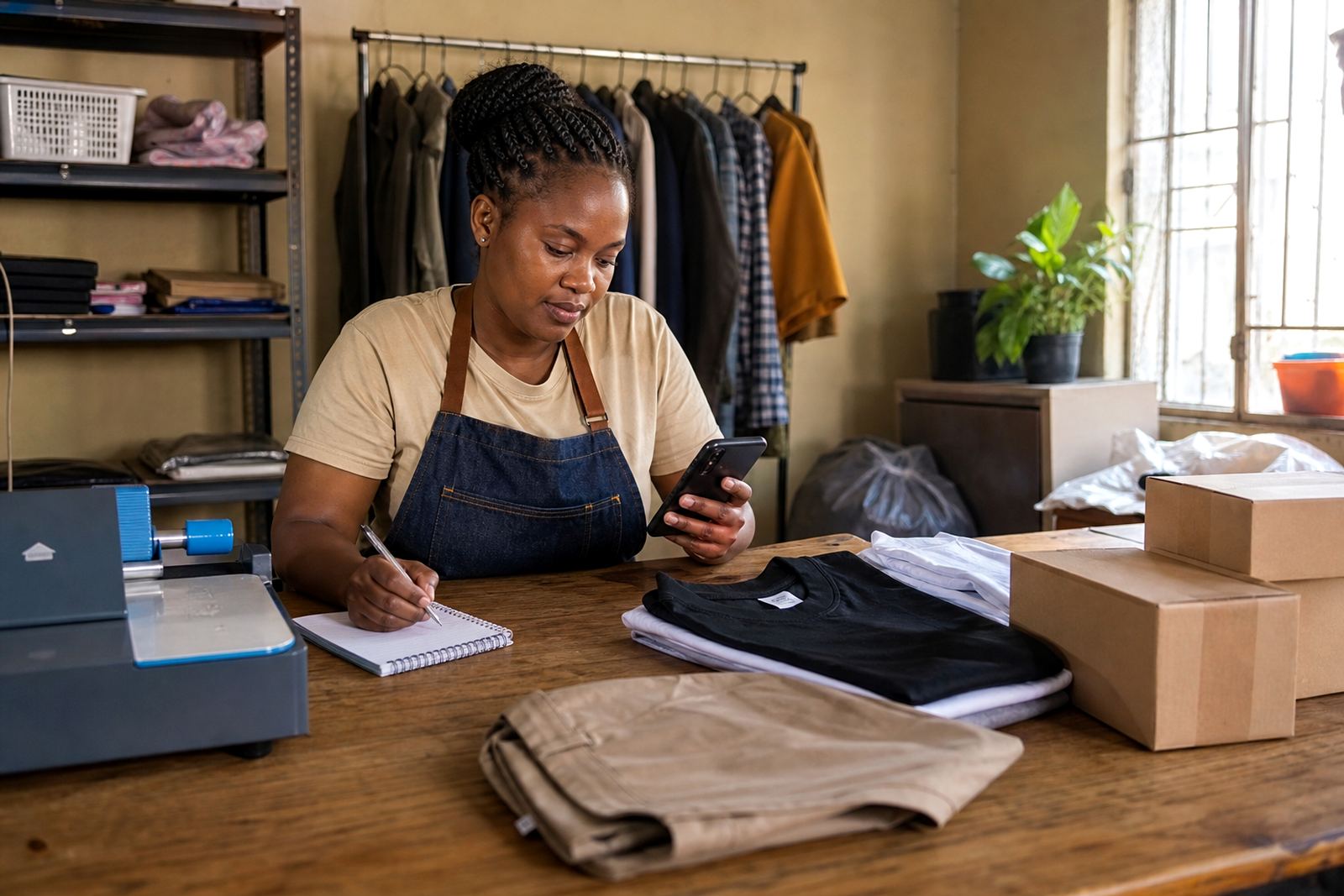
Fresh stock in, old stock out
When your shelves change, your store should change too. We help tidy product lists so the items people see online match what is actually on hand in Soweto, Alexandra, Tembisa and other trading areas. That includes adding new items, removing sold out lines, and correcting sizes, colours or pack counts so buyers do not get mixed messages.
- Replace sold out items with current stock
- Update names, sizes, colours and pack quantities
- Re-order products so top sellers sit near the top
- Clean up duplicate listings or old wording
Prices that match the week you are trading
Price changes happen. A supplier changes a carton rate, transport costs move, or you decide to run a special on a few items. We help update pricing pages so the numbers on the store are easy to read and match your current selling plan. If you are working with payments online, it is still worth checking with SARS or a qualified adviser on tax matters and record keeping.
- Change single-item prices or bundle prices
- Add sale prices where needed
- Keep pricing pages neat on mobile phones
- Check that currency display is set for Rand
Photos and descriptions that do the job
Good product pages do not need fancy wording. They need clear photos and plain details that help a customer decide fast. We can guide you on better pictures for spaza goods, home made items, clothing, hair products and household supplies. In many cases a brighter room, a clean background and a straight-on angle make a big difference.
Useful photo checks:
- Use natural light near a window where possible
- Show the front, size and any important label or variant
- Keep backgrounds plain so the item stands out
- Avoid blur, shaky shots and cropped corners
WhatsApp orders and the path to payment
Many informal traders still close a sale through WhatsApp after a customer checks the store. We help set up order buttons, message prompts and simple steps that move a buyer from browsing to enquiry. If you offer payment details on the store, we can help place them clearly so customers know how to pay without having to hunt for the information.
- Add a clear WhatsApp order option
- Set up short order wording for mobile users
- Show payment instructions in the right place
- Keep payment notes short and easy to follow
Delivery pages that suit your area
Delivery pages need to reflect how your business actually works. If you deliver locally in Johannesburg, Cape Town, Pretoria, Durban or Gqeberha, the page should say where you cover, what the buyer must confirm, and whether collection is also available. Coastal businesses may also want to mention packaging that holds up in humid weather, especially for items that can be affected by heat or moisture.
We can help shape the page so it covers:
- Local delivery areas and collection points
- Order cut off times if you use them
- Special care for fragile or heat sensitive items
- Any limits on bulky or oversized products
How a store update request is handled
Support for a refresh usually starts with a list of what must change. That may be a few price edits, a new batch of photos, or a fuller catalogue rebuild after a busy trading season. Send through the details you want changed and we work through the pages one by one, so the store stays neat and usable.
A useful update list includes:
- Product names and quantities
- New prices or specials
- Photos that must be replaced
- Page text that needs shortening or correcting
- Any changes to WhatsApp, payment or delivery details
If your store has many items, it helps to group changes by category first. That makes it easier to keep groceries, clothing, home goods and service items in separate blocks, with less confusion for customers and less back-and-forth for you.