Getting your store ready without the guesswork
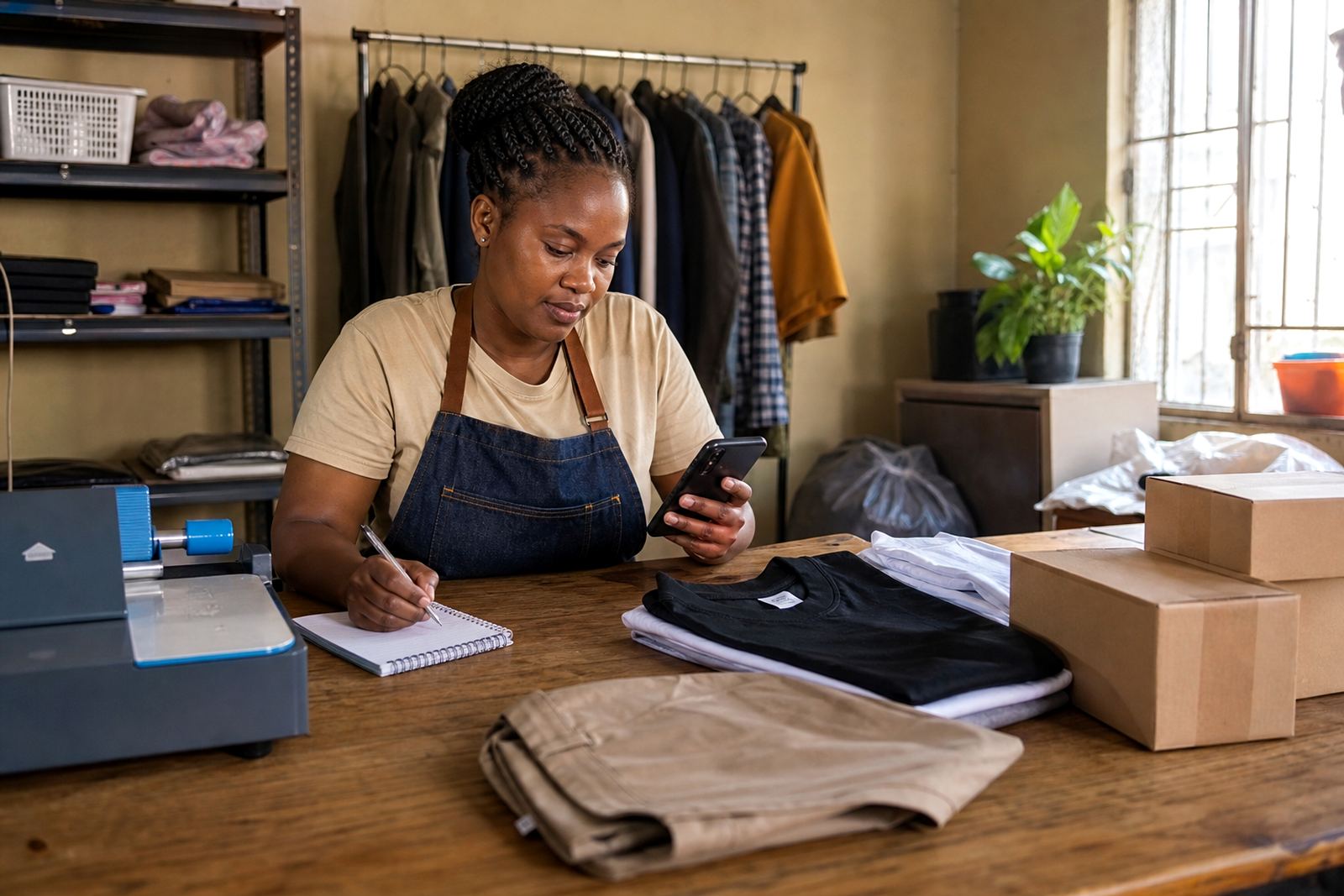
Most stores begin with the basics: a store name, a short description, a logo or clear name graphic and a first set of products. Keep the language plain and make it easy for shoppers to see what you sell at a glance. If you trade from a spaza shop, home kitchen or a roadside table, use the same business name across your store, WhatsApp profile and price lists.
- Use one main contact number for orders and questions.
- Check that your opening times are correct, especially if you only trade on certain days.
- List your products in the order customers ask for them most often.
- Add your service area if delivery only happens in selected suburbs or townships.
Taking photos that help people decide faster
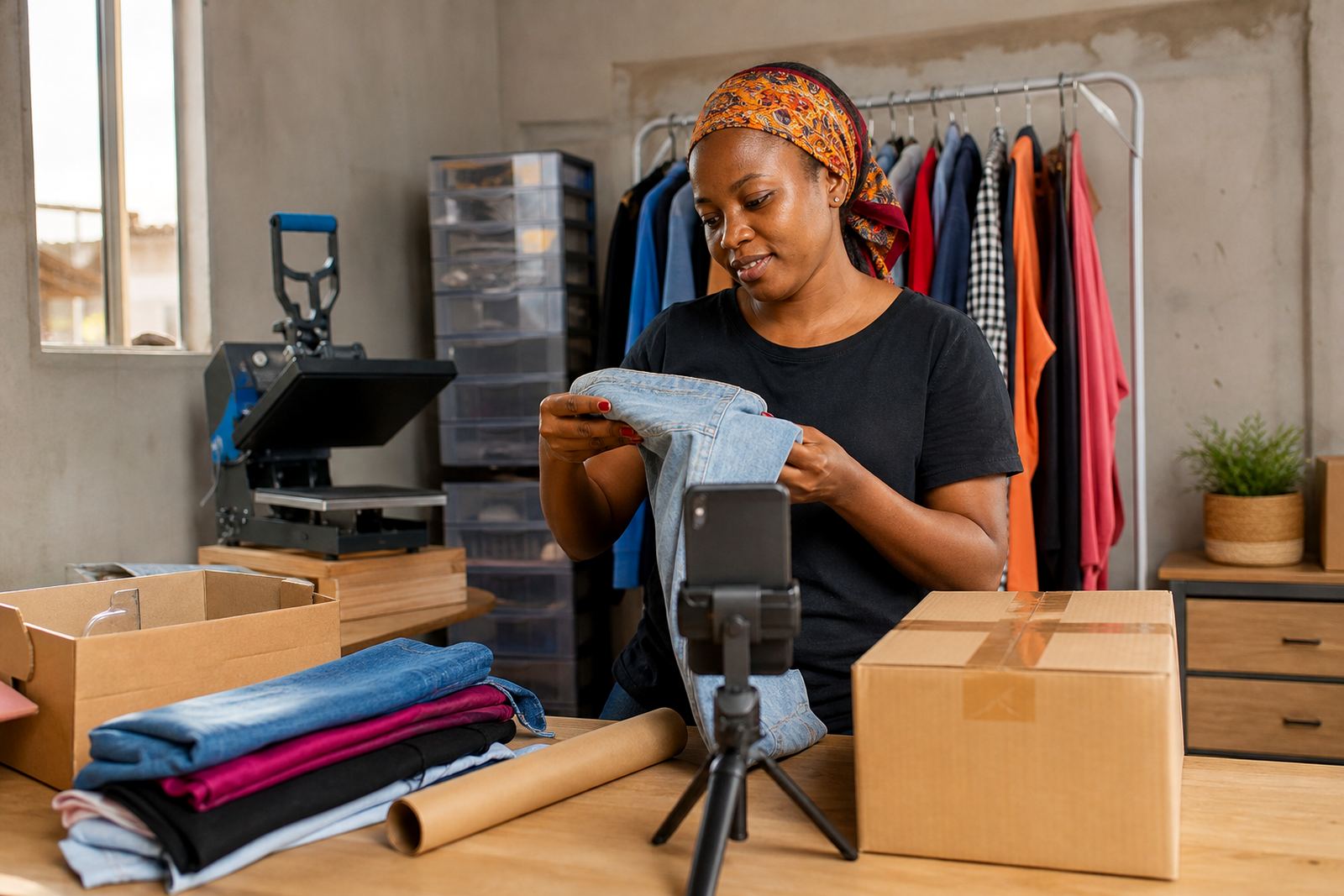
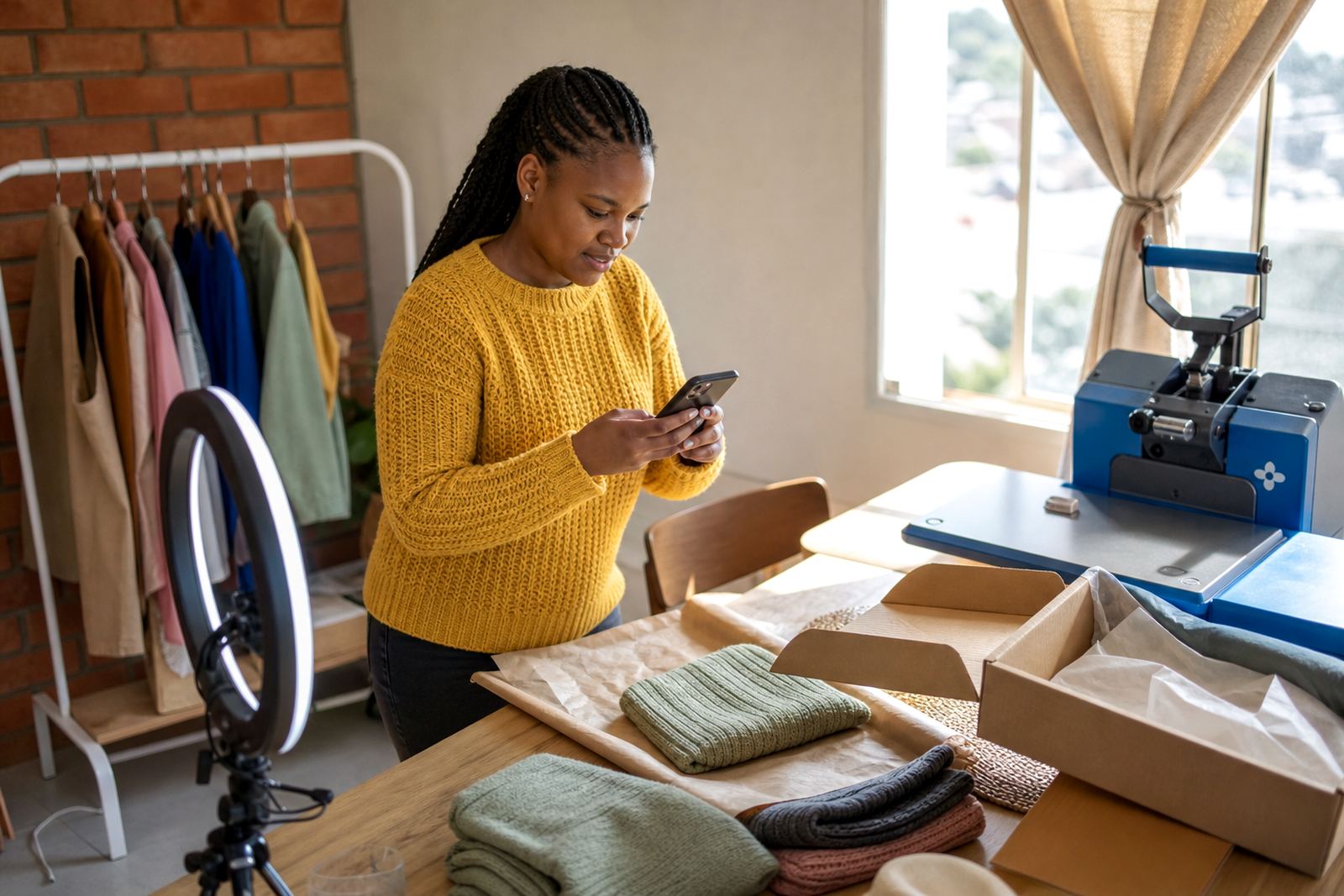
Good photos do not need a studio. A clean wall, natural light and a steady hand can be enough. In Durban, Cape Town or Gqeberha coastal humidity can make paper labels curl or packaging look damp, so keep products dry and wipe containers before taking pictures. For food items, clothing, handmade goods and household products, show the real item and not only a sample image.
- Take one front view, one close-up and one photo that shows size or quantity.
- Photograph products in daylight near a window when possible.
- Keep backgrounds plain so the item stands out.
- Use the same angle across your product range for a tidy look.
Setting out prices in a way customers can follow
Clear pricing saves a lot of back and forth. Put the price next to each product, then explain what is included. If you sell by unit, pack or weight, say so clearly. If you need to separate retail and bulk prices, make that visible on the page so shoppers in Alexandra, Tembisa or Pretoria do not have to guess.
For items with changing costs, update the price page as soon as possible. If you are unsure about tax treatment, check with SARS or a qualified adviser. Keep the wording simple and avoid long notes that hide the actual amount.
- Show whether the price is for one item, a pack or a set.
- State if delivery is charged separately.
- Use round figures where that makes the list easier to scan.
- Remove old pricing before publishing new amounts.
WhatsApp orders and how customers should send them
Many informal traders prefer WhatsApp because customers can send names, quantities and delivery details in one place. Set up your store so people know exactly what to send. A short order message format works well and reduces confusion. If you handle orders from Soweto, Johannesburg, Durban, Cape Town, Pretoria or Gqeberha, list the areas you serve and where collection is possible.
Try this format for customers:
- Product name
- Quantity
- Colour, size or flavour if needed
- Name and suburb
- Delivery or collection choice
Keep your WhatsApp button or link visible on the home page and product pages so people do not have to search for it.
Payments, delivery and collection details
Customers feel more confident when the payment and delivery steps are clear. Add the payment methods you accept and explain when payment is needed. If you deliver locally, state the areas covered and whether you use courier delivery, own delivery or collection from a point you manage. Where municipal or building rules affect access, note that in plain language.
Make the delivery page short but useful. Include the usual order cut-off, the areas served and what happens if a customer is not available when the order arrives. If your business only delivers on certain days, say so in the store and on the WhatsApp message template.
When a page looks wrong or a product will not upload
If text does not line up, a picture looks stretched or a product refuses to save, check the file size and the spelling first. Large images can slow the page and long product names can make layouts messy. In many cases the quickest fix is to shorten the title, reduce the photo size and save the item again.
Use this checklist when something is not showing correctly:
- Confirm the product name, price and photo are all attached to the same item.
- Check for extra spaces or special characters in the title.
- Make sure the page has been saved before leaving it.
- Review the home page after changes to see how it looks on a phone.
If you still cannot sort it out, gather the product name and a short note about what is happening before sending the details through the enquiry form on our contact page.