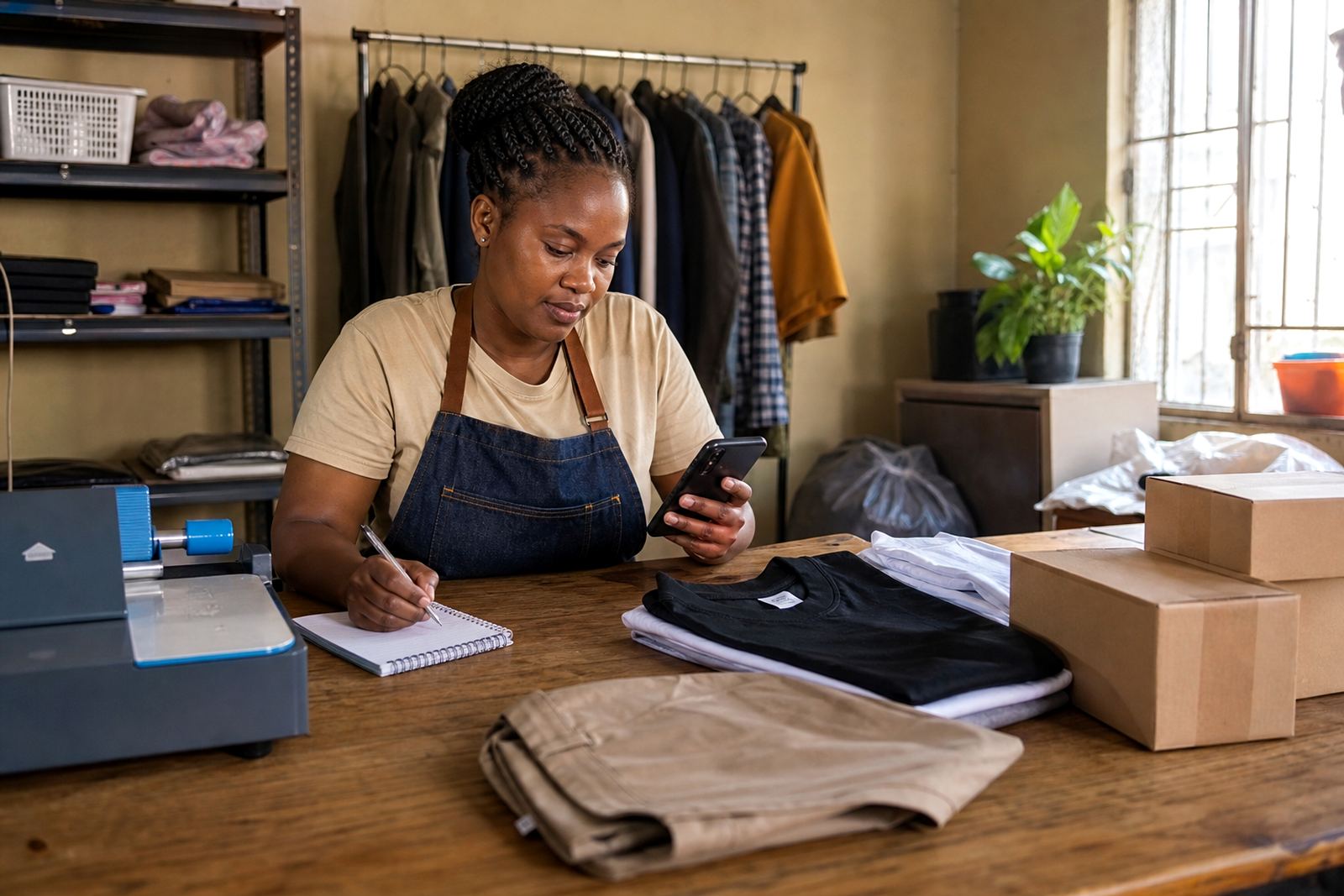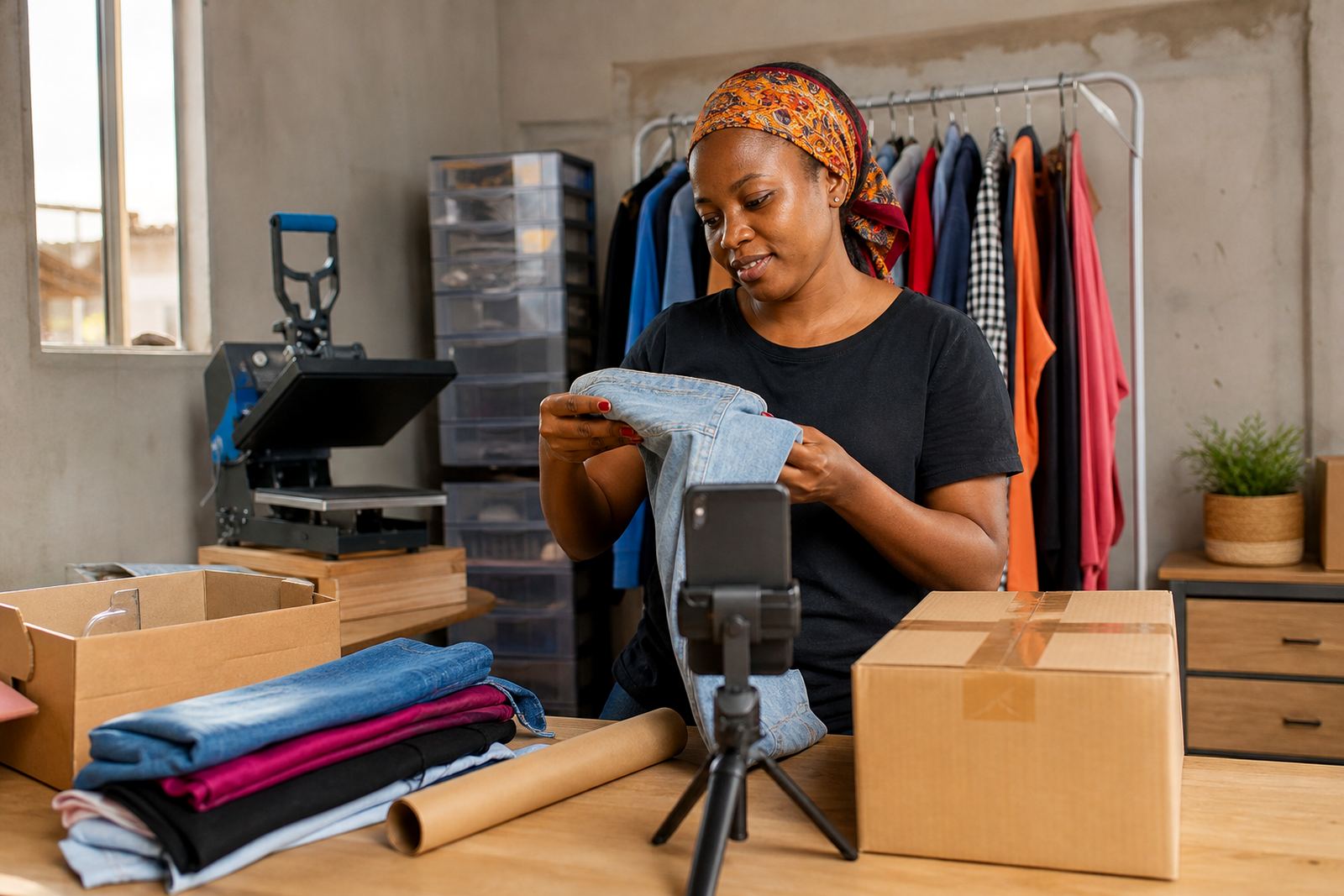
Start with clean items and a bright corner
Before you take the first picture, wipe the product and remove dust, price stickers, loose strings and old packaging. A clean item looks more trustworthy and makes it easier for buyers to compare colours and finishes. If you sell food items, household goods or clothing, make sure the product itself is neat and presentable before it goes in front of the camera.
Use a bright spot near a window in the morning or late afternoon. Direct harsh sun can create bright patches and dark shadows, so stand the item where the light falls across it rather than straight onto it. In humid coastal areas such as Durban or Gqeberha, wipe away any moisture on glossy items before shooting because droplets show up clearly in close-up photos.
Use plain backgrounds that keep the product in focus
A plain background helps the eye stay on the item and not on the room around it. A white wall, a clean tablecloth, kraft paper or a plain sheet often works well. If you are photographing clothes, shoes, hair products or kitchen items, keep the background simple so the product colours stay true.
- Choose one background colour and use it for most of your catalogue.
- Keep extra items out of the frame unless they are part of the sale.
- Make sure the floor or table is level so the product does not look crooked.
- For small goods, place the phone at the same height as the item for a steadier view.
If you sell in Soweto, Johannesburg or Pretoria from a home setup, a quiet corner by a window is often enough. You do not need a fancy set, just a tidy space with enough light and no busy patterns behind the product.
Take the front, side and detail shots customers ask for
A single photo rarely tells the full story. A buyer usually wants to see the front, the back, the sides and any details that matter before ordering on WhatsApp or through the store. Take several pictures of each item so shoppers can understand what they are getting without asking for more information.
- One full view of the product.
- One close-up showing texture, label or finish.
- One angle that shows size or shape.
- One photo of any damage, wear or special feature if it matters to the sale.
If you are posting items like bags, shoes, kitchenware or stock from a spaza shop, include a hand or ruler for scale when helpful. Keep it natural and honest. Clear detail photos reduce confusion and help customers choose the right item first time.
Keep the phone steady and use the camera grid
A shaky phone makes even a good product look untidy. Hold the phone with both hands, tuck your elbows in and tap gently to focus before taking the photo. If you have a small stand or can rest the phone on a stable surface, that helps even more. Clean the lens with a soft cloth first because fingerprints can make pictures look cloudy.
Switch on the grid lines in your camera settings if your phone has them. The grid helps you keep the product straight in the frame and makes pages look more organised. Try to leave a little space around the item so it does not feel cramped. For taller goods, keep the full item visible from top to bottom.
If the phone keeps focusing on the background, tap on the product itself. For shiny packaging, step back slightly and zoom in a little rather than standing too close. That often gives a clearer result.
Match the picture to the price page and product name
Photos work best when they match the way you list the item. If the product name says red plastic bucket, the main photo should show the red bucket clearly and not a mixed pile of stock. If a product comes in different sizes or colours, use separate photos or label each variant carefully so the customer does not guess.
When you build pricing pages, keep the main image consistent with the price shown. That helps shoppers compare options quickly, especially on mobile screens. Add short notes where needed, such as colour, size, pack count or condition. If the item is second-hand or has small marks, show them clearly so the buyer knows what to expect.
For WhatsApp orders, clear images make the chat faster because customers can point to the exact item they want. That matters when you sell many similar products in one catalogue.
Check delivery photos and store uploads before you publish
Before you upload, look at the picture on your phone screen at full size. Ask yourself whether the item is easy to recognise without explanation. If not, retake the shot while the light is still good. A photo that looks fine in the camera preview can still appear blurry once uploaded, so it helps to check it properly before it goes live.
- Make sure the product is not cropped at the edges.
- Check that colours look close to the real item.
- Remove any background clutter or extra hands from the frame.
- Keep the same style across your catalogue for a cleaner store.
If you offer delivery options, use photos that show the size and type of item clearly so customers understand packaging and handling needs. For payment pages, the same clean photo style gives the store a more orderly look and helps buyers move through the page with confidence. If you need to check tax matters for your business, speak to SARS or a qualified adviser.